❓ How Does the Game Software Development Process Start?
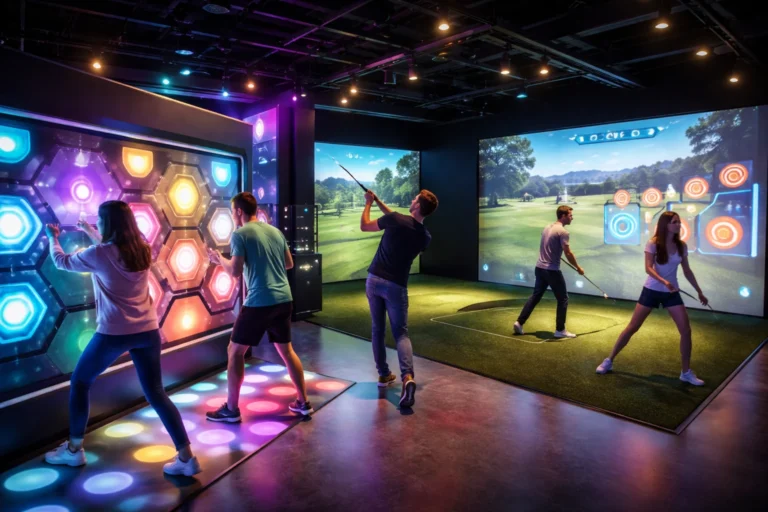
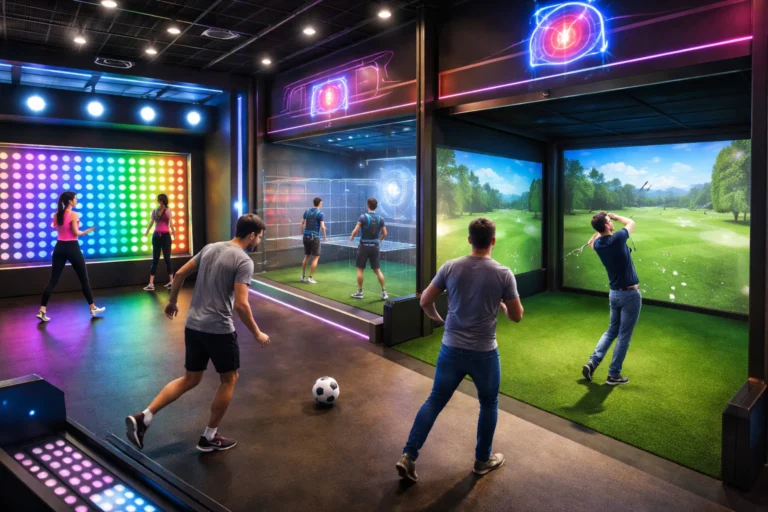
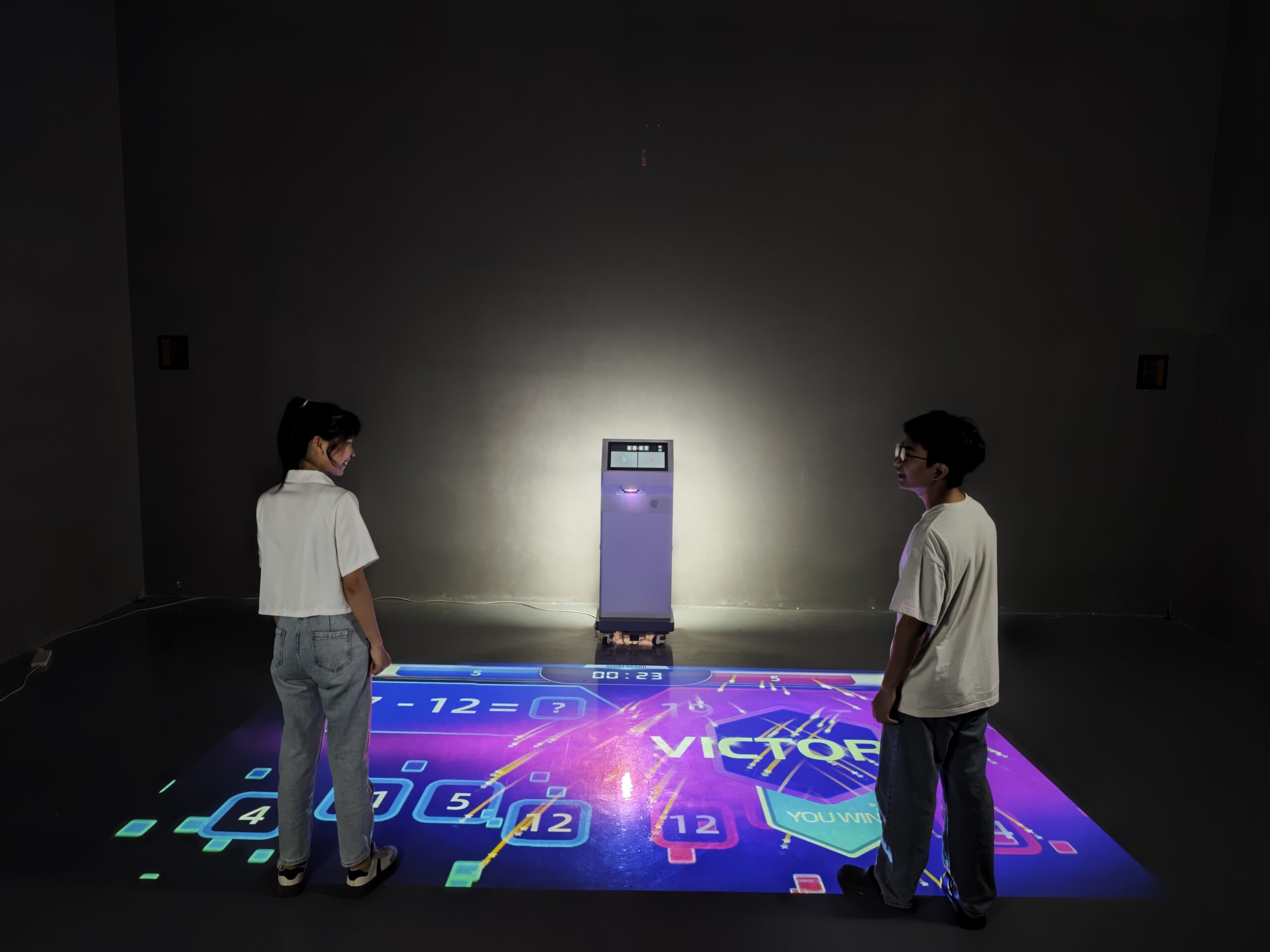
Every successful interactive floor game begins with a clear software development roadmap. At onecraze, we treat software as the brain of the entire machine.
🔁 Step-by-Step Software Development Workflow
- ✔️ Requirement analysis – Define venue type, age group, and play intensity
- ✔️ Gameplay logic design – Movement tracking, rotation rules, scoring system
- ✔️ Sensor & hardware mapping – Camera calibration and projection zones
- ✔️ UI/UX interaction flow – Visual feedback, animations, and rewards
- ✔️ Testing & optimization – Stability, latency, and safety testing
🎯 The best suppliers and manufacturers focus on modular software design, allowing easy updates to the latest game content without changing hardware.
❓ What Are the Venue Requirements for Dynamic Floor Projector Systems?
One of the most searched topics is Venue Requirements for Dynamic Floor Projector systems. Why? Because the software system must adapt to real-world physical environments.
🏢 Core Venue Requirements
| Requirement Type | Recommended Specification |
|---|---|
| Floor space | 15–40㎡ (software scalable) |
| Ceiling height | ≥ 2.8 meters |
| Lighting | Controlled ambient light |
| Power supply | Stable AC with surge protection |
| Network | LAN/Wi-Fi for software updates |
❓ How Does Installation Affect Software Performance in Kids’ Playgrounds?
When discussing Installation Techniques for Interactive Floor Projector in Kids’ Playgrounds, many people focus only on hardware. However, installation directly affects software accuracy.
🧩 Installation + Software Calibration
- ✔️ Projection angle correction
- ✔️ Camera depth calibration
- ✔️ Rotation axis alignment
- ✔️ Safety zone configuration
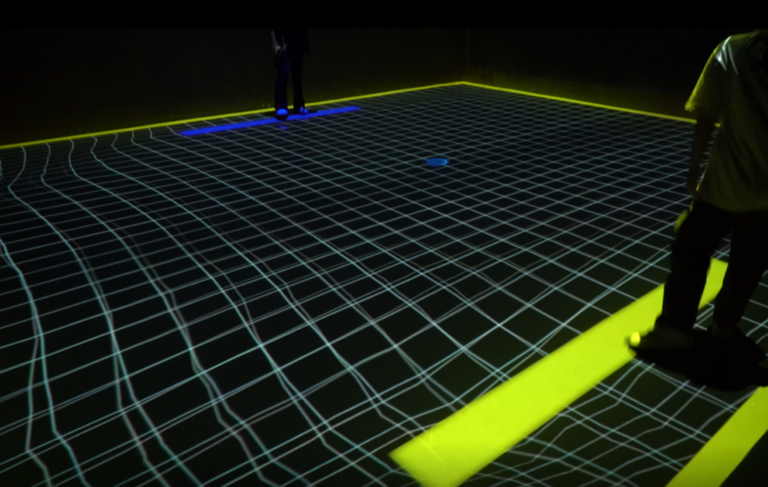
🧠 Once installed, the software system performs auto-mapping to ensure children’s movements are captured precisely—no lag, no blind spots.
👉 For education and fitness-focused venues, explore this solution:
🔗 https://onecrazemedia.com/product/mini-sports-floor-interactive-machine-education-fitness-gym/
❓ What Makes Rotating Floor Projector Software Different From Traditional Systems?
This is a critical comparison buyers often ask before they buy or order equipment.
⚖️ Software Comparison Table
| Feature | Rotating Floor Projector Software | Traditional Floor Projection |
|---|---|---|
| Motion tracking | 360° real-time | Limited directional |
| Gameplay variety | Multi-mode & rotating | Mostly static |
| Software updates | Remote & modular | Manual |
| Player engagement | ⭐⭐⭐⭐⭐ | ⭐⭐⭐ |
| Price-to-value | High ROI | Medium |

❓ How Do Game Mechanics and Rotation Logic Work Together?
At the core of every rotating floor system is advanced game software logic.
🌀 Key Software Modules
- 🔹 Rotation engine – Controls directional movement
- 🔹 Collision detection – Tracks player interactions
- 🔹 Dynamic difficulty – Adjusts speed & obstacles
- 🔹 Scoring system – Encourages replayability
❓ What Are the Key Advantages and Disadvantages?
📊 Advantages vs Disadvantages Table
| Aspect | Advantages | Disadvantages |
|---|---|---|
| Software | Upgradable, scalable | Requires updates |
| Gameplay | Highly immersive | Learning curve |
| Maintenance | Remote support | Internet needed |
| Business | High attraction value | Higher upfront cost |
Yes. Professional manufacturers allow theme, language, and game logic customization.
Top suppliers release updates quarterly or seasonally.
Absolutely. Safety zones and speed limits are built into the system.
Yes, the software supports retrofitting in most modern venues.
No. The interface is designed for non-technical operators.
From a verified manufacturer or store like onecrazemedia.com, ensuring direct support and warranty.