Why Is Software Installation Important for Interactive Floor Projection Game Machines?
Many venue operators focus on hardware such as projectors and sensors. However, the Interactive Floor Projection software system is the brain of the entire game machine.
Without properly installed software, the system cannot track movements, trigger effects, or run interactive games.
What Does the Software Control?
The interactive projection software system manages multiple core functions:
- Motion tracking and sensor calibration
- Interactive gameplay logic
- Visual projection mapping
- Sound and multimedia synchronization
- Game library management
- System diagnostics and updates
What Equipment Is Required Before Installing Interactive Floor Game Software?
Before installing the software, you must ensure that all hardware components are correctly connected.
Essential Hardware Components
The standard interactive floor projection system includes the following equipment:
- High-brightness projector
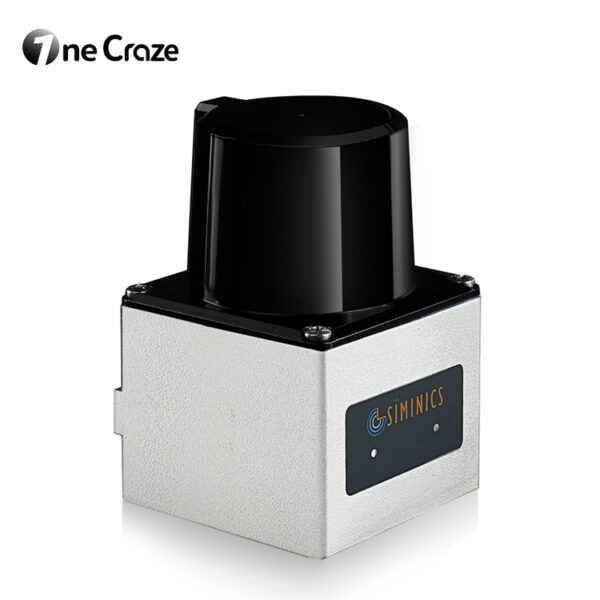
- Infrared motion sensor or depth camera
- Industrial computer (game host)
- Ceiling mounting brackets
- Projection screen or floor surface
- Audio system (optional)
How Do You Install Interactive Floor Projection Game Software Step-by-Step?
Installing the software is typically straightforward if the system is purchased from a professional company.
Below is a standard installation workflow used by most interactive projection manufacturers.
Step 1: Install the Operating System
First, ensure that the computer is running a compatible operating system.
Most interactive floor game systems operate on Windows.
Steps include:
- Install the operating system
- Update system drivers
- Install graphics drivers
- Disable unnecessary background programs
This step ensures the software environment is stable before installing the game system.
Step 2: Install the Interactive Projection Control Software
Next, install the main interactive projection game software.
The software package usually includes:
- Motion detection module
- Game engine
- Projection calibration tools
- Content management system
After installation, restart the computer to ensure the system recognizes all components.
Step 3: Connect and Configure Sensors
Sensors are essential because they detect user movement on the floor.
Configuration steps include:
- Connecting the sensor via USB or HDMI
- Installing sensor drivers
- Running sensor calibration software
- Setting detection zones
Correct sensor alignment ensures the interactive game responds instantly to player movements.
Step 4: Configure Projection Mapping
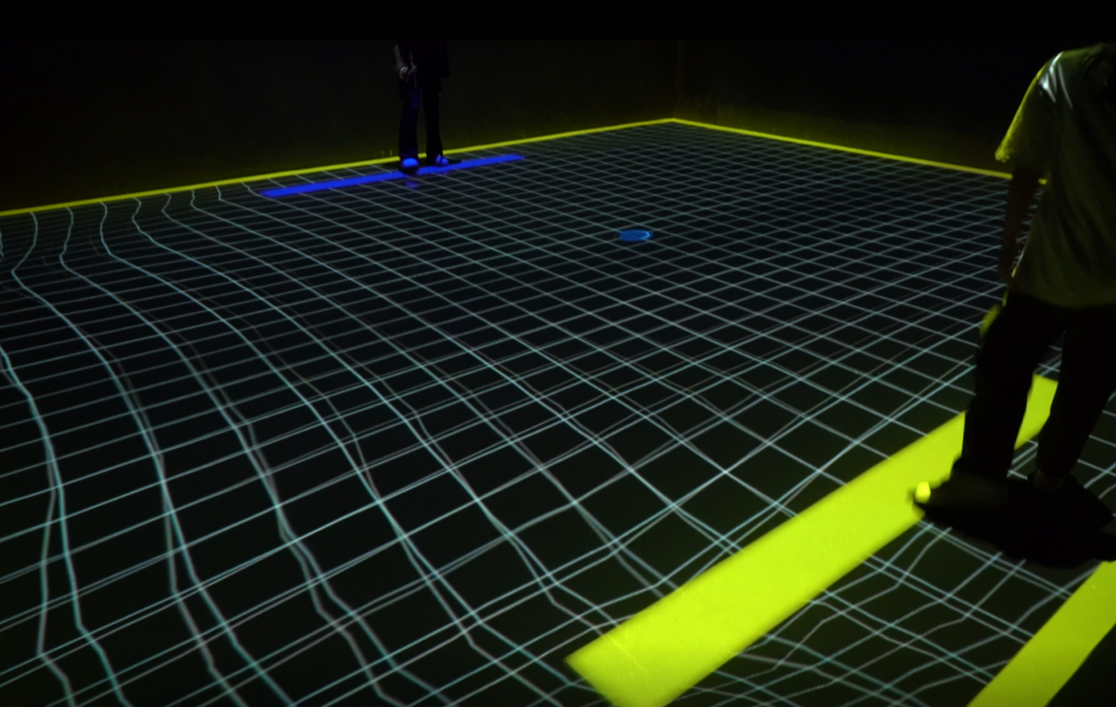
Projection mapping aligns the game graphics with the physical floor area.
Calibration steps include:
- Adjusting projector angle
- Setting projection resolution
- Defining the interactive play zone
- Testing response accuracy
This process guarantees that every movement on the floor triggers the correct visual effects.
Step 5: Install the Game Library
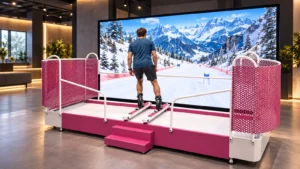
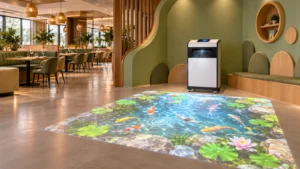
Professional systems often include dozens of interactive floor games, such as:
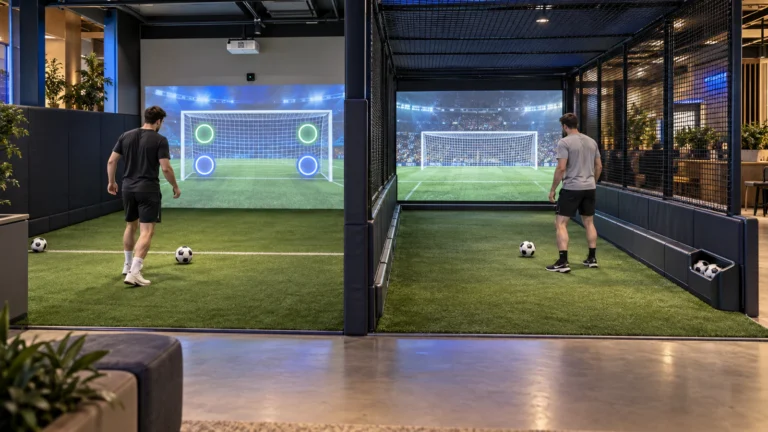
- Soccer kick games
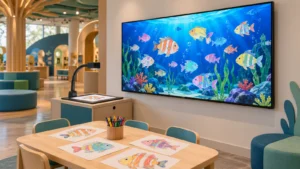
- Ocean adventure games
- Educational puzzle games
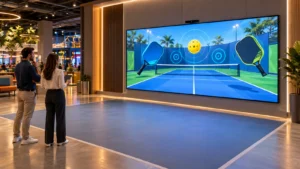
- Interactive sports challenges
Operators can easily switch between games through the software control panel.
What Are the Differences Between Basic and Professional Interactive Projection Software?
| Feature | Basic Interactive Software | Professional Interactive System |
|---|---|---|
| Game library | Limited number of games | Large game collection |
| Motion tracking | Basic detection | High-precision sensors |
| Customization | Limited | Fully customizable |
| Updates | Rare updates | Regular updates |
| Stability | Moderate | Enterprise-level stability |
| Suitable venues | Small play areas | Commercial entertainment centers |
Why Are Interactive Floor Projection Games Becoming the Hottest Attraction in Entertainment Venues?
Interactive projection technology has become one of the hottest trends in immersive entertainment.
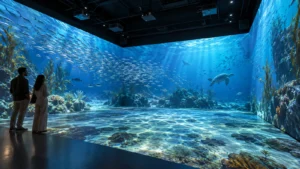
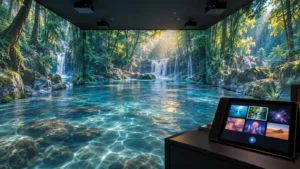
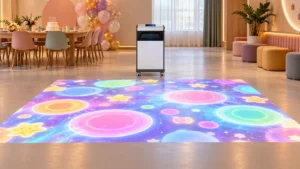
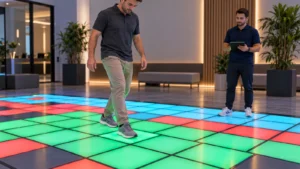
Unlike traditional arcade machines, projection games transform entire floors into interactive digital playgrounds.
Key advantages include:
- immersive visual experiences
- multiplayer interaction
- easy content updates
- wide range of games
- flexible installation
Interactive floor systems typically use motion detection software, projection mapping software, and game management platforms that control gameplay and visual effects.
Yes. Most professional systems allow operators to download the latest game updates from the manufacturer or supplier, ensuring new content is added regularly.
Not necessarily. When you buy a system from a professional company, installation guides and remote technical support are usually provided.