What Projection Equipment Is Required?
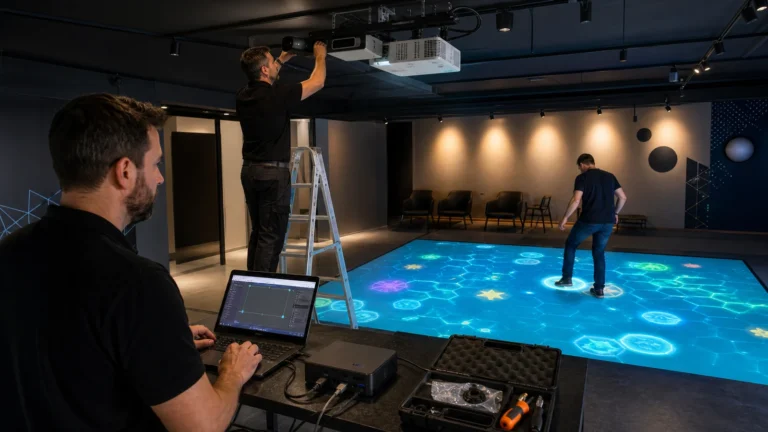
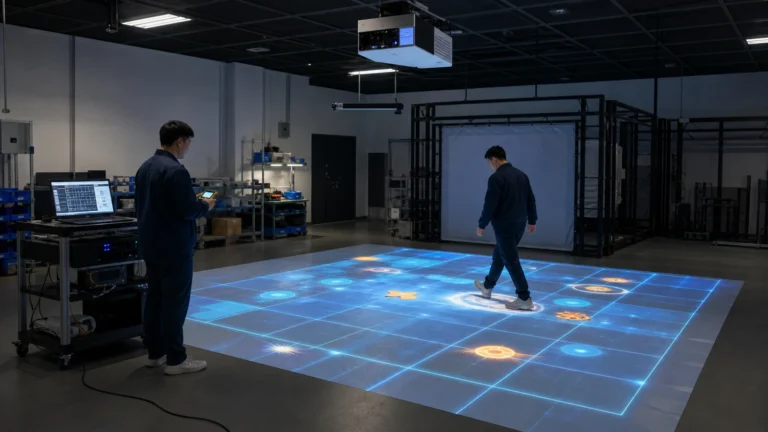
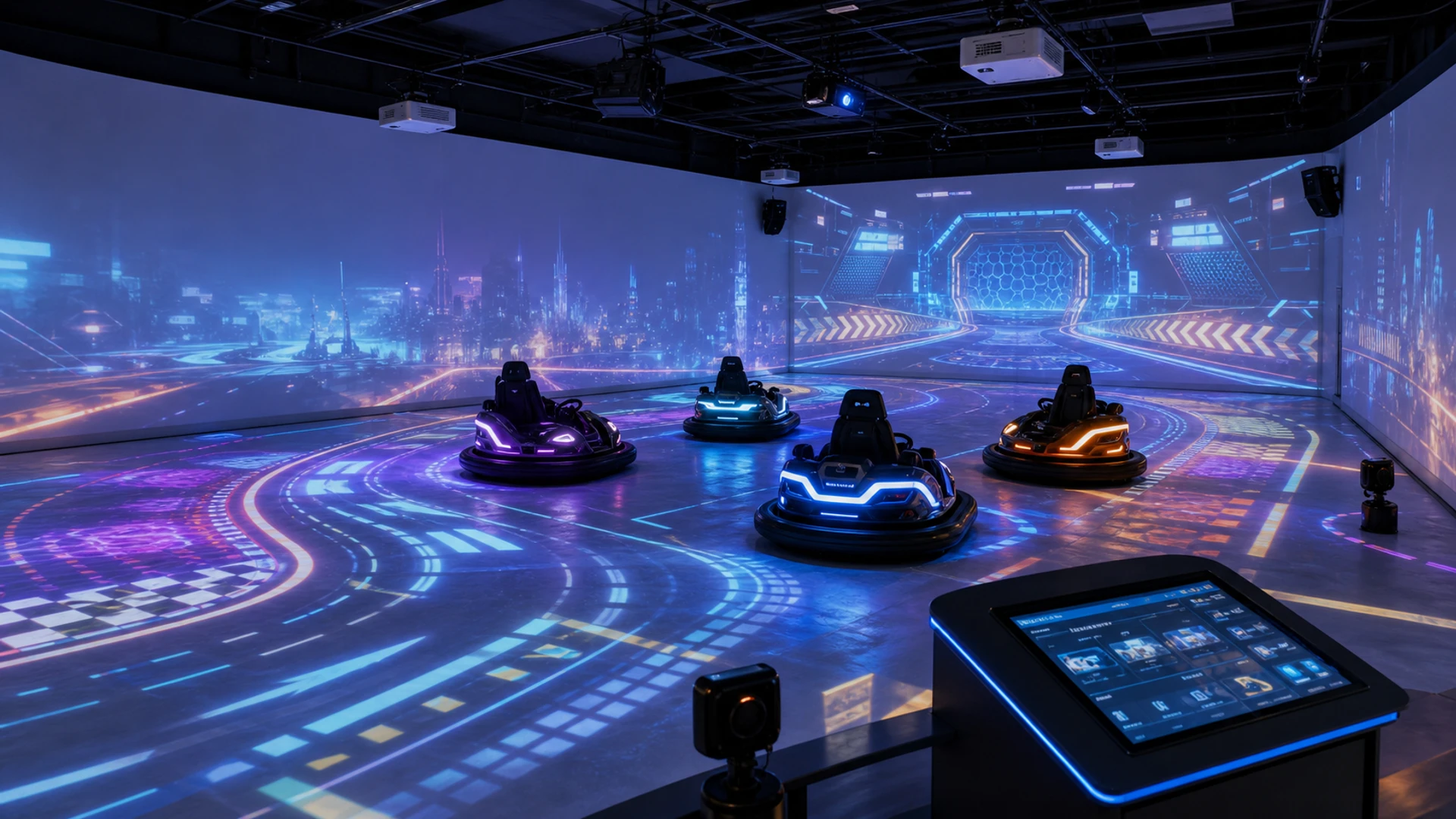
The projection section normally includes floor projectors, wall projectors, mounting structures, signal-distribution equipment, and projection-mapping software.
Floor Projectors
Floor projectors create the interactive driving surface.
They can display:
- Digital racing tracks
- Target zones
- Virtual obstacles
- Safe and danger areas
- Collectible items
- Team territories
- Projected footballs
- Speed-boost zones
- Game instructions
- Parking and boarding indicators
A typical OneCraze four-car configuration uses six 5,000-lumen floor projectors with a resolution of 1920 × 1200.
Multiple projectors are used because a commercial bumper car arena is usually larger than the coverage of one projector. The images must be aligned and blended so that players see one continuous game environment instead of several separate rectangles.
When choosing floor projectors, the supplier must consider:
- Arena length and width
- Ceiling height
- Projector mounting position
- Throw ratio
- Image overlap
- Ambient light
- Floor color
- Required brightness
- Maintenance access
Using too few projectors may create dark areas, visible gaps, or low-resolution sections.
Wall Projectors
Wall projectors extend the visual experience beyond the floor.
They can show:
- Game environments
- Player scores
- Live rankings
- Countdown timers
- Team colors
- Round results
- Branded content
- Audience instructions
- Seasonal themes
- Celebration effects
A typical four-car OneCraze system can include six 5,300-lumen wall projectors with a resolution of 1920 × 1200.
Wall projection is especially useful when the venue wants a highly immersive attraction rather than a basic floor game. It also allows spectators to follow the competition without entering the arena.
A floor-only version may be possible for some projects, but it will not provide the same level of immersion, audience visibility, or visual storytelling.
Projector Mounts and Installation Structures
Commercial projectors require stable mounting.
The installation may use:
- Ceiling brackets
- Steel mounting frames
- Truss structures
- Wall brackets
- Safety cables
- Cable trays
- Projector protection housings
- Maintenance platforms
Mounting structures are normally designed after reviewing the floor plan and ceiling conditions.
Projectors should not be installed before confirming throw distance, lens position, image coverage, ventilation, and maintenance access.
Image Blending and Calibration
When several projectors cover the same floor or wall, the system must align their images.
Calibration may include:
- Geometric correction
- Edge blending
- Color matching
- Brightness adjustment
- Image cropping
- Projection-area definition
- Tracking-zone alignment
Accurate calibration ensures that projected targets match the vehicle’s real position.
How Are the Bumper Cars Tracked?
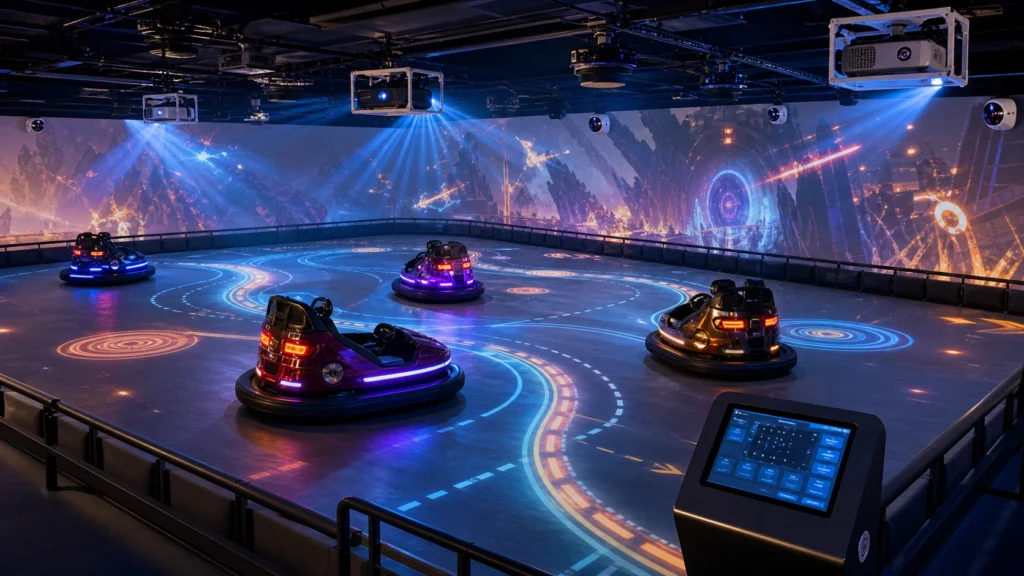
Each vehicle is identified by the positioning system.
The positioning devices detect the location and movement of the cars and send this information to the control computer. The game software then connects each vehicle with projected paths, objects, targets, scoring zones, and other players.
The basic interaction process is:
Vehicle movement → positioning system → control computer → game software → projected response and scoring
Interactive Vehicles
The cars are the physical interface between the player and the digital game.
Depending on the project, commercial interactive vehicles may include:
- Electric drive system
- Rechargeable battery
- Adjustable speed control
- Collision-resistant bumper
- Steering controls
- Safety belt
- Occupancy detection
- Vehicle identification device
- Integrated lighting
- Optional player buttons
- Optional onboard screen
- Custom exterior branding
The number of vehicles should match the usable arena area.
Too many cars can reduce safety and driving quality. Too few cars may limit venue throughput and revenue.
A compact system may use four vehicles, while a larger attraction can be designed for additional cars after the arena is evaluated.
Positioning Devices
A typical OneCraze four-car system includes five positioning devices.
Their purpose is to determine where the cars are located inside the arena and how they move during a game.
Positioning allows the system to recognize events such as:
- A car entering a target zone
- A player collecting a projected item
- A vehicle crossing a start or finish line
- A car occupying a colored grid
- Two players entering the same game area
- A vehicle reaching a scoring point
- A player leaving the permitted zone
The required number and location of positioning devices depend on:
- Arena dimensions
- Number of vehicles
- Required tracking accuracy
- Ceiling height
- Columns or other obstacles
- Vehicle speed
- Game design
Rooms with columns or irregular layouts require a customized tracking study.
Tracking and Game Software
The tracking system provides position data, but the software determines what happens next.
For example:
- A vehicle enters a projected blue zone.
- The positioning system identifies the vehicle.
- The control computer receives the coordinates.
- The software checks the game rules.
- The player receives points or activates an effect.
- The floor and wall visuals change in real time.
- The leaderboard is updated.
Without this software connection, vehicle tracking and projection would operate as separate systems.
What Computer and Control Equipment Are Needed?
The computer and control equipment act as the central brain of the attraction.
They receive tracking data, run the games, control the projected content, manage player scores, and provide the operator interface.
Control Computer or Media Server
The computer specification should be selected according to:
- Number of projectors
- Display resolution
- Number of simultaneous video outputs
- Game complexity
- Number of tracked vehicles
- Required frame rate
- Software version
- Future content upgrades
Important computer components include:
- Processor
- Graphics card
- Memory
- Storage
- Video-output interfaces
- Network connections
- USB and control interfaces
- Cooling system
- Backup and recovery system
The computer should be configured as a dedicated commercial control device rather than used for unrelated office work.
Before publication, the current computer specification on the product page should be checked against the configuration now being supplied.
Touchscreen Operator Controller
The touchscreen controller allows venue staff to operate the system without accessing technical settings.
Typical functions include:
- Start and stop a session
- Select a game
- Choose team or individual mode
- Set the game duration
- View vehicle status
- Reset the system
- Display scores
- Change difficulty
- Control audio
- Access calibration
- Shut down equipment safely
The operator interface should be simple enough for trained venue staff to use during busy operating hours.
Interactive Game Software
The software combines vehicle movement, projected content, scoring, and operator control.
| Software Function | Operator Benefit |
|---|---|
| Game Selection | Switch between experiences quickly |
| Vehicle Tracking | Connect cars with projected content |
| Live Scoring | Create visible competition |
| Session Timer | Control game duration and throughput |
| Team Modes | Support group and corporate events |
| Difficulty Settings | Adapt games for different players |
| Language Selection | Serve international customers |
| Custom Branding | Match the venue or campaign theme |
| Software Updates | Add new content over time |
| Calibration Tools | Maintain alignment and accuracy |

What Must the Venue Prepare?
OneCraze can supply the main interactive system, but the venue must also meet several physical and technical requirements.
These requirements should be confirmed before production and shipping.
Floor Requirements
The arena floor should normally be:
- Flat
- Smooth
- Strong enough for commercial vehicles
- Easy to clean
- Free from sudden height changes
- Suitable for projected images
- Compatible with the selected vehicle type
A matte, neutral-colored surface usually provides better projection contrast than a glossy or highly reflective floor.
The exact floor material depends on the vehicle, local construction conditions, safety requirements, and visual design.
Customers who already own bumper cars should provide floor and power-system information before assuming that the new projection system will be compatible.
Ceiling Height and Mounting Points
Ceiling height affects:
- Projection coverage
- Throw distance
- Projector quantity
- Lens selection
- Image shadows
- Mounting structure
- Maintenance access
- Tracking-device placement
There is no single ceiling-height requirement for every project.
How Does the Complete System Work?
A normal operating session may follow this process:
- Venue staff check the cars and control system.
- Players enter the boarding area.
- The operator selects a game mode.
- The projectors display the floor and wall environment.
- Positioning devices identify each vehicle.
- Players drive into the game area.
- The software connects vehicle movement with digital targets.
- Scores and effects update in real time.
- Wall projections display rankings and results.
- The session ends and vehicles return to the parking zone.
- The operator resets the system for the next group.
Watch the OneCraze system in operation:
The video should be embedded directly on the article page, close to this section.
How Do You Choose the Correct Configuration?
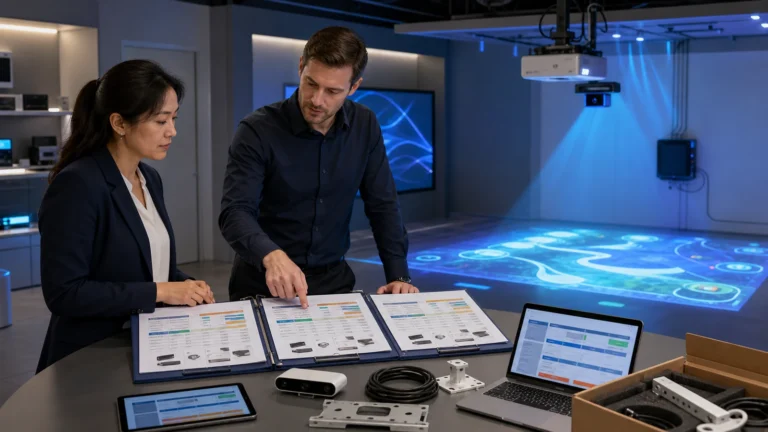
The correct configuration depends on the venue rather than one universal equipment package.
| Venue Condition | Recommended Direction |
|---|---|
| Compact venue | Begin with a four-car configuration |
| Large FEC | Increase vehicle and projection capacity |
| Low ceiling | Recalculate throw distance and mounting |
| Bright environment | Use higher-brightness projectors or lighting control |
| Existing bumper cars | Complete a compatibility assessment |
| Irregular room | Customize tracking and projector placement |
| Room with columns | Check tracking visibility and image coverage |
| High visitor traffic | Add spare parts and faster session control |
| Branded venue | Add custom vehicles and game content |
| Multi-location operator | Consider remote monitoring and standardized layouts |
The equipment package should support the venue’s expected player capacity, session duration, daily operating hours, and maintenance resources.
The number depends on the floor area, wall coverage, ceiling height, throw ratio, and required brightness. A typical OneCraze four-car configuration can use six floor projectors and six wall projectors. Different venues may require a different layout.
Wall projectors are not required for every basic floor-interaction project, but they significantly improve immersion, score visibility, game instructions, and the spectator experience. A floor-only version should be evaluated according to the venue’s objectives.
Positioning devices detect the location and movement of each vehicle. The control computer sends this data to the game software, which connects the vehicle with projected targets, zones, objects, scores, and other players.