What Does Panel Control Mean in an Interactive Projector System?
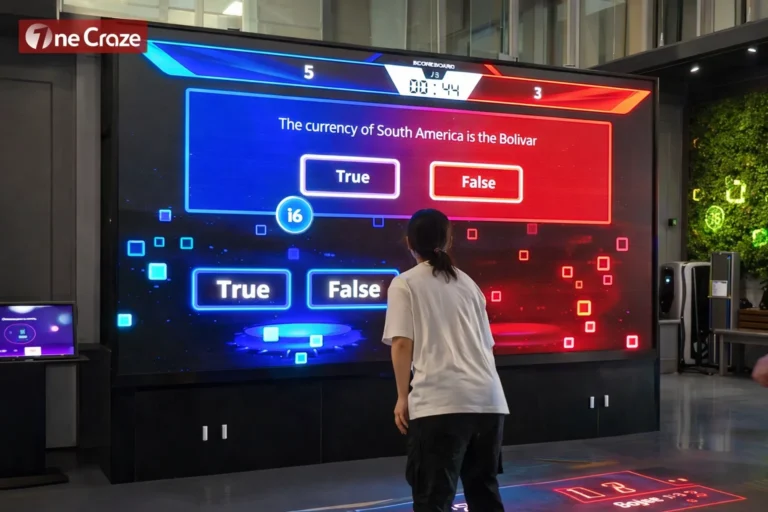
Before setting up the hardware, it is important to understand what “panel control” usually means in this context. In an interactive projector system, panel control may refer to a laptop-based interface, touch panel, software dashboard, or operator control screen used to manage the content and system settings.
Depending on the venue and system type, panel control may allow the operator to:
- start or stop interactive content
- switch games or scenes
- manage volume or media playback
- monitor connected devices
- trigger lighting or effect changes
- select operating modes
- adjust system settings
- manage multiple projection zones
Basic Equipment Needed Before Connection
If you want to connect an interactive projector to a laptop for panel control, you should first make sure the system includes the necessary hardware and software components.
A typical setup may include:
- interactive projector
- laptop or control computer
- HDMI cable or DisplayPort adapter
- USB cable for data communication
- control panel software
- motion sensor or camera sensor
- network cable or Wi-Fi connection
- audio cable if needed
- projector mounting and power supply
- calibration tools or system software
Common Connection Methods for Interactive Projector Systems
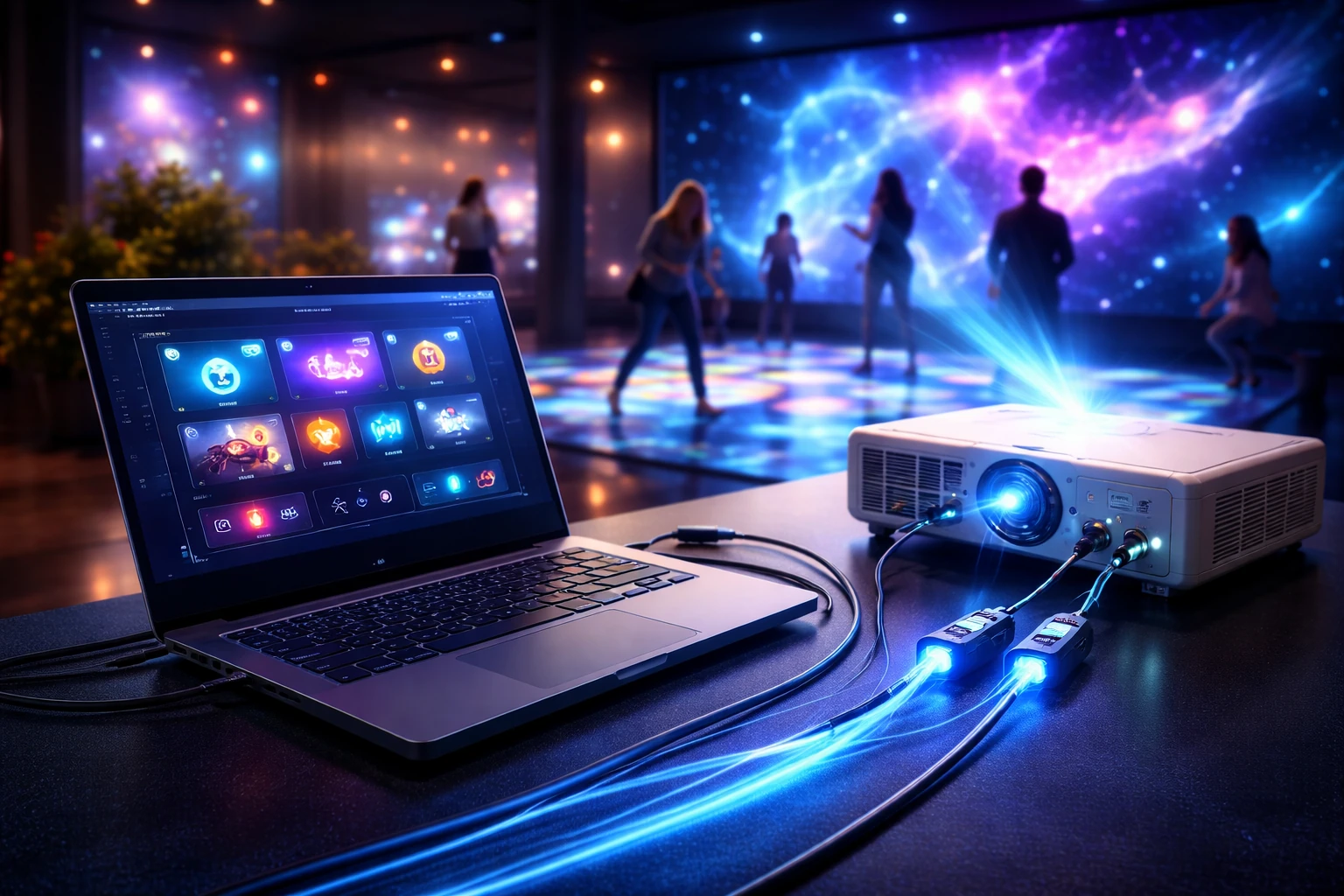
Although systems vary, the most common connection structure looks like this:
Option 1: Basic Setup
- laptop to projector via HDMI
- laptop to sensor via USB
- software control on laptop
This is common in small installations and demo systems.
Option 2: Networked Control Setup
- laptop to projector via HDMI
- laptop to projector via LAN for remote control
- laptop to sensor/controller via LAN or USB
- touch panel connected to control software
This is common in larger venues and integrated control systems.
Option 3: Media Server or Control Box Setup
- laptop used for panel interface only
- media server sends content to projector
- control panel communicates with server
- sensor data goes through controller box
Best Practices for Stable Commercial Operation
If the interactive projector system will be used in a public venue, it is important to go beyond the initial setup and think about long-term stability.
Best practices include:
- use high-quality HDMI and USB cables
- label all ports and connections
- keep a backup control file
- use dedicated laptops for control, not personal computers
- disable unnecessary background programs
- maintain software updates carefully
- create a restart procedure for staff
- document calibration settings
- test the system regularly before opening hours
Why Many Buyers Choose OneCraze Interactive Projection Solutions
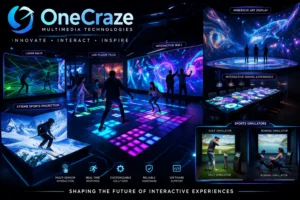
At OneCraze, we understand that buyers need more than hardware specifications. They need complete interactive projection solutions that work in real environments.
Our systems are designed to support:
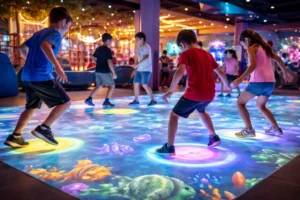
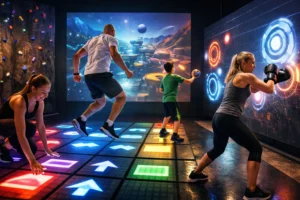
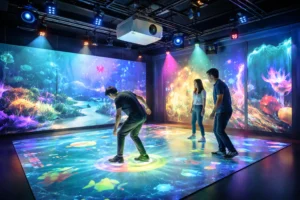
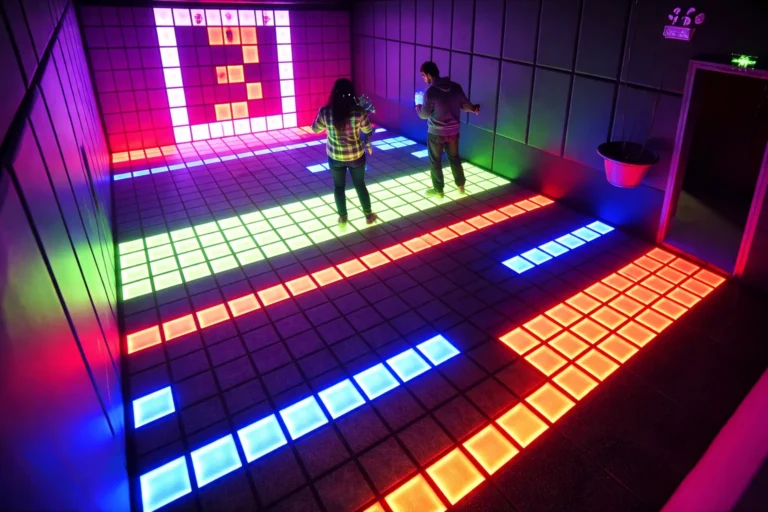
- interactive floor projection
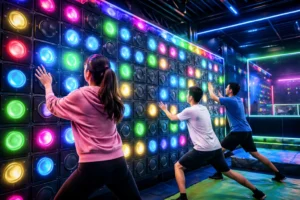
- interactive wall systems
- onecrazemedia.com/work
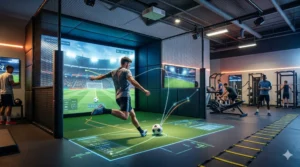
- sports simulation environments
- customized control logic
- hardware and software integration
- commercial project operation
HDMI can handle video output, but most interactive projector systems also need USB, LAN, or other data connections for control, sensor input, and panel functions.
This usually means the video output is working, but the sensor connection, software configuration, or calibration is incomplete.
A dedicated laptop with stable performance, correct control software, proper display settings, and reliable USB or network connections is usually the best choice for panel control in commercial installations.