Why Is Dynamic Beam Projector Adjustment So Important for Interactive Gameplay? ❓
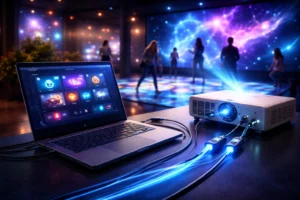
Dynamic beam projector are not just “plug-and-play” devices. Instead, they form a complete interactive system combining hardware, software, environment, and user behavior.
If adjustment is poor:
- ❌ The game response feels slow
- ❌ Visuals look distorted
- ❌ Player engagement drops
- ❌ ROI and venue reputation suffer
When adjusted correctly:
- ✅ Gameplay feels smooth and immersive
- ✅ Projection stays bright and accurate
- ✅ Interactive effects trigger precisely
- ✅ Customers are more willing to buy, order, and recommend
How to Adjust Beam Projector for Venue Projection Effectively? 🔧🎮
Correct adjustment always starts with venue-specific calibration, not factory defaults.
Key Adjustment Steps You Must Follow
- Determine projection surface (floor / wall / mixed)
- Measure ceiling height and projection distance
- Adjust throw ratio and beam angle
- Fine-tune focus and keystone correction
- Sync projection area with interactive software
For example:
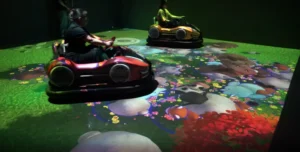
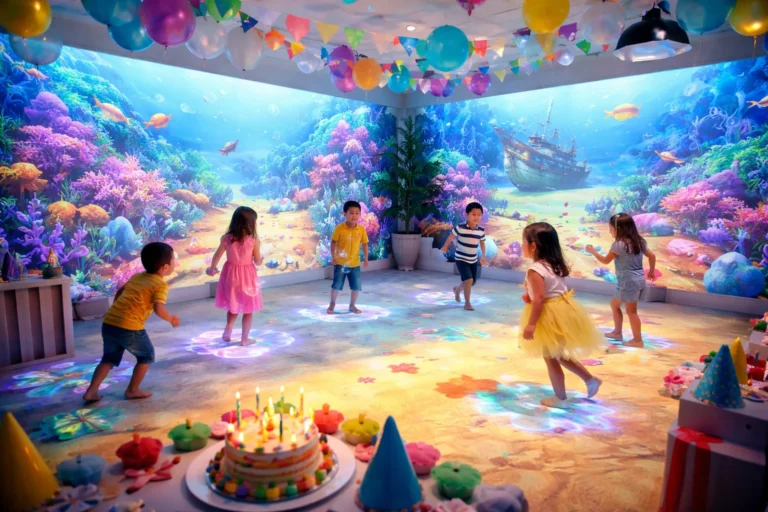
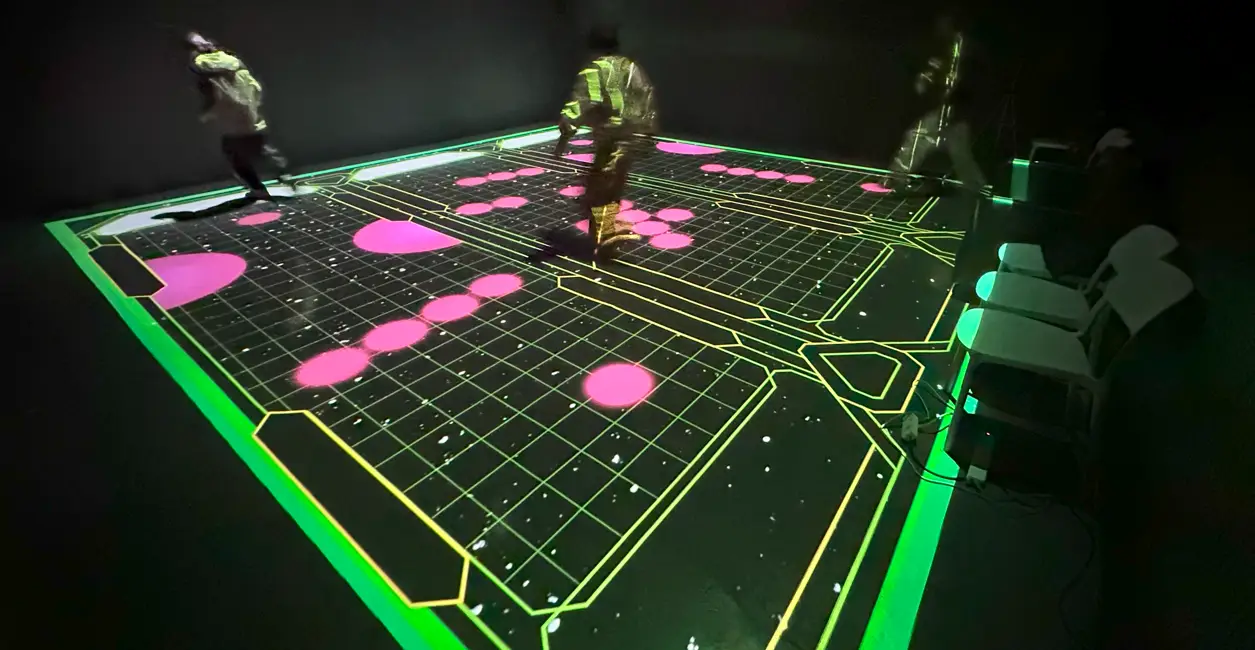
- Floor projection requires accurate vertical alignment to avoid shadow interference
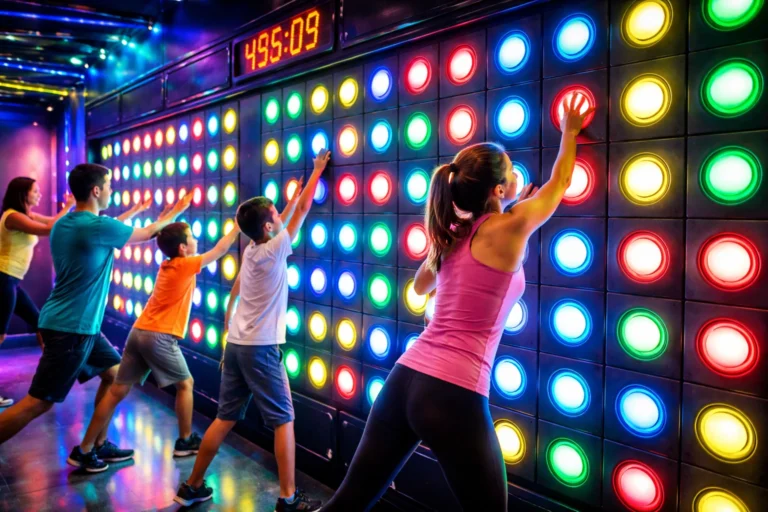
- Wall projection demands precise angle correction to keep visuals undistorted
What Factors Affect Dynamic Beam Projector Gameplay Effects Most? ⚙️❓
Many venue owners focus only on projector brightness or price, but gameplay quality depends on much more.
Core Influencing Factors
- Ambient lighting conditions
- Surface color and texture
- Sensor sensitivity and positioning
- Software recognition accuracy
- Player movement density
What Are the Best Configurations for Interactive Beam Projector Systems? 🧩🚀
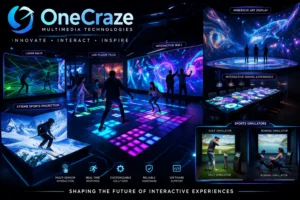
Different venues require different system configurations. Below is a comparison table to help you decide.
Interactive Beam Projector Configuration Comparison Table
| Configuration Type | Advantages 👍 | Disadvantages 👎 | Recommended Use |
|---|---|---|---|
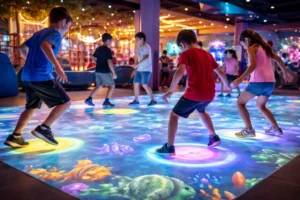
| Floor Projection Only | Easy installation, lower cost | Limited visual depth | Kids zones, schools |
| Wall Projection Only | Eye-level interaction | Smaller play area | Museums, exhibitions |
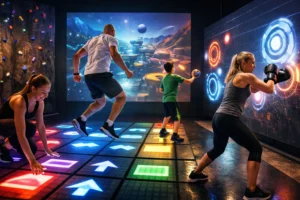
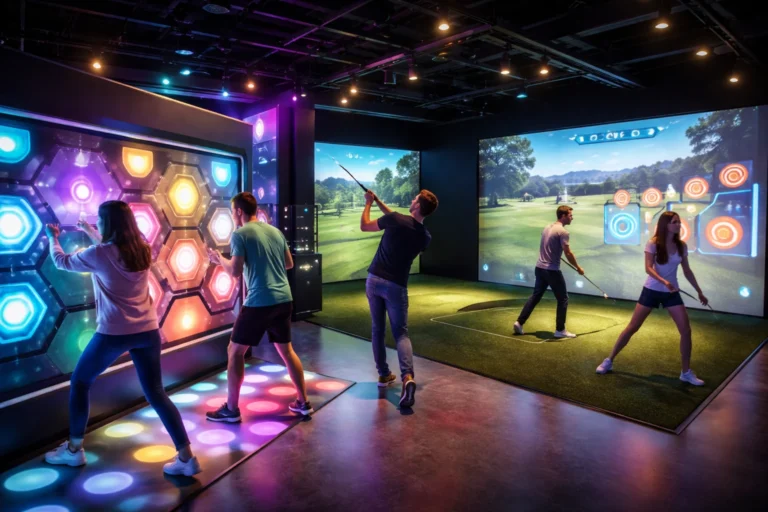
| Floor + Wall Combo | Immersive experience | Higher system price | Play centers, malls |
| Multi-Projector Sync | Large coverage, dynamic | Complex calibration | Theme parks |
| AI Motion Tracking | High accuracy gameplay | Software learning curve | Premium venues |
How Does Software Calibration Improve Beam Projector Performance? 💻✨
The software is the brain of the system. Without correct calibration:
- Movements trigger late
- Games feel unresponsive
- Visual alignment breaks
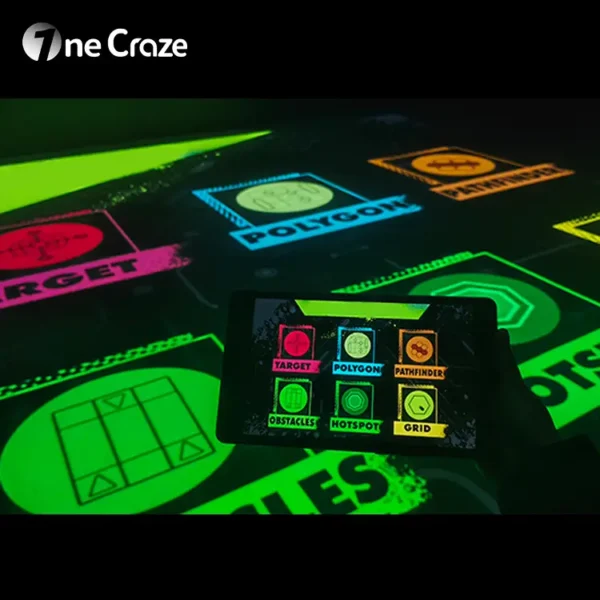
Professional interactive projection software allows:
Zone mapping
Motion sensitivity adjustment
Multi-user recognition
Game difficulty tuning
Why Do Floor and Wall Projections Require Different Adjustment Logic? 🧠❓
Floor and wall projections behave differently because of gravity, player posture, and motion direction.
- Floor projection focuses on foot tracking and downward motion
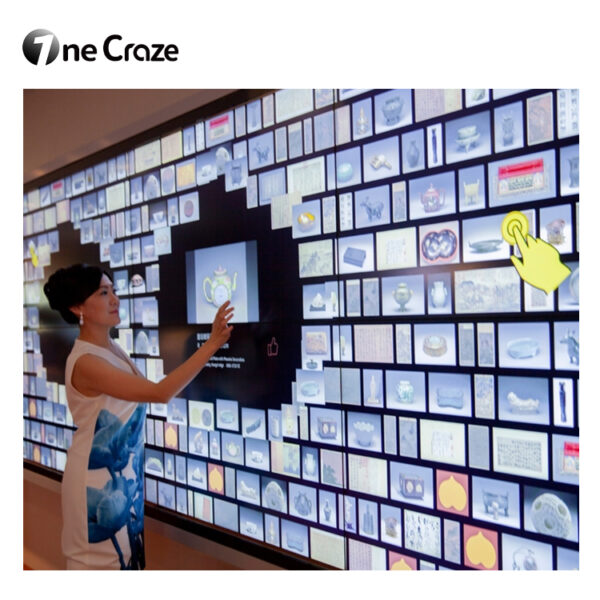
- Wall projection focuses on hand gestures and forward movement
Mixing these without correct logic causes:
Missed triggers
Visual lag
Player confusion
A professional adjustment usually takes 2–6 hours, depending on venue size and system complexity.
Yes ✅. Modern interactive systems support multiple hottest games through software switching.
Absolutely. Dark or uneven walls reduce brightness and recognition accuracy.
Yes. It’s widely used in malls, museums, and play centers worldwide.
Yes. Modular design allows future expansion and software upgrades.