Choose a Game Action That Fits the Campaign
Begin with what you want the visitor to understand or do. Then select an interaction that communicates that idea without a lengthy explanation.
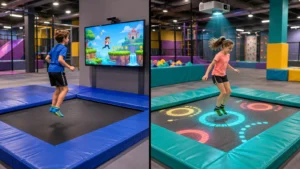
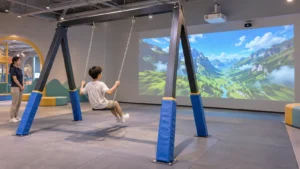
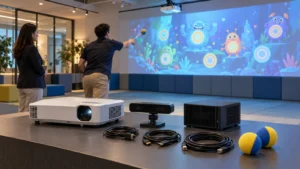
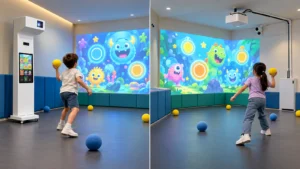
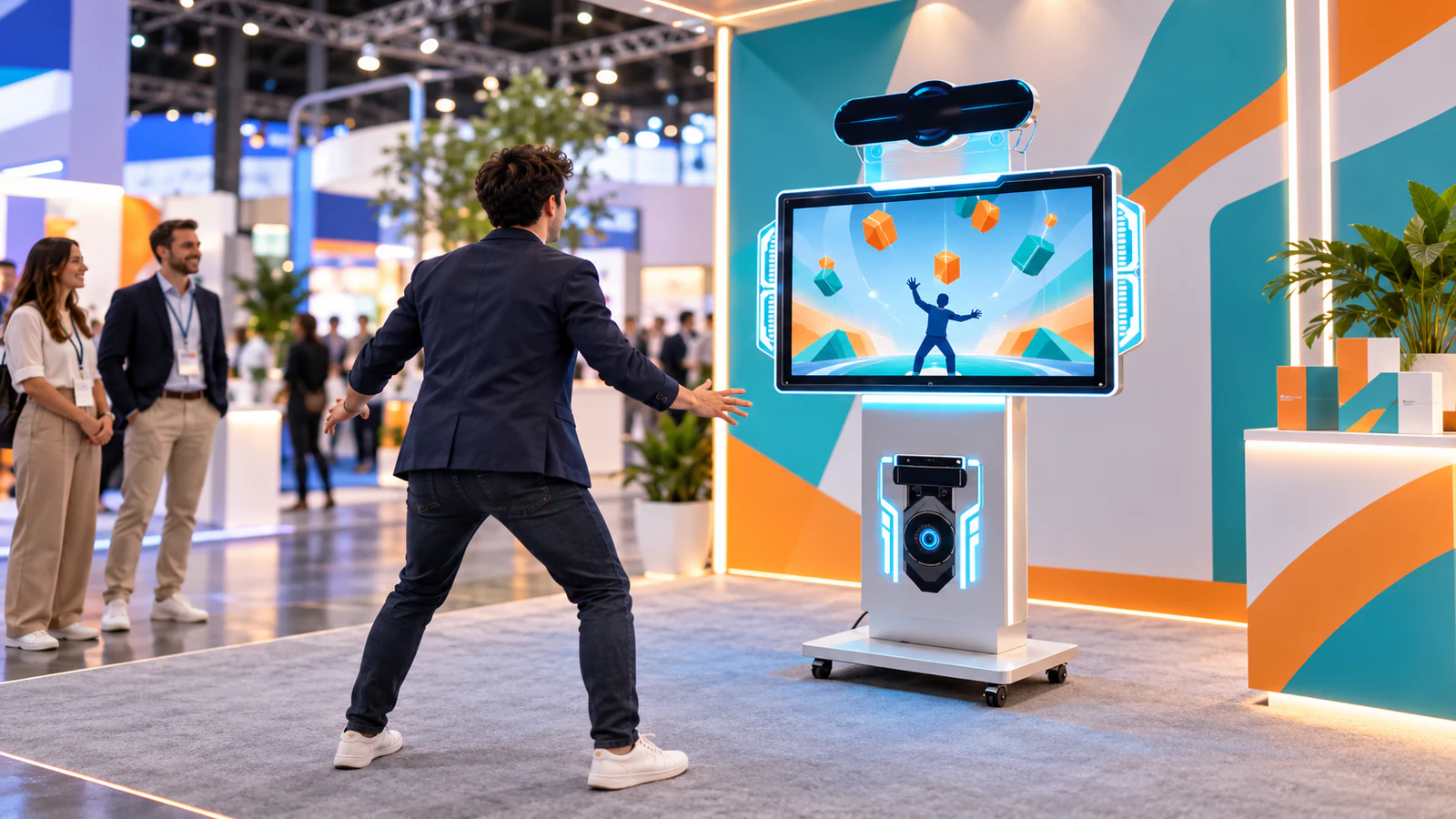
For example, a collecting game could ask players to gather virtual products, while an obstacle challenge could present a themed journey. A movement-matching activity could invite participants to follow a character’s poses. These are possible development concepts, not a statement that every format comes in a standard OneCraze library.
When discussing a concept, consider three questions:
- Can a newcomer understand it quickly? Give the player one clear objective before introducing additional rules.
- Does the action suit the audience and space? Reaching, stepping and jumping require different movement allowances and guidance.
- Will a spectator understand what is happening? Make the relationship between the player’s movement and the screen response easy to follow.
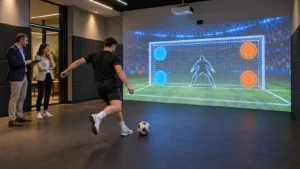
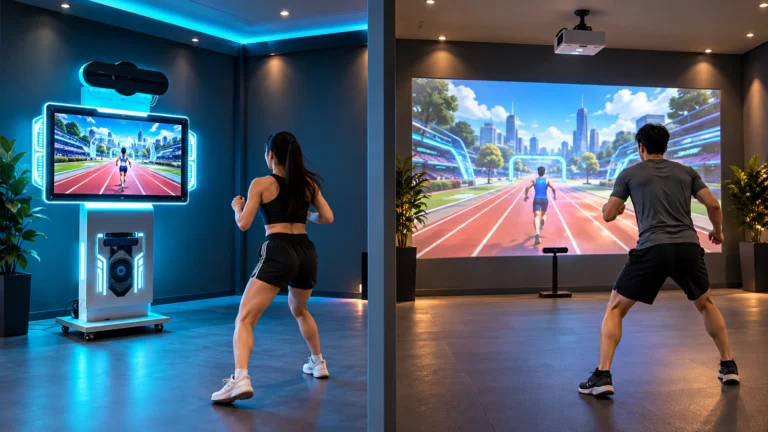
If your campaign centers on a sports challenge, the commercial motion-sensing sports game guide explains the distinction between a commercial system and console games. Use familiar movements as a starting point, but develop or license the actual content appropriately.
Make the Brand Part of the Experience
A branded motion sensor game can communicate a campaign through its setting, objects and feedback—not only its opening screen. However, recognizable branding should not make the activity difficult to read.
For a proposed product-collecting challenge, the brief might specify product-shaped targets, a campaign-colored environment and an approved completion message. Staff could then direct the visitor toward a separate product demonstration. This is an illustrative workflow, not a promised conversion result.
Define where the brand appears:
- Before play: The idle screen and a short instruction sequence.
- During play: Approved targets, backgrounds, characters and selected audio.
- After play: A completion message, results display or next-step instruction.
Next, check those assets at the intended viewing distance. A detailed pack shot may become difficult to recognize when it moves across the screen. Simplified artwork may work better, subject to the client’s brand approval.
Keep the supplier’s scope explicit. The interactive game customization guide discusses branding and development options; availability depends on the selected software and agreed project requirements.
Do You Need a Reskin or a New Game?
A reskin changes the presentation of an existing game while preserving its underlying interaction and rules. New development changes how the experience works. Mixing these requests under one word—“customization”—makes quotations difficult to compare.
| Requested change | Likely project scope | What to approve |
|---|---|---|
| Replace logos, colors and backgrounds | Visual reskin of a compatible existing game | Artwork previews and final in-game appearance |
| Translate instructions and results | Localization and interface adjustment | Approved translations and rendered screens |
| Change scoring, timing or win conditions | Rule modification, if supported | Written rules and playable test version |
| Introduce a new body action or game mechanic | Interaction development and testing | Prototype with the intended sensor and audience |
| Connect scores to another system | Separately scoped integration | Data fields, interface behavior and failure handling |
Ask the developer which parts already exist and which require new work. In particular, changing an on-screen object is different from changing how the sensor recognizes a player.
For bilingual campaigns, approve both languages before final testing. Arabic and other right-to-left requirements need layout review as well as translation; the multilingual interactive software guide outlines questions to include in the brief.
Design the Entire Visitor Session
The playable round is only one part of the event experience. Plan how someone joins, learns the controls, completes the activity and leaves space for the next participant.
A practical sequence is:
- An idle screen attracts attention without requiring staff to restart it manually each time.
- An operator explains the objective and directs the visitor to the marked position.
- The player completes the challenge using the approved movement area.
- The result appears, followed by a clear exit or next-step instruction.
- Staff or the agreed software workflow resets the experience.
Specify which steps the software must handle automatically and which remain operator tasks. Also decide what happens if someone walks away halfway through a round. Automatic reset, leaderboards and prize triggers are requirements to evaluate—not default features to assume.
For deployment planning, the event-rental equipment buying guide covers transport and setup considerations separately from the creative brief.
What Should an Agency Send Before Requesting a Proposal?
Send a compact brief that allows the supplier to evaluate the concept, equipment and deadline together:
- Event location, date, audience and expected operating schedule.
- Available play space, venue photos and display or projector details.
- Intended game action, scoring rules and visitor journey.
- Approved logos, visual assets, fonts, audio and required languages.
- Required deliverables, review dates and the person authorized to approve changes.
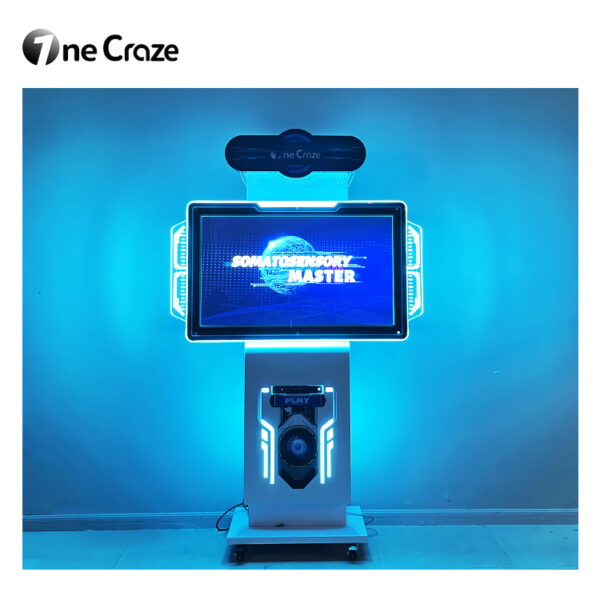
If you need a dedicated station, include the OneCraze motion-sensing all-in-one machine in the hardware discussion. Do not assume that a custom game will run on any machine without compatibility testing.
Before signing off, clarify software licensing, authorized devices and events, revision limits, installation responsibility and support during the event. Source code, reusable brand templates and ongoing updates should appear explicitly if required. Use the supplier quotation comparison guide to separate equipment charges from software work and site services.
Finally, approve a working version on the intended equipment. Use the factory acceptance test guide as a starting point, adding brand accuracy, game rules, language screens and interrupted-session recovery. Repeat critical checks after installation at the venue.
They can be proposed as visual customization requirements. The supplier should confirm which assets the chosen game allows you to replace and show an in-game preview before final approval.
Possibly. Provide the display model, connections and installation details alongside the computer and sensor information. Display compatibility alone does not establish that the complete game system will work.
Request these separately. Specify whether rankings stay on one machine or connect across locations. For an API, define the exchanged data, receiving system and behavior when connectivity fails.