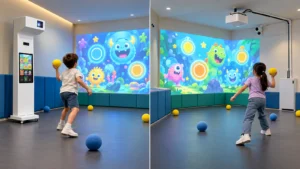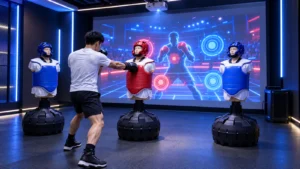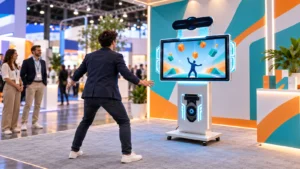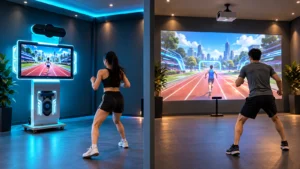
When choosing an interactive wall game kit supplier, start by defining what your company will install, operate or resell. OneCraze’s Smash Ball interactive projection system provides a relevant product reference for ball-throwing gameplay. Discuss the required supply scope against your room and business model rather than assuming every component or service comes as standard.
What Is an Interactive Wall Projection Kit?
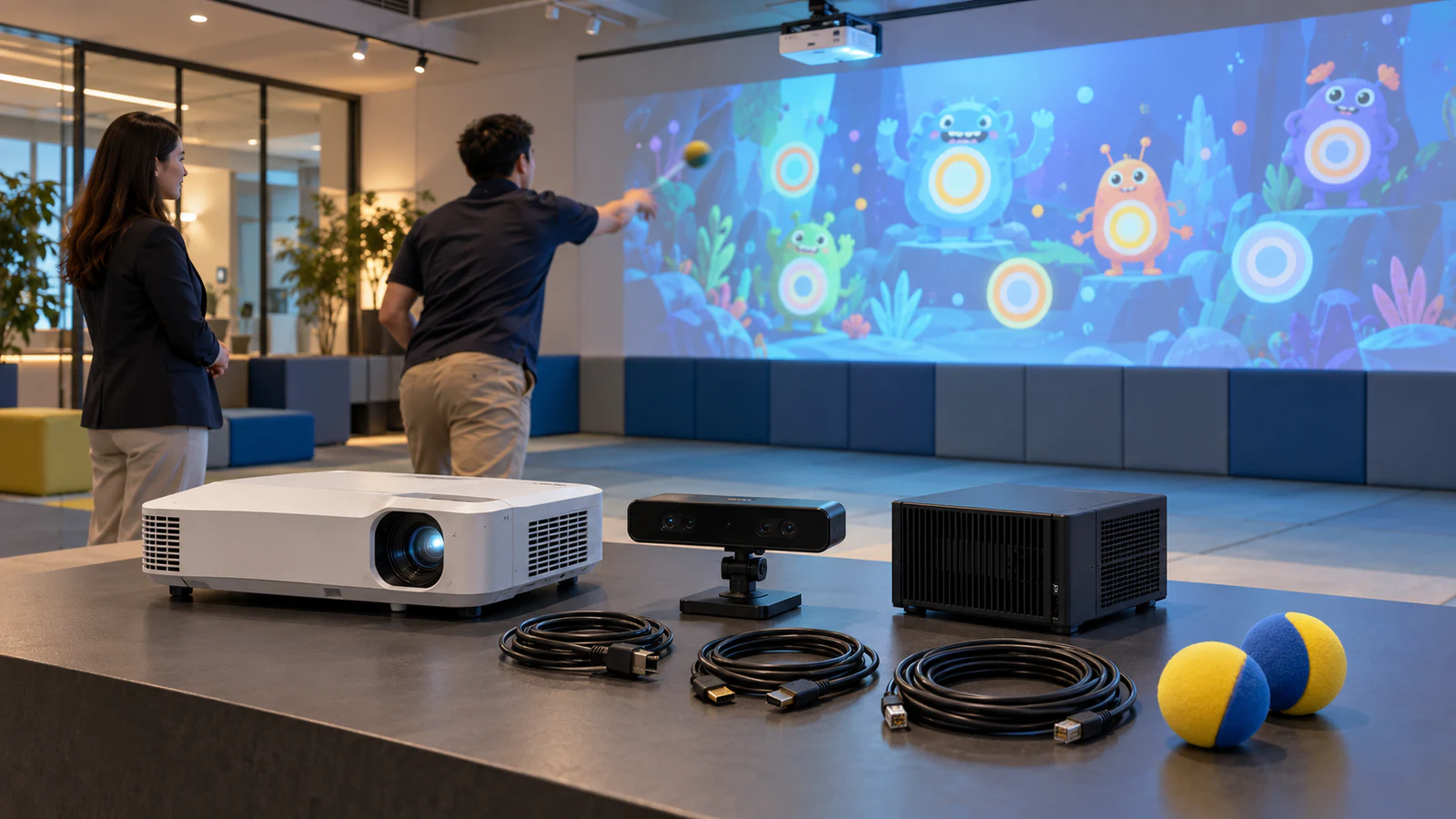
An interactive wall projection kit connects game content with a physical input, such as a ball hitting a projected target. The projector displays the scene, the sensing system detects the supported action, and the computer runs the response.
For a ball-throwing installation, buyers may also describe the package as an interactive ball wall kit or a commercial wall game system. These names describe related procurement needs, but the quotation must identify the actual interaction, equipment and software supplied.
A kit is not necessarily an all-in-one cabinet, nor is it automatically ready for installation on any wall. If you are still choosing the equipment format, the interactive ball wall solution guide compares integrated and separate-component arrangements. Here, the focus is how a supplier and local project team divide the delivery work.
Which Components Should the Supplier Provide?
The right package depends on what the buyer can source and support locally. An integrator with approved projectors may need a different offer from a distributor ordering a complete demonstration system.
Use a responsibility table to make that distinction explicit. The following is a quotation framework, not a statement that every item is included in a standard OneCraze kit.
| Item | What the supply agreement should identify | If the buyer supplies it locally |
|---|---|---|
| Projector and lens | Exact model, image dimensions and mounting arrangement | Obtain approval for the proposed model and position |
| Sensor | Model, supported inputs, mounting and connection requirements | Confirm driver and software compatibility |
| Computer | Approved configuration, operating system and installed software | Validate the complete configuration before deployment |
| Game package | Named games, supported interactions and license scope | Confirm whether separately sourced content is supported |
| Controls and audio | Included controls, speakers and connection points | Agree on interfaces and operator access |
| Installation materials | Mounts, cables and any protective housings supplied | Assign responsibility for lengths, routing and site installation |
In particular, a ball-detection package should specify the balls used for validation. A demonstration with large soft balls does not establish compatibility with every sports ball. Review the interactive wall ball-tracking guide when defining the required inputs.
What Does the Local Integrator Need to Prepare?
An interactive wall projection kit for integrators should come with enough information to plan the installation before equipment arrives. Request the equipment layout, connection diagram, mounting requirements and calibration procedure for the approved configuration.
Meanwhile, assign local responsibility for:
- Preparing the projection and impact surface.
- Providing suitable power, mounting support and cable routes.
- Separating the play area from equipment and pedestrian circulation.
- Installing the approved components and completing site commissioning.
The wall surface guide explains why image appearance and impact suitability need separate consideration. A clean white wall is not, by itself, a complete installation specification.
How Should Commercial Licensing and OEM Rights Work?
Hardware ownership and software rights are separate parts of a commercial purchase. Before requesting an OEM interactive wall game kit, define whether you need a system for your own venue, a demonstration unit or a package for resale.
Separate operation, resale and customization
A venue license may permit operation on one approved computer without granting redistribution rights. Similarly, adding a logo does not automatically provide access to source code, editable game assets or the right to sublicense the software.
Ask the supplier to confirm:
- The licensed device or installation count and any recurring fees.
- Whether commercial operation, demonstrations and resale are permitted.
- What happens when a computer fails or hardware needs replacement.
- Which updates, languages and branding changes are included.
The wall-game customization guide provides a starting point for branding and development discussions. Keep standard game access, OEM presentation and new functionality as separate quotation items so that each party understands the deliverables.
How Can Distributors Move from a Demo Kit to Repeat Orders?
A pilot system can establish a repeatable configuration before a distributor commits to multiple installations. Choose a representative room and the actual games you intend to demonstrate to customers, rather than evaluating only an attractive opening screen.
During the pilot, document the hardware models, software version, approved balls, image size and mounting positions. Then record the installation steps and any adjustments required. This gives later orders a defined reference instead of a vague instruction to supply “the same system.”
Approve performance and support together
Use a factory acceptance test to check the supplied combination, including response near the wall edges, game switching and restart behavior. Where the factory cannot reproduce the destination room, retain a separate site-acceptance stage.
Also agree who handles first-line support, software faults and replacement components. For repeat purchases, request notice of hardware substitutions and define how a changed configuration will be validated.
Finally, compare pilot and repeat-order proposals using the same scope. Our quotation comparison guide helps separate equipment pricing from freight, installation and commissioning. A lower equipment price does not necessarily mean a lower delivered project cost.
Ask for a project-specific partial package. Provide the exact projector, lens, computer and sensor you plan to use. The supplier should confirm compatibility and identify which tests remain necessary; software availability alone does not establish hardware compatibility.
Some components may arrive preconfigured, but the final installation can still require mounting, image alignment and sensor calibration. Request a written setup procedure and clarify what the supplier means by plug-and-play for the quoted package.
Only if the agreement explicitly permits it. Confirm whether licensing applies per computer, device, venue or another defined unit. Do not copy an activated installation to additional machines without the necessary rights.