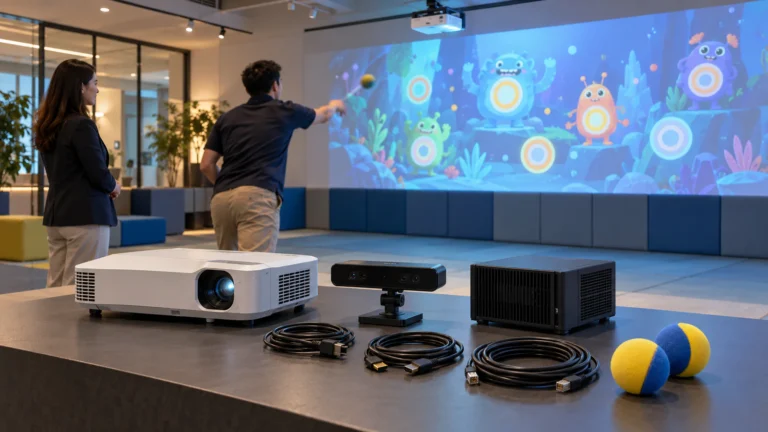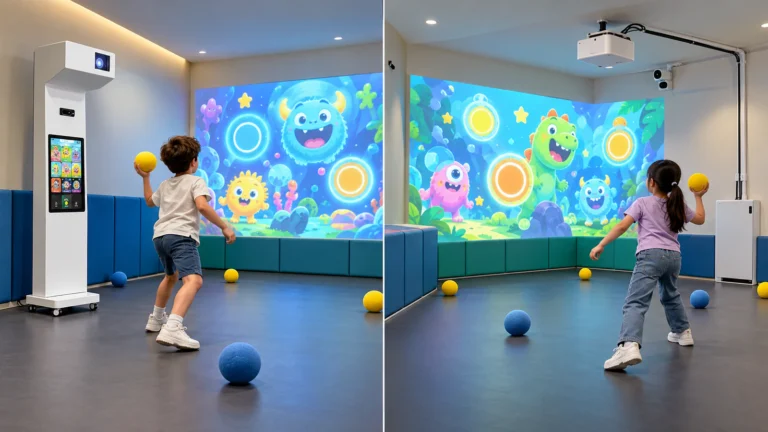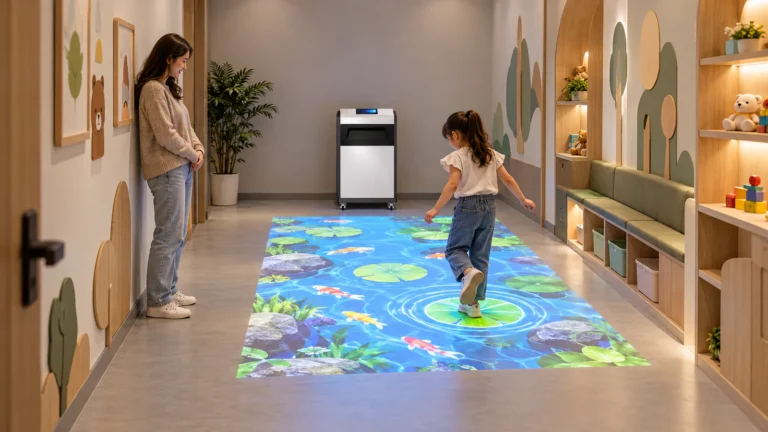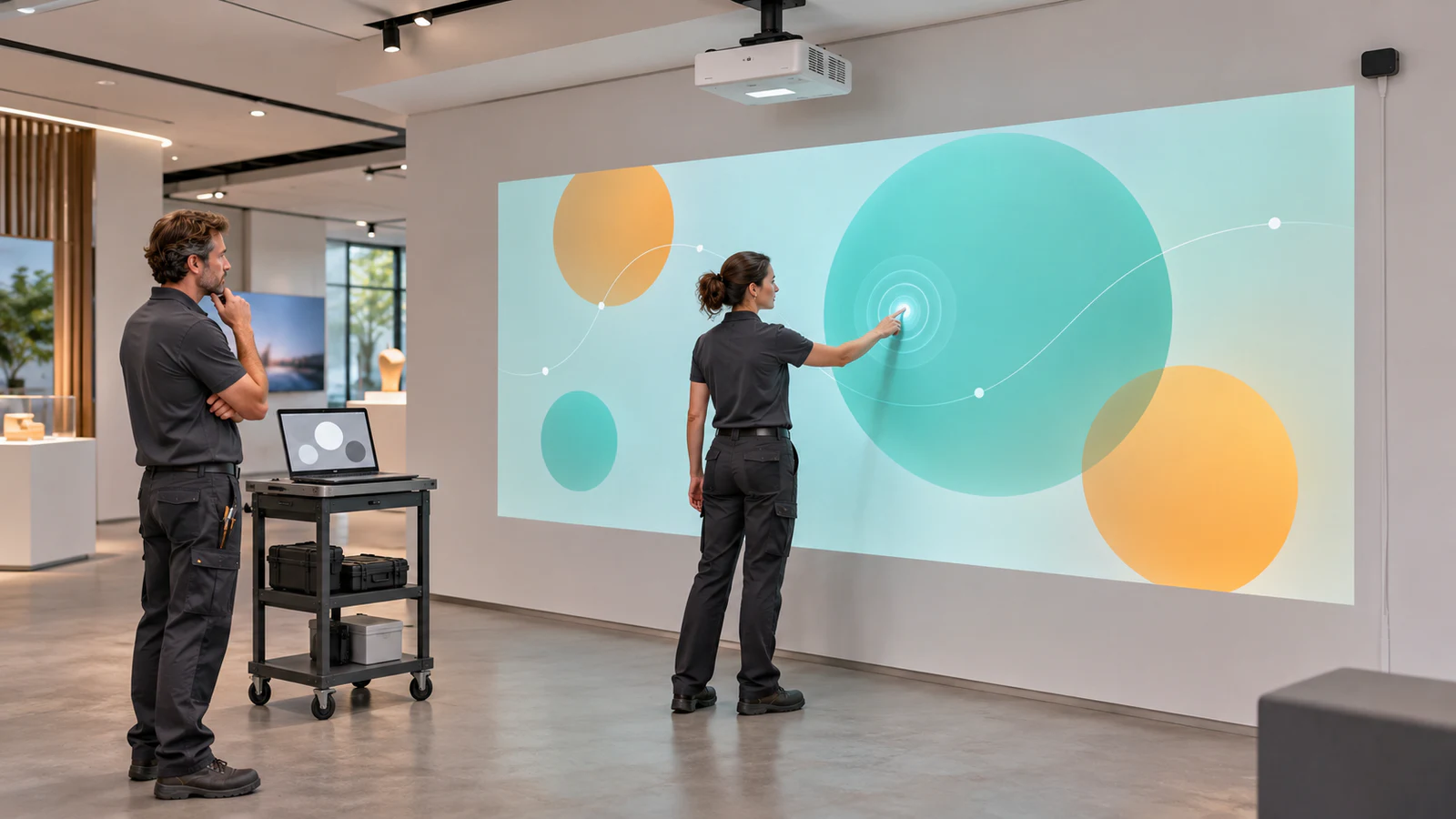
For AV integrators, the purchasing decision therefore starts with compatibility and delivery responsibility. OneCraze’s Interactive Radar Touch Software provides a product starting point for that discussion. Confirm the exact sensor, software version and supported interaction before specifying a commercial installation.
Start with the Interaction, Not Just the Screen
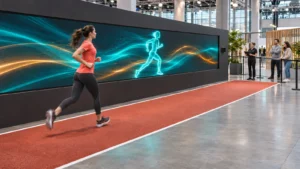
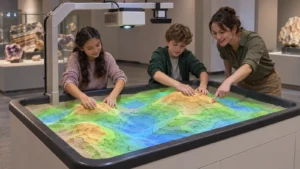
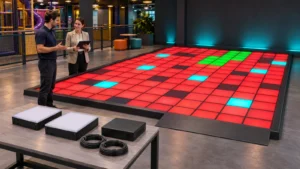
A museum visitor selecting a large illustrated object creates a different requirement from several players dragging objects simultaneously. Likewise, triggering an animation near a wall is not the same as writing accurately on its surface.
Describe the intended action in plain language first:
- Select a target with one hand.
- Drag an object across the displayed scene.
- Trigger content without touching the physical surface.
- Let several visitors use separate zones at once.
Then ask the supplier to demonstrate that action with representative content. A successful single-pointer demonstration does not establish independent multi-user interaction.
Also clarify terminology. Buyers may encounter radar touch software, LiDAR touch software and projection touch software while researching this category. These labels do not prove that products use identical hardware or provide interchangeable outputs. The comparison of LiDAR, IR cameras and depth sensors helps frame the technical questions, but the selected model’s documentation must determine compatibility.
Check the Entire Input Path Before Reusing Equipment
Keeping an existing display may reduce replacement work, but it does not automatically simplify integration. The supplier needs to understand both the physical surface and the application running behind it.
Display and Sensor Compatibility
Provide the visible wall dimensions, display resolution, mounting photographs and available sensor positions. For projection, include the projector and lens models. For an LED wall, include the processor and output arrangement.
Next, identify where hands will move and whether people, furniture or architectural features could interrupt detection. If users will physically touch an LED surface, obtain the display manufacturer’s approval for that use; adding a sensor does not make exposed modules suitable for contact.
Software and Application Compatibility
Ask the interactive touch wall software supplier to document the operating system, supported sensor models and connection requirements. More importantly, confirm what input the software produces and what the application accepts.
A practical test uses your intended application—not only the supplier’s demonstration scene. Check selection, dragging, simultaneous input and behavior at the image edges. Treat any requested API or third-party integration as a separately verified requirement, not an automatic feature.
Compare Software Licenses with Matched Sensor Kits
An interactive wall sensor and software kit can reduce uncertainty when the supplier has tested that combination. Conversely, software-only purchasing may suit integrators who already own supported hardware and can manage configuration locally.
Use the following table as a procurement checklist, not a statement that every option is available from every supplier.
| Procurement route | What to request | What still needs agreement |
|---|---|---|
| Software license only | Supported hardware list, activation method and installation files | Sensor sourcing, computer setup and compatibility testing |
| Sensor and software kit | Exact sensor model, software version and calibration tools | Display, computer, mounting and application content |
| Configured interaction package | Agreed hardware, application and saved configuration | Site work, final alignment and operator training |
| Custom installed solution | Defined experience, integration scope and acceptance plan | Travel, local labor, exclusions and ongoing support |
For the interactive wall software license, establish the permitted computers or installations, commercial-use rights and replacement-PC procedure. In addition, ask what happens when an update or support period ends. A perpetual right to run a version does not necessarily include future upgrades.
The software licensing guide for system integrators offers related purchasing questions for floor projects; do not assume its licensing options automatically apply to a wall product. Meanwhile, use the quotation comparison guide to separate equipment supply from installation charges.

Separate Touch Software from Custom Content
Tracking software and visitor-facing content perform different jobs. One handles detected input; the other decides what visitors see and what their actions accomplish. Consequently, buying a sensing package does not necessarily include games, exhibit stories or a branded interface.
For a custom interactive wall solution for exhibitions, define one complete visitor journey: the idle screen, first interaction, main activity, completion and automatic return to the beginning. This makes the scope easier to price and test than a request for “interactive effects.”
List supplied assets, revision rounds and editing responsibilities. Also distinguish a compiled application from editable project files; ownership and handover should be explicit.
The custom wall-game development guide helps separate visual changes from new functions. If the installation serves international visitors, include language switching and text layout in the brief using the multilingual software planning guide.
Agree on a Site Acceptance Test
Before ordering, define what a working installation must demonstrate. Set project-specific acceptance criteria instead of relying on broad claims such as “high accuracy” or “unlimited interaction.”
Test the final content under representative conditions:
- Select targets across the center, corners and edges.
- Repeat the intended actions with the agreed number of users.
- Check whether passersby or nearby objects trigger unwanted responses.
- Restart the computer and confirm that the correct application and settings return.
- Run repeated sessions and verify the operator’s recovery procedure.
Record the configuration used for approval. Where appropriate, request calibration backups, installation notes and a clear support contact so local staff can distinguish a content issue from a sensing or display problem.
The factory acceptance checklist can help organize pre-shipment testing. However, factory approval does not replace checks after installation at the customer’s venue.
Potentially, but the sensor arrangement, content, computer and display configuration need assessment. Confirm separately whether interaction requires physical contact and whether the display permits it.
Ask for confirmation against your exact hardware and operating system. Software-only supply should include clear compatibility, activation and support terms; availability must be confirmed in the quotation.
Not necessarily. Request an itemized list of applications, content rights and customization. Sensor input software and a finished game library are different deliverables.