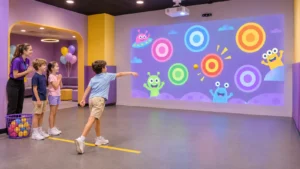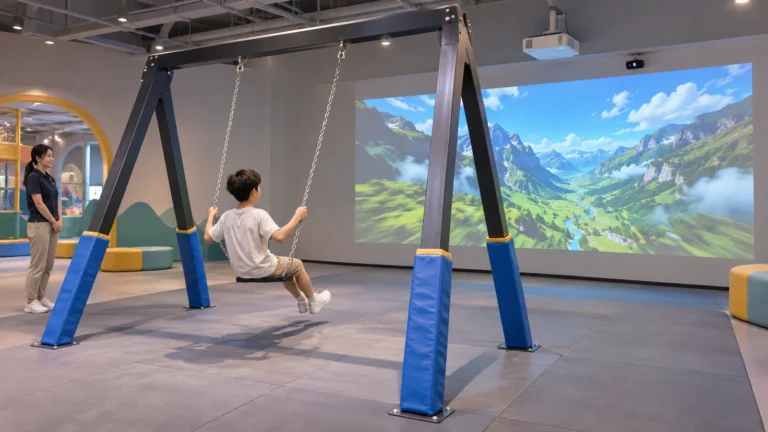
OneCraze lists both a single-projector shooting game package and an immersive laser shooting configuration. Their published equipment lists provide a starting point for comparison; the current quotation should confirm the exact models, software and installation scope. This article concerns commercial entertainment equipment, not live-fire ranges or validated professional training systems.
Choose the Experience Before the Display Size
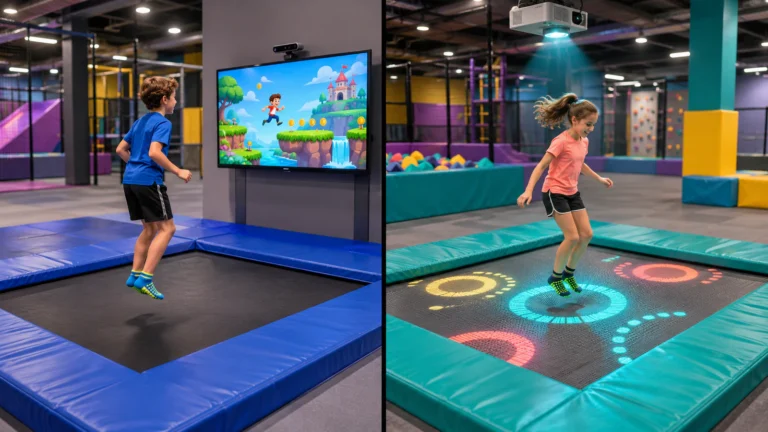
A Single Screen for a Defined Shooting Bay
Consider a single-screen layout when you want guests to face one clear target area and staff to manage a visible start-and-finish point. It can suit an arcade section or a dedicated attraction within a larger venue, subject to the approved layout.
The opening screen, player identification and results should be understandable from each operating position. Meanwhile, spectators need a place to watch without entering the playing area or obstructing access.
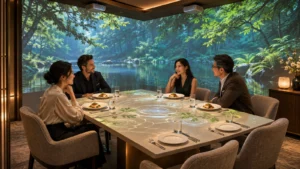
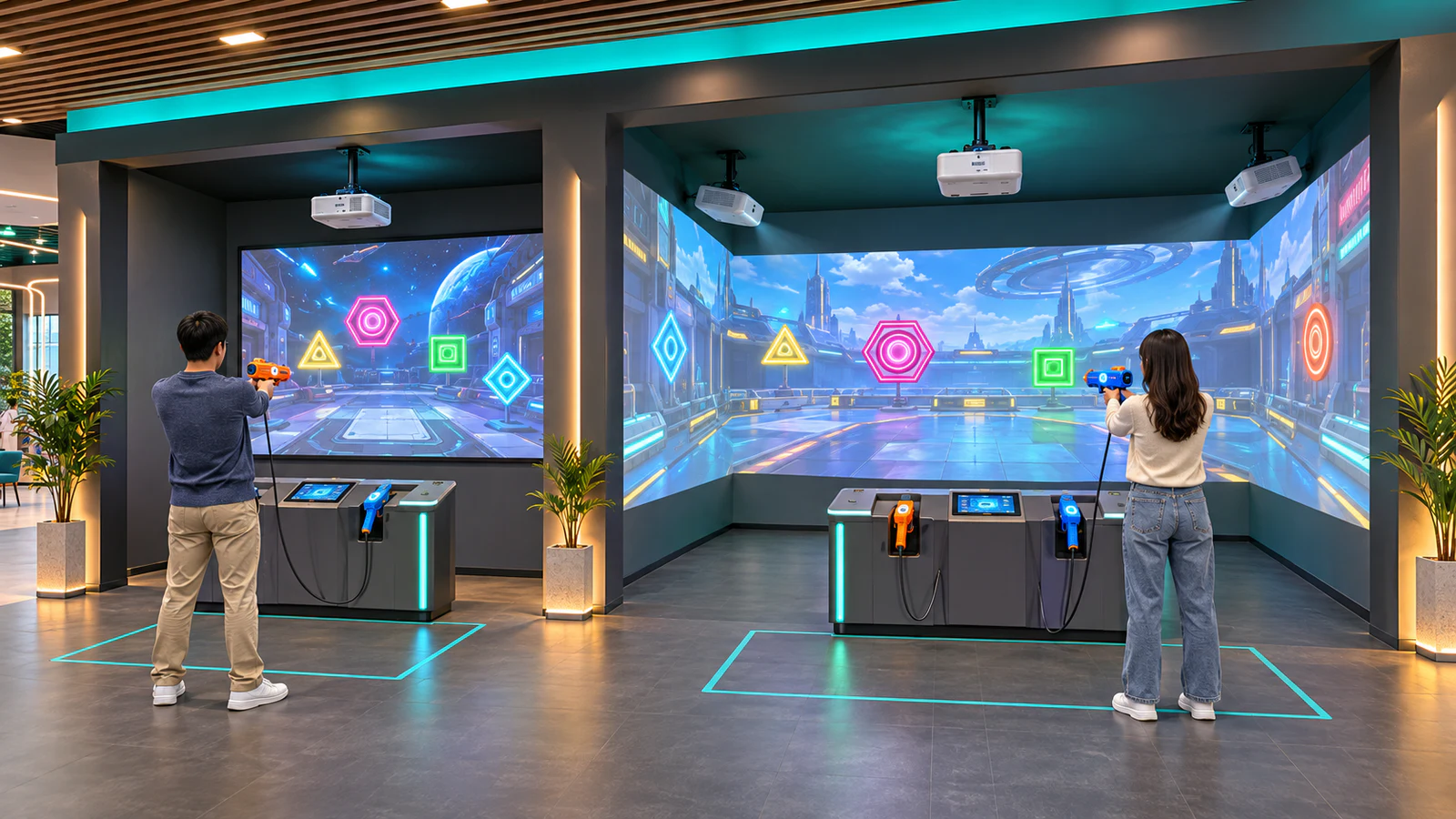
An Immersive Setup for a Wider Visual Environment
Consider a multi-projector configuration when the surrounding presentation is central to the attraction. However, a wider image does not automatically mean that every surface accepts shots or that every game uses the full display.
Ask the supplier to demonstrate a complete round across the proposed visual area. Check where targets appear, which surfaces respond and whether players can follow the action from their assigned positions.
Compare the Published Equipment Configurations
The table below compares the two OneCraze listings. It does not establish a universal specification for all projector shooting games for sale.
| Purchasing point | Single-projector listing | Immersive listing |
|---|---|---|
| Projection equipment | One projector and a 140-inch projection screen | Three short-throw projectors |
| Detection equipment | One listed light-gun capture set | Three listed light-gun capture sets |
| Supporting equipment | Game host, control system, laser gun controllers, compressor, audio and accessories | Game host, control system, laser gun controllers, compressor, shooting tables, audio and accessories |
| Physical layout | Published frame dimensions of 3.4 m wide × 5 m deep × 2.7 m high | Request a dimensioned layout for the proposed room |
| Capacity confirmation | Demonstrate simultaneous players and score attribution | Demonstrate simultaneous players and detection across the intended surfaces |
The frame dimensions are not a complete site requirement. Add the necessary circulation, equipment access, waiting area and installation clearances to the approved plan.
Similarly, a three-projector arrangement requires confirmation of image alignment, output configuration and any blending needed by its screen geometry. Our projector selection considerations explain why lens choice, image size and room conditions must be assessed together.
Verify Multiplayer and Hit Detection Together
The number of gun controllers in a package does not establish the number of simultaneous players. Some controllers may serve different games or operating arrangements. Therefore, request a demonstration using the exact player count you intend to sell.
Watch for three outcomes:
- Each active controller receives a clear player identity and correct score.
- The software registers the intended inputs when players act at the same time.
- Staff can end a session and prepare the next group without a lengthy reset.
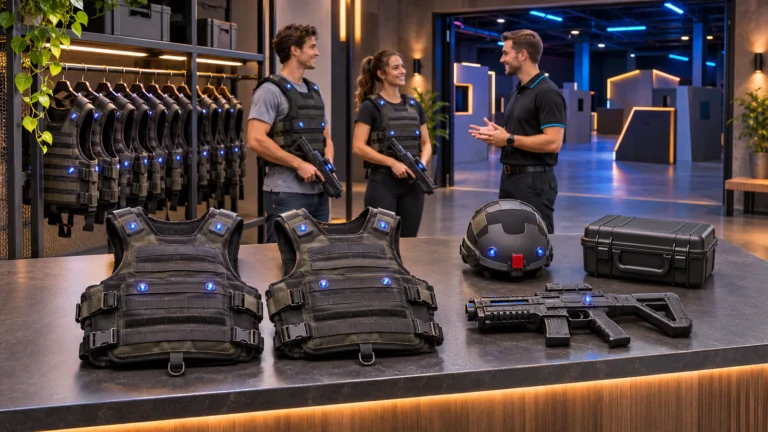
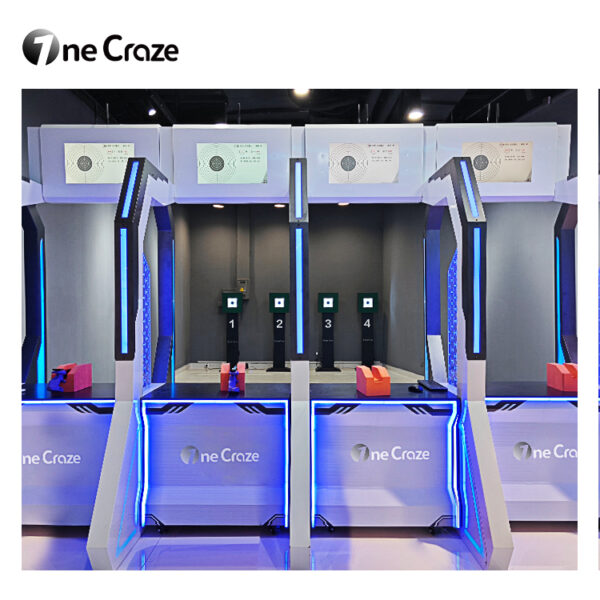
For a laser shooting game equipment package, ask the supplier to identify the actual emitter, detection hardware and supported software. Laser-point detection, infrared imaging and radar-based sensing are not interchangeable labels. The broader sensor comparison helps frame those questions, but the selected shooting system needs its own documentation.
Compare the Complete Commercial Purchase
Before comparing prices, ask each projection shooting simulator supplier to quote the same scope. Otherwise, one offer may include a frame, screen and installation support while another covers only electronics.
Request separate confirmation of:
- Projectors, lenses, screens, mounting and game host.
- Detection hardware, controllers, air equipment and replacement parts.
- Included games, commercial-use rights, license term and update charges.
- Calibration, installation, operator training and support responsibilities.
- Packing, freight and site work excluded from the equipment price.
Where pneumatic feedback is included, discuss compressor location, noise, service access and hose routing with the installer. Do not treat “silent” marketing language as a measured operating noise specification.
Payment integration also needs definition. A listed coin mechanism does not automatically provide compatibility with your cashless card reader or ticketing platform. Specify the proposed payment device and require a demonstration of the complete start-payment-play sequence.
Use the quotation comparison checklist to record these boundaries. Keep the initial equipment price separate from recurring software charges and local installation costs.
Request a Demonstration That Matches Your Venue
A useful demonstration shows the equipment, operating positions and projected game in one continuous recording. Agree the test duration and acceptance criteria before ordering, then repeat critical checks after installation.
Start with normal system startup and player selection. Next, run the agreed multiplayer configuration, change games and check detection near the edges of the intended active area. For an immersive shooting game system, include transitions between projected surfaces where the game uses them.
Finally, demonstrate session completion and recovery after a controlled restart. Ask staff to explain how they identify a disconnected controller and obtain replacement parts. The factory acceptance test framework helps connect the demonstration to the equipment and functions on your order.
No. Display count and player capacity are separate specifications. Ask the supplier to demonstrate the required number of active controllers with correct individual scoring in the selected game.
Treat expansion as a separate compatibility assessment. Additional projectors may require different software support, outputs, detection coverage and calibration. Obtain an upgrade proposal before assuming the original package can expand.
The order should list the included titles and commercial license terms. Promotional footage may show optional content or another configuration, so match the demonstration to the approved software list.
Request a Shooting Game Equipment Proposal
Share your venue layout and intended player experience with OneCraze. Request a commercial projector shooting game quotation that compares the single-screen and immersive options, identifies included equipment and software, and defines installation responsibilities for your site.