OneCraze’s interactive trampoline product lists a 55-inch monitor in its published equipment table. This guide uses that as the starting point for a screen-based proposal and compares it with trampoline-surface projection. The comparison does not mean that both formats are included in one package or available with identical software.
Start with Where the Player Sees the Game
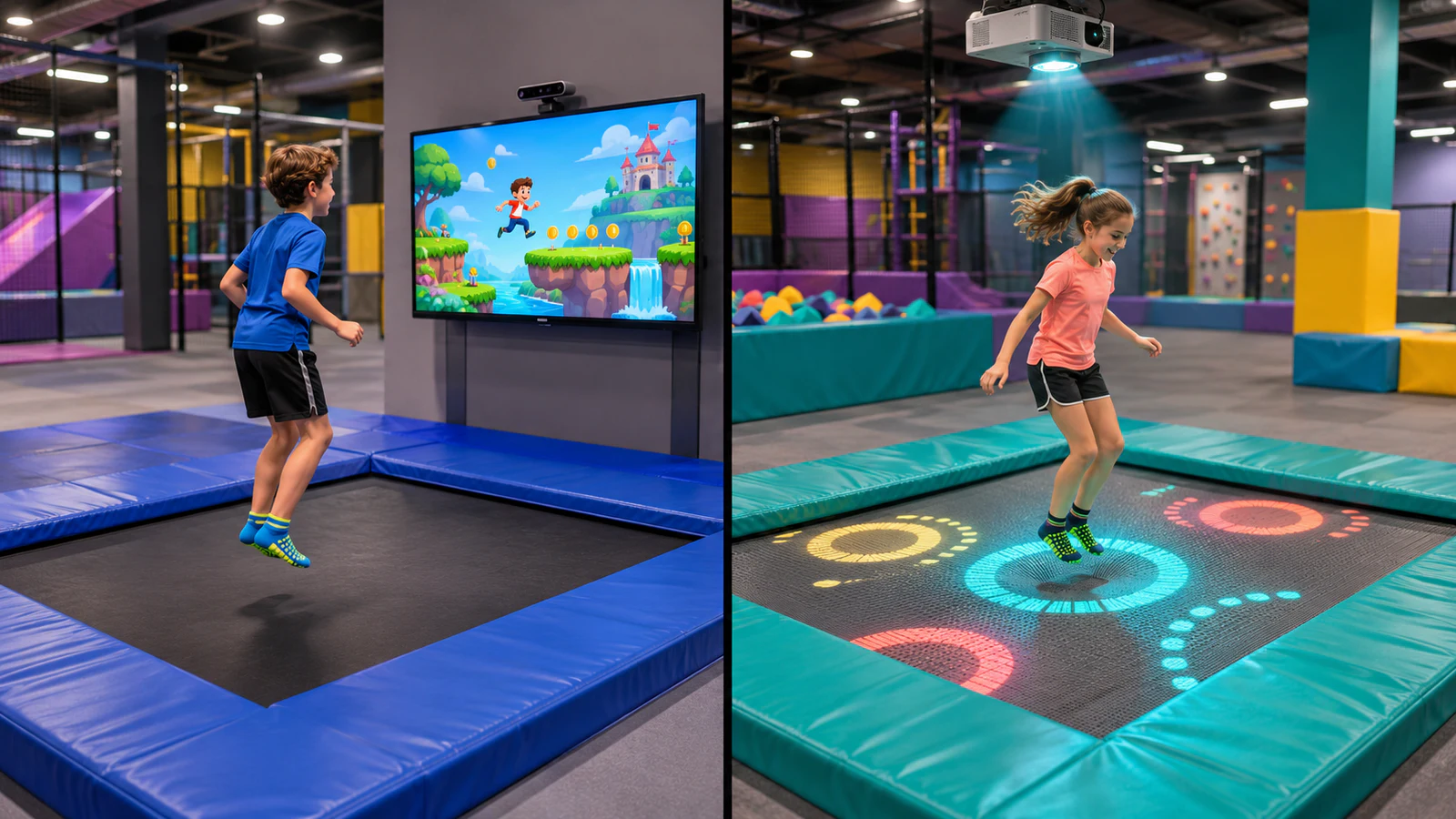
Screen-based digital trampoline games
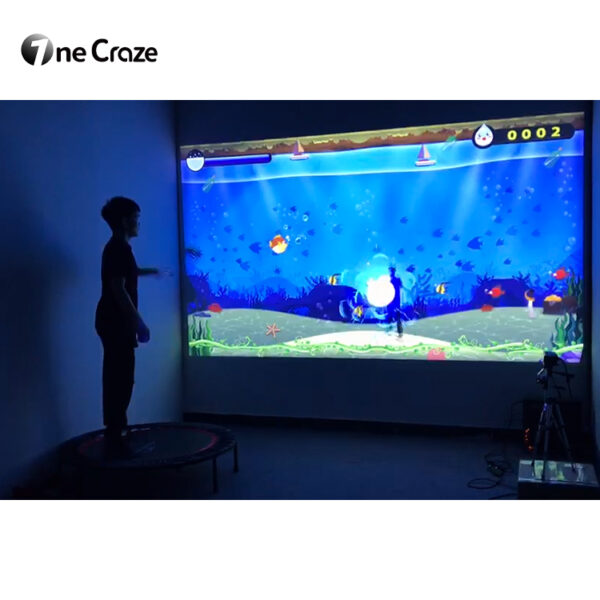
In a screen-based arrangement, the jumper faces a display while compatible sensors translate movement into game actions. Depending on the software, the screen might show an avatar, a live player image or another visual response. Ask which representation the quoted games actually use.
This format gives the experience a clear viewing direction. However, staff still need to assess screen visibility from the intended playing position and whether the instructions make the required movements understandable.
Projection on the trampoline surface
Here, graphics appear on the trampoline bed rather than only in front of it. A proposed game might use responsive patterns or targets, but the supplier must demonstrate the actual interaction and detection method.
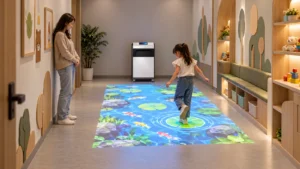
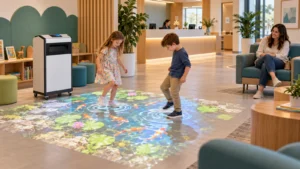
In this article, “floor projection” means projection onto the trampoline surface—not an ordinary interactive floor beside it. A trampoline bed moves and deforms during use, so a rigid-floor demonstration does not establish compatibility. For a broader introduction to equipment and venue planning, see the interactive trampoline overview.
Compare the Two Formats Before Comparing Prices
Use the following table to define the experience you want. It describes purchasing questions, not guaranteed advantages or a standard configuration.
| Buying consideration | Screen-based play | Trampoline-surface projection |
|---|---|---|
| Visual focus | Separate display in front of the player | Graphics on the trampoline bed |
| Player feedback | Confirm avatar, live image or other game response | Confirm how projected effects respond to movement |
| Display planning | Viewing angle, screen placement and glare | Coverage, surface appearance, shadows and projector position |
| Tracking requirement | Detect the actions required by each screen game | Detect the events required by each projected activity |
| Demonstration priority | Player movement and screen response visible together | Bed movement, projected image and response visible together |
| Supply boundary | Confirm display, sensor, computer, software and trampoline | Confirm projector, mounts, sensing, software and trampoline |
Ask What the System Detects—not Just Which Sensor It Uses
A display shows the game; it does not explain the input. Similarly, a camera in a product photograph does not establish whether the software detects body position, jump events, gestures or landing locations.
Ask the supplier to describe one complete action chain: what the player does, what the sensor detects and what changes in the game. This keeps the discussion tied to the attraction rather than a sensor brand name.
Useful questions include:
- Which actions does each included game recognize?
- What happens when the player briefly leaves the detection area?
- Can nearby spectators trigger unintended responses?
- If multiplayer is offered, are players tracked independently or taking turns?
The sensor comparison guide explains why different sensing methods are not interchangeable. Likewise, the commercial motion-sensing games guide distinguishes compatible hardware from licensed game content. Do not assume that a sensor includes a particular game library or commercial usage rights.
Check the Room and Existing Trampoline Together
Send room photographs, dimensions, ceiling height, lighting information and the specifications of any trampoline you plan to retain. Include nearby displays, windows, ceiling fixtures and spectator areas.
For a screen-based proposal, review the screen position and sightline throughout the approved activity. For surface projection, request a demonstration showing how bed movement, shadows and surrounding light affect the picture and detection.
In both cases, confirm:
- Where the display, sensor and computer will be installed.
- Whether mounts or equipment interfere with the intended activity area.
- How staff access controls and maintenance points.
- Who assesses the trampoline, supporting structure and final installation.
Existing equipment is not automatically compatible because it fits inside the room. Have the responsible equipment supplier and qualified local professionals confirm operating limits, clearance requirements and site suitability. A digital upgrade does not replace the physical equipment’s inspection, supervision or operating procedures.
Compare the Demonstration and Commercial Scope
Request an uncut demonstration showing both the player and the display. A screen recording can show attractive graphics while hiding missed detections or an unsuitable playing position.
Within the equipment’s approved operating limits, check session start, ordinary movement, game switching, tracking recovery and return to the idle state. Agree on observable acceptance criteria rather than accepting an undefined promise of “no delay.” The factory acceptance checklist provides a framework for documenting the results.
Next, compare equivalent packages. Ask whether the price includes the physical trampoline, display or projector, sensor, computer, mounting hardware, named games and commissioning support. Separate transport and local installation work using the quotation comparison guide.
Finally, request written terms for commercial use, activation, updates and replacement hardware. The software licensing guide explains the distinction between purchasing equipment and obtaining content rights. A demonstration of another supplier’s branded game is not evidence that your order includes a licensed copy.
Not necessarily. A monitor-based package uses its display for the game image. A projector is a separate requirement when the approved design uses projection; confirm the actual equipment list.
Do not assume so. The viewing direction, layout and input requirements may differ. Ask the supplier to demonstrate the exact game in the proposed format before approving it.
Possibly, subject to physical and digital compatibility checks. Provide the trampoline specifications and room layout, then request a written integration scope rather than purchasing a generic sensor kit first.