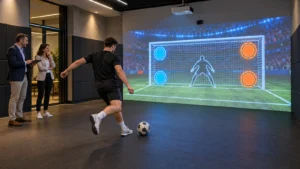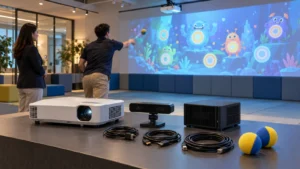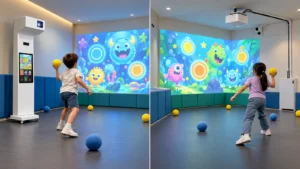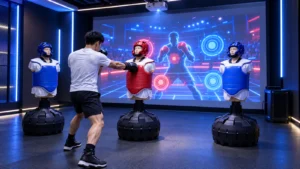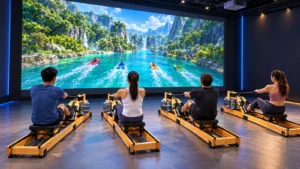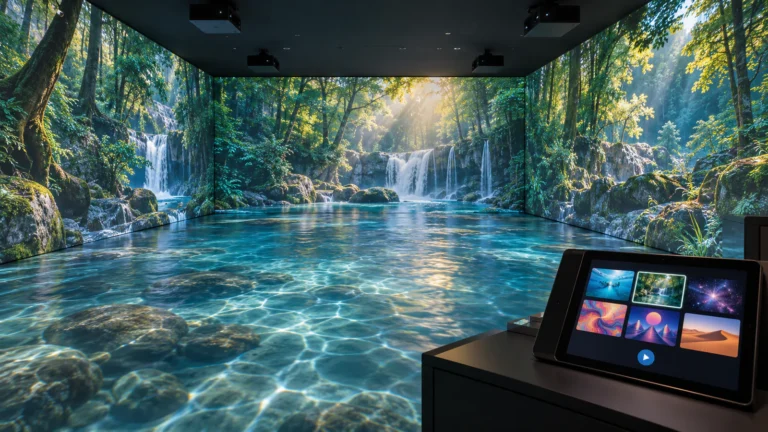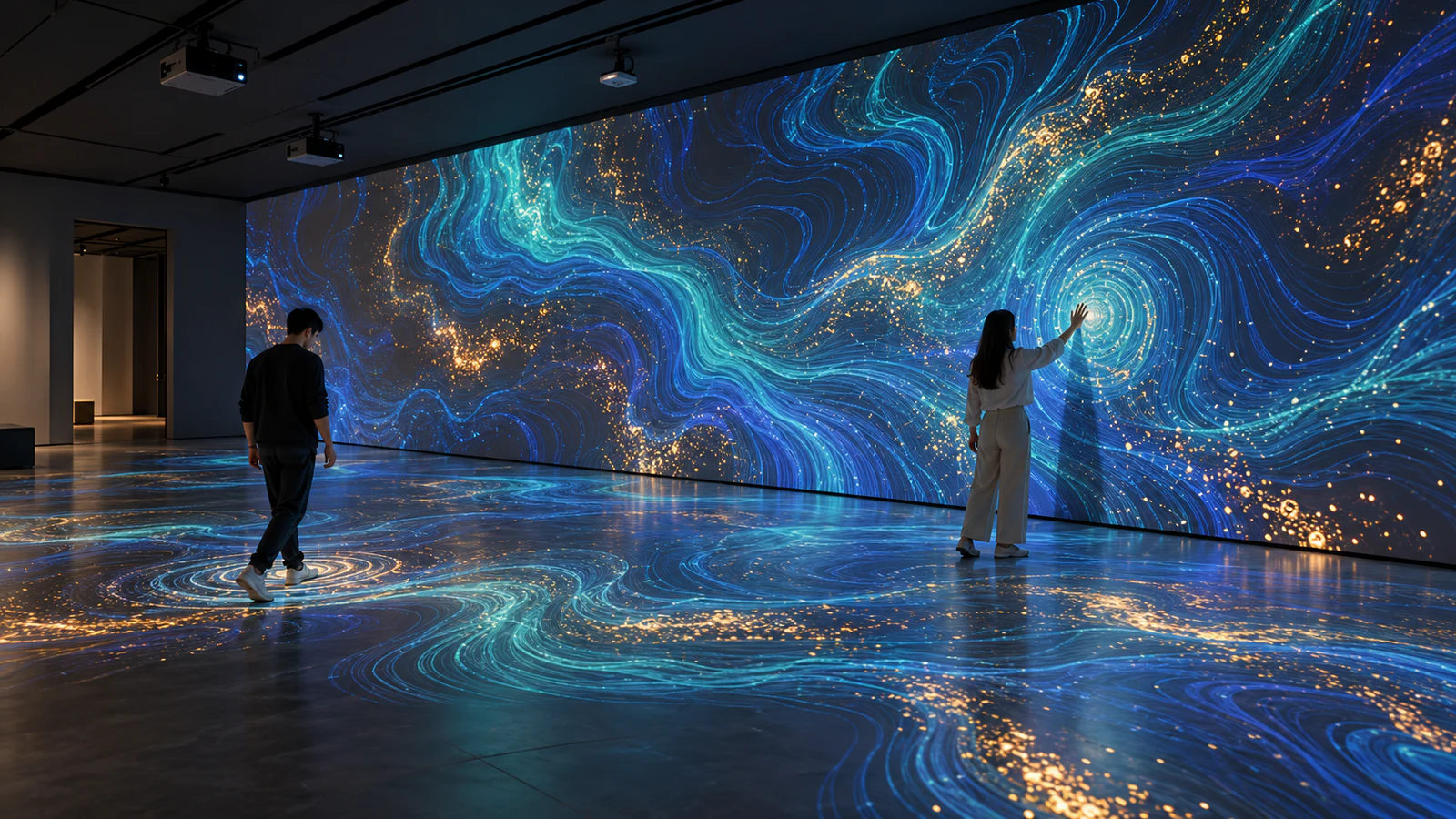
For museums, shopping malls, visitor centers and branded spaces, that connection shapes the content, sensing equipment and installation plan. OneCraze’s immersive projection venue solution provides a starting point for discussing projection and optional interaction. The final proposal should translate your creative idea into a specific experience and an agreed delivery scope.
What Makes a Digital Art Installation Interactive?
An interactive digital art installation changes its output in response to an input, such as movement, position or touch. By contrast, a prerecorded projection continues along its timeline regardless of what visitors do.
This distinction matters when comparing an immersive art installation company with a supplier of display equipment. A quotation for projectors and video playback does not necessarily include detection, real-time graphics or interaction programming.
Define the experience before selecting the equipment:
- Atmospheric projection: visitors watch a prepared visual sequence.
- Reactive artwork: a detected action changes an effect or reveals imagery.
- Participatory installation: visitors contribute to a shared composition under defined rules.
These formats can coexist, but they require different software. For example, a room might play an ambient scene while a designated floor area responds to footsteps. Specify which surfaces react rather than describing the entire room as interactive.
Translate Visitor Actions into a Testable Creative Brief
Instead of requesting “an interactive forest,” describe a short sequence: a visitor enters a zone, a visual response appears nearby, and the effect fades after the visitor leaves. Next, decide how the experience behaves when several people participate.
The table below offers illustrative development briefs—not a list of standard OneCraze inclusions. Ask the supplier to confirm feasibility, demonstrate the selected effect and price any custom work separately.
| Visitor action | Proposed visual response | Function to confirm | Practical acceptance check |
|---|---|---|---|
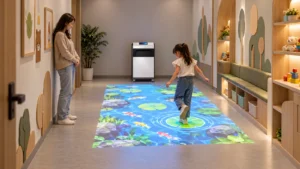
| Walk into a floor zone | Ripples appear around the detected position | Position detection and mapped effect coordinates | Walk across the center and edges; check response alignment |
| Move a hand near a wall | A local cluster of particles moves | Supported gesture or proximity detection | Repeat the agreed action at the intended viewing distance |
| Touch a designated area | An illustrated layer is revealed | Touch detection and reveal logic | Test each active region and the agreed reset behavior |
| Several visitors enter together | A shared composition changes | Concurrent inputs and rules for combining effects | Test the agreed group size, including arrivals and departures |
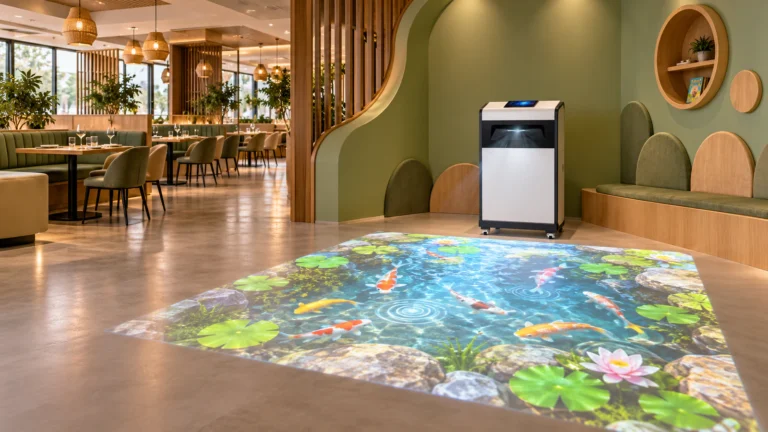
OneCraze’s interactive floor projection system describes movement-responsive floor effects, including ripples and avoidance. However, connecting those effects to a custom wall scene requires additional confirmation.
Choose a Wall, Floor or Whole-Room Experience
The largest projection area is not automatically the best creative choice. Choose the format according to how visitors approach, participate and leave.
A single interactive wall
A wall can give a branded installation or exhibition a clear focal point. Plan both the interaction position and the viewing area so spectators do not continually block participants or sensors. Check whether visitors cast shadows over important imagery.
A responsive floor zone
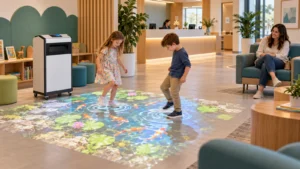
A floor installation can make walking part of the artwork. However, keep the active area distinguishable from required circulation routes. Discuss floor finish, ambient light and access for visitors with different movement abilities during design.
A coordinated immersive room
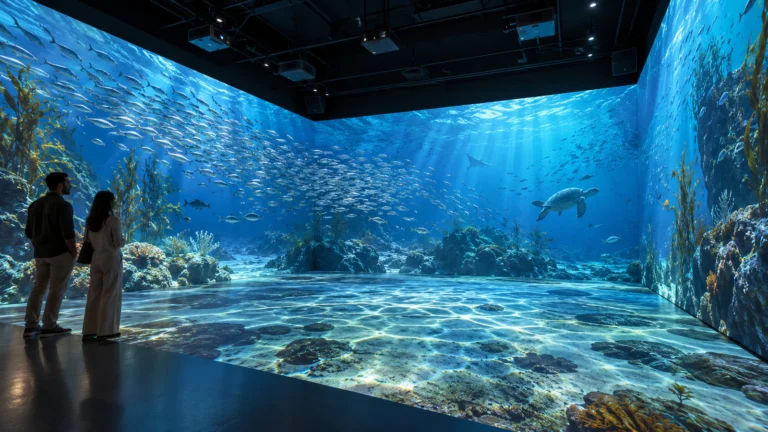
A whole-room presentation can surround visitors with related imagery. Nevertheless, continuous visuals and continuous tracking are separate requirements. A picture extending across a corner does not prove that a person can move between surfaces without interrupting the interaction.
For multi-surface planning, see the wall and floor projection guide. Define whether each surface operates independently or contributes to one shared experience before approving the layout.

Decide What Is Standard Content and What Requires Custom Development
Separate the creative scope into three levels:
- Existing content: select an available effect and confirm its supported installation format.
- Adaptation: specify approved changes to colors, backgrounds, graphics or instructions.
- Original development: commission new artwork, interaction logic, animation or coordinated scenes.
For a brand installation, start with the message rather than placing a logo over an unrelated effect. The custom motion-sensor experience guide discusses how actions and visual feedback can support a campaign, although an art installation need not include scores or competition.
Finally, clarify ownership and usage rights. A commercial exhibition license does not automatically include editable source files, exclusive ownership or permission to deploy the work at unlimited venues. Review the immersive content licensing guide and request written terms for relocation, updates and future adaptations. Supply only artwork and music that you own or are authorized to use.
What Does a Supplier Need to Quote the Project?
A useful inquiry combines a room brief with an experience brief. Provide dimensions and photographs, but also describe the visitor journey and the response you want to create.
Include:
- Project location, venue type and intended opening date.
- Drawings, ceiling height, surface materials and lighting conditions.
- Target audience, expected simultaneous participants and circulation route.
- Desired visitor actions, visual references and available brand assets.
- Required content languages, operating hours and budget range.
- Whether your team needs equipment supply, local integration support or on-site commissioning.
Ask the supplier to identify assumptions and exclusions. A “turnkey” proposal should explain who handles wall preparation, mounting, power, content approvals and installation. The system quotation comparison guide helps separate those responsibilities.
Before shipment, agree on an acceptance demonstration using the approved interaction brief. Check response alignment, multiple participants, scene changes and restart procedures. Then repeat the relevant checks at the venue: a factory demonstration cannot establish how the finished installation behaves under different lighting and visitor conditions.
Yes, a single-wall concept can be evaluated as a standalone project. If expansion matters, ask which content, computers and licenses could be reused; do not assume future surfaces can simply be connected.
No. A theme may be prerecorded video, a reactive effect or an interactive application. Request a demonstration showing the visitor action and its corresponding response for each selected scene.
Possibly. Provide the models, lenses, installation positions and intended image dimensions. The supplier should assess compatibility before promising that existing hardware can support the proposed experience.