What Is Interactive Projection for Museums and Exhibitions?
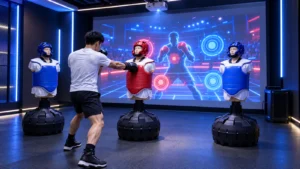
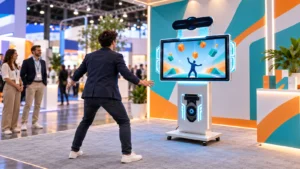
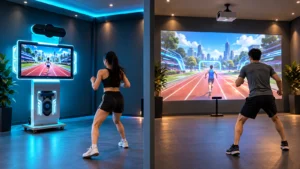
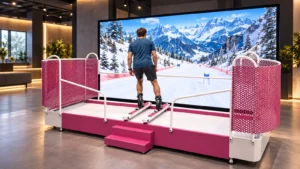
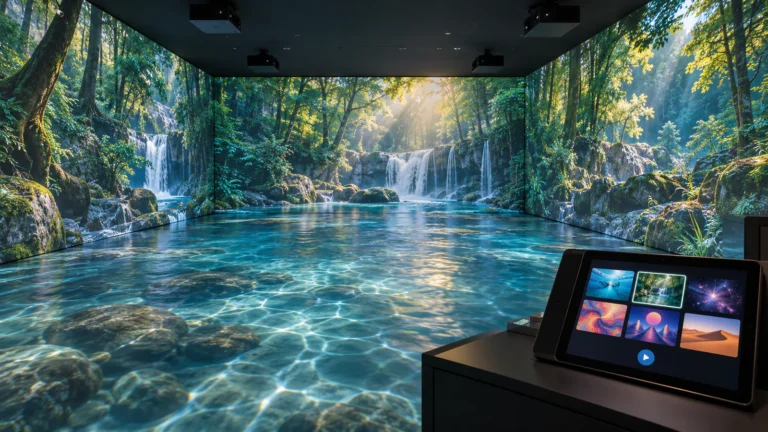
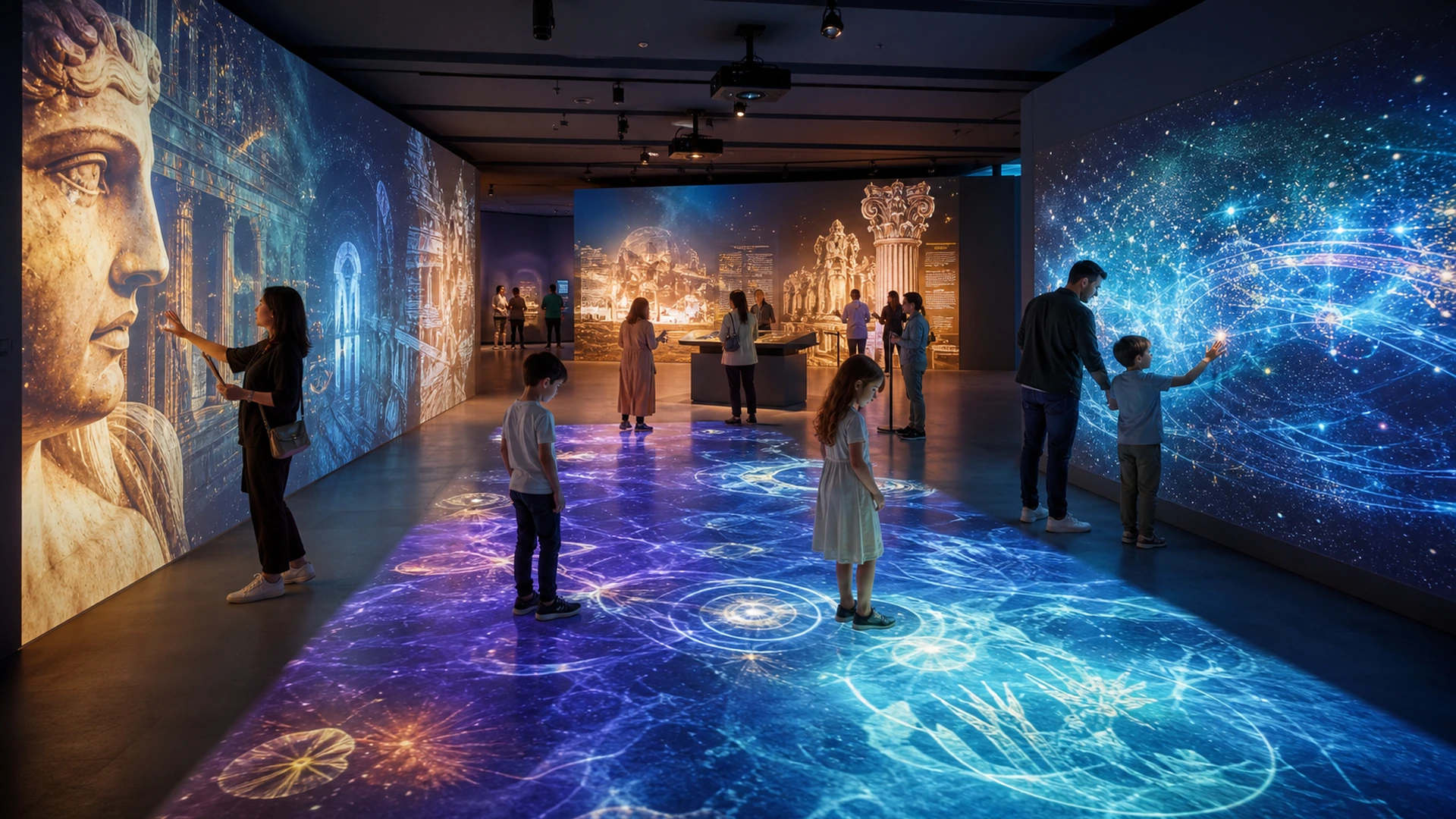
Interactive projection uses projectors, sensors, cameras, software and digital content to create visuals that react to visitors. The projection can appear on a floor, wall, table, object, model, dome or full room surface. When a visitor moves, touches a zone, steps onto a floor area or interacts with a prop, the software changes the image, sound, animation or information layer.
This approach works well because visitors become part of the story. A child can step on planets in a science gallery, a family can touch a historical map to reveal different periods, or an art museum can let visitors walk through animated brushstrokes. OneCraze has already used this idea in immersive museum and art spaces, including its interactive art museum experience in New Zealand.
How Does an Interactive Museum Projection System Work?
A museum projection system usually combines a visual output layer, a sensing layer, a control system and custom content. The projector or display shows the visual scene. Sensors detect visitors. The computer or media server processes the input. Then the software triggers animation, sound, information panels or game logic.
| System component | Main role | Museum planning note |
|---|---|---|
| Projector or display | Shows visuals on walls, floors, objects or screens | Match brightness and resolution to the space and lighting |
| Sensor or camera | Detects movement, touch, distance or object position | Choose the sensor based on the interaction style |
| Media server or computer | Runs visuals, tracking and real-time effects | Use stable hardware for long daily operation |
| Interactive software | Connects visitor actions with content response | Design the logic around the exhibit story, not only the effect |
| Audio system | Adds narration, atmosphere and feedback | Sound should guide visitors without disturbing nearby exhibits |
| Content design | Builds the visual story and interaction flow | Good content makes the technology meaningful |
| Mounting and cabling | Keeps equipment secure and hidden | Museums need clean installation and safe visitor areas |
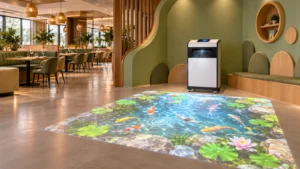
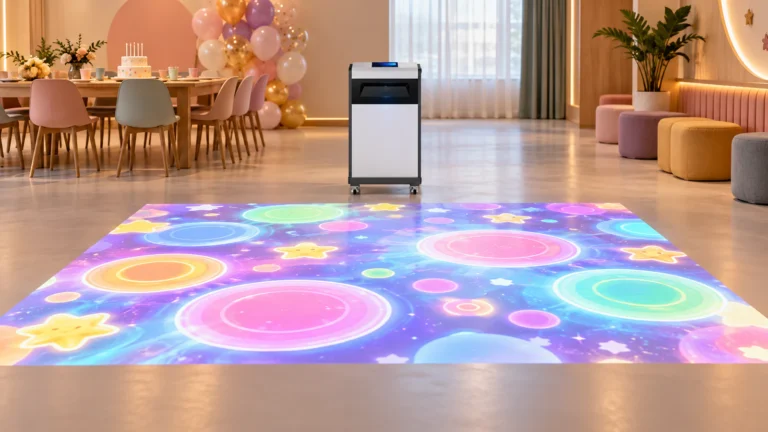
For floor-based experiences, an immersive floor projection mapping system can turn walking paths into responsive storytelling zones. For broader system planning, operators can also compare options on the OneCraze interactive projector system products page.
Best Use Cases for Museums, Exhibitions and Visitor Centers
Interactive projection is strongest when it helps visitors understand or feel something that a static display cannot communicate. It can show change over time, make invisible systems visible, create hands-on learning, or turn a small exhibit room into a larger visual world.
| Use case | Example interaction | Why it works |
|---|---|---|
| History and culture exhibit | Touch a projected map to reveal different eras, routes or stories | Visitors explore information at their own pace |
| Science center | Step on planets, molecules or energy paths to trigger facts | Abstract concepts become physical and memorable |
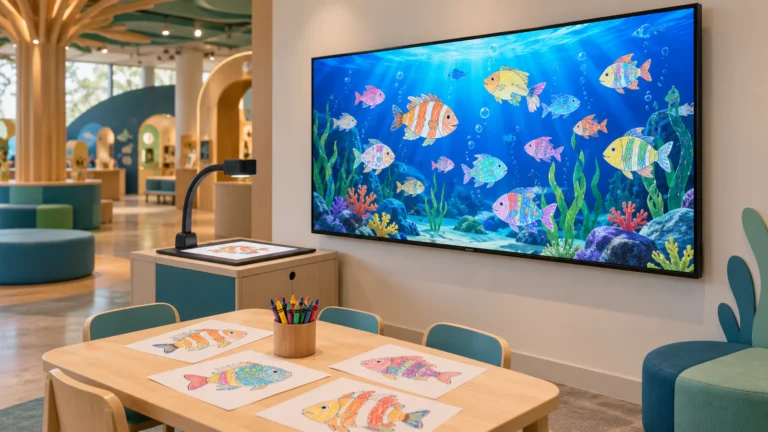
| Children’s museum | Draw sea animals and watch them swim in a projection world | Creative participation increases engagement |
| Art exhibition | Walk through animated paintings, light particles or responsive walls | The artwork feels immersive and personal |
| Tourism visitor center | Interact with landscapes, city models or local heritage scenes | Visitors can preview destinations and cultural highlights |
| Brand exhibition | Trigger product stories, timelines or campaign visuals | Brands can explain complex messages quickly |
| Temporary exhibition | Use portable projection zones for seasonal themes | Content can change without rebuilding the venue |
For example, interactive drawing projection can be useful for children’s museums and family exhibitions. OneCraze’s article on interactive drawing aquarium projection systems shows how visitor-created artwork can become part of a projected digital scene.
Interactive Projection vs Touch Screens vs LED Walls
Museums often compare interactive projection with touch screens and LED walls. Each option has value, but they create different visitor behavior. Projection works best when the goal is spatial interaction, immersion and large-format storytelling. Touch screens work well for precise information browsing. LED walls are strong when the venue needs high brightness and continuous display impact.
| Comparison point | Interactive projection | Touch screen | LED wall |
|---|---|---|---|
| Interaction style | Body movement, touch zones, floor steps, object triggers | Direct finger touch and menu navigation | Usually visual display, sometimes touch with extra hardware |
| Best experience | Immersive storytelling and group participation | Detailed information lookup | Large bright visual impact |
| Space coverage | Floors, walls, objects, tables and full rooms | Screen-sized areas | Fixed wall or display surface |
| Content flexibility | High, especially for themed scenes and mapping | High for apps and information systems | High for video and motion graphics |
| Visitor capacity | Good for multi-user open spaces | Often limited by screen size and queueing | Good for viewing, weaker for physical participation |
| Main limitation | Needs lighting control, calibration and surface planning | Can feel like a normal kiosk | Higher hardware cost and fixed physical structure |
Cost Factors for Interactive Museum Projection
The total cost depends on the project scale, projection area, hardware grade, content complexity, installation environment and support requirements. A small interactive wall for a temporary exhibit has a very different budget from a multi-room immersive museum experience with custom storytelling, synchronized audio and several tracking zones.
| Cost factor | What changes the budget | Practical advice |
|---|---|---|
| Projection area | Larger rooms need more projectors, blending and calibration | Define the visitor capacity before choosing screen size |
| Brightness and resolution | Higher-quality visuals need stronger projectors or displays | Match hardware to the room light and content detail |
| Interaction method | Touch, motion, object tracking and multi-user logic vary in complexity | Choose interaction based on the story, not novelty |
| Custom content | Original animation, 3D scenes, narration and localization add cost | Invest most in content where visitors spend the most time |
| Installation | Mounting, cabling, testing and site preparation affect labor | Plan hardware positions before construction finishes |
| Software integration | Ticketing, data collection, sensors or show control can add work | Keep integration simple unless it improves operation |
| Support and updates | Training, maintenance and content refresh affect long-term value | Ask how the system will be updated after launch |
Therefore, a supplier should review drawings, photos, room dimensions, lighting conditions and content goals before giving a serious quote. OneCraze has also published a related guide on interactive illusion museum projector installation requirements for project teams that need deeper site planning.

How Interactive Projection Improves Visitor Engagement
Interactive projection improves engagement because it gives visitors a reason to act. They can test an idea, reveal hidden information, compete in a challenge, create artwork or move through a story. This active behavior often makes the exhibit more memorable than a passive display.
To measure performance, museums and exhibition operators can track dwell time, repeat interactions, group participation, queue length, social sharing, guided tour feedback and content completion rates. These signals help the team understand whether the projection is supporting the story or only creating a visual spectacle.
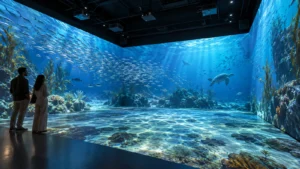
For immersive art and culture projects, OneCraze’s guide to interactive immersive 8K museum projection solutions gives another angle on how large-scale projection, motion tracking and storytelling can work together.
Yes. A small museum can start with one interactive wall, floor path, drawing station or object projection area. The project should focus on a clear story and easy visitor interaction rather than building a large immersive room immediately.
Not always, but lighting control helps. Strong ambient light can reduce contrast, especially for floor and wall projection. The design may require brighter projectors, darker surfaces, curtains or a different display method.
Yes. Portable projection systems, modular sensors and reusable content templates can support temporary exhibitions, pop-up events and touring shows. The team should plan transport, setup time, calibration and staff operation in advance.