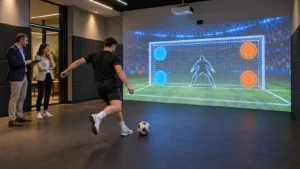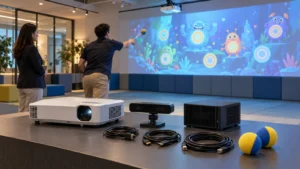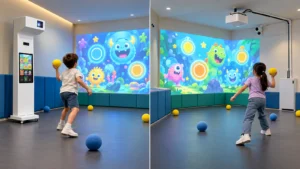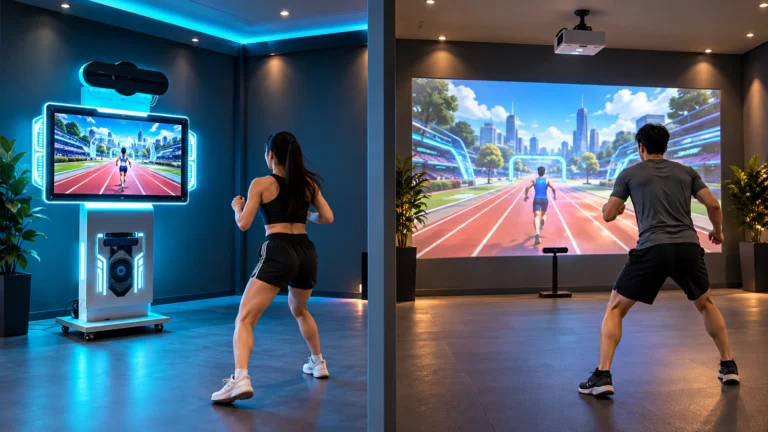
You can also explore the complete OneCraze Activate LED game solution range to compare the available room concepts.
What Makes an LED Floor and Button Wall Challenge Room Different?
Combine footwork and hand-reaction gameplay in one active attraction
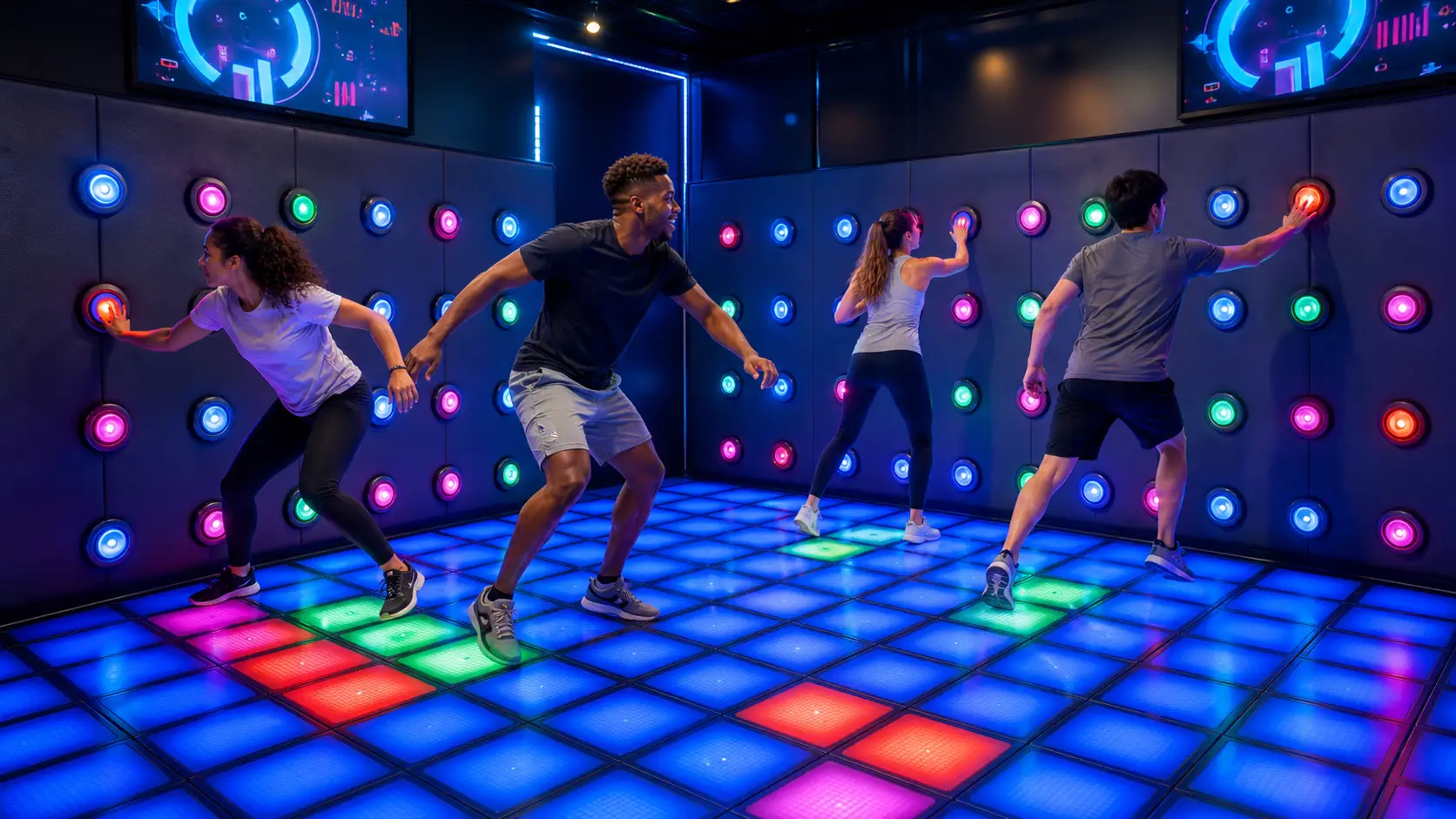
An interactive LED floor uses illuminated, sensor-equipped tiles as both the display and the controller. Players step, jump, dodge, follow colors, avoid hazards, and claim zones with their feet. In contrast, a button wall asks players to scan the room, reach for targets, remember sequences, and coordinate their hands.
Because the two systems demand different movements, they complement each other. The floor controls where players can stand and how they move. Meanwhile, the wall controls where they look, reach, and react. As a result, the room can challenge balance, agility, observation, memory, and communication during the same visit.
OneCraze currently lists an interactive LED floor tile grid with 300 × 300 × 75 mm capacitive tiles, support for one to six players, four game modes, and up to 24 levels. Its Push Button Wall system targets multiplayer use and lists seven basic modes, backend game creation, and a minimum published space requirement of 3 × 5 meters. Buyers should treat these specifications as starting points and confirm the final combined-room configuration in the project quotation.
Operators can combine the systems in two main ways:
- Adjacent attractions: Players complete the LED floor challenge and then move into a separate button wall room. This arrangement simplifies maintenance and lets the venue sell each attraction separately.
- Integrated challenge room: Players use the floor and walls during one connected mission. This format creates a stronger signature experience, although it requires more software coordination and careful room planning.
For a broader comparison of the technologies, buyers can review OneCraze’s guide to an interactive LED floor and wall game room. Venues planning several activity rooms can also use the active game room solution guide to build a more varied attraction mix.
What Equipment Does the Challenge Room Need?
Build one reliable hardware, software, and control stack
First, the room needs a commercial LED floor platform. The platform normally includes load-bearing interactive tiles, step or pressure sensing, tile controllers, power distribution, data cables, edge treatment, and game software. The floor must give players immediate visual feedback, while the control system must record each valid step without noticeable delay.
The OneCraze Lava LED Floor Game Room provides a relevant starting platform for running, dodging, color recognition, and team missions. Buyers who want to understand its gameplay structure can also read the guide to building a commercial Floor Is Lava game room.
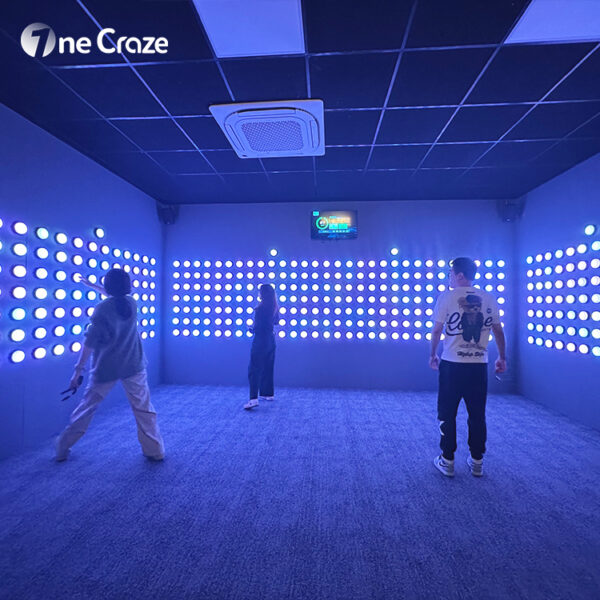
Next, the room needs a button wall. A complete wall system may include RGB touch buttons, wall panels, mounting structures, controllers, power supplies, wiring, audio cues, a timer, and a scoreboard. Moreover, the operator should ask whether technicians can replace one button or controller without dismantling the whole wall.
The room also needs a central control layer. Depending on the operating model, that layer may include:
- A game computer and approved software version
- A touchscreen or operator console
- Start, pause, reset, and emergency controls
- A large timer or score display
- Synchronized lighting and audio
- Player profiles, team names, and difficulty settings
- Session logs and diagnostic tools
- Network access for approved remote support
- RFID, QR, booking, membership, or POS integration when required
How Should You Plan the Room Layout?
Design player flow before you place tiles and buttons
A practical layout should include the following zones:
- Entry and briefing zone: Place this area outside the fastest movement path. Use it to explain colors, scoring, penalties, and stop procedures.
- Interactive LED floor zone: Center the playable grid where possible and protect its exposed edges. Also keep non-playing guests away from the live tile area.
- Button wall zone: Position buttons across reachable height bands for the intended audience. A children’s room and an adult team-building room should not use the same target distribution without review.
- Transition zone: Give players enough room to turn from floor cues toward wall targets without colliding.
- Operator and equipment zone: Let staff see the entrance and active area. At the same time, give technicians protected access to controllers, power supplies, and the game computer.
- Exit and reset zone: Move finished groups away from incoming players so the next session can start quickly.
For a larger venue, operators can connect this room with an Activate LED Game Room Arena or an Activate Hide team challenge. However, they should vary the physical action in each room so guests do not repeat the same button-tapping task throughout the venue. The OneCraze indoor interactive amusement park planning guide provides additional ideas for zoning and traffic flow.
Which Game Modes Create Repeat Play?
Rotate simple rules into progressive team challenges
Good game design lets first-time players understand the objective within seconds. At the same time, it gives returning players harder levels, new patterns, and better scores to chase. Therefore, operators should evaluate the progression system instead of counting only the number of games.
An LED floor and button wall room can support several useful game families:
Floor-first game modes
- Floor Is Lava: Players avoid red or dangerous tiles while they reach safe zones.
- Color route: Teams follow a changing path across the floor.
- Territory control: Players capture tiles for their team before time expires.
- Memory grid: Players reproduce a sequence of illuminated floor positions.
- Reaction race: Players step on valid targets as quickly as possible.
The OneCraze Run the Grid game guide explains how an LED grid can support commercial movement challenges.
Wall-first game modes
- Reaction hit: Players press illuminated buttons before they switch off.
- Memory sequence: Teams repeat a pattern in the correct order.
- Color hunt: Each team presses only its assigned color.
- Cooperative mission: Several players activate targets at the same time.
- Elimination round: Incorrect presses remove time, points, or lives.
The interactive touch wall game room guide gives buyers a closer look at button placement, hardware, and team-based wall modes.
Combined floor-to-wall game modes
- Safe-zone strike: The floor shows where a player must stand before the wall activates a valid target.
- Color relay: A floor tile gives the color, and the player must find the matching wall button.
- Team split: Some players control floor zones while teammates solve the wall sequence.
- Moving base: Players must change their floor position between button-wall actions.
- Final mission: The room combines floor hazards, a countdown, wall targets, and a shared team score.
How Can Operators Turn the Room into a Commercial Attraction?
Connect access, throughput, maintenance, and supplier acceptance
Operators should first decide how guests enter the room. Staff can start each session manually, or the venue can connect the attraction to a touchscreen, RFID wristband, QR code, coin input, booking platform, or membership system. A low-staff venue can study the OneCraze guide to a self-service interactive LED floor game system before it defines the access workflow.
Next, operators should design a short and consistent session cycle:
- The guest checks in or validates access.
- The system confirms the group and difficulty.
- A visible tutorial explains the rules.
- The room starts a countdown.
- Players complete one game or a short sequence.
- The system displays the score and resets.
- Staff receive an alert if the system cannot return to its ready state.
Maintenance planning matters just as much as gameplay. Staff should inspect tile surfaces, exposed edges, buttons, wall panels, emergency controls, sensors, and cables on a defined schedule. Meanwhile, technicians should back up approved configurations, record software versions, keep recommended spare parts, and document the replacement process for tiles, buttons, controllers, and power supplies.
Before placing an order, buyers should ask the supplier to provide:
- A dimensioned floor and wall layout
- Exact tile and button quantities
- Power, control, and network diagrams
- A complete game and level list
- Player capacity and session workflow
- Software update and customization terms
- API or access-control responsibilities
- Installation and commissioning scope
- Warranty, spare-parts, and remote-support terms
- Factory and on-site acceptance criteria
Because suppliers may use “complete system” and “turnkey room” differently, buyers should use the OneCraze guide to comparing interactive system quotations. They should also run the relevant checks in the factory acceptance test guide before shipment.
Ultimately, the best room does not simply contain more LEDs. It connects equipment, layout, game design, guest flow, and maintenance into one repeatable commercial experience. If you want OneCraze to review your room dimensions and desired game mix, contact the OneCraze team and include your floor plan, ceiling height, target players, operating model, and preferred opening date.
The final space depends on the floor grid, player capacity, wall arrangement, entrance, equipment cabinet, operator position, and local circulation requirements. The OneCraze Push Button Wall page lists a minimum area of 3 × 5 meters for that product. However, a combined floor-and-wall room may need more space. Send the supplier a dimensioned floor plan before you order.
The price depends on the number of LED tiles and buttons, room construction, game software, displays, control equipment, access integration, customization, shipping, installation, and spare parts. Ask for an itemized quotation that separates the core hardware, software, optional integration, installation, and lifecycle support. This approach lets you compare real scope instead of comparing headline prices.
Yes, a supplier can connect both systems through a central control workflow. However, shared access does not automatically mean shared gameplay. If you want one mission to synchronize floor tiles, wall buttons, scoring, audio, and a leaderboard, specify that requirement before quotation and test the exact integrated mode during acceptance.