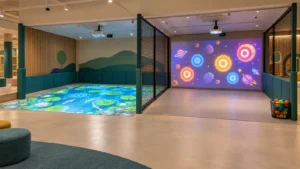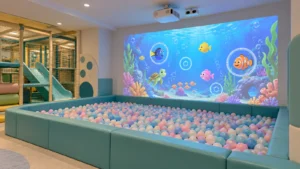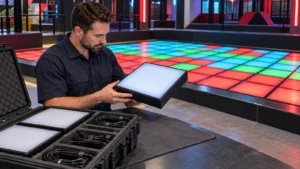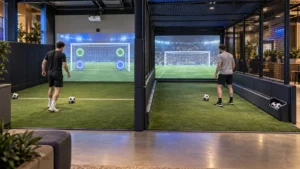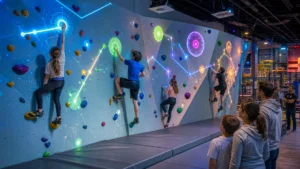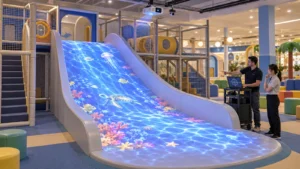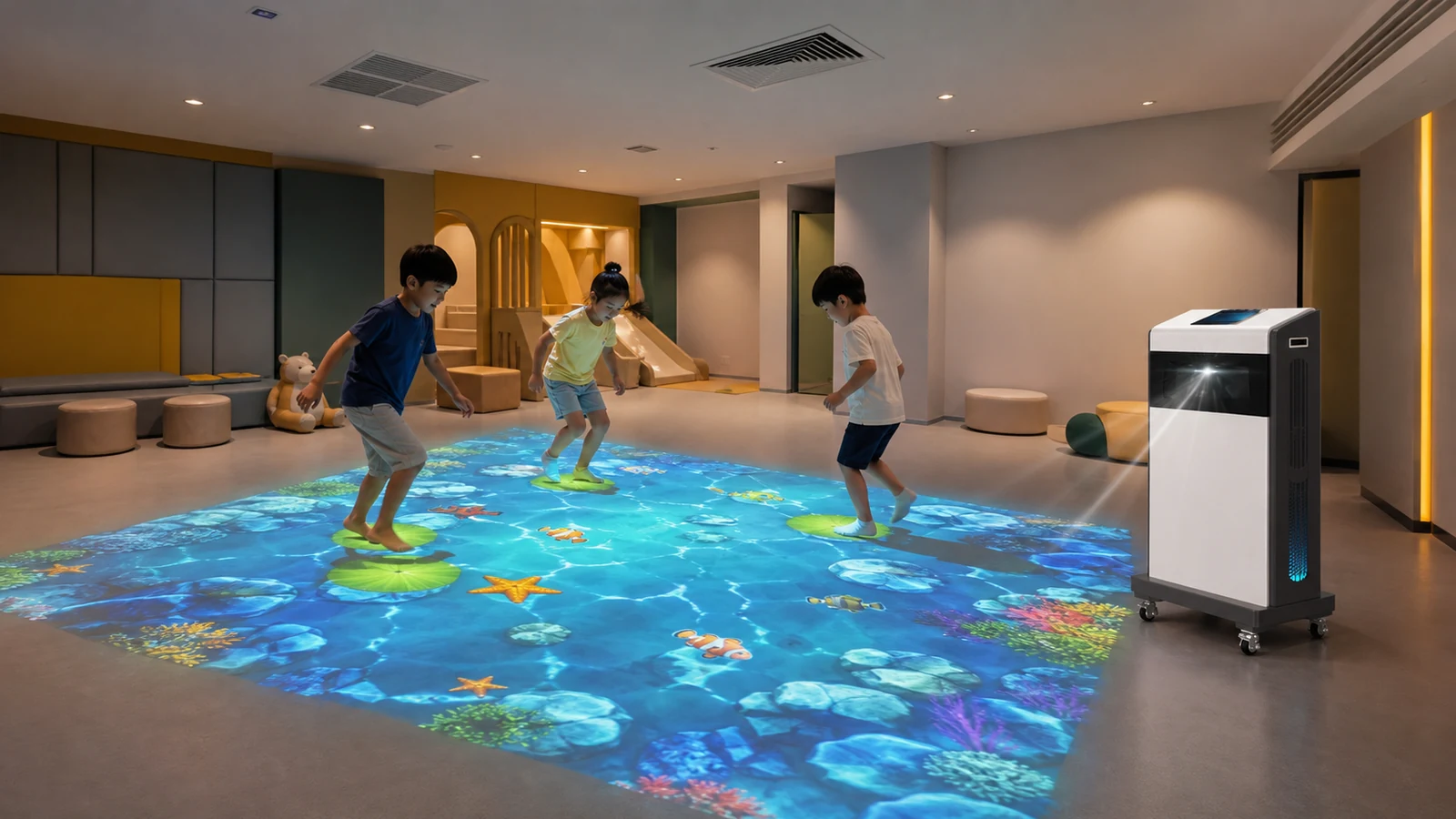
Can an Interactive Floor Projector Work Without a Ceiling Mount?
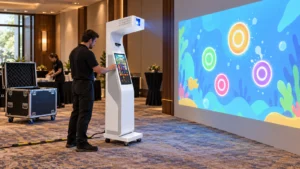
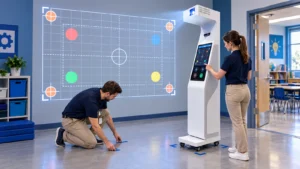
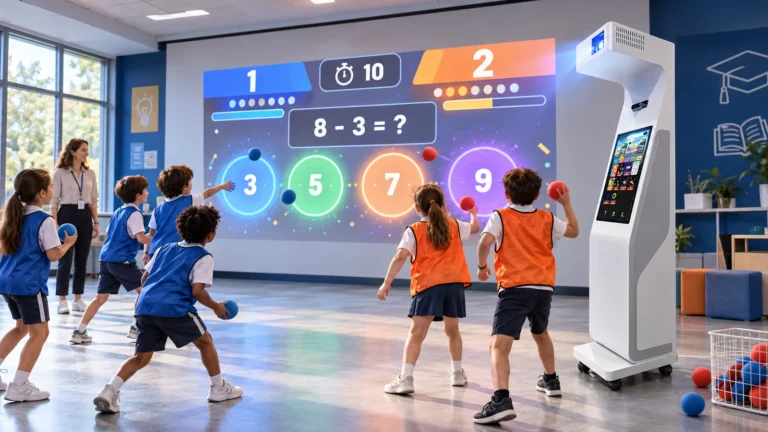
Yes. A mobile interactive floor projector creates the image from a self-contained cabinet positioned beside the play area. Its sensor detects feet and body movement, while the software converts those actions into game responses, scores or visual effects.
This arrangement removes several tasks associated with a distributed ceiling system:
- Drilling into the ceiling structure
- Installing a projector mount and safety cable
- Routing video, sensor, audio and power cables overhead
- Hiring lifting equipment for installation and maintenance
- Coordinating installation around ceiling services
- Leaving permanent equipment in a rented venue
The OneCraze Mobile Interactive Floor All-in-One combines a short-throw laser projector, laser-radar tracking, computer, audio and a 10.1-inch control screen in a wheeled enclosure. Its published configuration supports one to six players and requires approximately 2.9 × 4.0 meters of operating space.
Why Is Ceiling Installation Sometimes Impractical?
Low ceilings and limited projection distance
A low ceiling can restrict the distance between the projector and the floor. This reduces the achievable image size unless the system uses suitable short-throw optics or an alternative optical path.
The image width depends on the projector’s throw ratio:
Image width = throw distance ÷ throw ratio
Therefore, the buyer should not select a projector from brightness alone. The exact lens, image orientation, cabinet geometry and usable floor area all matter. ProjectorCentral’s projection calculator explains the relationship between throw distance, image width and lens ratio and can provide an independent first check.
Suspended ceilings without structural support
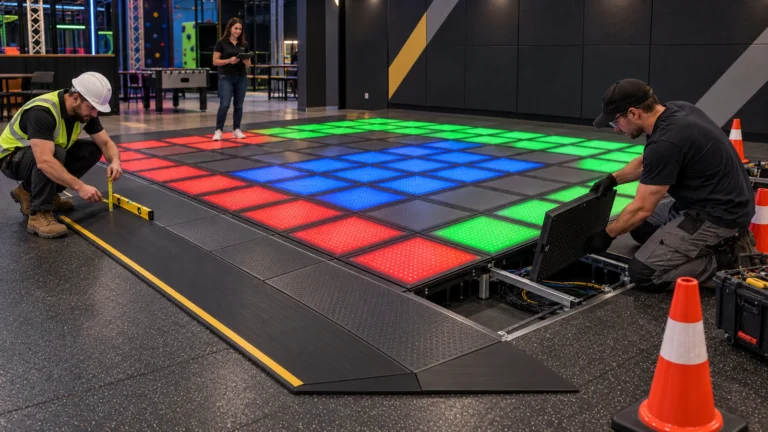
Decorative tiles and light ceiling grids are not automatically structural mounting points. A safe fixed installation normally requires:
- A verified beam, slab or engineered support
- A mount rated for the total suspended load
- Secondary retention or a safety cable
- Sufficient ventilation around the projector
- Safe access for inspection and servicing
- Approval under applicable local building rules
Services above the play area
Ceiling plans may show an apparently open location, but a site inspection can reveal conflicts such as:
- Sprinkler heads and smoke detectors
- Air-conditioning ducts and vents
- Pendant lights and illuminated signs
- Access panels and cable trays
- Acoustic treatments and decorative structures
- Moving partitions or retractable equipment
The installer should not move or obstruct safety systems simply to accommodate the projector. In many cases, changing to a mobile layout is faster and less disruptive.
Rental and multipurpose venues
Landlords frequently restrict drilling, exposed cabling and permanent modifications. Meanwhile, schools, hotels, event companies and community centers may need the same equipment in several rooms.
A mobile system supports these operating models:
- One machine shared by several classrooms
- A temporary activity in a shopping mall
- Weekend or holiday programming in a hotel
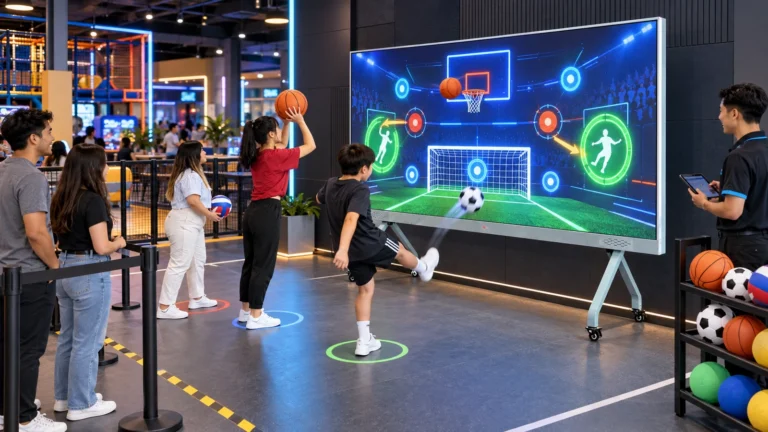
- A rotating attraction inside an FEC
- Short-term brand activations and exhibitions
- Trial operation before a permanent installation
Which No-Ceiling Installation Option Fits the Venue?
| Installation option | Best suited to | Main advantages | Points to verify |
|---|---|---|---|
| Mobile floor-standing all-in-one | Low ceilings, leased sites, temporary events and shared rooms | No ceiling drilling, integrated hardware and repositionable operation | Machine route, wheel locks, floor footprint, power cable and recalibration |
| Wall-arm or wall-mounted floor projection | Rooms with a strong wall but unsuitable ceiling | Keeps most equipment away from players and may save floor space | Wall structure, arm load, projection angle, safety retention and shadows |
| Fixed ceiling-mounted system | Dedicated permanent play zones | Clean installation, repeatable alignment and no cabinet beside the game | Structural mounting, ceiling height, lift access, cable routing and servicing |
| Custom truss or freestanding frame | Exhibitions, stages and temporary commercial installations | Flexible equipment selection and larger multi-device layouts | Ballast, stability, public barriers, assembly time and local event rules |
Buyers with a compact education or fitness application can also compare the Mini Sports Floor Interactive All-in-One SAIO 2.0 with the larger mobile configuration. The correct choice should follow the room survey rather
What Room, Floor and Lighting Conditions Are Required?
Clear operating area
The room must accommodate both or the image and safe player movement. Measure:
- Available floor length and width
- Ceiling height at the lowest obstruction
- Distance from the machine to the activity area
- Door, lift and corridor dimensions
- Clearance around exits and fire equipment
- Space behind or beside the cabinet for ventilation
- Distance to the nearest suitable power outlet
Floor color and finish
Projection performs best on a flat, light-colored and matte surface. Before installation, inspect the floor for:
- Dark carpet that absorbs projected light
- Polished tile or marble that creates glare
- Strong patterns that reduce image contrast
- Uneven joints or raised transitions
- Loose rugs that may move during play
- Wet or slippery areas near entrances
Ambient light
The site survey should document:
- Daytime and evening lighting conditions
- Nearby windows, skylights and glass entrances
- Lights directly above the projected image
- Whether blinds or lighting zones are available
- Approximate illuminance in lux at the floor
- Required image size under those conditions
Epson’s official projector brightness guide explains that room conditions determine and required output and recommends checking both white and color brightness. For procurement, request the exact projector model and its manufacturer datasheet rather than accepting an unspecified “high-brightness projector.”
Practical site-readiness matrix
| Site condition | Usually workable? | Recommended action before ordering |
|---|---|---|
| 2.4–2.8 m ceiling with no approved mount | Yes, with a suitable mobile system | Confirm the machine’s optical path and clear room plan |
| Suspended ceiling in a rented unit | Yes, without overhead installation | Obtain landlord approval for floor operation and cable protection |
| Light matte vinyl or low-gloss floor | Generally suitable | Test the final projector and game content on a sample |
| Dark carpet or polished marble | Possible with changes | Test a removable light matte mat under actual lighting |
| Strong daylight on the floor | High risk | Add blinds, redirect lights, reduce image size or select higher brightness |
| Narrow door or level changes | Depends on machine size | Compare clear openings and route against packed and operating dimensions |
| One system used in several rooms | Suitable for mobile operation | Mark positions and save or document room-specific calibration |

What Should the Supplier Test Before Shipment?
The FAT should include:
- Component verification
- Record the computer, graphics card, projector and sensor models.
- Photograph serial labels and software version screens.
- Image-size measurement
- Measure the visible image width and height.
- Record the machine position and test-room lighting.
- Tracking-grid test
- Mark the center, four corners and edge points.
- Check trigger alignment, missed actions and false detections.
- Multiplayer test
- Run applicable games with one to six players.
- Test crossing paths and simultaneous actions.
- Mobility test
- Move the machine away from the marked position.
- Return it, lock the wheels and record the time needed to resume play.
- Continuous-operation test
- Run several supplied games for an agreed period.
- Record crashes, restarts, excessive noise or abnormal temperature.
- Power and control test
- Verify startup, normal shutdown, audio, touchscreen and remote control.
- Confirm how the system recovers after a power interruption.
- Packing inspection
- Check dimensions, gross weight, internal protection and accessory list.
- Confirm that moving parts and projector alignment are protected for shipping.
There is no universal minimum because the answer depends on the projector lens, mounting method, image size and sensor layout. A mobile floor-standing system removes the overhead mounting requirement, but the supplier must still confirm the optical path and clear operating space from the room drawing.
Yes, a mobile all-in-one system can avoid ceiling drilling and permanent cabling. However, the tenant should still obtain approval for the equipment location, power route, floor mat, operating hours and public-safety arrangements.
Not always. Returning the machine to marked reference points in the same room may require only a quick alignment check. Moving to a different room, changing the image size or changing the floor surface can require a new projector and sensor calibration.