What Is an Interactive Quiz Wall for Schools?
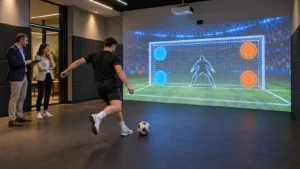
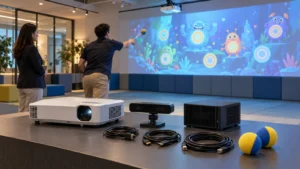
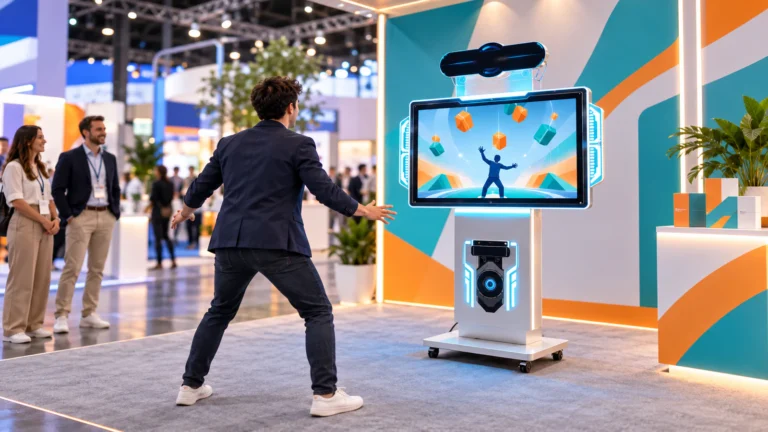
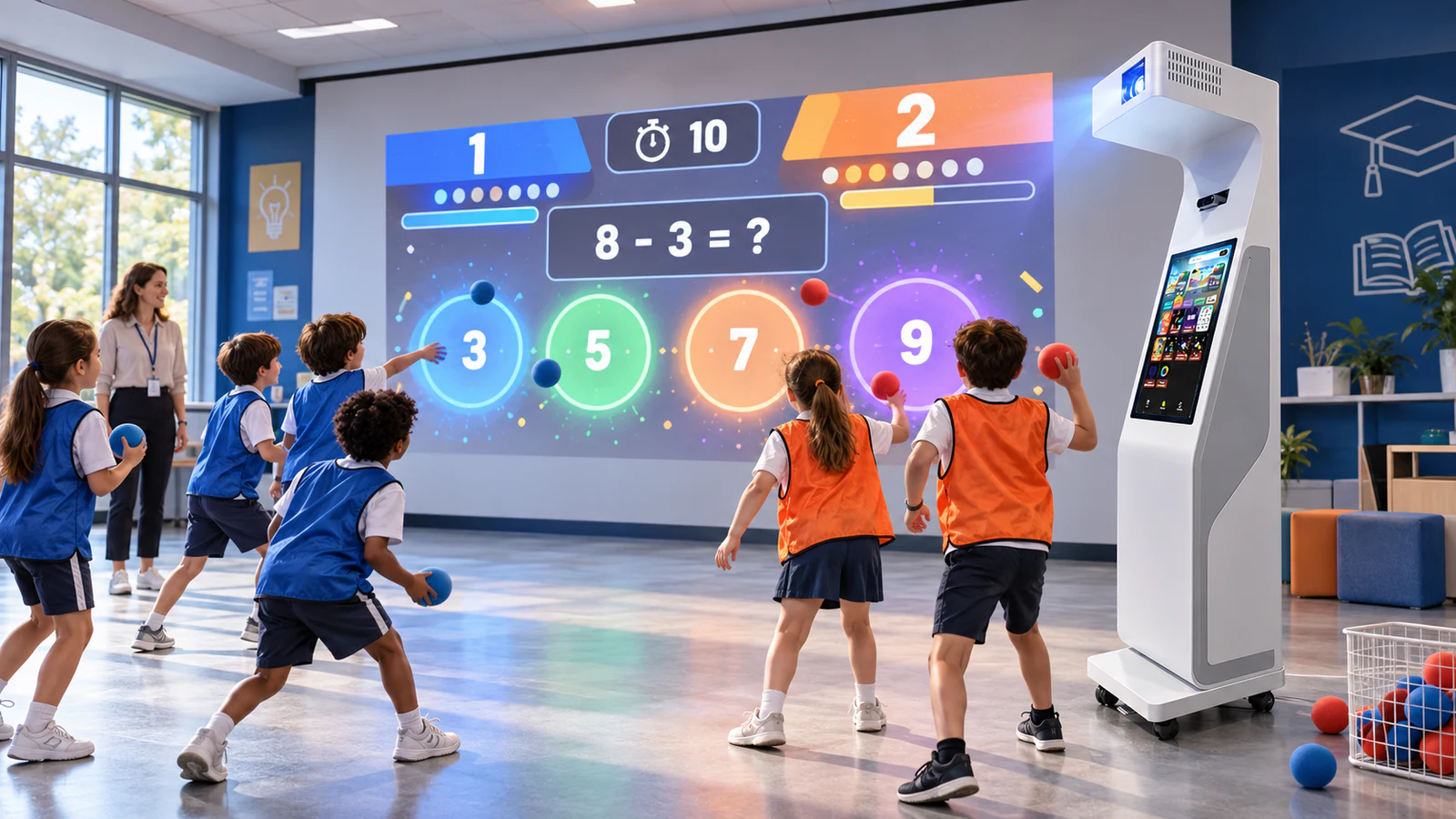
An interactive quiz wall combines a projector, sensing hardware, computer, quiz software and an operator interface. It displays questions and answer targets on a normal prepared wall, then translates a ball hit or another approved action into a game response. As a result, one activity can combine recall, aiming, reaction and team competition.
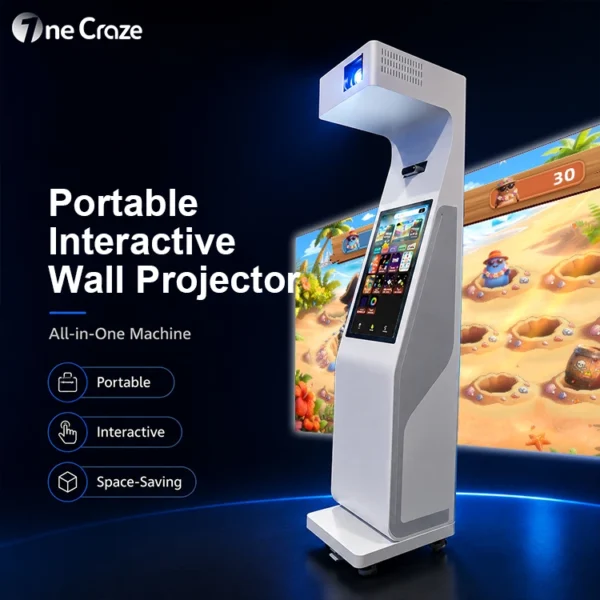
The OneCraze portable interactive wall projector all-in-one machine integrates the projector module, motion sensor, touchscreen control, software and mobile base into one unit. Its portable format is designed for schools, gyms, FECs and activity rooms that do not want separate ceiling-mounted components.
The format can support more than conventional multiple-choice questions. Depending on the agreed software package, a quiz library may include:
- Mathematics and number-order challenges
- Vocabulary, spelling and word-matching games
- Science, geography and general-knowledge questions
- Color, shape and visual-memory exercises
- Timed reaction and target-hitting rounds
- Two-team competitions with separate scores
This type of activity should complement, rather than replace, normal teaching and physical education. The U.S. Centers for Disease Control and Prevention notes that classroom physical activity can be integrated into academic instruction and may support concentration, motivation and engagement.
Can Schools Upload Their Own Questions?
Yes, an interactive quiz wall can use custom questions when the quoted software or content service includes that capability. Nevertheless, “customizable” can describe several very different delivery models. The quotation should state who enters the questions, which formats are accepted and whether the buyer can edit the content after delivery.
| Content model | Who prepares the questions? | Main advantage | What the buyer must confirm |
|---|---|---|---|
| Preloaded quiz library | Software supplier | Fastest deployment | Subjects, age levels, languages and update policy |
| Supplier-configured question bank | School submits content; supplier imports it | Supports branded or curriculum-specific projects | Included question quantity, revisions and future update cost |
| Operator self-editing system | Teacher or authorized operator | Content can change without returning to the factory | Editor access, training, supported formats and license limits |
| Fully customized game | Supplier develops new rules, graphics and data flow | Best for a special curriculum or branded program | Development scope, ownership, acceptance test and maintenance |
Before ordering, ask for a live demonstration of the exact content workflow. For example, the supplier can receive five sample questions, import them and show how the finished game appears on the wall. If self-editing is required, the demonstration should show a staff member adding a question, changing an answer and publishing the update without developer assistance.
Schools that need branded screens, several interface languages or connections to another platform can also review the OneCraze guide to custom interactive wall games, OEM software and API options. A standard logo replacement is not the same as an editable question-management system, so these functions should appear as separate quotation items.
Which File Formats and Languages Should Buyers Check?
The school should confirm whether content is entered through a built-in editor or imported from Excel, CSV or another template. It should also test punctuation, long questions, images, mathematical symbols and right-to-left text if these are required. A system that can display a short English question may still need additional layout work for Arabic, bilingual content or image-based answers.
How Does a Two-Team Ball-Throwing Quiz Work?
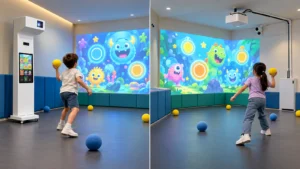
A practical session can follow this sequence:
- A teacher or operator selects the subject, difficulty and round length from the control screen.
- Students form two teams and stand behind the designated throwing line.
- The projected wall shows a question and answer choices for each team.
- One player from each team throws an approved soft ball at an answer.
- The system records the detected hit, displays the result and updates the score.
- The next players rotate in until the round ends.
The sensing test matters as much as the question content. The buyer should demonstrate hits near the center, edges and corners of each answer target, followed by two near-simultaneous throws. The OneCraze article on multi-sport wall projector ball tracking explains why ball size, speed, material and sensor method can change detection performance.
Furthermore, only supplier-approved soft balls should be used unless a different ball has passed a documented test. The wall also needs a flat, impact-tolerant surface and a clear throwing zone. Buyers planning the room can compare paint, panels and padding in the guide to the best wall surface for ball-throwing interactive projection.
Where Can an Educational Wall Projector Be Used?
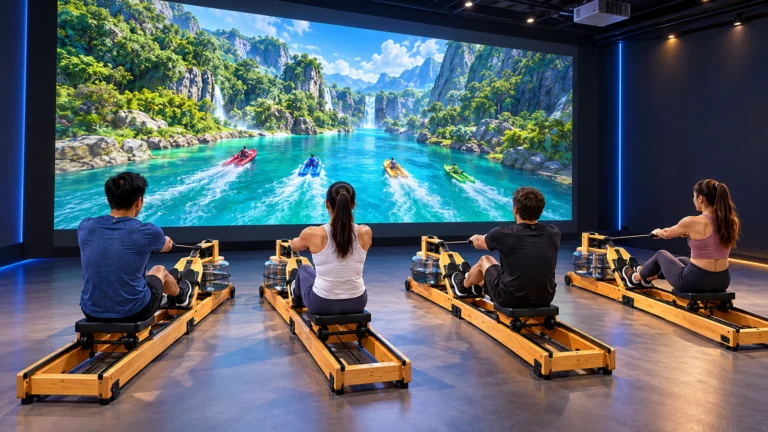
The same machine can serve different programs when the software library matches the users. In a primary school, short mathematics, vocabulary and memory rounds can support active learning. In a PE class, the operator may combine quiz questions with reaction or target games. After school, the system can run team tournaments or family activities.
Other buyers may use a similar format differently:
- Kindergartens: color, number, shape and picture-matching activities with simple instructions
- Training centers: revision questions, language practice and timed team assessments
- Libraries and museums: exhibit-related quizzes and visitor challenges
- Hotel kids clubs: multilingual games that can change with guest groups
- FECs and indoor playgrounds: fast competitive rounds, party games and branded challenges
- Distributors: localized interfaces, regional question banks and white-label packages
Portability can make the equipment more useful in multipurpose buildings because staff can move it between an activity room, event hall or training area. Still, movement does not eliminate setup requirements. Each location needs suitable power, a prepared wall, adequate image size, controlled ambient light and a safe distance for players. The OneCraze interactive wall projector installation guide for gyms provides a broader room-planning checklist.
What Should Buyers Verify Before Ordering?
Buyers should compare the complete operational package rather than the number of advertised games. A large library has limited value if staff cannot find suitable content, the system misses ball hits or the license prevents the buyer from updating questions.
| Procurement item | Evidence to request before purchase |
|---|---|
| Projector | Brand, model, ANSI lumens, resolution, throw ratio and replacement policy |
| Projection layout | Tested image width and height, machine-to-wall distance and ambient-light condition |
| Sensing | Sensor type, calibration procedure, response test and simultaneous-hit behavior |
| Custom questions | Live import or editing demonstration using the buyer’s sample content |
| Languages | Screenshots and live tests for every required interface and question language |
| Team operation | Player count, scoring rules, timer controls and tie-handling method |
| Included games | Named game list, version number, age range and permanent or subscription license |
| Safety and accessories | Approved soft-ball specification, throwing distance and included ball quantity |
| Support | Warranty, remote diagnostics, software updates, spare parts and response time |
For broader software questions, buyers can read how interactive floor and wall projector game software connects sensing, scoring and content. Schools comparing a mobile unit with a permanent installation can also review the portable interactive wall projector manufacturer guide.
No. An interactive whiteboard normally supports close-range touch, writing and presentation. An interactive quiz wall focuses on full-body participation, projected game targets, scoring and approved inputs such as soft-ball hits or motion. Buyers should choose the system according to the intended activity rather than treating the two products as interchangeable.
They can do so only when the purchased software includes a self-editing tool, or when the supplier provides a question-import service. Request a live workflow demonstration and include the agreed editing rights, formats and content limits in the quotation.