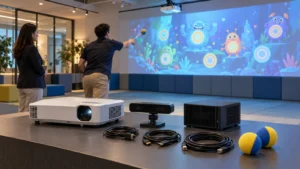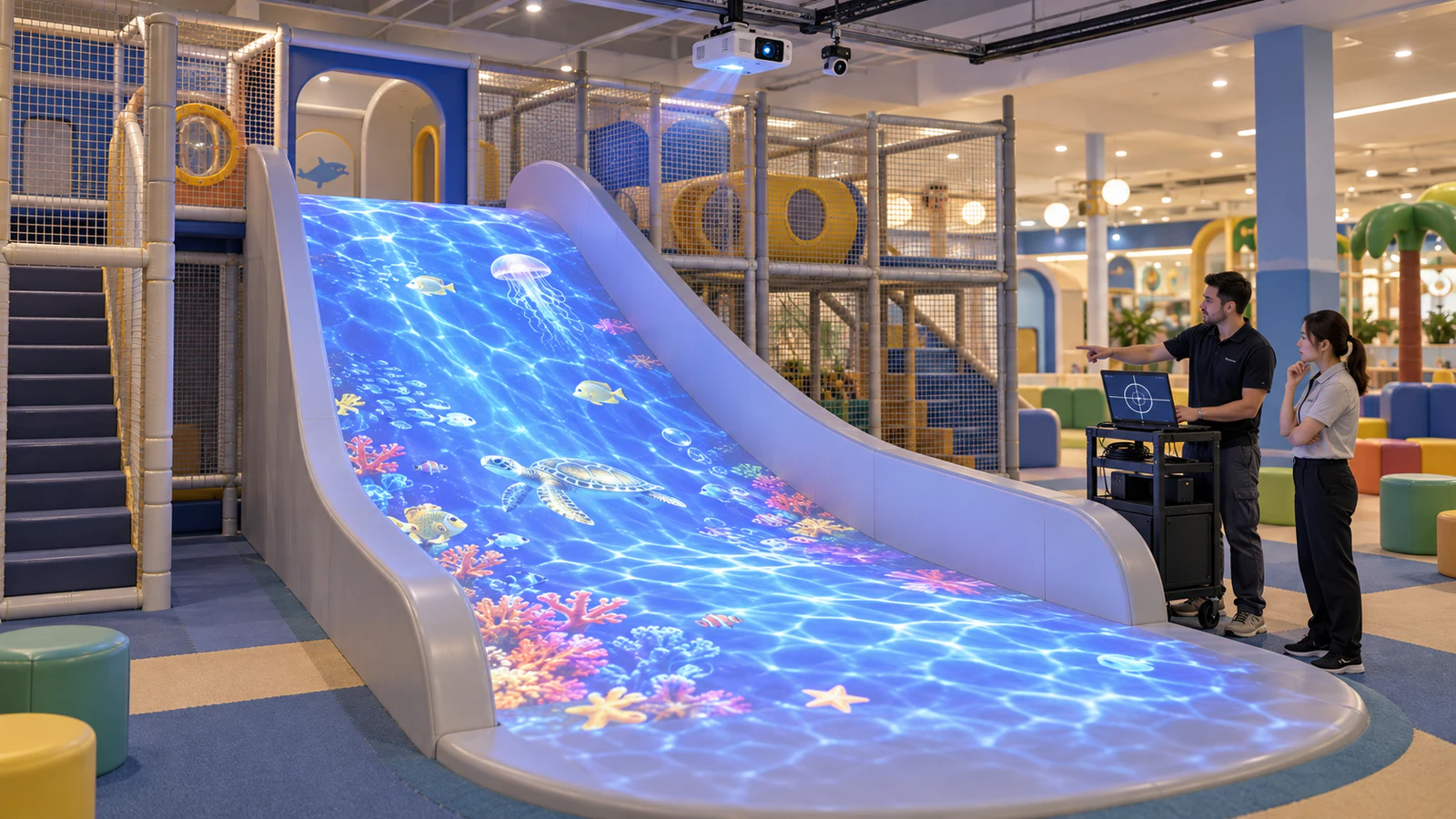
OneCraze’s Slide Interactive Projection product combines projection, an IR camera, a computer and interactive content. For an operating indoor playground, the first purchasing step is to establish whether that equipment can fit the installed slide and what local preparation the upgrade requires.
Which Existing Playground Slides Are Suitable for Projection?
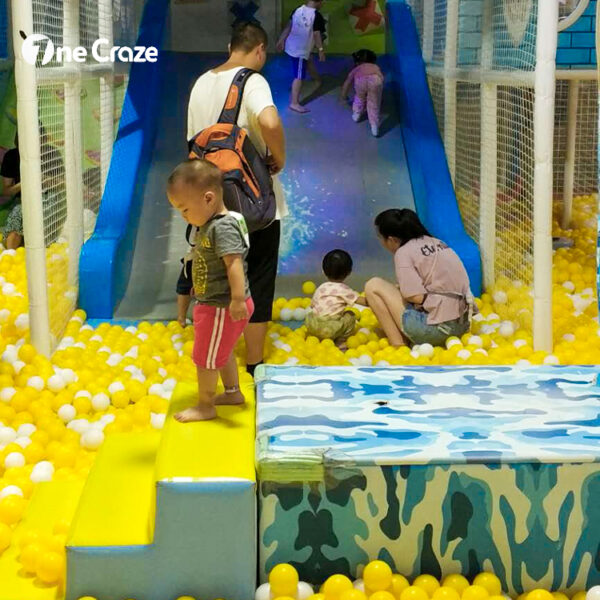
Begin with a clear view of the sliding surface. An open slide gives the installation team more options for positioning the projector and sensor. In contrast, an enclosed tube or a structure with obstructing rails needs a different assessment; a standard overhead arrangement should not be assumed to fit.
Next, review the slide’s width, length, curves, color and finish. Strong colors can alter the appearance of projected artwork, while reflective areas can create glare. Changes in slope can also make uniform focus and image alignment harder to achieve. Consequently, a demonstration on a flat white wall does not establish performance on your slide.
Ask the supplier to mark the proposed projection area and sensing coverage on your photographs. Include any obstructions, such as netting, beams or adjacent play structures. This creates a useful starting point for an interactive slide project plan.
Does the slide surface need repainting?
Do not assume it does. First request an image test on the existing surface. Any proposed coating, film or structural change should go back to the slide manufacturer for review because it can change the sliding characteristics and maintenance requirements. Projection suitability and the condition of the physical slide require separate checks.
What Should an Interactive Slide Projection Retrofit Kit Include?
A complete upgrade needs compatible display, sensing and control components. However, suppliers may use “kit” to describe very different packages. Use an itemized quotation to establish what arrives in the shipment and what your local installer must supply.
| Package item | What to specify before ordering |
|---|---|
| Projector and lens | Exact model, native resolution, brightness rating, throw distance and intended coverage |
| Sensor or IR camera | Model, position, detection area and supported interaction |
| Computer and controls | Hardware configuration, connections and staff start/stop method |
| Software and games | Included titles, commercial license, offline operation and update terms |
| Mounting and cabling | Brackets, secondary retention where required, cable lengths and protective routing |
| Installation and handover | Drawings, calibration, staff training, configuration backup and support scope |
| Physical slide and local works | Explicit inclusion or exclusion of the slide, structural work and electrical preparation |
OneCraze’s published product configuration lists an IR camera and laser projector, but the final selection should follow the site assessment. A listed package size does not prove that every slide of similar dimensions will work.
For a consistent comparison, use the equipment quotation guide to separate equipment, software, installation and delivery charges.
Which Measurements and Photos Does the Supplier Need?
Send a compact site brief before requesting a firm price. Overall room dimensions alone do not show the distance from a possible projector position to the sloped surface.
| Information to send | Details to include |
|---|---|
| Slide dimensions | Usable width, sloping length, platform height and side-profile drawing if available |
| Surface | Material, color, finish and close-up photographs |
| Site photographs | Front, side, top and landing-area views taken when the attraction is empty |
| Mounting conditions | Ceiling height, beams, netting and possible equipment positions |
| Lighting | Photos under normal operating lights, nearby windows and any available light measurements |
| Existing equipment | Projector and computer model numbers, lens information and available connections |
| Project scope | Destination, target opening date, operating hours and local installation resources |
In addition, identify the exact effect you want: movement-triggered visuals on the slide, a separate floor game nearby, or both. These require different coverage plans. The floor projector retrofit guide is relevant when a separate floor zone forms part of the project.
What Installation Work and Downtime Should You Expect?
The installation plan should locate the projector, sensor, computer and cable routes before work begins. It should also identify how technicians will reach the equipment for cleaning and maintenance without dismantling surrounding play structures.
Ask the supplier and local installer to divide the work into mounting preparation, electrical and signal connections, equipment installation, calibration and acceptance testing. Then request an estimated duration for each stage. A remote software setup service may leave physical installation entirely with your team.
The operating venue should agree which area will close during the work and how reopening will be authorized. Avoid promising an overnight conversion until the mounting method, site access and local preparation are confirmed.
Furthermore, keep the slide exit clear. If the project includes a separate interactive wall game area, place its waiting and play positions outside the slide’s circulation route.
How Should You Test the Upgrade Before Acceptance?
Agree on the intended coverage and response before installation. Then test under the playground’s normal lighting conditions. Check whether the artwork remains recognizable across the agreed area and whether the interaction responds where the supplier said it would.
The demonstration should cover:
- Image alignment, focus and visibility across the target surface.
- Movement detection, missed responses and unintended triggers.
- Staff start/stop controls and switching between included scenes.
- Restart recovery and restoration of saved calibration settings.
- Continued operation for an agreed test period.
Any user trial should follow the slide’s approved operating rules and supervision arrangements. Do not infer permitted rider numbers from the software’s player count.
Use the factory acceptance test guide to check the equipment before shipment. Then complete a site acceptance test on the actual slide, since factory testing cannot reproduce every surface, obstruction and lighting condition.
Only if the quotation specifically includes it. Ask for separate line items for the digital equipment, physical slide and local installation work. This prevents a projector package from being mistaken for a complete playground attraction.
Possibly. Send the exact models for compatibility review. The supplier needs to check projection geometry, brightness, connections and software requirements before removing those items from the proposed package.
It requires assessment and preferably a representative test. Curvature affects coverage and focus, while surface color influences the projected image. Request evidence relevant to your slide rather than relying on a demonstration on a different surface.