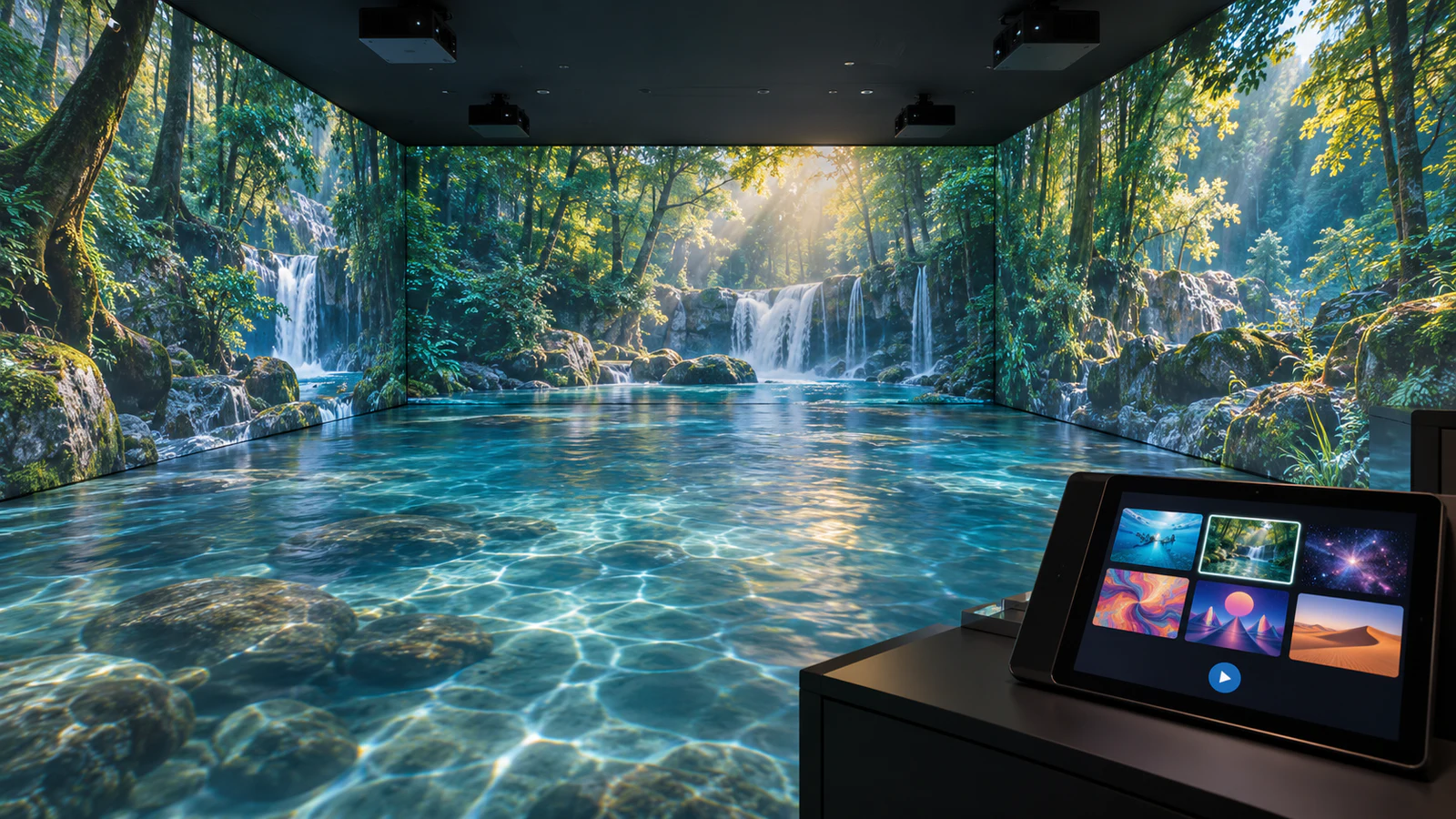
What Should an Immersive Room Software Package Include?
Think of the package as several connected functions, even when one application combines them. Separating those functions helps you understand what the supplier will deliver and what your team must provide.
| Software layer | Main purpose | What to confirm in the quotation |
|---|---|---|
| Mapping and edge blending | Align images with surfaces and manage overlapping projections | Supported outputs, calibration responsibility and saved room profiles |
| Playback and room control | Run content and coordinate the presentation | Supported formats, synchronization, audio and operator controls |
| Content library | Supply scenes, animations or experiences | Named titles, content types and intended projection surfaces |
| Interactive application | Turn tracked actions into visual responses or game events | Compatible sensors, supported actions and game rules |
| Content editing or import | Add or modify approved material | Available tools, import limits and supplier involvement |
The published OneCraze immersive projection venue system lists edge-blending software and theme software separately. Use that distinction when requesting a proposal, and ask for the current content list rather than treating a headline theme count as a complete specification.
Software also needs to match the computer and display layout. The immersive room projector-count guide explains how projected surfaces and output requirements affect the hardware plan.
How Do You Compare Immersive Room Content Libraries?
A large library is useful only if its content fits the venue. An atmospheric landscape may suit a walkthrough exhibition, while a supervised activity area may need short, clearly defined interactions. Neither format automatically replaces the other.
Instead of requesting another promotional montage, ask for a content schedule containing:
- Title and preview: an identifiable scene with a representative demonstration.
- Experience type: prerecorded video, reactive effect or structured game.
- Surface layout: walls, floor, or coordinated wall-and-floor coverage.
- Operation: duration, loop behavior and how staff start or change it.
- Commercial scope: whether it is included, optional or custom-produced.
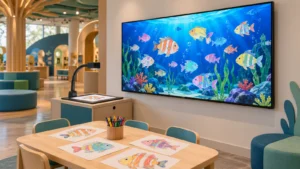
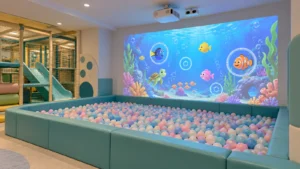
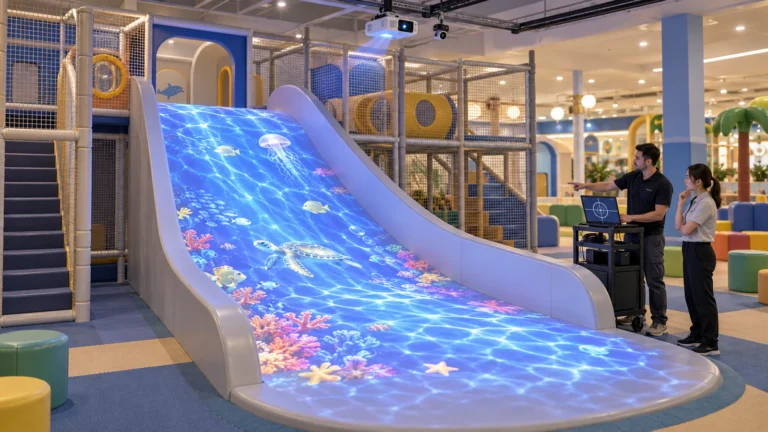
For example, an ocean theme might be a continuous underwater film or a responsive floor scene where movement changes the image. The name alone does not establish which experience you are buying.

What Is the Difference Between Video, Reactive Effects and Games?
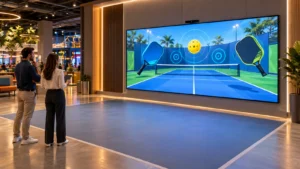
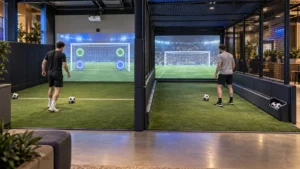
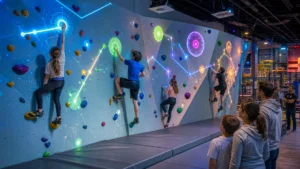
A prerecorded video follows its timeline whether visitors move or stand still. A reactive effect changes when the system detects an action, such as a step or entry into a zone. A structured game adds rules, objectives and outcomes, which may include scores or timed rounds.
These distinctions matter when buying interactive room software. A room can look immersive without tracking anyone, and it can respond to movement without offering a competitive game.
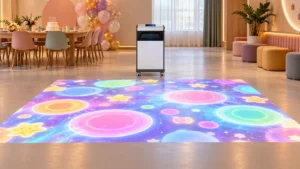
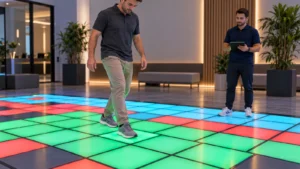
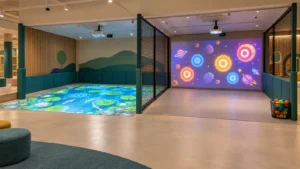
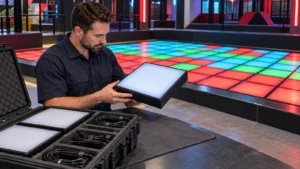
OneCraze’s interactive floor projection product describes movement-responsive effects such as ripples and collision responses. However, adding such a floor to a panoramic room does not automatically create a single game connecting every wall and floor surface.
If you want connected interaction, describe the exact action and response: “When a visitor steps into this floor zone, a character should move on that wall.” Then ask the supplier to demonstrate it with the proposed tracking setup. For background on hardware selection, see the comparison of LiDAR, infrared cameras and depth sensors.
Can You Upload Your Own Videos or Request Custom Content?
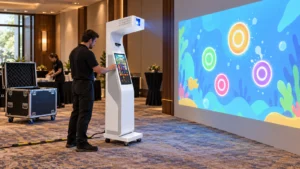
Potentially, but import support must be confirmed for the selected platform. A normal widescreen video does not automatically become a continuous scene across three walls and a floor. The supplier should provide a content template showing the canvas dimensions, surface arrangement and export requirements.
Similarly, distinguish three types of customization:
- Brand adaptation: changing approved logos, colors or selected graphics.
- Content production: creating new animation or video for the room layout.
- Interactive development: programming new actions, rules or responses.
For custom immersive room content, agree on a storyboard or prototype, revision allowance, delivery format and acceptance process. Also establish whether staff can make later changes themselves or must request supplier updates.
Language requirements deserve their own scope. Translated menus, visitor instructions and recorded narration are different deliverables. The multilingual interactive software guide explains why localization involves more than replacing a few words.
What Should Commercial Licensing and Updates Cover?
Ask the supplier to describe the permitted deployment in plain language. A license may apply to one computer, one room or one site; these are not equivalent when a venue expands or replaces equipment.
Before ordering, confirm:
- The licensed operator, installation location and number of systems.
- Whether the proposed paid visitor experience falls within the agreed use.
- License duration, renewal charges and access after expiry.
- Offline operation, initial activation and any periodic online checks.
- Hardware-replacement and license-transfer procedures.
- Which bug fixes, software upgrades and new content are included.
Keep branding and ownership separate as well. A customized launcher does not, by itself, establish delivery of editable project files or source code. Record those deliverables explicitly if your project needs them.
The interactive projection software licensing guide provides related procurement questions. Meanwhile, use an itemized quotation comparison to separate software, content production, commissioning and ongoing support. This makes future costs easier to understand without assuming that every update or additional room is included.
No. Edge blending manages the visual transition between overlapping projected images. Interaction requires compatible tracking or other input, plus software that responds to it.
Not necessarily without adaptation and additional permission. Rooms may have different aspect ratios, surface layouts and output resolutions. Confirm both technical compatibility and the licensed number of installations.
Not automatically. The right to keep using a supplied version and access to future content are separate purchasing questions. Ask the quotation to define each one.