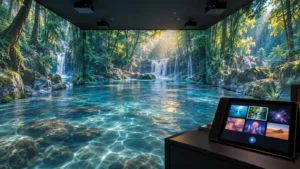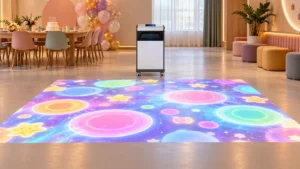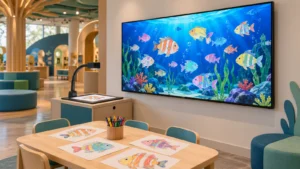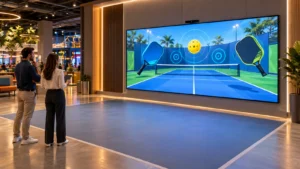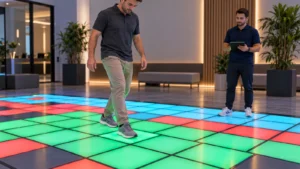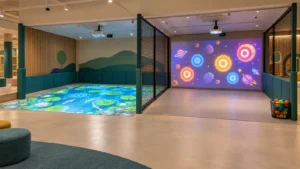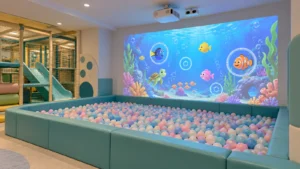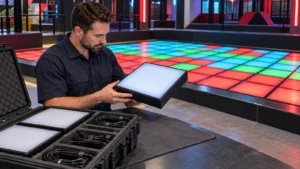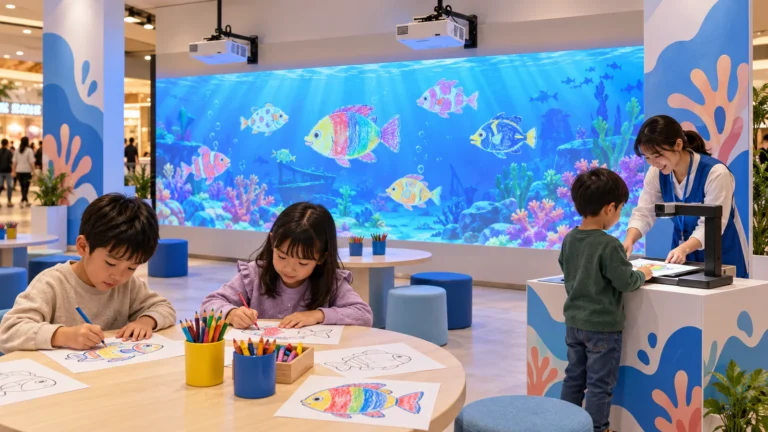
For museums and visitor centers, the starting point is the exhibit story. Decide what guests should see, understand and do before choosing the equipment. OneCraze’s immersive projection venue system provides a starting point for discussing the hardware and software scope; the final configuration should follow the room and experience brief.
How Does Wall and Floor Projection Differ from a Single-Wall Display?
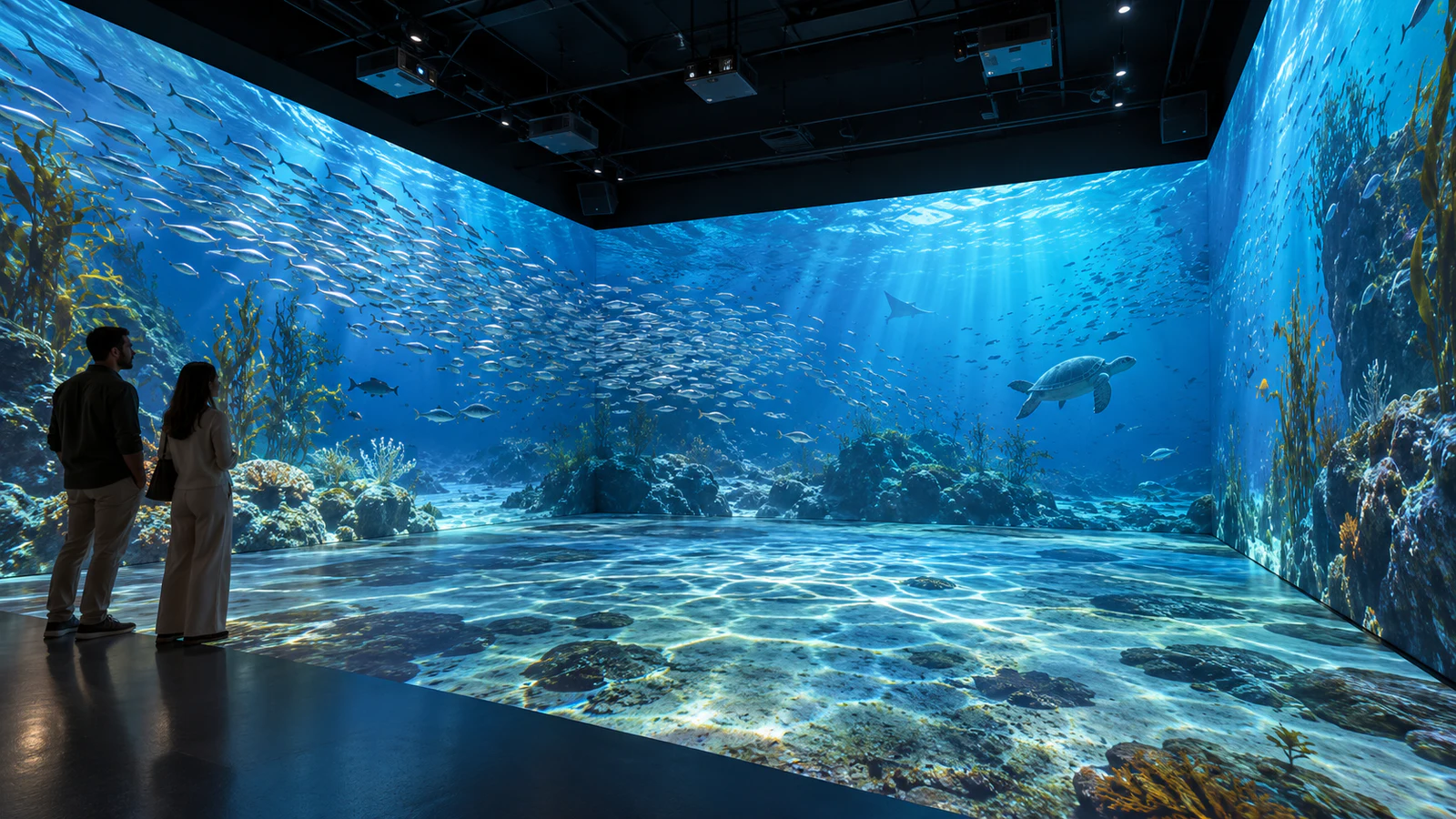
A single-wall presentation gives visitors one main viewing direction. Floor-to-wall projection extends the visual environment around and beneath them. For example, a river could continue from a wall into a floor scene, placing visitors within the setting rather than in front of a picture.
However, adding a second image does not automatically create continuity. The content team must account for room corners, surface dimensions and visitor viewpoints. Meanwhile, the technical team must coordinate image alignment, color and playback timing.
Define which result you want:
- One continuous environment: related imagery spans the selected walls and floor.
- Coordinated surfaces: different images support the same story or timeline.
- Separate activity zones: each surface runs its own experience.
These arrangements require different content and control decisions. For the last option, see the two-zone floor and wall games guide. A museum brief should identify the intended relationship between surfaces rather than simply requesting “360-degree projection.”
Does a Museum Immersive Projection System Need Sensors?
No. A timed presentation can surround visitors with moving images and sound without detecting their actions. Sensors become necessary when a defined visitor action should change the experience.
For instance, you might request a floor zone that reveals an illustrated habitat when someone enters it. That requirement involves tracking, interaction logic and mapped coordinates. By contrast, an animated habitat that plays continuously may need only synchronized playback.
Write the desired response as a short sequence: “Visitor enters the marked area; the local animation changes; the scene resets after the visitor leaves.” Then clarify what happens when several people enter together.
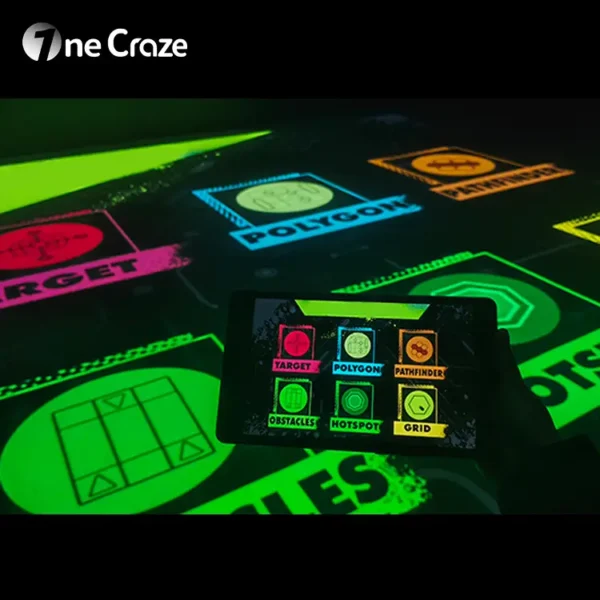
OneCraze’s interactive floor projection system offers a relevant starting point for movement-responsive floor effects. Nevertheless, connecting those effects to a panoramic wall presentation requires project-specific confirmation. The broader museum and exhibition projection guide explains other exhibit formats when a whole-room installation is unnecessary.
What Should a Complete System Quotation Include?
Ask the supplier to separate physical equipment from design, software, content and site services. This prevents a hardware-only quotation from appearing equivalent to a complete museum projection installation.
| Delivery area | What the proposal should identify |
|---|---|
| Projection design | Covered surfaces, projector positions, lenses and visitor viewing areas |
| Equipment | Projectors, computers or media servers, audio, mounts and signal distribution |
| Software | Mapping, blending, playback, control and any interactive applications |
| Content | Named scenes, duration, surface layout, narration and custom-production scope |
| Site preparation | Responsibility for finishes, power, cabling, ventilation and access |
| Installation | Mounting, alignment, calibration, audio setup and on-site content checks |
| Handover and support | Training, configuration backups, manuals, warranty and support boundaries |
For optional interaction, add sensor models, coverage and demonstrated actions. Likewise, list any lighting or other effect integration separately; do not assume a projection package includes it.
The immersive room projector-count guide helps buyers understand why one room may need a different equipment plan from another. Use the quotation comparison checklist to clarify exclusions and identify who takes responsibility when components come from several suppliers.
How Should the Design Handle Corners, Floor Transitions and Shadows?
A convincing showroom image does not establish how a room will look when visitors occupy it. Review the proposed projection paths with the actual entrance, viewing positions and circulation routes shown on the drawing.
Short-throw or ultra-short-throw lenses can help in certain layouts, but they do not guarantee a shadow-free installation. Floor projection remains particularly sensitive to people standing between a projector and its target surface. The supplier should demonstrate expected shadow behavior instead of promising that shadows will disappear.
During the design review, check:
- Corners and transitions: whether important objects or labels become distorted across surfaces.
- Visitor positions: what standing and seated guests can see from the intended viewing areas.
- Surface finishes: how floor texture, reflections and wall color affect the image.
- Room lighting: how the scene performs under the agreed operating conditions.
Also separate visual continuity from physical construction. A continuous picture does not require removing every physical joint, and a bright floor image does not make unsuitable flooring acceptable. Review finishes with the venue team and use the floor-surface projection guide for related visual considerations.
How Do You Accept the Complete Experience, Not Just the Equipment?
Agree on a test sequence before production. Equipment checks establish that the ordered components work; room acceptance establishes that the installed experience works as intended. A factory demonstration cannot replace every check in the finished museum.
Begin with representative content, including darker scenes, movement across surface boundaries and narration. Next, run the complete presentation under agreed lighting with people in the intended visitor positions. Check the wall-to-floor transition, playback timing and audio together rather than approving each in isolation.
For interactive sections, repeat the specified actions at the center and edges of each zone. Include multiple visitors where supported. Finally, ask staff to demonstrate normal startup, content selection, shutdown and recovery from an agreed fault scenario.
The factory acceptance test guide provides a useful preparation framework. For museum projects, add content approval milestones: storyboard, sample scene, full preview and on-site review. Assign the people responsible for approving historical information, translations and cultural representation before final content production.
Possibly, but the supplier must review the existing projectors, computer outputs, software and available mounting positions. Additional floor coverage can require new equipment and reworked content. Reusing hardware does not guarantee an unchanged budget.
No. It can cover one wall and the floor, several walls, or a larger surrounding environment. State the exact surfaces in the drawing and quotation rather than relying on the label.
They may remain useful, but ordinary widescreen videos are not automatically suitable for a multi-surface layout. Request a sample adaptation and confirm resolution, cropping, surface allocation and permission to modify the material.