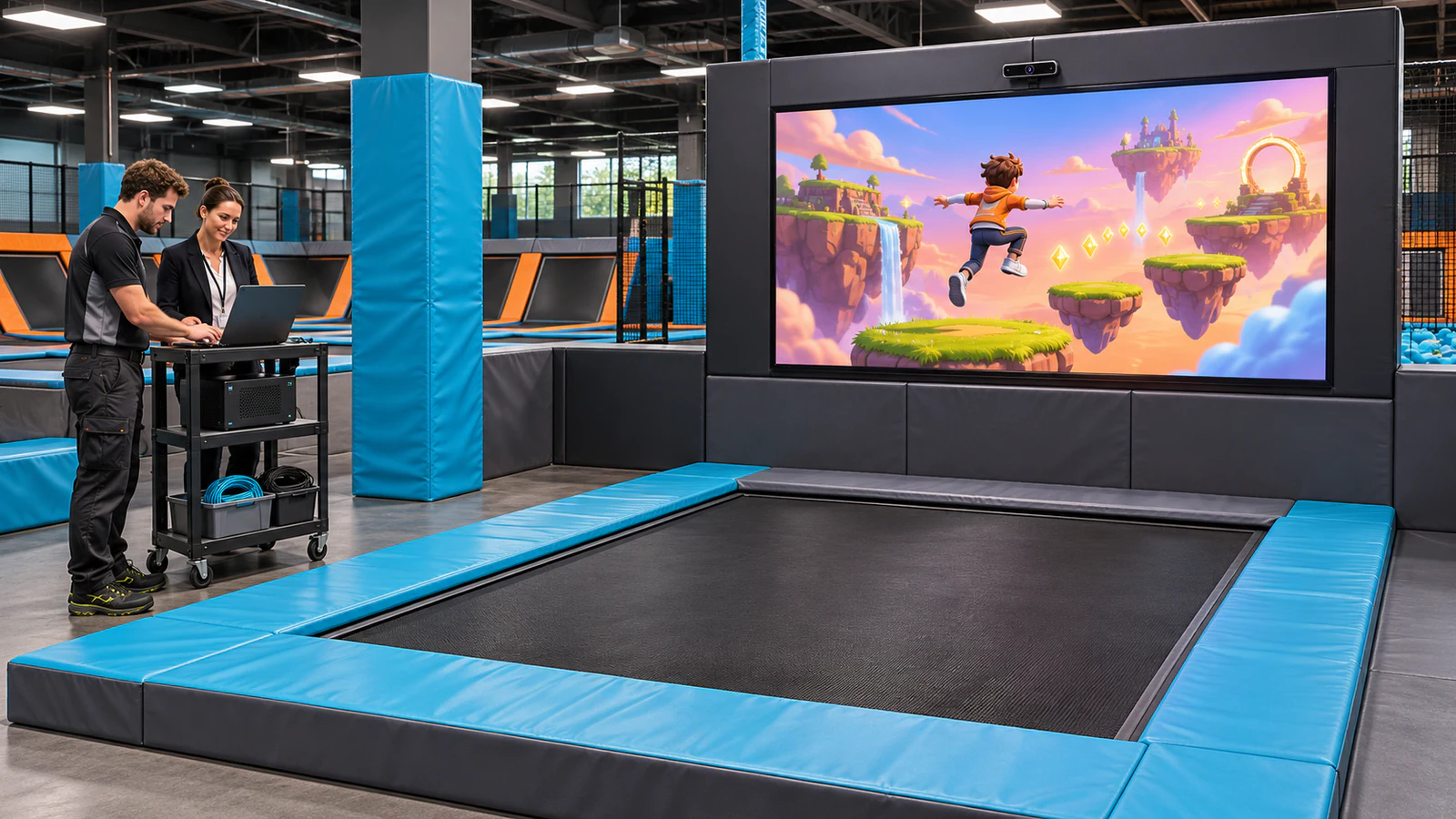
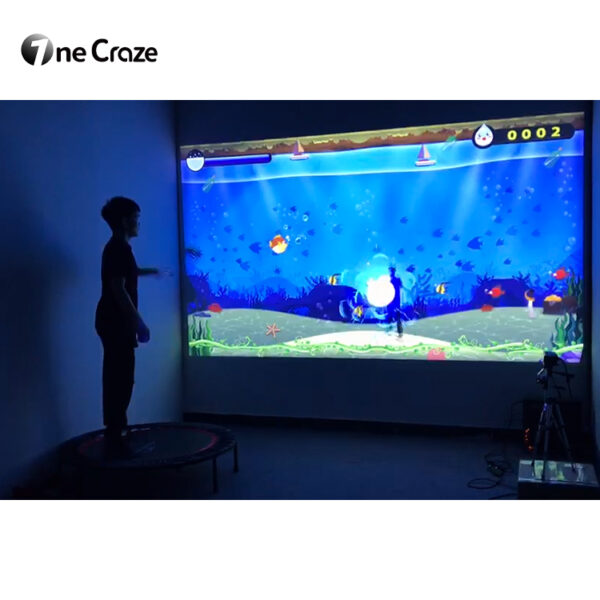
OneCraze’s interactive trampoline games product provides a starting point for discussing equipment options. Its published table lists a monitor-based configuration, while other page descriptions discuss projection. Ask for a model-specific proposal that identifies the actual display format and included components; do not assume both formats come in one package.
Define the Upgrade Before Asking for a Price
Start with the activity you want guests to experience. For example, you might want a screen-facing jumping game in one existing bay, rather than an attraction that projects graphics onto the trampoline bed.
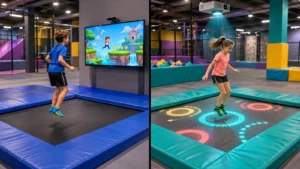
These formats require different layouts and software. Our comparison of screen-based digital trampoline games and surface projection explains that distinction. Once you select the intended format, keep the same brief when requesting quotations.
Then tell the digital trampoline system supplier whether you need:
- A game upgrade for an existing trampoline bay.
- A replacement digital system that retains approved physical equipment.
- A complete new attraction within an existing park.
Show the Supplier What You Already Own
Before pricing reusable components, send a simple site-information pack. Include wide-angle photographs, a measured layout and the model details of any equipment you hope to retain.
The most useful information includes:
- Trampoline manufacturer, model, bed dimensions and maintenance history.
- Available room height, proposed display position and nearby attractions.
- Photos of access routes, padding, barriers and potential mounting locations.
- Screen or projector model, computer specifications and existing sensors.
- Lighting conditions, power locations and intended player age range.
Next, ask the supplier to label each proposed retained component accepted, rejected or pending inspection, with a reason. An available HDMI connection, for instance, does not establish that a screen suits the installation or that the complete game performs correctly.
Have the relevant equipment manufacturer or qualified installer review physical changes. Digital compatibility alone does not establish that mounting, clearances or the trampoline structure remain suitable. For broader product context, see the interactive trampoline equipment overview.
Compare an Upgrade Package with a Complete System
An interactive trampoline equipment package should identify both supplied components and buyer-provided items. Use a comparison like this to structure the quotation; these are purchasing categories, not standard OneCraze package specifications.
| Purchasing item | Upgrade using existing equipment | Complete new system |
|---|---|---|
| Trampoline and surrounding protection | Retain only after the necessary review; list required changes | Identify the physical equipment included and any site works excluded |
| Display and mounting | Confirm whether existing equipment is accepted or replaced | Specify the display, mounting arrangement and installation responsibility |
| Sensor and computer | Test compatibility with the proposed software | List exact supplied models and configuration |
| Game software | Confirm licensing on retained or replacement hardware | State included games, authorized devices and renewal terms |
| Installation and commissioning | Include integration, calibration and site testing | Define assembly, calibration, training and handover scope |
A lower equipment price may still require additional mounting, cabling or commissioning work. Consequently, compare the total agreed scope rather than assuming that retaining more hardware always saves money.
Our article on comparing equipment quotations offers a useful way to separate supply, freight, installation and excluded work. Apply that approach to your trampoline proposal without assuming that projection-specific components are required.
Put Software Rights and Installation Responsibilities in Writing
Hardware is only part of the purchase. Ask whether the game license is permanent, subscription-based or subject to another arrangement, and confirm what happens when the computer needs replacement.
Also distinguish essential gameplay from optional changes. A venue logo, translated instructions, different scoring rules and a connection to an external management system are separate requirements. The same distinction appears in our discussion of custom game software and integration scope; that article concerns wall systems, so trampoline compatibility and availability still need separate confirmation.
For installation, assign a named party to mounting, electrical work, software setup, calibration and operator training. Agree how the work area will be separated from guests, and schedule commissioning before reopening the affected attraction. Do not assume a remote-support quotation includes an on-site installer.
Finally, request the handover documents: equipment list, approved layout, software version, operating instructions, recovery procedure and support contacts.
Test the Proposed Configuration Before Reopening
A demonstration should show the quoted hardware and software working together, not just a compilation of attractive game footage. If the proposal depends on your existing display or computer, identify what the supplier can verify before shipment and what requires testing on site.
Agree a short acceptance checklist:
- Start the system from its normal powered-off state and launch the included games.
- Check that intended movements produce the expected responses within the approved playing area.
- Observe whether nearby activity causes unwanted tracking or scoring.
- Test game changes, session completion and recovery after a controlled restart.
- Repeat critical checks after installation under actual venue lighting.
Set measurable acceptance criteria and a demonstration duration with the supplier before purchase. The factory acceptance testing checklist provides a useful documentation framework, but a factory test does not replace on-site commissioning or the necessary safety review.
Potentially, but the supplier must evaluate the specific trampoline, room layout, display position and tracking requirements. Obtain written confirmation of the accepted configuration before ordering.
Not necessarily. It may cover only digital equipment and software. The quotation should explicitly identify the trampoline, protection, mounting, installation and other included or excluded items.
Only after compatibility checks. Provide exact models and specifications, then request a test plan for the complete configuration. Reusing a component can also change support and warranty responsibilities.