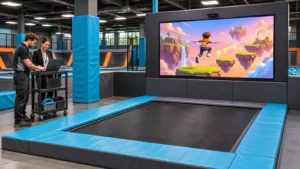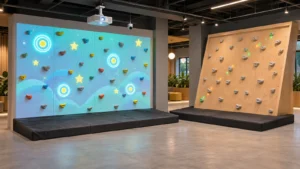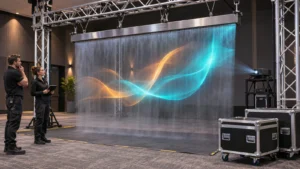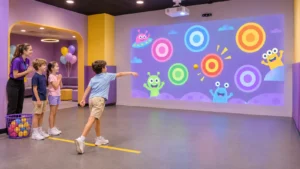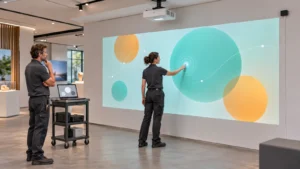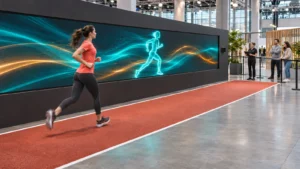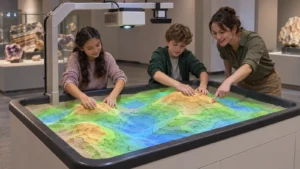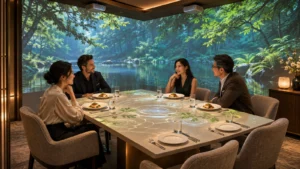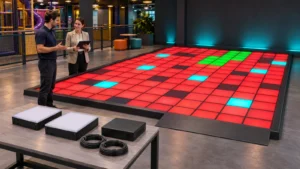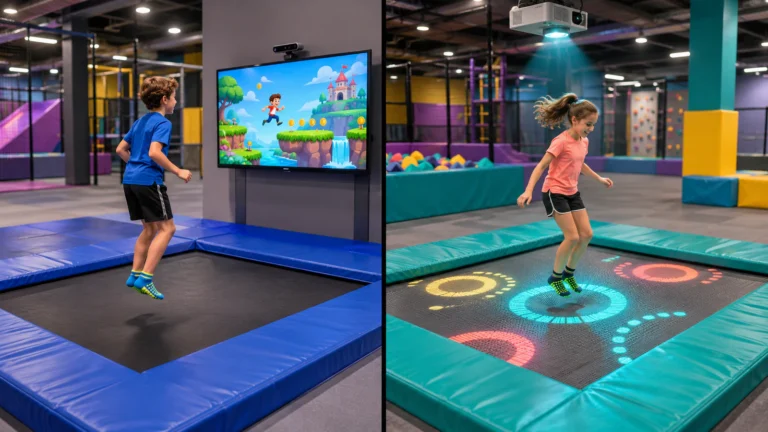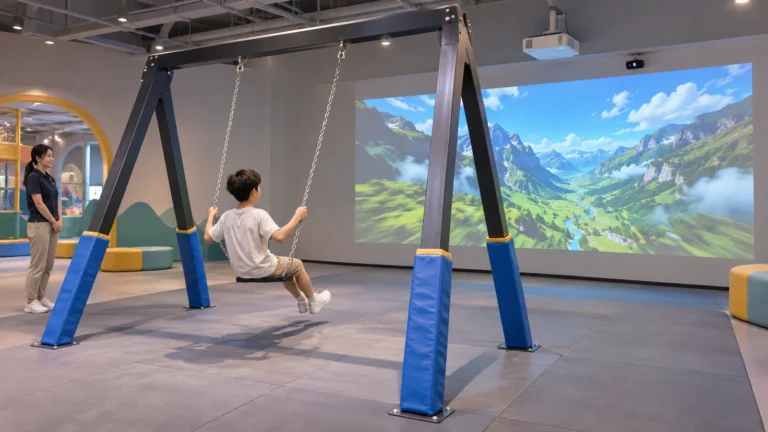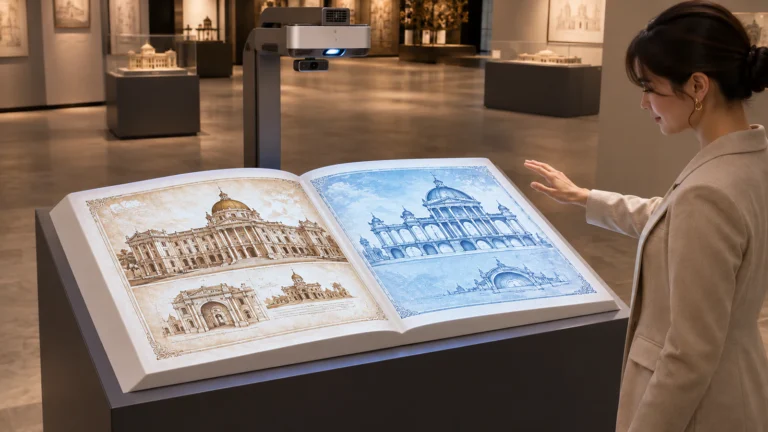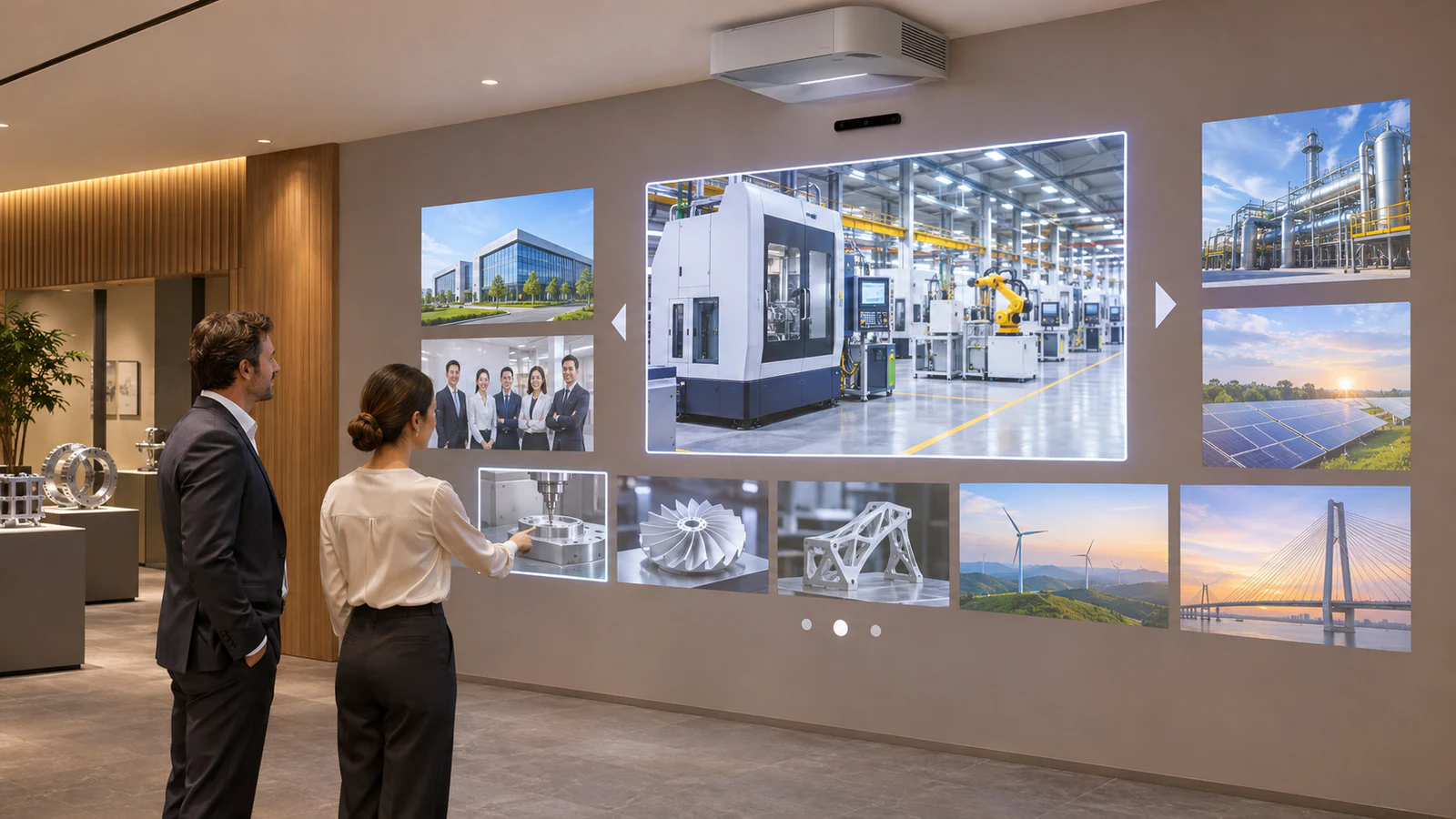
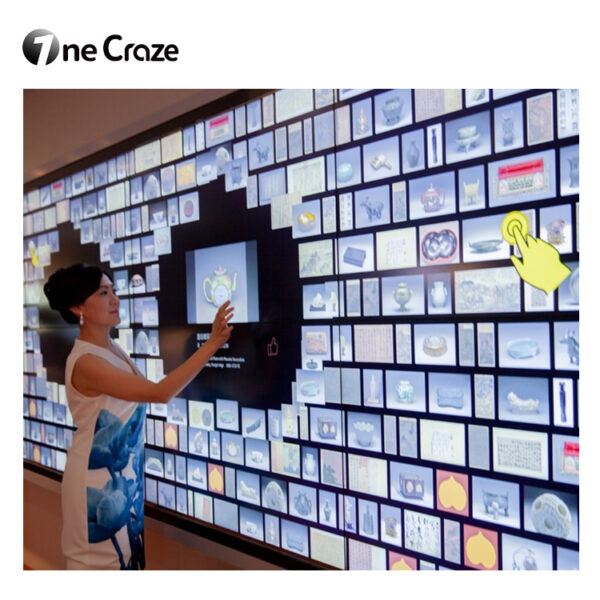
OneCraze’s Digital Interactive Display Wall introduces digital photo wall and employee recognition wall effects. Buyers can use that product direction to discuss a branded installation, then define the required interface, content and delivery scope for their own space.
Turn Passive Viewing into a Visitor Choice
A looping corporate video gives every visitor the same sequence. An interactive wall instead lets someone choose a topic, open relevant material and return to the overview when finished.
For example, a distributor may want to explore product categories, while a visiting customer wants to see previous projects. Plan a short route for each audience rather than placing every brochure on the opening screen.
Start with three decisions:
- What should visitors recognize before they touch anything?
- Which information should one selection reveal?
- How should they return to the overview or move to a related topic?
An atmospheric visual installation serves a different purpose. If the brief also includes reactive artwork, separate that experience from information browsing; our interactive art installation discussion explains how visitor actions can shape visual effects.
Organize the Wall Around Your Business Content
Choose one main content structure before adding animation. The following are potential project briefs to assess with your interactive display wall supplier, not a list of standard software inclusions.
An Interactive Company History Wall
Arrange milestones around dates or business stages, with photographs and concise explanations behind each selection. Give visitors enough context to understand why a development mattered rather than presenting a long list of awards.
A useful prototype might contain the company’s founding, one major product launch and one expansion. Test whether people can move between these stories without help before preparing the full archive.
An Interactive Product Catalog Wall
Group products by application or customer need. A visitor could select a category, open a product overview and view approved imagery or a demonstration video.
Define whether the application needs simple browsing, side-by-side comparison or access to external product data. These are different software requirements, so the supplier should price and demonstrate the selected functions separately.
A Team and Recognition Wall
Present employee stories, achievements or project teams through a consistent set of profiles. Decide which information belongs on a public display, obtain appropriate approvals and assign someone to remove outdated content.
Across all three formats, short summaries help visitors decide what to open. Keep detailed technical documents for a separate, deliberately specified viewing or follow-up function.
Compare a Branded Template with Custom Development
“Custom” can mean changing colors and images, rebuilding navigation or developing a new application. Ask suppliers to distinguish these levels before comparing prices.
| Project approach | Scope to discuss | Buyer input | Boundary to clarify |
|---|---|---|---|
| Branded photo wall template | Approved images, colors, logo and existing browsing behavior | Brand assets and a sample image library | Available layouts and editable fields |
| Tailored showroom interface | Category structure, detail screens and navigation adapted to your content | Content map and representative stories or products | Included design revisions and functions |
| Connected custom application | Defined links to external content or business systems | Interface documentation and access requirements | Development, security review and ongoing maintenance |
A template may suit a focused photo collection. However, a showroom that needs several content types or a specific presentation sequence may require a tailored interface.
OneCraze’s article on custom software and integration scope separates branding changes from functional development. The same procurement distinction helps here, although the media wall proposal must specify its own supported functions.
If international visitors are important, plan language selection early. Our multilingual interface planning article explains why translation, layout and navigation need attention together.
Decide Who Will Update the Content
The launch presentation is only the first version. Product lines change, staff move and completed projects add new material. Therefore, choose the update process while defining the software, not after installation.
Ask the digital photo wall software supplier to show how your team would replace an image, revise a caption and remove an entry. Updates might use prepared files, an editing interface or supplier support; confirm the actual method and any recurring charges.
If you need a content management system, specify the tasks it must support:
- Preview changes before they appear publicly.
- Restrict editing access to approved staff.
- Replace images and videos within documented format limits.
- Back up content and recover a previous approved version.
Give the Supplier a Showroom Brief They Can Price
Send a measured wall layout, photographs under normal lighting, expected viewing distance and a small sample of real content. Include the intended user actions and whether visitors will browse independently or follow a host’s presentation.
Next, identify any existing display equipment. A projector, LCD video wall and LED wall require different installation assessments. Review the touch wall software compatibility considerations before assuming a sensor or application will work with your current setup.
Ask for a prototype using your sample material. Check text readability, selection, navigation, video behavior and return to the opening screen. If several visitors must browse independently, include that requirement in the demonstration.
Finally, separate the quotation into equipment, software license, content preparation, customization, installation and support. Our equipment quotation comparison helps identify exclusions. For a showroom project, also agree who approves copy, translations, media rights and final content before delivery.
Specify your media library in the brief and request supported formats, resolutions and file limits. Ask the supplier to test representative files before you prepare the entire collection.
Request a software-only assessment with your display, computer and sensor details. The supplier must confirm compatibility, licensing and responsibility for integration before quoting that scope.
Not necessarily. Digital signage can simply play scheduled content. An interactive media wall needs an input method and application behavior that let visitors make choices or influence the display.
Request a Custom Showroom Media Wall Proposal
Send OneCraze your wall dimensions, room photos, brand assets and a sample of the content visitors should explore. Request a custom interactive media wall proposal with a defined visitor experience, customization scope and content update process for your corporate showroom.