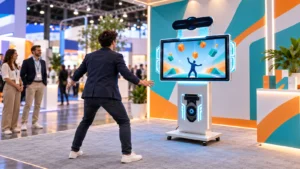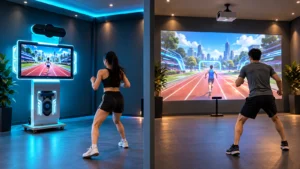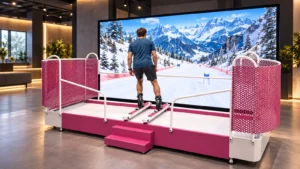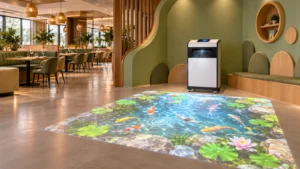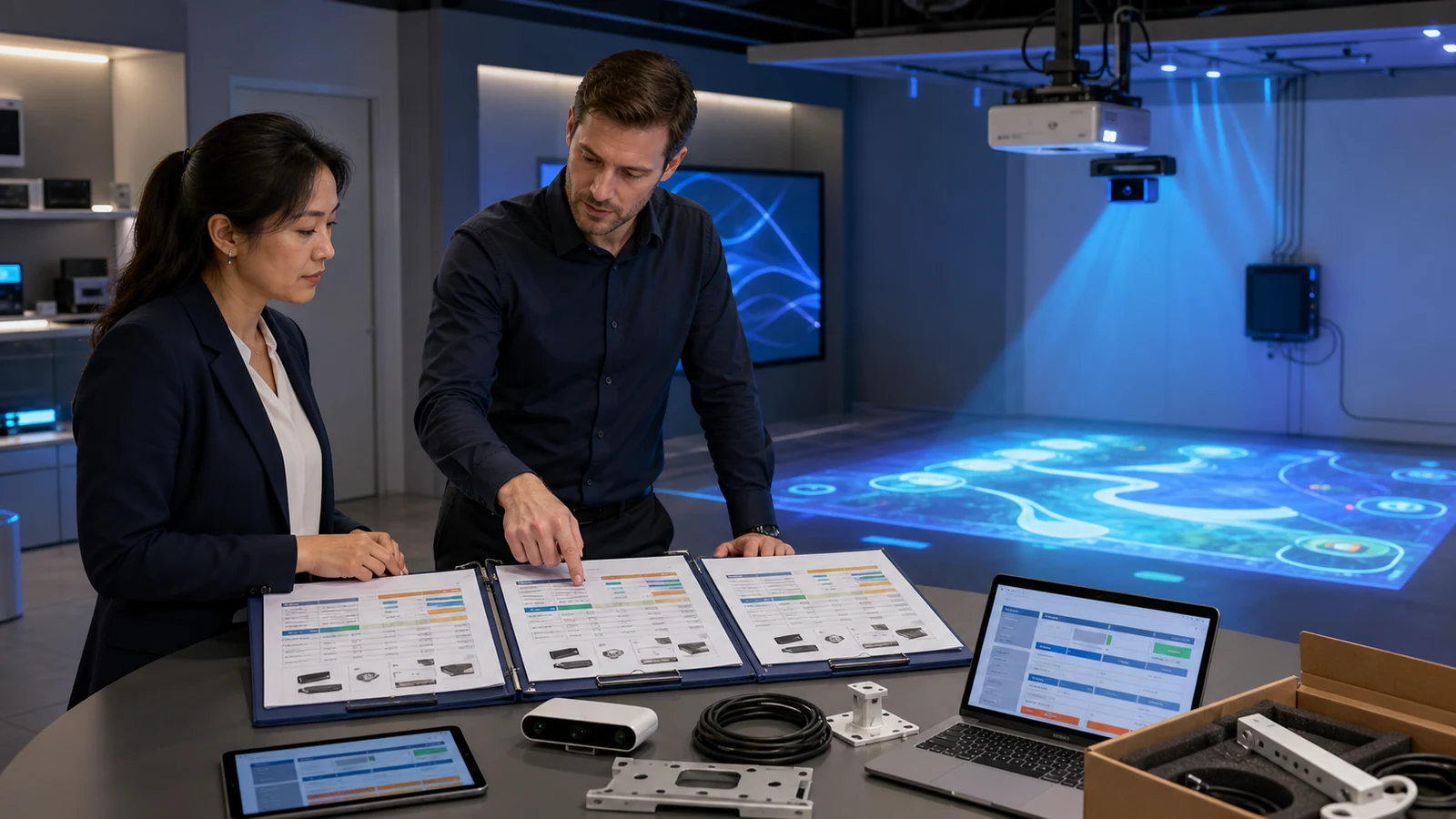
This guide is intended for distributors, AV integrators, family entertainment centers, museums, schools, shopping malls and project contractors requesting an interactive floor, wall or immersive projection solution. It explains how to compare hardware-only, turnkey, FOB, CIF and DDP proposals before selecting a supplier.
Why Are Interactive Projection System Quotations So Different?
An interactive projection system is not one standardized product. It combines display, sensing, computing, software, content and installation. Changing any one of these elements can alter both the price and the result.
Common reasons for price variation include:
- Projector brand, model, ANSI-lumen rating and light-source type
- Standard, short-throw or ultra-short-throw lens
- Projection size and working distance
- Infrared camera, depth camera, radar or LiDAR tracking
- Computer CPU, GPU, storage and operating system
- Number, quality and commercial rights of included games
- Permanent, annual, per-device or subscription software licensing
- Fixed installation, portable frame or integrated all-in-one enclosure
- Standard interface or multilingual and white-label customization
- Factory testing, calibration and installation documentation
- Warranty length, remote support and spare-parts scope
- Packaging, freight, insurance, import clearance and local delivery
Consequently, a lower quotation may simply transfer more responsibility to the buyer. That can be sensible for an experienced integrator with local projectors and installers. However, a venue owner without an AV team may reduce risk by choosing a complete interactive projection all-in-one system or a turnkey package.
Hardware-Only vs Turnkey vs FOB, CIF and DDP Quotes
| Quotation type | What it commonly includes | What buyers must confirm or add | Best suited to |
|---|---|---|---|
| Sensor or software package | Sensor, controller and/or software license | Projector, lens, computer, mount, cables, calibration and compatibility | Integrators with local hardware and technical staff |
| Hardware-only system | Listed projector, sensor, computer and basic accessories | Software scope, content, installation, freight, training and support | Buyers who can manage system integration |
| Turnkey equipment package | Matched projector, sensor, PC, software, content and mounting components | Site preparation, local labor, freight, duties and commissioning boundaries | Venues wanting one technical supplier |
| Turnkey installed project | Equipment, software, installation, calibration and training | Construction, electrical work, travel, permits and local responsibilities | Larger permanent commercial projects |
| FOB quotation | Goods delivered according to the named FOB port and agreed rule | Main freight, insurance, destination charges, customs and inland delivery | Importers with their own freight forwarder |
| CIF quotation | Goods, sea freight and required insurance to the named destination port | Destination fees, import clearance, duties, unloading and inland delivery | Buyers arranging port clearance locally |
| DDP quotation | Goods delivered to the named destination with seller-handled import obligations under the agreed term | Unloading, site access and installation unless expressly included | Buyers wanting a clearer door-to-door purchasing figure |
The International Chamber of Commerce Incoterms® 2020 resources explain the formal responsibilities attached to trade terms such as FOB, CIF and DDP.
The OneCraze projection mapping projector buying guide explains how brightness, throw ratio, lenses and overlap affect the final configuration.
What Must an Interactive Projector Quotation Itemize?
A professional quotation should name the equipment and define the deliverable. Descriptions such as “high-brightness projector,” “motion sensor” or “free games” are too vague for supplier comparison.
Projector and optical system
The proposal should identify the projector manufacturer, exact model, native resolution, rated brightness measurement, light source and lens. It should also state the calculated projection width, height, throw distance and mounting orientation.
If the supplier uses a separate lens, require its exact model and throw-ratio range. Furthermore, ask whether brackets, safety cables, signal extenders, HDMI cables and power cables are included. A projector price without the required lens or long-distance signal equipment can create a large gap later.
Sensor and interaction performance
The quotation should identify the sensor technology and model, not only the word “interactive.” Request the intended coverage area, mounting position, maximum users, supported actions and connection method. Where performance matters, define how tracking accuracy, dead zones, false triggers and response time will be tested.
Different applications require different sensing methods. Review the OneCraze comparison of LiDAR, infrared cameras and depth sensors before accepting a substitute sensor solely because it lowers the price.
Computer, software and content
Require the computer’s CPU, GPU, RAM, storage, operating system and output connections. Then separate software from game content. The quotation should state:
- Software product and version
- Number of licensed devices
- Permanent or subscription term
- Online or offline operation
- Number and names of included games
- Commercial-use rights
- Update and support period
- License transfer after computer replacement
- Language and white-label scope
- Custom content ownership and source-file delivery
- API, SDK, TUIO, relay or serial-control scope
Buyers who already own projectors or computers can use the OneCraze guide to interactive projection software licensing and hardware compatibility. For branded applications, review the questions in the custom interactive projection software, OEM and API guide.
Installation, testing and support
The supplier should state who prepares drawings, installs the system, performs calibration, trains staff and signs final acceptance. Warranty terms should separate projector warranty, computer warranty, sensor warranty and software support because these may come from different manufacturers.
Before shipment, request the tests and evidence described in the OneCraze interactive projection system factory acceptance test checklist. A quotation that includes a live FAT, configuration backup and packing evidence offers a different deliverable from one that promises only a short demonstration video.
How Do You Normalize and Compare Three Supplier Quotes?
Use the following calculation:
Comparable Project Cost = Quoted Equipment + Required Missing Hardware + Software + Content + Installation + Freight + Import Costs + First-Year Support
| Comparison item | Supplier A | Supplier B | Supplier C | Buyer’s required scope |
|---|---|---|---|---|
| Projector and exact lens | Included / model | Included / model | Included / model | Approved brightness, throw and resolution |
| Sensor and coverage | Included / model | Included / model | Included / model | Required play area and user count |
| Computer specification | Included / specification | Excluded | Included / specification | Approved CPU, GPU, RAM and storage |
| Software license | Permanent / subscription | Permanent / subscription | Permanent / subscription | Term, devices, offline use and transfer |
| Game content | Quantity and list | Quantity and list | Quantity and list | Approved games and commercial rights |
| Mounting and cabling | Included / excluded | Included / excluded | Included / excluded | Complete installation accessories |
| Customization | Included / optional | Included / optional | Included / optional | Logo, language, content and interfaces |
| FAT and documents | Included / excluded | Included / excluded | Included / excluded | Test report, video, drawings and backups |
| Installation and training | Included / optional | Included / optional | Included / optional | Named tasks and location |
| Warranty and support | Term and scope | Term and scope | Term and scope | Response time, channels and exclusions |
| Spare-parts package | Included / optional | Included / optional | Included / optional | Sensor, cables, power supply and controls |
| Trade term | Named Incoterm/place | Named Incoterm/place | Named Incoterm/place | Same delivery basis for comparison |
| Packed size and weight | Stated / missing | Stated / missing | Stated / missing | Required for freight verification |
| Total comparable cost | Calculated total | Calculated total | Calculated total | Same currency and destination |
Ask each shortlisted supplier for datasheets, test videos, software screenshots, installation drawings and references from a similar application. The AVIXA article on building a clear AV statement of work emphasizes measurable deliverables, responsibilities, acceptance criteria and change control. These same elements make supplier quotations easier to evaluate.
Which Hidden Costs and Quotation Red Flags Should Buyers Check?
Frequently missed costs include:
- A short-throw lens that is priced separately from the projector body
- A computer or graphics card strong enough for the purchased content
- Annual software renewal or per-device license charges
- Custom games, branded menus or multilingual localization
- Ceiling brackets, safety cables and long-distance signal extenders
- Surface paint, projection mat or floor treatment
- Scaffolding, lift rental and local installation labor
- Engineer travel, visa, hotel and commissioning days
- Crating, dimensional freight and destination handling fees
- Customs duty, tax, brokerage and remote-area delivery
- Spare sensors, power supplies, cables and control boards
- Support after the included remote-service period
Floor material can also affect the required projector and installation scope. Before approving the quote, check the OneCraze guide to interactive floor projection on carpet, tile and dark floors.
What Should Buyers Send to Receive an Accurate Turnkey Quote?
Your RFQ should include:
- Venue type and commercial application
- Country, city and final delivery address
- Room length, width and clear ceiling height
- Dimensioned drawings, photos and walkthrough video
- Required floor or wall projection size
- Floor or wall material and color
- Ambient-light conditions and operating schedule
- Expected number and age range of users
- Required games, language and branding
- Preferred sensor or required interaction method
- Offline operation, API or external-control requirements
- Local voltage and plug standard
- Fixed, mobile or all-in-one installation
- Hardware-only or turnkey supply preference
- Required Incoterm and named destination
- Order quantity, deadline and installation date
- Certification and document requirements
- Warranty, spare parts and support expectations
If the project will operate outdoors or in a semi-outdoor plaza, identify that condition clearly. An indoor projector in a simple enclosure is not automatically an outdoor commercial solution. Use the OneCraze outdoor interactive floor projector guide to add weather, brightness, enclosure and environmental requirements to the RFQ.
It may include a projector, sensor, computer, software, game content, mounts and cables, but packages vary significantly. Require an itemized bill of materials and do not assume installation, freight or permanent software licensing is included.
Not always. Turnkey supply can reduce integration risk for venue owners, while experienced AV integrators may save money by sourcing compatible projectors, computers or installation labor locally. Compare responsibility, evidence and total project cost.
It may use different hardware, a smaller projection area, temporary software, fewer games, limited support or a different delivery term. Normalize every proposal against the same required scope before deciding.