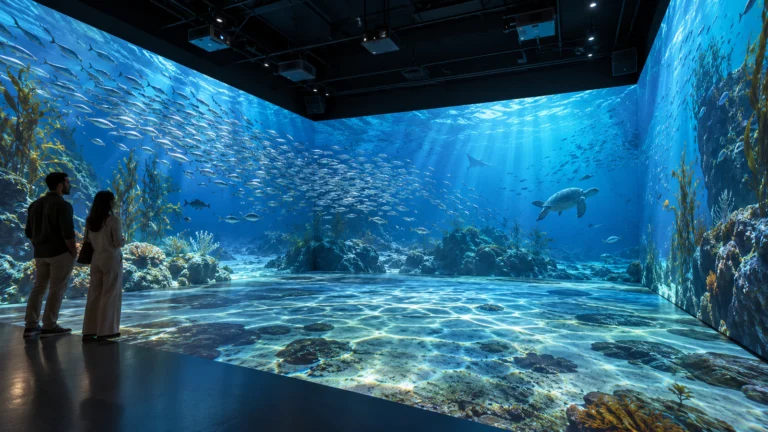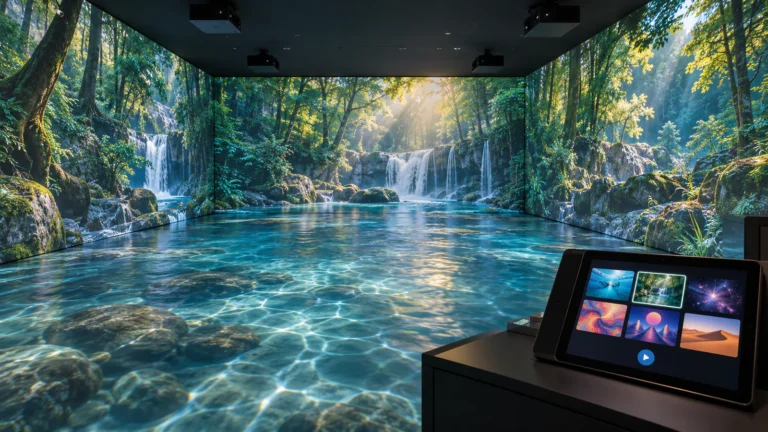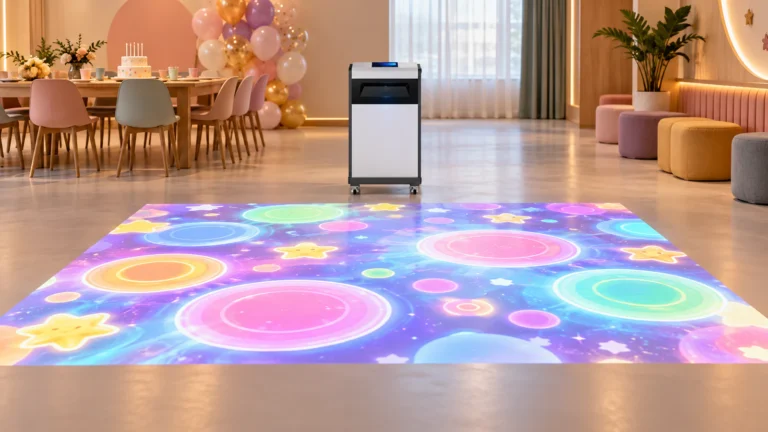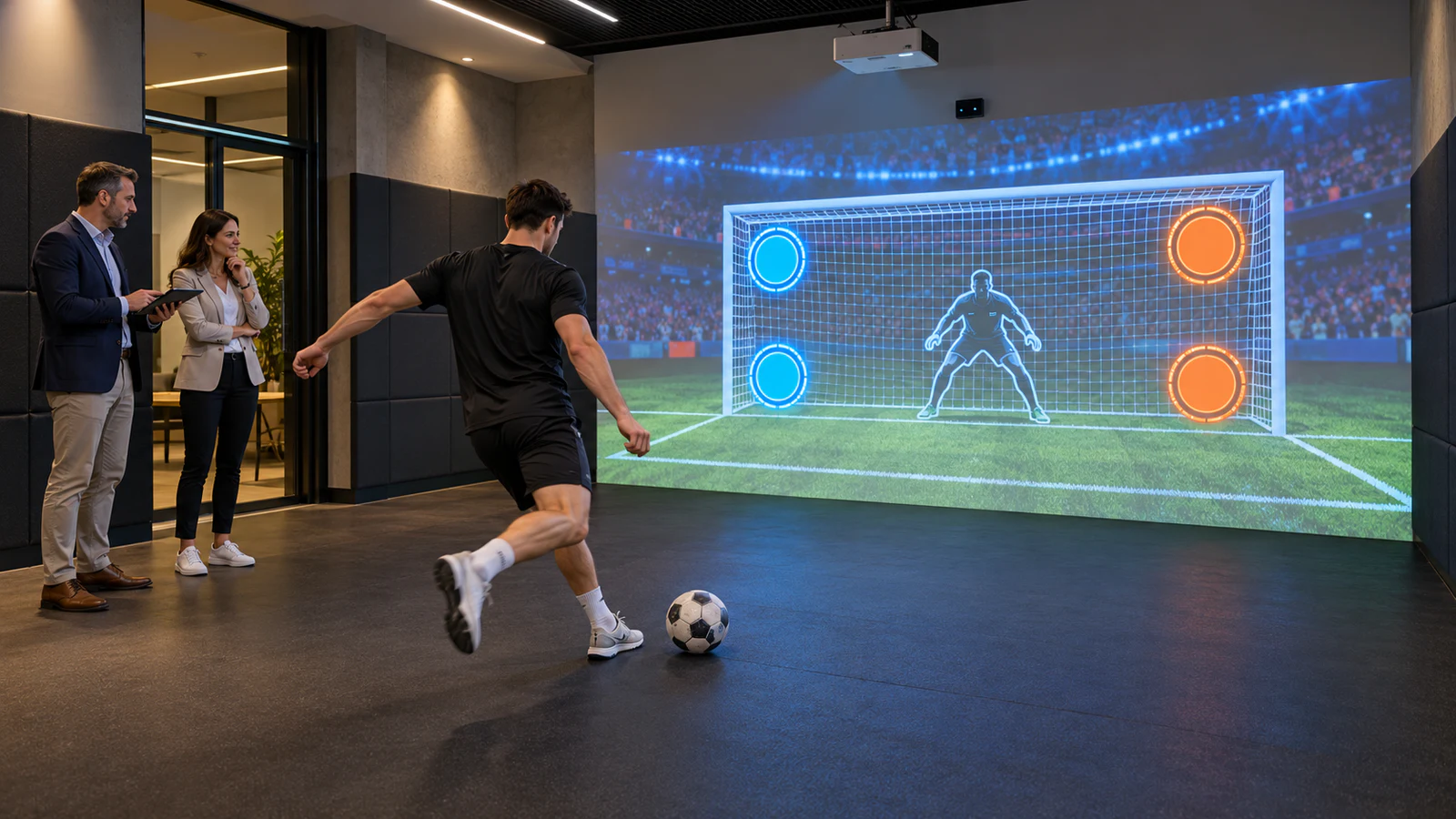
This guide focuses on projection-based sports walls for family entertainment centers, youth activity centers, leisure facilities and distributor projects. Start with the OneCraze multi-sport ball game system, then define the configuration and delivery scope for each location before placing a repeat order.
What Is a Digital Sports Wall Solution?
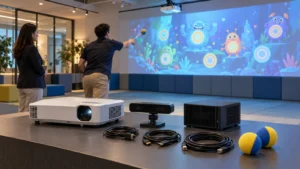
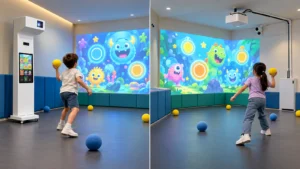
A projection-based digital sports wall combines a projector, detection equipment, a game computer and compatible software. Players interact with projected sports challenges using the inputs supported by that configuration, such as approved ball throws or kicks.
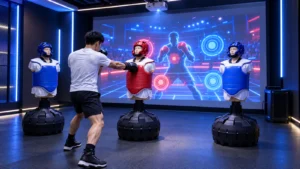
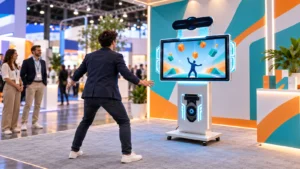
Buyers may also search for an interactive digital sports wall, projection sports wall or multi-sport interactive wall. However, these names do not establish identical capabilities. Some products detect wall impacts, others track body movement, and some use direct-view displays rather than projection.
Therefore, state the display method and interaction method in your inquiry. If your project requires projection, the quotation should identify the projector and lens rather than leave “LED” and “projection” interchangeable.
The commercial multi-sport ball simulator guide provides a starting point for reviewing OneCraze’s published package. Confirm the current game list and hardware before ordering; a product category name alone is not a specification.
Which Parts Can Stay Consistent Across Multiple Venues?
Standardize the player experience and service requirements first. Then let the installation design respond to each building. For example, two branches can use the same approved game package while requiring different mounting arrangements.
Use the following planning table when comparing a digital sports wall manufacturer or solution supplier:
| Project item | Define across the whole order | Check separately at each venue |
|---|---|---|
| Games and player inputs | Game names, permitted balls, modes and software version | Available movement space and suitability for intended users |
| Projection equipment | Approved models or documented substitution process | Image dimensions, throw distance and ambient light |
| Detection system | Sensor model, supported inputs and test procedure | Mounting position, coverage and possible obstructions |
| Software rights | License term, device allocation and update scope | Activation, internet availability and local language |
| Installation and support | Documentation format, training scope and escalation contact | Local installer, access arrangements and commissioning date |
How Should Buyers Approve Games and Room Conditions?
Test the actual activity, not just the game title
A football-themed game does not automatically prove that the system supports full-force shots with a regulation ball. Similarly, a tennis scene does not establish accurate tracking of fast racket strikes.
Ask the supplier to demonstrate the agreed ball type, player action and operating distance. For the technical distinctions, review sports wall ball tracking and input compatibility.
Before approving a pilot, check:
- Whether targets respond across the agreed playing area, including its edges.
- How the game handles the intended player count and simultaneous inputs.
- Whether staff can select games, restart a session and recover after a shutdown.
- Whether instructions and scoring remain readable under representative lighting.
Survey every location before freezing the equipment order
Collect room dimensions, photographs, ceiling restrictions, lighting conditions and the proposed playing area. Include doorways, windows, adjacent activities and the route for moving equipment into the building.
Also assess the wall surface for ball-throwing projection. A visually suitable wall may still need impact protection or changes around sockets and exposed edges. Have the responsible local professionals review structural, electrical and site-safety requirements.
How Do You Move from One Pilot to Repeat Installations?
Use the pilot to create an approved reference configuration. Record its hardware models, software version, game list, permitted accessories and measured installation geometry. Keep these records with the purchase order rather than relying on a demonstration video alone.
Next, separate factory approval from site approval. A factory acceptance test can verify the supplied equipment and agreed functions. Each completed venue still needs commissioning under its own lighting, wall and sensor conditions.
For every location, request a handover folder containing the equipment list, installation drawing, calibration backup, operator instructions and support contacts. Mark unresolved items clearly so that a successful pilot does not conceal incomplete work at later branches.
If branches serve different audiences, agree on the required menus, instructions and audio before finalizing the software. The multilingual projection software guide explains why localization can involve more than translated words.
Finally, do not assume that several installations include centralized monitoring, shared leaderboards or a chain-wide account. Request those functions separately and require a demonstration if they matter to the project.
What Should a Multi-Site Supplier Quotation Include?
A useful proposal separates the repeatable equipment package from location-specific work. Consequently, buyers can see whether a price difference comes from hardware, software rights, installation or transport.
Ask for these commercial items:
- Pilot price: equipment, software, testing and agreed commissioning support.
- Repeat-order price: quantity, identical scope and quotation validity.
- Site-specific charges: mounts, cables, wall preparation, travel and local labor.
- License allocation: activation per system, replacement-computer procedure and renewal terms.
- Service responsibilities: who diagnoses faults, supplies parts and performs local repairs.
Use the quotation comparison guide to distinguish equipment supply from an installed solution. In particular, define what “turnkey” includes at each address.
Potentially, but confirm the license allocation for every installation. Purchasing several hardware sets does not automatically provide unrestricted software copying or shared activation.
Not necessarily. Different image sizes, mounting distances and lighting can require different models. Maintain an approved equipment list and test any alternative with the intended software and sensors.
Request a pilot proposal with written acceptance criteria and separate repeat-order pricing. Confirm whether later units will match the approved configuration and how substitutions will be handled.