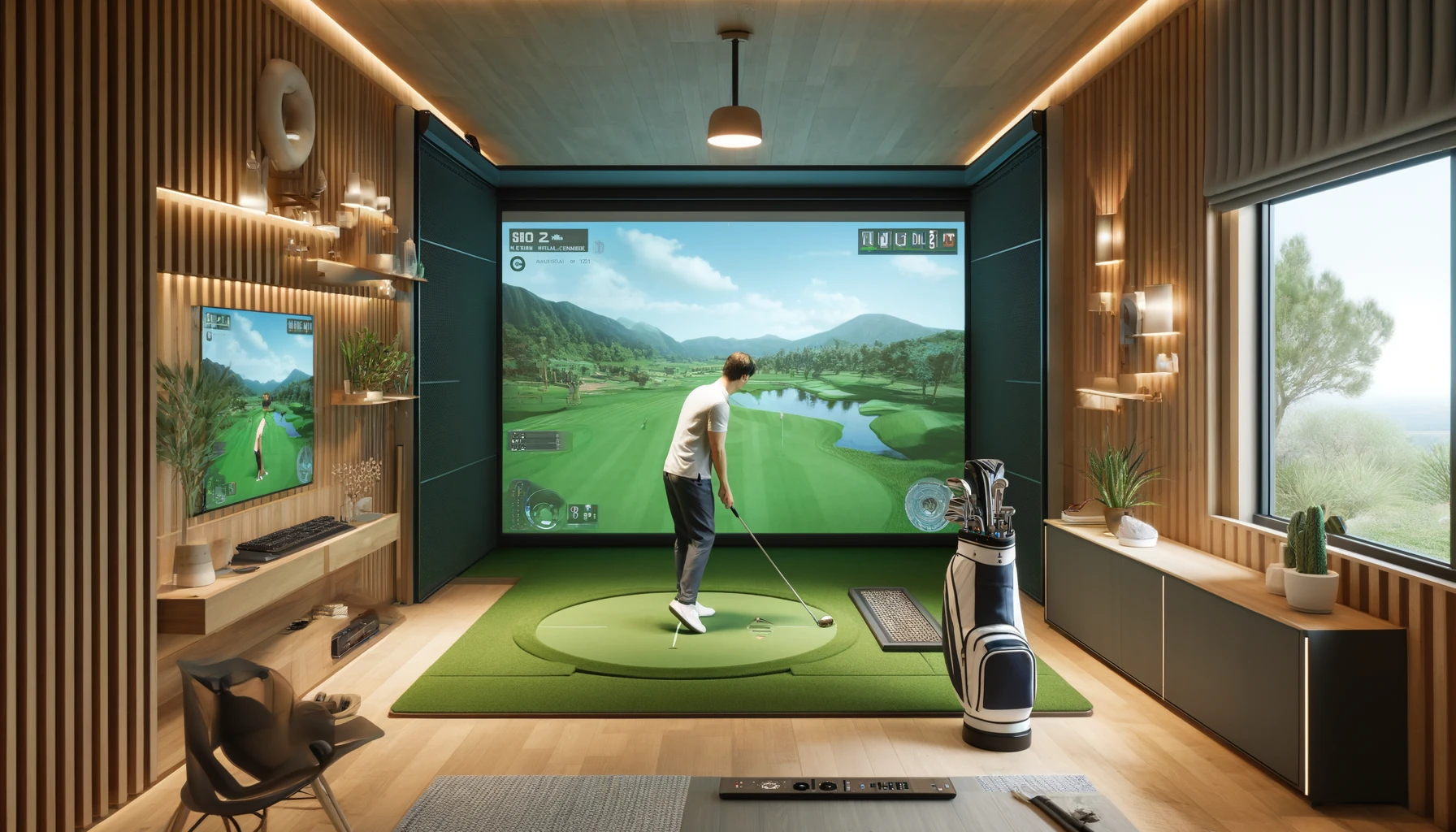
Have you ever dreamt of perfecting your swing or indulging in a round of golf without leaving the comfort of your home? With the rise of sophisticated technology, creating a digital golf simulator experience is no longer a pipe dream. Even with limited space, you can transform a spare room into a personal golfing oasis.
Play Golf Games Indoors in a 20 Square Meter Field: Is it Feasible?
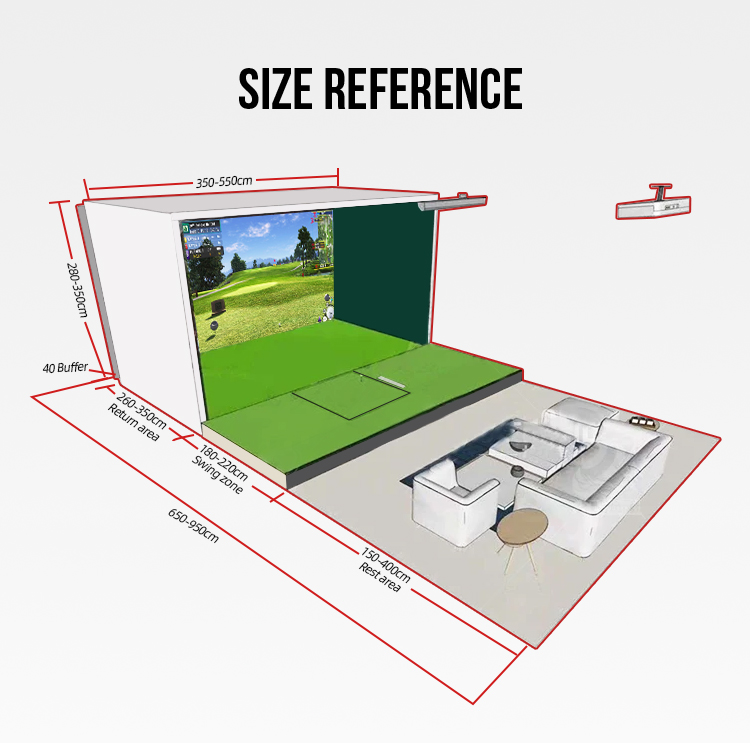
Absolutely! A 20-square-meter space (approximately 8ft x 25ft) offers enough room to set up a functional and immersive golf simulator experience. Let’s break down the key considerations:
- Swing Space: A full swing requires a minimum of 8-10 feet of depth. This allows for a comfortable and natural swing motion without worrying about hitting the screen or projector.
- Impact Screen: Projector screens designed for golf simulators are available in various sizes. Choose one that fits within your space while providing a clear and sizeable hitting surface.
- Projector Placement: A short-throw projector positioned behind you ensures a sharp image and minimizes shadow interference on the screen.
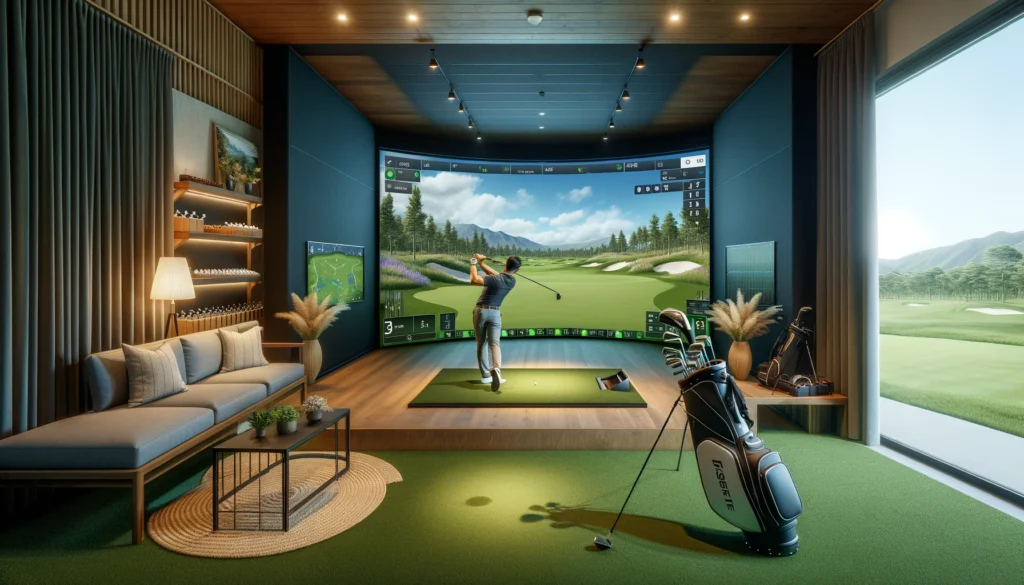
Golf Simulation Game Experience in Your Room: Key Components
Here’s a breakdown of the essential components for your indoor golf simulator:
- Impact Screen: This durable screen absorbs the impact of your golf ball while displaying the virtual course. Consider retractable screens for space optimization.
- Projector: A high-resolution projector with low latency is crucial for a realistic and smooth golfing experience.
- Launch Monitor: This technological marvel captures ball flight data, providing real-time feedback on clubface contact, swing path, and ball trajectory.
- Simulator Software: The heart of your system, golf simulator software provides the virtual courses, ball physics, and gameplay mechanics.
- Computer: A powerful computer is required to run the simulator software smoothly and render complex graphics.
- Golf Mat: A realistic golf mat simulates the feel of hitting off grass and provides a stable platform for your swing.
- Optional Accessories: For an enhanced experience, consider adding features like sensor mats for putting analysis and simulator enclosures to further immerse yourself in the game.
Best Online Golf Simulator Game Software: Choosing the Right Fit
When selecting golf simulator software, consider these factors:
- Features: Do you prioritize realistic course simulations, detailed analytics, multiplayer capabilities, or a specific price point?
- Ease of Use: Is the software user-friendly, or does it require technical expertise to operate?
- Compatibility: Ensure the software is compatible with your launch monitor and computer system.
Here are some popular golf simulator software options to explore:
- SkyTrak: Renowned for its portability and accuracy, SkyTrak offers a comprehensive yet user-friendly experience.
- FlightScope Mevo+: This advanced launch monitor features a built-in simulator engine with impressive ball flight data and game modes.
- E6 Golf: A well-established software with a vast library of iconic courses, E6 Golf provides a visually stunning and feature-rich experience for seasoned golfers.
- The Golf Club 2019: This popular game offers a variety of courses, online multiplayer, and a career mode, catering to both casual and serious players.
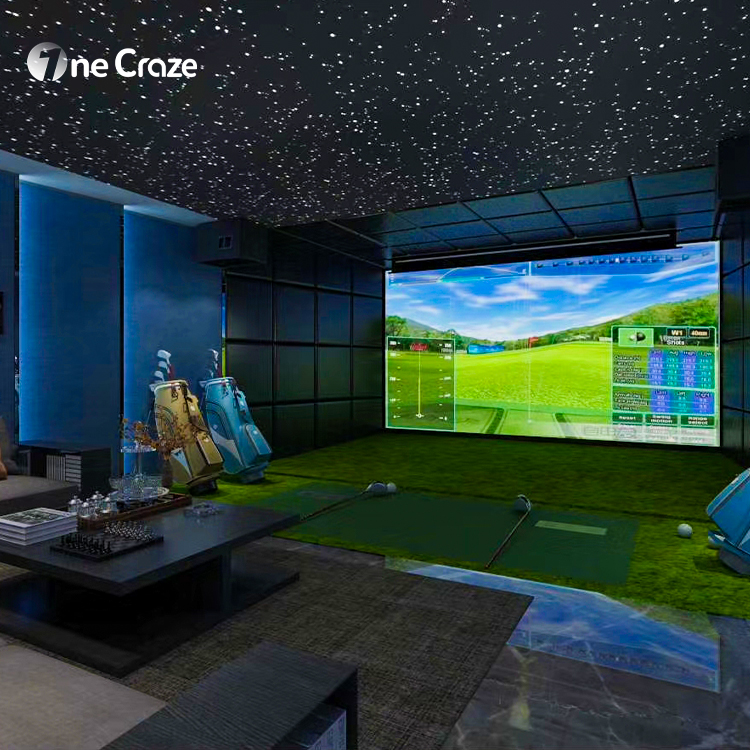
Building Your All-Weather Indoor Automatic Golf Simulator Suite
Once you have gathered the necessary components, it’s time to set up your simulator. Here are some additional considerations for optimizing your space:
- Lighting: Adjustable lighting helps create a realistic golfing atmosphere and reduces projector screen glare.
- Furniture: Consider adding a comfortable chair or sofa for analyzing your swing or spectating multiplayer games.
- Sound System: Immerse yourself in the game with a surround sound system that replicates the sounds of the course.
By incorporating these elements, you can create a truly immersive and all-weather golf experience in the comfort of your own home.
Yes! While high-end systems can be expensive, there are affordable launch monitors and software options available. You can also start with a basic setup and upgrade components over time.
Manufacturers are constantly innovating, with advancements in launch monitor accuracy, virtual reality integration, and automated ball feeding systems.
Many online retailers and specialty stores carry golf simulator components. Research reputable suppliers and compare prices before making a purchase.