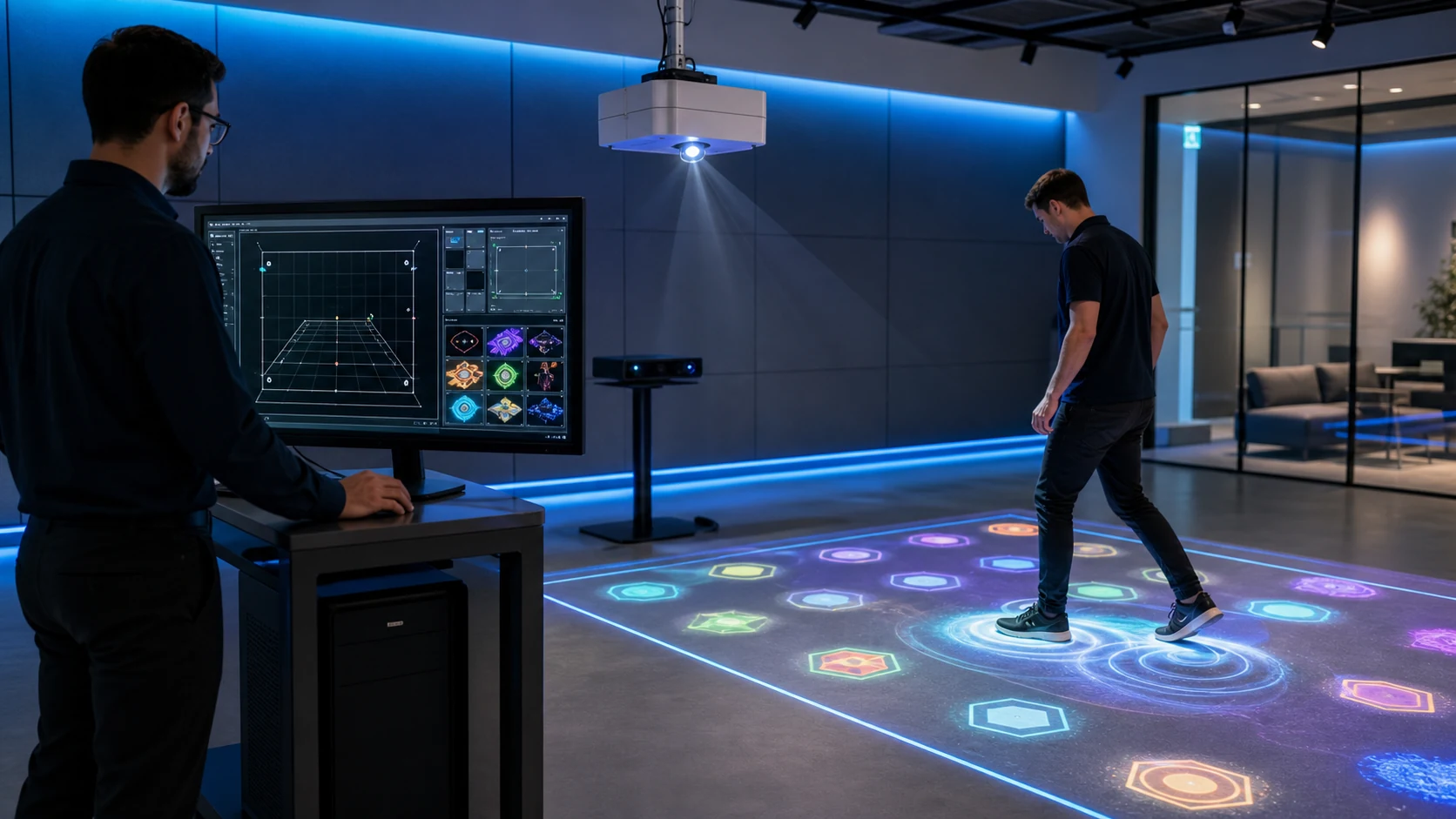
The supplier can then confirm whether a software-only license is practical or whether a tested interactive projector system would reduce integration risk.
Can You Buy Interactive Floor Projection Software Without Hardware?
Software-only purchasing can make sense when an integrator already sources projectors, computers, audio equipment and mounting hardware locally. It can reduce international freight and allow the buyer to select projector models that are easy to service in the destination country. In addition, a distributor may use one approved hardware configuration across several local installations.
Nevertheless, software-only supply shifts more responsibility to the buyer. The integrator must assemble the system, install drivers, position the sensor, align the projected image and verify tracking. If a game responds incorrectly, the cause may be the software, sensor placement, computer performance or calibration.
A software-only buyer should therefore confirm:
- Supported operating-system version
- Minimum and recommended computer configuration
- Compatible sensor brands and exact models
- Required drivers and connection ports
- Supported display resolution and aspect ratio
- Maximum calibrated projection area
- Number of simultaneous players or tracking points
- Internet requirements for activation and updates
- Remote installation and calibration support
- Replacement-computer and license-transfer policy
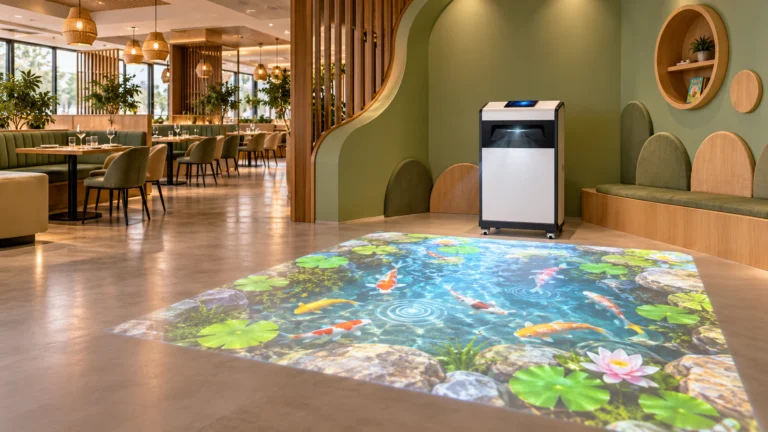
If the buyer does not have integration experience, a preconfigured machine may be safer. For example, the Mobile Interactive Floor All-in-One combines projection, tracking, computing and operator controls in one movable enclosure. Compact education and fitness projects can also compare the Mini SAIO 2.0 floor interactive machine.
Which Software License Model Should a Distributor Choose?
The lowest license price is not always the lowest project cost. A perpetual license may reduce recurring fees, while a subscription may include updates and support. Meanwhile, an OEM or volume agreement can add branding and commercial resale rights that a normal single-machine license does not provide.
| License model | Suitable buyer | Common scope to confirm | Main purchasing risk |
|---|---|---|---|
| Single-system license | One venue or pilot project | One computer, agreed game library and remote setup | License may be locked to one machine |
| Perpetual license | Permanent commercial installation | Long-term use of the purchased version | Updates may not be included indefinitely |
| Annual subscription | Venue needing continuous updates | Software access, new content and support period | System access or updates may change after expiry |
| Volume license | Chain operator or project integrator | Multiple activations and centralized pricing | Deployment schedule and activation count must be controlled |
| OEM or white-label license | Distributor selling under its own brand | Logo, interface, language, launcher and resale terms | Branding rights may not include source code or exclusive content |
| Custom-development license | Museum, brand or specialized attraction | New gameplay, integration and acceptance criteria | Scope changes can increase time and cost |
What Hardware Does Interactive Floor Projector Game Software Need?
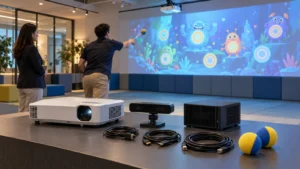
The projector displays the game, but the computer renders it and the sensor creates the interaction data. Consequently, projector brightness alone cannot determine software compatibility. A stable system needs enough graphics performance, correct video output, supported drivers and a sensor that produces data the software understands.
| Component | Information the buyer should provide | Why it matters |
|---|---|---|
| Computer | CPU, GPU, RAM, storage and operating system | Determines frame rate, loading time and software support |
| Projector | # Brand, model, resolution, brightness and throw ratio | Determines image size and visual quality, not sensor compatibility by itself |
| Sensor | Exact brand, model, firmware and connection | Tracking software may support only selected devices or protocols |
| Display layout | Resolution, orientation and number of outputs | Games must match the final canvas and aspect ratio |
| Play area | Width, height, ceiling height and player count | Affects lens choice, calibration and tracking coverage |
| Network | Online, restricted network or fully offline | Affects activation, updates and remote diagnostics |
| Operator control | Keyboard, remote, touchscreen or external controller | Determines how staff launch, stop and switch games |
In addition, do not purchase a sensor from a product family name alone. Two depth cameras or LiDAR units can use different drivers, ranges and data formats. The OneCraze guide to LiDAR, infrared cameras and depth sensors explains the functional differences, but the exact compatibility list must still come from the software quotation.
If an integrator plans to use Windows-based hardware, Microsoft’s official Windows requirements information can help confirm the operating-system baseline. Nevertheless, the interactive software supplier’s tested configuration should take priority over the operating system’s minimum requirements.
Can Interactive Floor Games Run Offline?
Ask the supplier to separate these functions:
- Initial software installation
- First license activation
- Normal game operation
- Operator login
- Game and software updates
- Remote diagnostics
- Cloud scores or membership data
- License recovery after hardware replacement
The factory acceptance test should include a real offline check. After activation, disconnect the test computer from the internet, restart it and run several games for the agreed period. This confirms more than a verbal promise.
For a broader view of launchers, scoring, content management and calibration, read Software Functionality of Interactive Floor and Wall Projector Games. Buyers who need an installation overview can also review How to Install Interactive Floor Projection Game Software.
What Can OEM and White-Label Interactive Software Include?
White labeling can range from a logo on the launcher to a complete distributor-facing product identity. Since these levels require different work, the buyer should specify every branded element instead of requesting “full OEM” without a scope.
Common customization items include:
- Distributor logo and product name
- Launcher colors, icons and startup screen
- English, Arabic or other interface languages
- Localized game instructions and voice prompts
- Branded loading screens and attract loops
- Selected game graphics, characters and scoring rules
- Distributor contact information inside the software
- Default playlists for different venue types
- Protected settings for venue operators
- Packaging, manual and training-video branding
Changing a logo is much simpler than creating a new game. Likewise, translating buttons is different from adapting text direction, fonts, audio and game layout for Arabic. The OneCraze guide to multilingual interactive projection software and Arabic RTL provides a more detailed localization checklist.
Does the Software Support an SDK, API or External Control?
An SDK and an API are not interchangeable promises. A simple external-control API may start a game or change a scene, whereas an SDK may give developers access to sensor data, game events or content tools. Some projects need only dry-contact or serial commands; others require a documented network protocol and real-time data exchange.
Before requesting integration, describe the external system and the exact action required. Examples include:
- Start, pause and stop a session from a central control panel
- Select a game from a touchscreen or ticketing system
- Send scores to a leaderboard or membership database
- Trigger DMX lighting or sound after a game event
- Receive player-position or zone-trigger data
- Schedule promotional content automatically
- Monitor application status remotely
OneCraze discusses these scope questions further in its guide to custom interactive projection games, OEM software and API integration. Although that article focuses on wall games, the same procurement discipline applies to floor systems: buyers should never assume that an API includes source code, sensor access or unlimited customization.
Software-only supply may be available for compatible project hardware. Send the projector, computer and sensor models for review before ordering because a software license does not automatically support every device.
The software can often display through a standard Windows-compatible projector output, but image resolution, aspect ratio, lens and calibration still affect the result. Sensor compatibility is a separate requirement.
Normal gameplay may operate offline, depending on the licensed version. Initial activation, updates, cloud functions or remote support may require a connection, so buyers should request a restart test with the network disconnected.
Request a Software Compatibility and OEM Quotation
Already have a projector, computer or sensor? Contact OneCraze with your hardware models, projection size, required games, languages, branding scope, offline requirement and estimated license quantity.