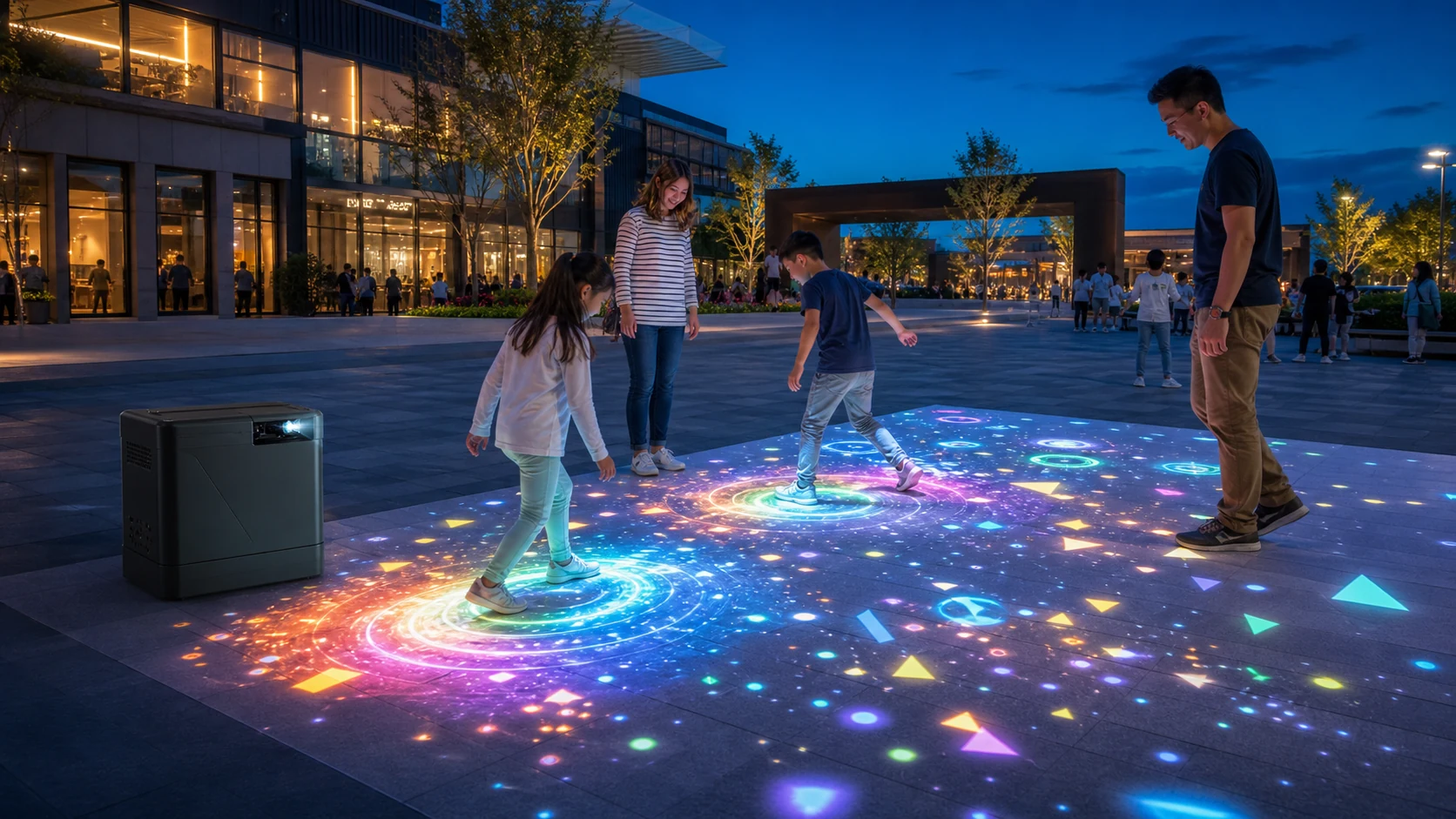
OneCraze supplies an Outdoor Interactive Floor All-in-One that integrates a laser projector, control system and LiDAR or infrared tracking in a movable enclosure. Nevertheless, every outdoor project still requires a site assessment because “outdoor use” does not automatically mean “clearly visible in direct sunlight.”
When Can an Interactive Floor Projector Work Outdoors?
The short answer depends on the environment. A nighttime attraction with a matte floor presents a much easier projection condition than a public square at noon. Likewise, a covered shopping-mall entrance may work well during evening hours but lose contrast when low-angle sunlight reaches the image.
Use this table as an initial feasibility guide:
| Outdoor condition | Expected image performance | Main requirement | Recommended decision |
|---|---|---|---|
| Nighttime or very low ambient light | Strong color and contrast | Stable power, safe enclosure and suitable floor | Good starting condition |
| Evening with surrounding signage | Usually workable, depending on image size | Measure ambient light and test bright game scenes | Complete an on-site test |
| Covered or shaded outdoor area | Possible when light is controlled | Reduce image size and block stray light where practical | Approve after a sample test |
| Bright daytime without direct sun | Challenging | High-output projector, smaller image and careful surface selection | Test before quotation approval |
| Direct sunlight on the floor | Poor for conventional projection | Major light control or another display technology | Do not promise normal projection quality |
If the venue cannot control outdoor light but can move the attraction indoors, a mobile interactive floor projector may offer a more predictable alternative. Meanwhile, buyers planning a fixed indoor installation can compare the options in the OneCraze guide to an interactive floor projector without ceiling mounting.
How Much Brightness Does Outdoor Floor Projection Need?
In addition, buyers should verify how the manufacturer measures brightness. Epson’s official projector brightness guide explains that white brightness and color brightness can differ. This matters because outdoor interactive games depend on colorful moving graphics rather than white test patterns alone.
Evaluate Brightness with a Site Test
Instead of asking only “How many lumens do I need?”, request a test that records:
- Projector brand, model and stated brightness
- Projected width, height and total area
- Ambient-light reading at the floor
- Floor material, color and surface finish
- Test time and weather conditions
- Camera position and exposure settings
- Bright scenes, dark scenes and moving game content
The current OneCraze outdoor all-in-one configuration uses a 4,000-lumen laser projector and a short-throw lens. That specification can suit controlled evening and nighttime applications, but the final image size must match the actual environment. For a larger plaza or brighter site, OneCraze can assess a higher-output or custom projector configuration rather than claiming that one standard model fits every location.
Moreover, content design improves practical visibility. Bold shapes, high color contrast and limited fine text usually survive ambient light better than dark cinematic scenes. For related surface planning, see Can an Interactive Floor Projector Work on Carpet, Tile or Dark Floors?.
Does an Outdoor Projector Need an IP-Rated Enclosure?
An outdoor interactive floor projection system must protect more than the projector lens. The enclosure may contain a computer, controller, power supply, sensor, cooling system and network equipment. Rain, dust, condensation, insects, heat and unstable power can affect these components even when no water reaches the projector directly.
IP ratings classify the protection an enclosure provides against access, solid objects and water. The internationally recognized reference is IEC 60529. However, an IP claim should apply to a defined enclosure and test configuration. A buyer should not assume that every opening, cable connector or ventilation path has the same protection simply because a supplier uses the word “waterproof.”
Which Sensor Works Best for Outdoor Interactive Projection?
Outdoor sunlight contains infrared energy, so sensing technology that performs well in a controlled indoor room may behave differently outside. Shadows, reflective surfaces, rain, dust, moving plants and visitor congestion can also affect tracking. Therefore, the supplier must test the exact sensor and mounting position under realistic conditions.
| Sensor option | Outdoor advantage | Main limitation | Suitable starting point |
|---|---|---|---|
| 2D LiDAR | Detects distance points across a defined scanning plane | People or objects can create occlusion | Foot-position triggers and larger defined floor zones |
| Infrared camera | Flexible and cost-effective for 2D movement tracking | Sunlight and reflections can reduce consistency | Covered or light-controlled installations |
| Depth camera | Provides distance and body-volume information | Working range and infrared interference depend on the model | Detailed movement in controlled semi-outdoor areas |
| Radar | Can operate across difficult light conditions | Provides less visual detail and needs suitable software logic | Zone triggers and presence detection |
No sensor wins every project. First define whether the game needs simple position triggers, multiple feet, body gestures or object tracking. Next, test the center, edges and corners of the active area with the expected number of players. Finally, repeat the test at the actual operating time.
The standard OneCraze outdoor configuration can use a 10-meter laser radar or an infrared camera, depending on the project. Buyers can review the fuller technical comparison in LiDAR vs IR Camera vs Depth Sensor for Interactive Projection. Custom projects can also discuss branded games, multilingual interfaces and software or API integration when the installation must connect with a ticketing, lighting or venue-control system.
What Floor and Installation Conditions Should Buyers Check?
Outdoor flooring affects both visibility and safety. A light, flat and matte surface generally produces a clearer picture. By contrast, black asphalt absorbs light, polished stone creates glare, and uneven paving can distort graphics or create trip hazards. Water on the floor may further reduce traction and change reflections.
Before ordering, the buyer and installer should confirm:
- The clear projection width and height
- The floor material, color, texture and slope
- The normal daytime and nighttime lighting
- Projector position, throw distance and lens protection
- Sensor position, blind areas and visitor flow
- Power voltage, grounding, drainage and network access
- Barriers or markings that protect the machine without blocking tracking
- Local requirements for electrical safety, accessibility and public installations
- Daily cleaning, filter inspection and maintenance access
- A shutdown plan for rain, flooding, extreme heat or severe weather
For commercial installations, an all-in-one cabinet can shorten setup because it combines several components. Still, “plug and play” does not remove the need for calibration and site acceptance. Buyers can browse the wider OneCraze interactive projector system range to compare outdoor, mobile and fixed configurations.
Conventional projection normally loses substantial contrast in direct sunlight. A supplier should evaluate light levels, image size and surface conditions instead of guaranteeing normal nighttime image quality. Shade, evening operation or a different display technology may be more practical.
No single lumen value fits every project. The required output depends on ambient light, projected area, floor reflectivity, lens efficiency and game graphics. Request a site-specific test with the proposed projector model and image size.
The appropriate protection depends on rain, dust, splash and installation conditions. If a supplier claims IP65 or another rating, request the applicable test report and confirm that cable entries, vents and access panels were included in the assessed configuration.