This checklist helps distributors, AV integrators, FEC operators, schools, museums and project contractors compare suppliers with measurable evidence. It can be used for an interactive projection all-in-one system, a separate projector-and-sensor kit, or a customized multi-projector installation.
Why Does an Interactive Projection System Need a Factory Acceptance Test?
An interactive projector is a combined system. The projector may operate correctly while the sensor misses the edges of the play area. Similarly, the tracking can appear responsive while the application crashes after repeated game changes. A short promotional video rarely exposes these differences.
Therefore, the FAT should test the complete order as one working unit. It should also connect every result to the approved quotation, bill of materials and software scope. If the buyer ordered multilingual menus, branded games, remote control or API integration, those functions belong in the test rather than in a future promise.
A practical FAT reduces four purchasing risks:
- Configuration risk: the shipped projector, computer, sensor and license may differ from the approved proposal.
- Performance risk: tracking can contain dead zones, false triggers or unacceptable delay.
- Integration risk: automatic startup, remote control, game switching or external interfaces may not work as expected.
- Handover risk: the buyer may receive hardware without the passwords, calibration files, manuals or spare parts needed for installation.
The AVIXA guidance on statements of work explains why acceptance criteria should define what “done” means, including workflows, recovery scenarios and handover documents. Buyers should establish these requirements before production whenever possible, not after the system arrives.
If the site conditions have not yet been confirmed, first review the OneCraze interactive floor projection installation requirements. The factory can test the equipment, but it cannot compensate for an unsuitable ceiling height, uncontrolled sunlight or an incorrect projection surface at the final venue.
What Information Should Be Agreed Before the FAT?
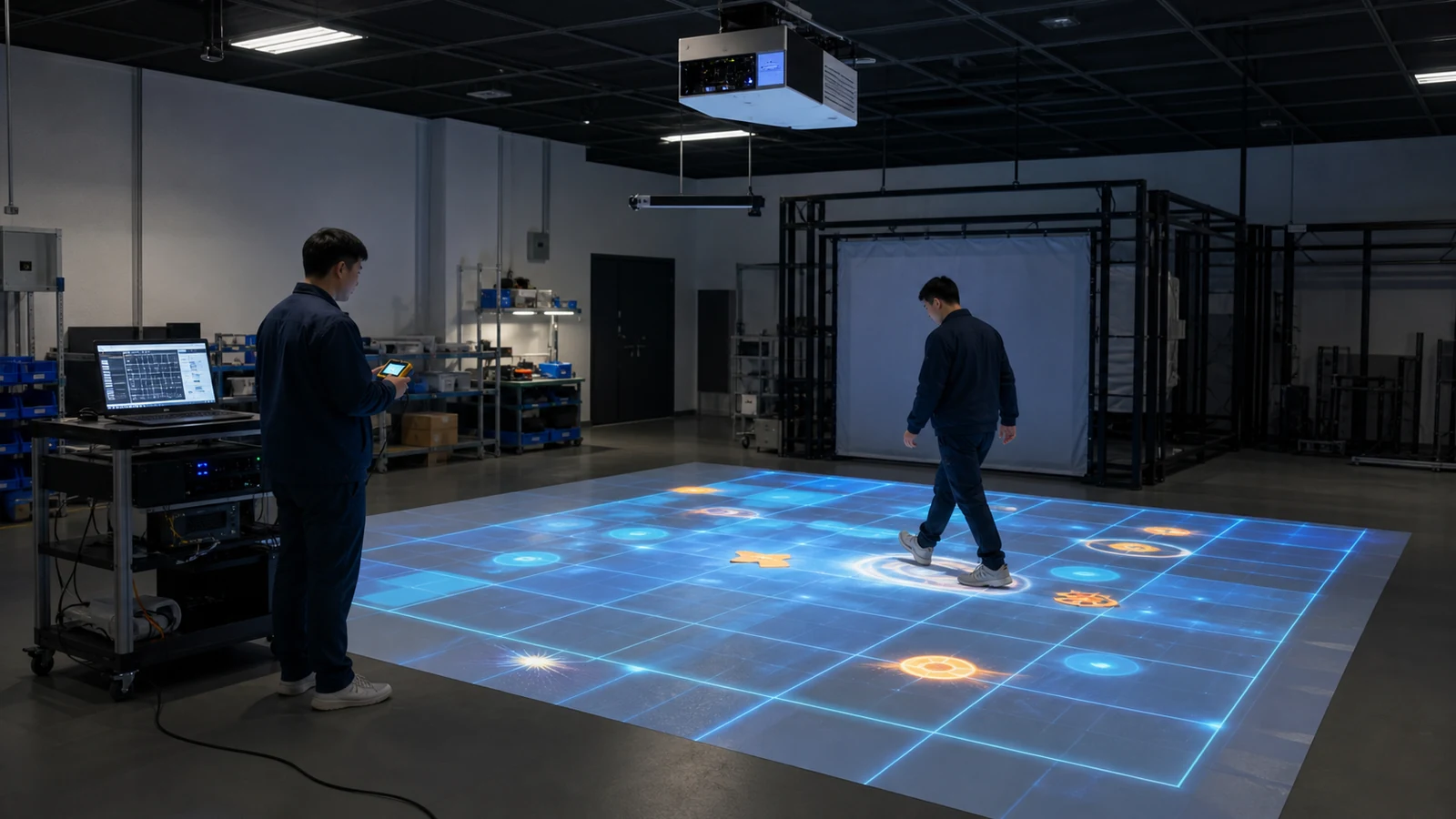
The test environment must also be visible. Record the projection width and height, projector mounting distance, sensor position, room lighting and floor or wall material. These details make the results repeatable. Without them, a supplier could test a small image in a dark room even though the buyer ordered a much larger installation for a bright commercial venue.
Before the live session, both parties should agree on:
- The exact hardware and software included in the order
- The representative projection size and mounting geometry
- The number and type of users used during the test
- The games or applications that must be demonstrated
- The pass/fail threshold for each test
- The instruments or method used for measurement
- The required video, photos, reports and configuration files
- Who can approve deviations or request a retest
The sensor technology changes the procedure. A depth camera, infrared camera and LiDAR do not share the same field of view or environmental limitations. Buyers who have not selected the tracking method can compare them in the OneCraze guide to LiDAR, infrared cameras and depth sensors for interactive projection.
Which 12 Tests Should the Supplier Perform for 60 Minutes?
| Test item | Practical test method | Evidence to record | Example buyer-defined acceptance criterion |
|---|---|---|---|
| 1. Configuration check | Compare labels, models and quantities with the approved BOM | Label photos and signed component list | Every major component matches the order |
| 2. Cold start | Start from a fully powered-off condition | Startup video and time to ready state | System reaches the operator menu without an error |
| 3. Continuous operation | Run representative content for at least 60 minutes | Full-session video, error log and temperature notes | No crash, freeze or tracking loss |
| 4. Coverage grid | Mark test points across the center, edges and corners | Grid diagram and detected/attempted count | All agreed test points respond correctly |
| 5. Multi-user tracking | Add the maximum agreed number of players | Wide-angle video and missed-trigger notes | No unacceptable loss, swapping or false detection |
| 6. Fast movement | Walk, run, jump or throw according to the application | Slow-motion sample and event log | Response remains consistent at normal play speed |
| 7. Game switching | Change applications repeatedly during operation | Number of cycles and switching time | No crash, license prompt or lost calibration |
| 8. Power recovery | Interrupt power, restore it and restart | Recovery video and elapsed time | Returns to the agreed operating state |
| 9. Network-offline operation | Disconnect internet if offline use was purchased | Offline launch and content-access video | Purchased functions remain available offline |
| 10. External control | Test remote, relay, RS232/RS485, API or scheduled startup | Command log and response video | Every contracted command works |
| 11. Noise and heat check | Measure at the agreed position after continuous use | Instrument photo, distance and readings | Results remain within agreed product limits |
| 12. Shutdown and restart | Close software correctly and repeat startup | Final video and system log | Calibration and settings remain saved |
OneCraze’s guide to projector brightness, lenses and projection mapping can help buyers define the optical part of the test. However, the FAT should verify the actual ordered configuration rather than relying only on the projector manufacturer’s brochure.
How Should Software, Licensing and Control Functions Be Tested?
For OEM, multilingual or customized orders, test the contracted scope directly:
- Customer logo, colors and startup screen
- English, Arabic or other required interface languages
- Right-to-left display where specified
- Customized game names and graphics
- Content upload and update procedure
- User roles, passwords and operator restrictions
- API, SDK, TUIO, relay or serial commands
- Remote diagnostics and buyer authorization controls
- License duration, device binding and transfer procedure
Buyers sourcing their own computers should review the OneCraze guide to interactive projection software OEM licensing and hardware compatibility. Projects that require branded content or external control can also use the custom interactive projection software and API guide when preparing the test scope.
What Evidence Should Be Included in the FAT Report?
| FAT deliverable | Minimum information | Why the buyer needs it |
|---|---|---|
| Signed test sheet | Requirement, method, measured result, pass/fail and approver | Creates a traceable acceptance record |
| Continuous video | Order number, visible clock, complete test area and equipment | Shows duration and prevents selective editing |
| Configuration evidence | Model labels, serial numbers, software and firmware versions | Confirms what was actually tested |
| Coverage map | Projection dimensions, sensor location and tested grid points | Helps installers reproduce the setup |
| Logs and screenshots | Errors, startup behavior, license status and control commands | Supports troubleshooting and remote service |
| Calibration backup | Sensor zones, mapping files and application configuration | Reduces commissioning and recovery time |
| Packing evidence | Every carton, accessory, cable, mount and spare part | Reduces missing-item disputes |
| Handover documents | Manual, wiring diagram, installation drawing and support contacts | Allows the local team to install and operate the system |
AVIXA’s Audiovisual Systems Performance Verification Guide emphasizes objective test results, accepted commissioning documentation and complete closeout records. Although a factory test does not replace final site commissioning, the same evidence-based approach improves both stages.
A basic system should include at least 60 minutes of continuous operation plus time for configuration, coverage, restart, offline and packing checks. Customized multi-projector systems may need a longer test because every output, sensor and control function requires verification.
A complete recorded video provides useful evidence, but a live session allows the buyer to request unplanned actions, inspect labels and repeat suspicious results. For higher-value orders, use both a live witness session and saved unedited video.
The factory acceptance test verifies the assembled system before shipment under documented factory conditions. The site acceptance test verifies the installed system in the real venue, including mounting, lighting, surfaces, networking, safety and final user workflow.