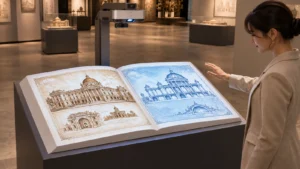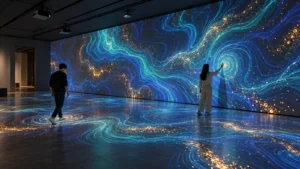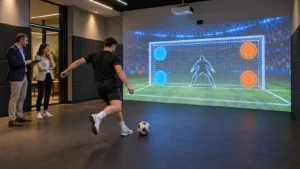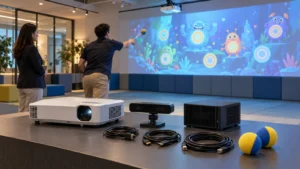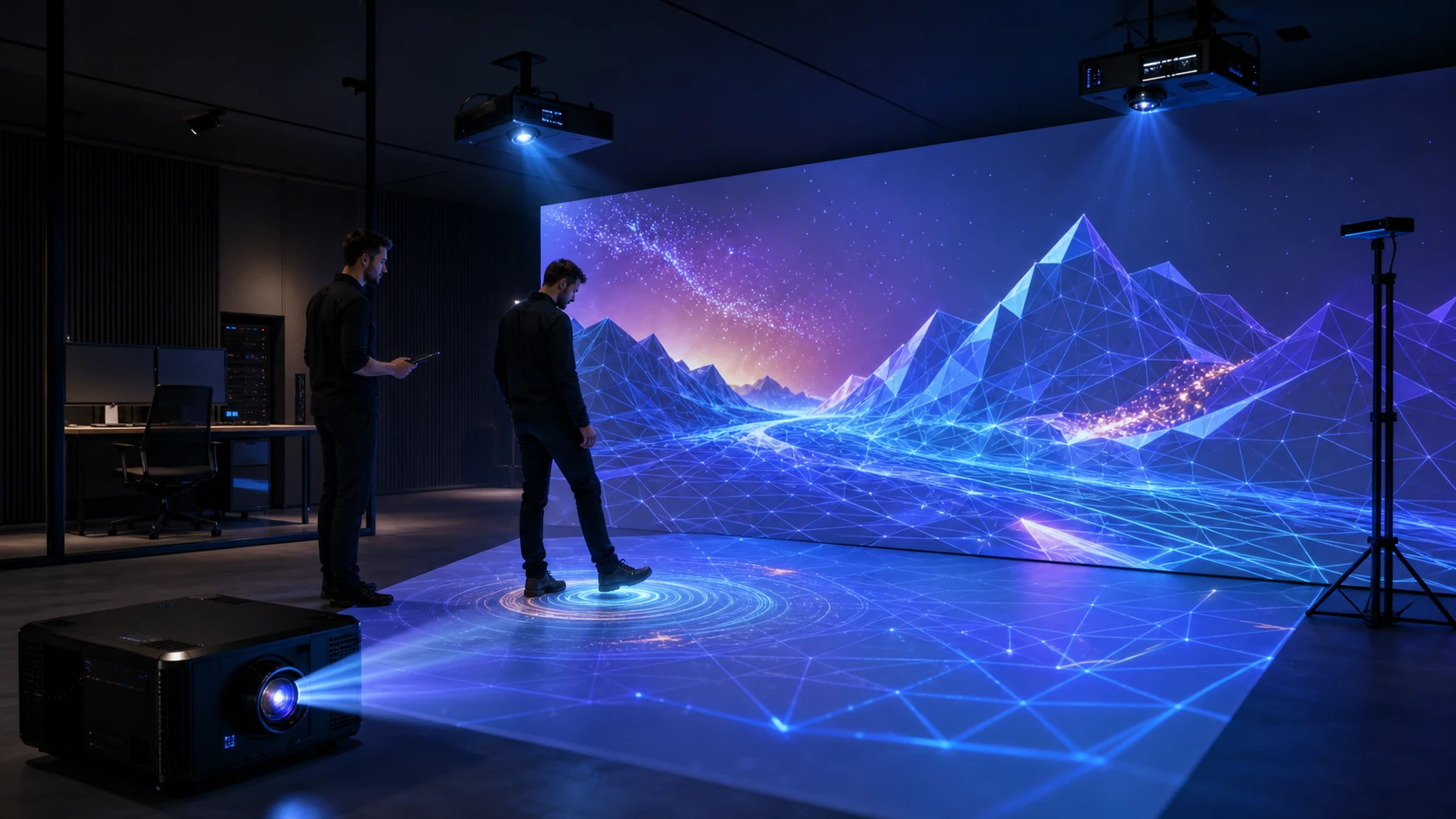
Before requesting a quotation, buyers can review the OneCraze interactive projector system range and then provide site measurements. OneCraze can recommend a projector, lens, sensor and software configuration according to the actual venue instead of applying one standard specification to every project.
What Projector Is Best for Projection Mapping?
The best starting point is usually a commercial laser projector with stable brightness, suitable lens options and the inputs required by the media server. Laser models reduce routine lamp replacement and can suit longer daily operating schedules. However, the exact light-source lifetime and maintenance conditions still depend on the selected model, operating mode, temperature and dust level.
For interactive projection mapping, evaluate these specifications together:
- Manufacturer-rated white and color brightness
- Native resolution and supported input resolution
- Standard, short-throw or ultra-short-throw lens
- Fixed or interchangeable lens design
- Lens shift, zoom and focus adjustment
- Geometric correction and edge-blending support
- Video inputs, network control and serial control
- Orientation limits for floor or portrait installation
- Operating temperature, filter and cooling requirements
- Noise level and continuous-operation guidance
Resolution matters when the content includes text, fine graphics or large close-viewed images. Nevertheless, a 4K input does not guarantee a 4K projected result. Buyers should request the projector’s native resolution and confirm the media server’s actual output canvas.
Epson’s technical white paper on projection mapping and high-lumen projectors explains how mapping systems can project onto irregular surfaces, combine multiple projectors and synchronize visual content. Interactive projects add another layer because the tracking coordinates must align with the mapped image.
How Many Lumens Does Projection Mapping Need?
The following table provides planning ranges rather than guaranteed performance:
| Installation condition | Practical starting configuration | Main risk | Required verification |
|---|---|---|---|
| Small dark indoor floor or wall | Approximately 4,000-lumen commercial projector | Dark or glossy surface can reduce usable contrast | Test the ordered image size on the real material |
| Medium FEC, school or showroom area | Approximately 5,000–7,000 lumens | Room lighting and larger image dilute brightness | Measure floor or wall illuminance during operating hours |
| Bright mall or large interactive area | 7,000–10,000+ lumens or multiple projectors | Signage and overhead lighting can wash out colors | Complete an on-site or simulated brightness test |
| Multi-wall immersive room | Several matched projectors selected by wall size | Color and brightness differences become visible at overlaps | Calibrate every projector and verify edge blends |
| Outdoor nighttime mapping | Project-specific high-output projector and protected installation | Streetlights, image distance and weather | Survey the site at the intended operating time |
| Direct sunlight | Conventional projection is normally unsuitable | Sunlight overwhelms projected contrast | Add shade, change operating time or consider another display technology |
Furthermore, check both white and color brightness. Epson’s official projector brightness guide notes that projectors can differ in white and color light output. Interactive games depend heavily on colored graphics, so a bright white test image does not show the complete user experience.
OneCraze’s guide to a 4,000-lumen interactive floor projector in a shopping mall explains how projected area, floor-level light and surface material affect the result. Buyers should also test the darkest game scenes because promotional videos often show only bright, high-contrast effects.
How Do Throw Ratio and Lens Choice Affect the Project?
Throw ratio connects projection distance with image width:
Throw Ratio = Projection Distance ÷ Image Width
| Lens type | Typical advantage | Main limitation | Suitable application |
|---|---|---|---|
| Ultra-short throw | Creates a large image from a very short distance | Installation tolerance can be strict; floor geometry needs testing | Compact rooms and installations with severe space restrictions |
| Short throw | Reduces shadows and required mounting distance | Lens options and image size vary by model | Interactive floors, classrooms and smaller commercial game areas |
| Standard throw | Offers flexible placement and many commercial lens choices | Players or structures may cross the light path | Immersive rooms, stages and larger wall mapping |
| Long throw | Reaches distant surfaces and large facades | Needs rigid mounting, accurate alignment and high output | Arenas, outdoor nighttime events and architectural mapping |
| Interchangeable lens | Allows one projector platform to serve different layouts | Lens price can materially change the quotation | Professional permanent and rental installations |
Project teams can cross-check proposed models with the manufacturer’s official lens or throw-distance calculator. However, the final drawing should identify the exact projector and lens because a product-family calculator may include several optical options.
For floors with carpet, tile, polished stone or dark finishes, read the OneCraze floor-surface compatibility guide. A correct lens cannot compensate for a highly reflective, uneven or light-absorbing surface.
Does Interactive Projection Mapping Need a Special Projector?
Interactive projection does not necessarily require a projector with a built-in touch function. In most commercial floor systems, separate components perform different jobs:
- The projector displays the visual content.
- The computer or media server renders the game.
- LiDAR, an infrared camera, a depth camera or radar detects players.
- The interactive software converts tracking data into game events.
- The calibration process aligns sensor coordinates with image coordinates.
Therefore, a normal commercial projector can become part of an interactive system when the lens, sensor and software are compatible with the installation. Conversely, an “interactive projector” designed for classroom pen input may not support multiplayer floor tracking.
The sensor selection depends on the required interaction. A 2D LiDAR can detect position across a defined scan plane, while a depth camera can provide richer body or gesture data. Infrared cameras may offer economical tracking in controlled light, whereas radar can support selected presence or zone-detection applications. Review LiDAR vs IR camera vs depth sensor before choosing hardware from a sensor name alone.
Software compatibility is equally important. A game library built for one sensor may not recognize another device without a driver or integration module. System integrators using locally sourced hardware can consult the OneCraze guide to interactive floor projection software licensing and OEM compatibility.
For a preconfigured option, the Mobile Interactive Floor All-in-One integrates projection, radar tracking, computing and operator controls. Larger permanent projects can consider an immersive floor projection mapping system, subject to a site-specific optical and tracking design.
Should a Commercial Buyer Rent or Buy a Projection Mapping System?
Compare the full scope rather than the projector price alone:
- Projector and lens
- Media server or industrial computer
- Sensor and calibration tools
- Software license and games
- Mounting structure and safety cables
- Audio, network and operator controls
- Installation and on-site commissioning
- Shipping, packing and import charges
- Spare parts and backup equipment
- Warranty and remote support
- Custom content and future updates
Outdoor buyers should also distinguish a weather-resistant enclosure from daylight image performance. The OneCraze outdoor interactive floor projector buying guide explains why shade, operating time, cooling and enclosure protection affect the decision.
The best projector is the model that meets the required image size, ambient-light condition, projection distance, resolution and operating schedule with a compatible lens. Commercial laser projectors often provide a practical starting point, but every project needs an optical review.
It can be enough for a smaller image in a controlled dark indoor environment. A larger surface, dark material or bright room may require more output. Ask for a test at the ordered image size rather than judging the lumen number alone.
Not always, but a short-throw lens can reduce the required mounting distance and help limit player shadows. Ceiling height, image width, sensor position and maintenance access determine the correct lens.