What Should After-Sales Support Include?
Define responsibilities before the system starts operating
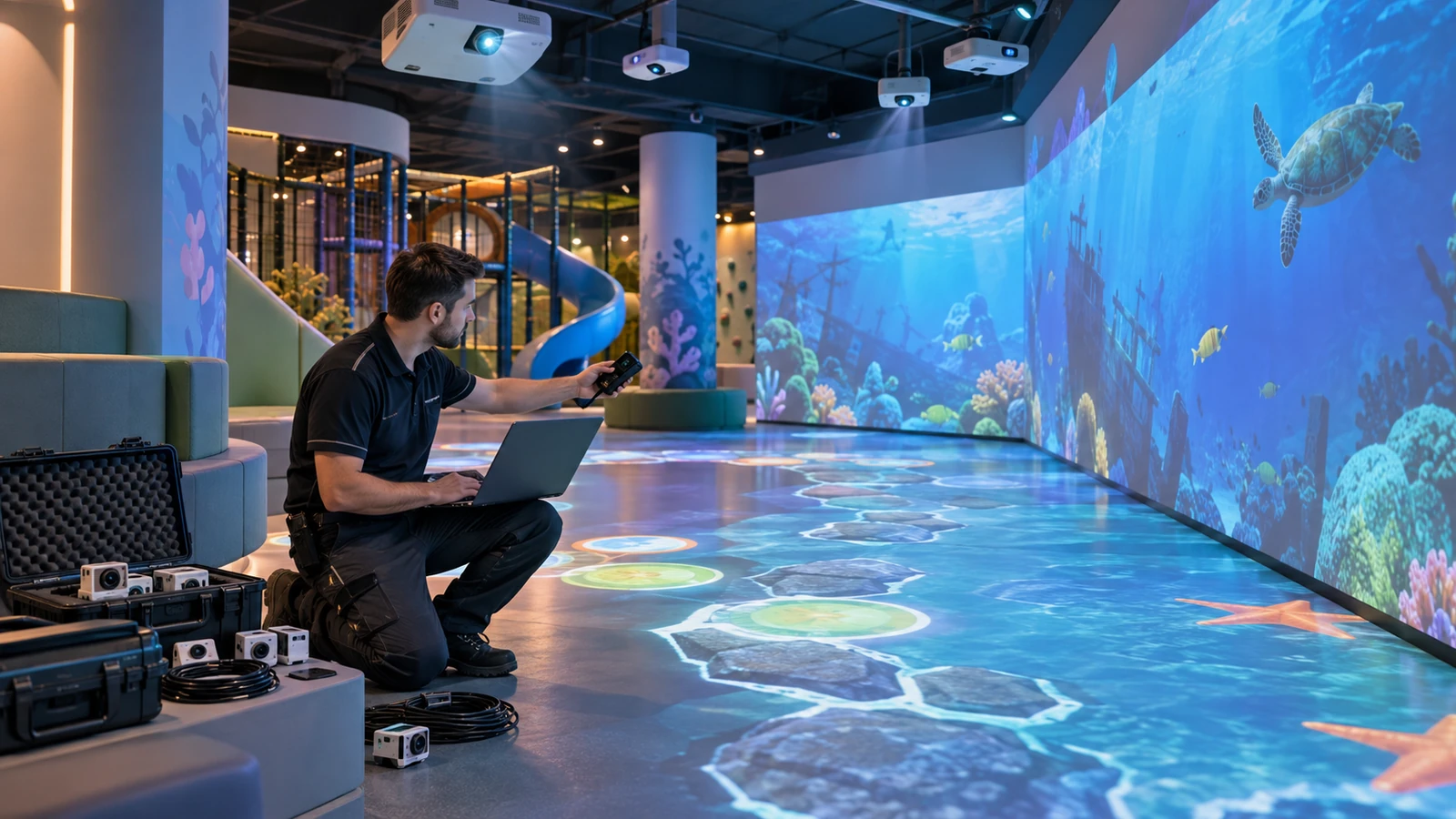
A professional after-sales package should clearly explain who handles each part of the system. This matters because an interactive installation combines components from different manufacturers.
The support package should include:
- Operating and shutdown instructions
- Hardware and wiring diagrams
- Sensor position and calibration files
- Software installation and recovery files
- Administrator accounts and license details
- Remote support procedures
- Warranty terms and exclusions
- Spare-parts list
- Technical contact information
- Staff training materials
Buyers should define these items in the quotation. The OneCraze guide to comparing interactive projection quotations explains how hardware-only and turnkey support responsibilities differ.
How Should Operators Maintain an Interactive Projection System?
Use a simple preventive maintenance schedule
Regular maintenance reduces tracking errors, overheating, image problems, and unexpected downtime. However, the schedule should follow the actual projector model, sensor type, room conditions, and daily operating hours.
A practical starting schedule includes:
| Frequency | Recommended checks |
|---|---|
| Daily | Clean the play surface, inspect the image, test basic interaction, and confirm normal startup |
| Weekly | Check cables, mounts, sensor coverage, ventilation, and operator controls |
| Monthly | Review system logs, back up settings, test all games, and inspect filters or air inlets |
| Periodically | Recheck projection alignment, tracking calibration, software versions, and spare-part condition |
Operators should never move a sensor or projector without recording its original position. Even a small change can affect alignment between the physical play area and digital content.
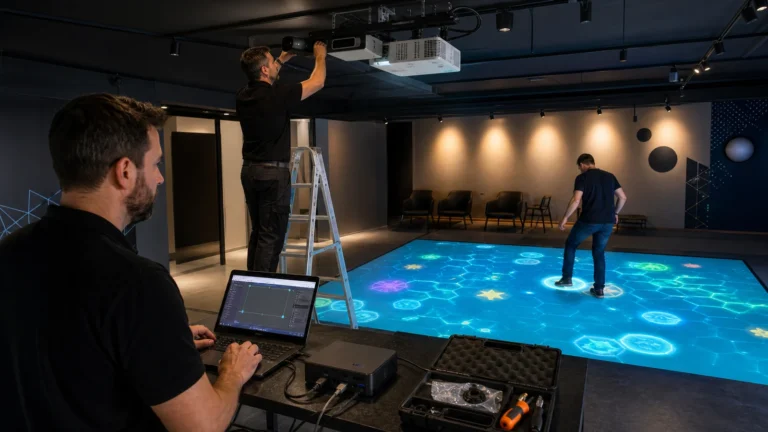
For multi-projector installations, the manufacturer should also explain edge blending and geometric correction. Buyers can review the OneCraze guide to immersive room projector configuration for related planning considerations.
Which Spare Parts Should a Manufacturer Recommend?
Prepare for common failures before they interrupt operation
The required spare parts depend on the system configuration. Nevertheless, commercial venues should normally keep frequently used and easily replaceable components available.
Possible spare parts include:
- Signal and power cables
- Power adapters
- Sensor cables
- Remote controls
- USB communication devices
- Network switches
- Control buttons
- Mounting accessories
- Replacement sensor or camera
- Backup computer storage
- Specialized connectors
The manufacturer should identify every part by model or specification. Otherwise, the operator may purchase an incompatible replacement.
In addition, the manufacturer should explain which repairs staff can complete locally and which problems require factory support. OneCraze’s factory acceptance testing checklist also recommends checking spare parts, calibration backups, manuals, and packing records before shipment.
What Software Support Should Buyers Expect?
Confirm licenses, updates, backups, and remote diagnosis
Software controls the games, sensing logic, scoring, content, and operator interface. Therefore, software support can be just as important as hardware maintenance.
Before installation, buyers should confirm:
- Whether the license is permanent or subscription-based
- Whether the system works offline
- How to reinstall the software
- Whether the license can move to a replacement computer
- Which updates are included
- How customized content will be backed up
- Whether remote access requires buyer authorization
- How multilingual or branded interfaces receive updates
A professional manufacturer should also provide a recovery method if the computer fails. This may include installation files, configuration backups, calibration data, and clear restoration instructions.
System integrators who already own computers or projectors can read the OneCraze guide to interactive projection software licensing and hardware compatibility.
How Should Technical Problems Be Diagnosed?
Follow a structured support process instead of replacing parts blindly
When a fault appears, the operator should first record what happened. A useful support request includes:
- Product model and serial number
- Software version
- Photos of the installation
- A video showing the fault
- Error messages or system logs
- Recent hardware or software changes
- Steps already taken by the operator
For tracking problems, the support team should check lighting, sensor position, detection coverage, reflective materials, cables, drivers, and calibration settings. Different technologies require different troubleshooting methods, as explained in the OneCraze comparison of LiDAR, infrared cameras, and depth sensors.
Why Choose a Manufacturer and Turnkey Solution Provider?
Keep responsibility across the complete system
An equipment seller may only handle the supplied device. In contrast, a turnkey solution provider can coordinate the projector, optics, sensors, computer, software, content, installation, and operator workflow.
OneCraze provides interactive projection equipment and solutions for floors, walls, immersive rooms, museums, schools, sports venues, and family entertainment centers. Its project support can connect hardware selection, customized software, system testing, installation guidance, calibration, and after-sales assistance.
Before requesting a proposal, buyers should send:
- Room dimensions and photos
- Floor or wall material
- Ceiling height
- Ambient-light conditions
- Required projection size
- Expected number of users
- Preferred interaction method
- Operating hours
- Country and installation location
- Required support level
Buyers can contact OneCraze to request an itemized equipment and service proposal.
Operators should recalibrate the system when the projector, sensor, computer, or play surface changes position. They should also check calibration whenever tracking becomes inaccurate or projected interaction zones no longer align correctly.
The list depends on the system, but common items include cables, adapters, connectors, control devices, mounting accessories, and selected sensor components. The manufacturer should provide a model-specific recommendation.
Remote support can often solve software, driver, configuration, and calibration problems. However, physical damage, incorrect mounting, unstable power, and some network faults may require local inspection.