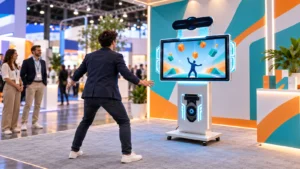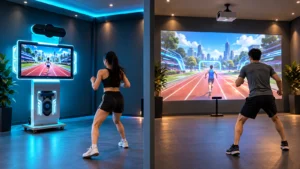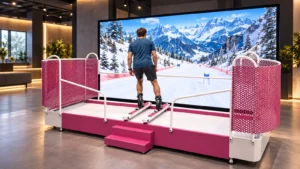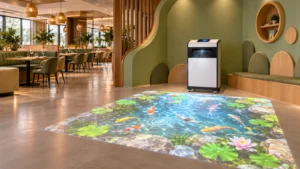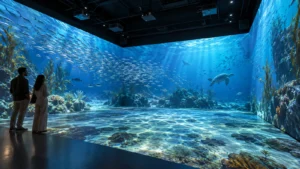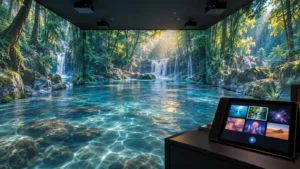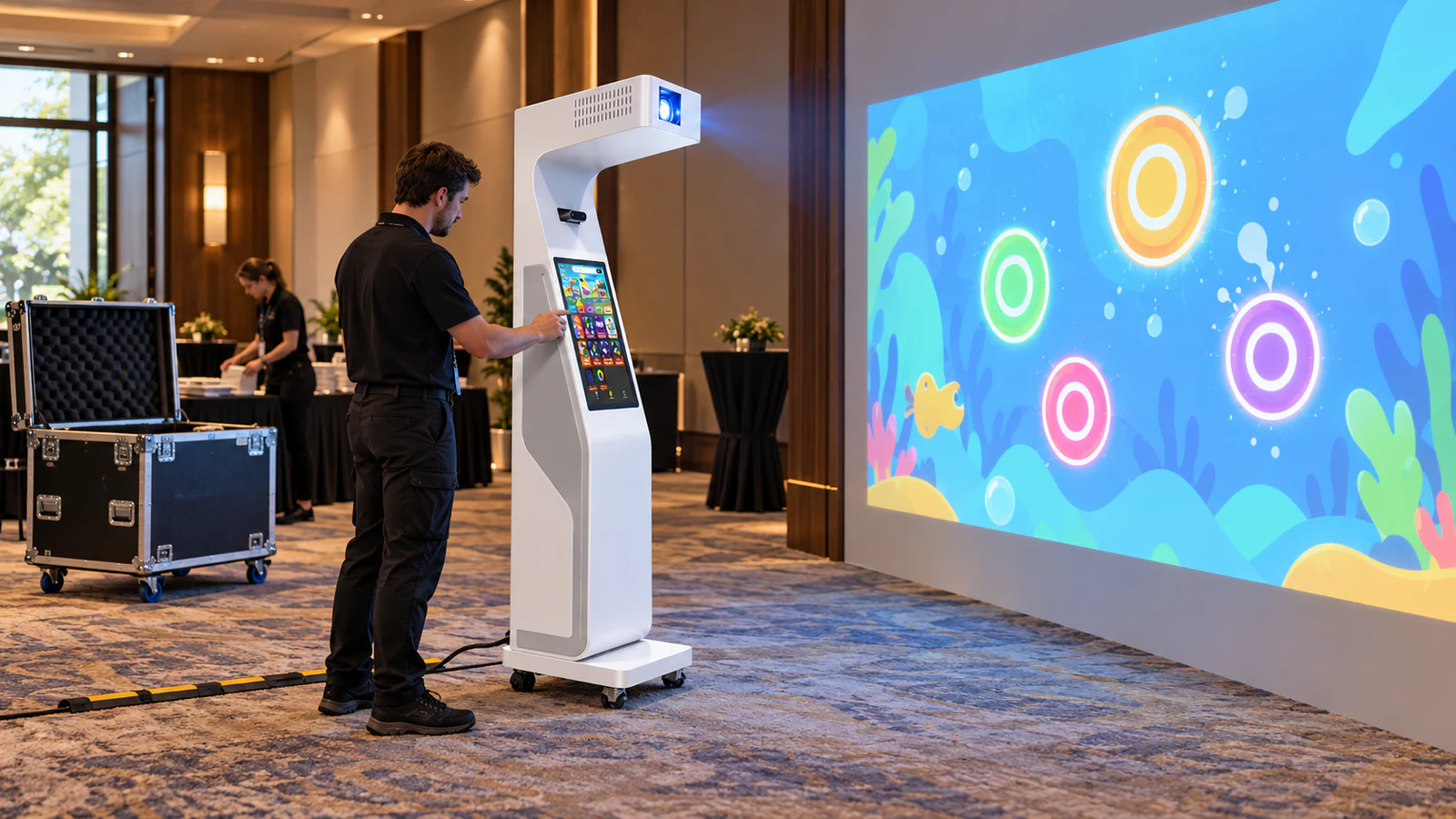
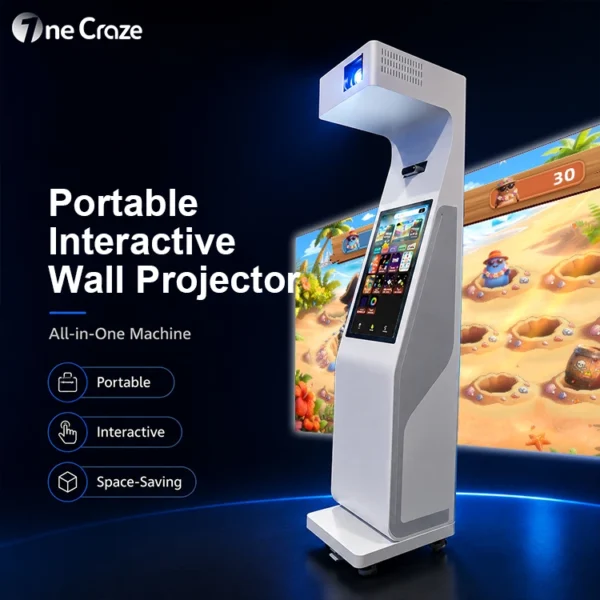
OneCraze offers a portable interactive wall projector that integrates projection, sensing, touchscreen controls and software in a movable unit. This guide explains what event agencies and AV rental companies should request when evaluating that type of equipment. Rental authorization, transport packaging and client branding remain items to confirm in the final proposal.
Choose the Equipment Around the Events You Actually Book
Start with your regular assignments: school activity days, hotel functions, exhibition booths or shopping-mall campaigns. Each gives you different surfaces, lighting and access conditions. A device that moves easily around a school may still be difficult to load into your vehicle.
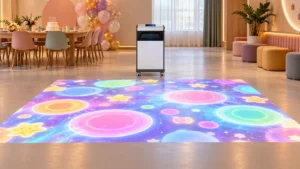
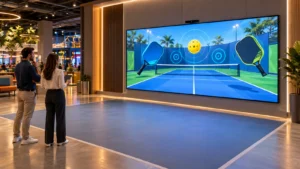
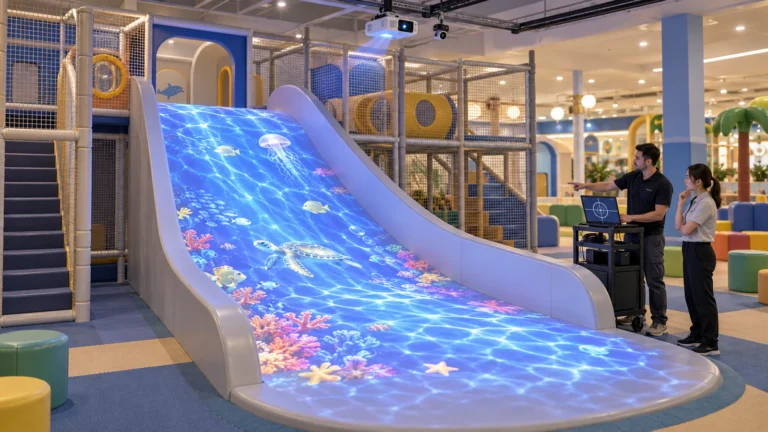
For wall games, check the available vertical surface, player distance and suitability for the intended interaction. For floor activities, consider floor color, patterns, reflections and clear play space. Compare the wall unit with the Mobile Interactive Floor All-in-One according to those conditions.
Do not assume that one machine switches between wall and floor projection. Request a demonstration of each promised configuration, including sensor coverage and compatible games. Buying two purpose-specific units may also let your company serve simultaneous bookings, but the additional hardware and licenses belong in the budget.
Check Transport Practicality Before Comparing Game Counts
For context, OneCraze’s current mobile floor product page lists a net weight of 70 kg. That figure applies to that floor model, not the wall unit, and excludes any additional packaging. Confirm the actual configuration before planning handling equipment or crew.
| Transport question | What to request from the supplier |
|---|---|
| Will it fit our vehicle? | Dimensioned equipment and case drawings, including wheels and protrusions |
| How will staff load it? | Packed weight, approved handling method and suitable loading equipment |
| Does it need disassembly? | A demonstration of every component removed and reconnected |
| What protects the optics and sensor? | Case design, internal supports and transport instructions |
| Is the packaging reusable? | Confirmation of a touring case versus one-time shipping packaging |
| What should travel with each unit? | Accessories list, approved spare cables and recovery instructions |
Confirm Commercial Rental Rights and Brand Changes
Explain your operating model before requesting the software price. Running the device with your own staff differs from handing it to a customer for unsupervised hire. The license should expressly cover the activities you intend to sell.
Ask for written answers covering:
- Paid events for different clients and repeated venue changes.
- Staffed operation versus customer-operated equipment hire.
- The number of licensed machines and simultaneous events.
- Activation, offline use and any periodic internet checks.
- License recovery after computer replacement.
- Game updates, additional content and renewal charges.
The interactive software licensing guide provides related procurement questions. However, obtain terms for the exact machine and game package you order.
Who changes the client’s logo between bookings?
Separate a branded welcome screen from custom game development. Confirm who uploads the assets, which file formats work, whether staff can switch campaigns and whether each change carries a fee. Also check how to restore the standard package after an event.
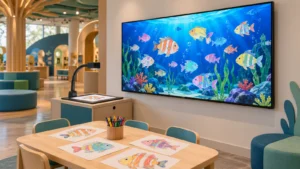
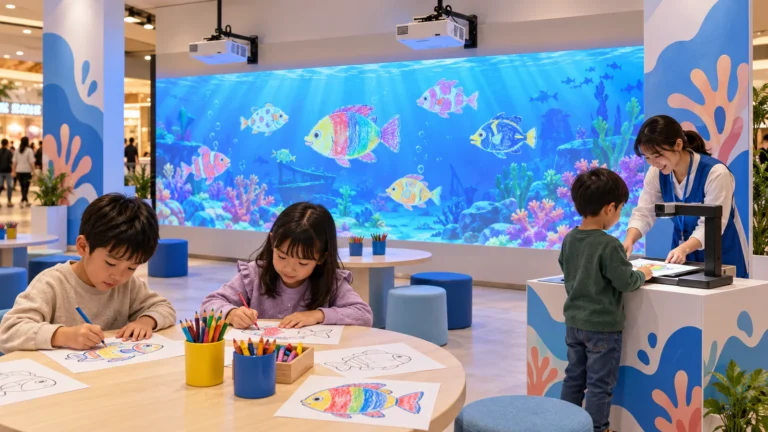
For agencies considering another branded attraction, the custom drawing aquarium guide shows how to define templates and content deliverables. Its options should not be assumed to apply to every projector model.
Calculate the Cost of Delivering Each Booking
Compare equipment prices alongside the labor and logistics needed for a typical job. Time the whole process from unloading to the first successful game, then from shutdown to the packed equipment being ready for collection.
| Cost area | Include in your event calculation |
|---|---|
| Delivery and collection | Vehicle, travel time, mileage, parking and loading access |
| Crew | Loading, setup, event operation, breaks and pack-down |
| Software and branding | Applicable event fees, campaign preparation and allocated renewals |
| Venue preparation | Projection surface, light control, cable protection and power arrangements |
| Equipment upkeep | Cleaning, consumables and a realistic maintenance allowance |
| Business overhead | Storage, insurance, administration and equipment ownership costs |
Use your actual expenses to calculate the contribution from a booking before fixed overhead and equipment recovery. Then assess how many realistic bookings your business can secure. Avoid treating every available day as a paid rental day or quoting guaranteed payback from the purchase price alone.
The supplier quotation comparison guide helps identify expenses omitted from an equipment-only offer.
Test the Complete Deployment Before Accepting the Order
Request an unedited setup demonstration with the transport case and accessories proposed in your quote. Ask a trained operator to unpack, position, connect, align and start the system, then run the games you expect to sell.
The test should also demonstrate:
- Image visibility under lighting representative of your venues.
- Interaction checks across the agreed play area after repositioning.
- Offline startup where the proposed license permits it.
- Switching client assets and restoring the standard content, if included.
- Restart recovery, shutdown and repacking.
Record crew size, setup conditions and tasks excluded from the timing. This makes a deployment claim useful when scheduling real jobs. The factory acceptance test checklist can support the handover, including configuration backups and accessory checks.

Only under terms that permit your intended rental activity. Confirm paid-event use, venue changes and whether customers may operate the equipment themselves. Hardware ownership alone does not define the software rights.
Ask about both gameplay and licensing. Software may run locally while still needing initial activation or periodic verification. Test the agreed offline conditions before accepting bookings without reliable internet.
No. Integrated hardware reduces separate components, but a new surface or machine position can still require focus, image alignment and interaction checks. Have the supplier demonstrate the procedure your crew will follow.