Which Interactive Wall Projector Suppliers Are Trusted for This Game?
A few recommended options include:
| Supplier Type | Features | Why Choose |
|---|---|---|
| OneCraze | Full all-in-one wall system, scoring, portable or permanent setup | Ideal for schools, gyms, and multi-purpose spaces; turnkey solution |
| Direct Manufacturer | Customizable projection hardware | Competitive price and tailored games |
| Distributor / Supplier | Pre-configured wall systems | Quick buy, includes software and support |
For schools and fitness centers, integrated solutions like OneCraze are the easiest choice because they combine hardware, software
What Makes the Food Cutting Knife Throwing Game Ideal for Schools and Gyms?
This game isn’t just fun—it’s a training tool:
- Skill Development: Improves hand-eye coordination, reflexes, and timing.
- Multi-User Capability: Several students or athletes can compete simultaneously
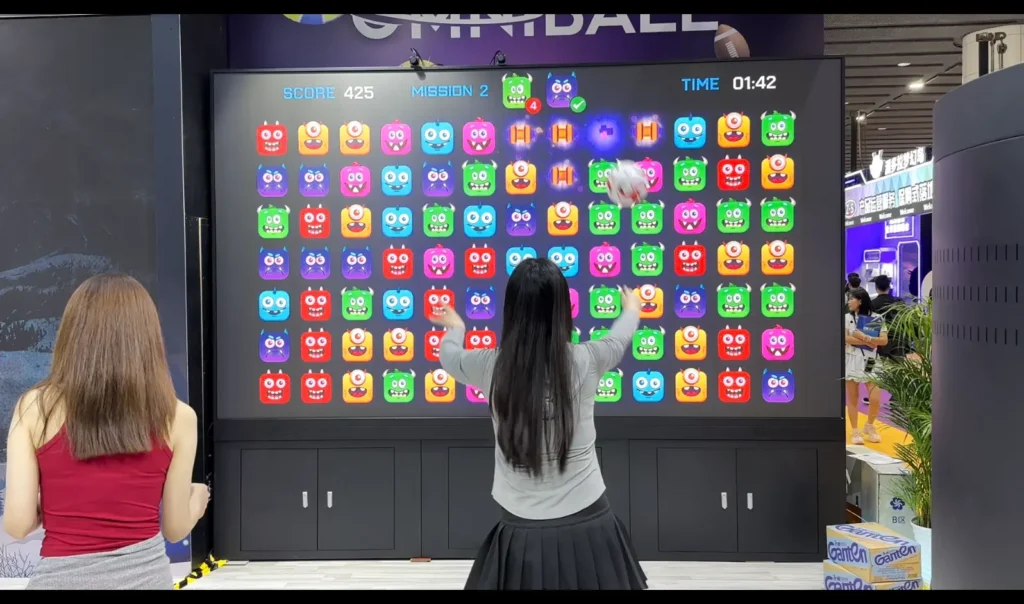
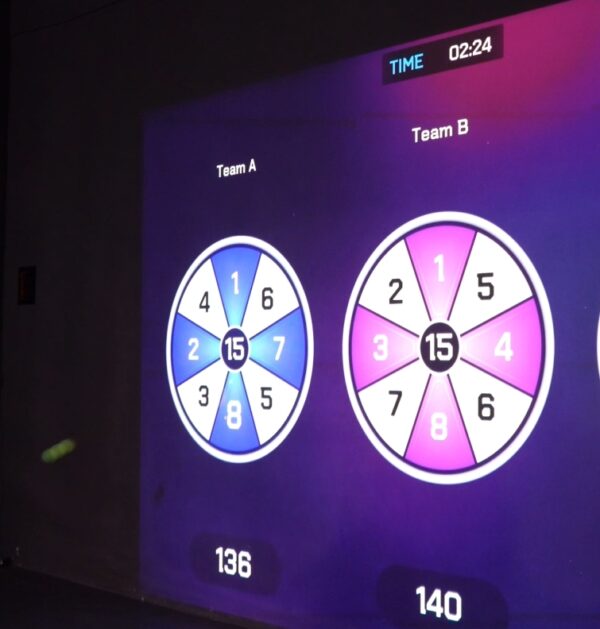
- AI Feedback: Scores, timers, and accuracy metrics are displayed live.
- Adaptable Difficulty: The adjusts target speed, size, and rotation for different age groups.
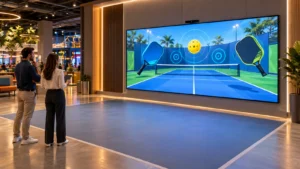
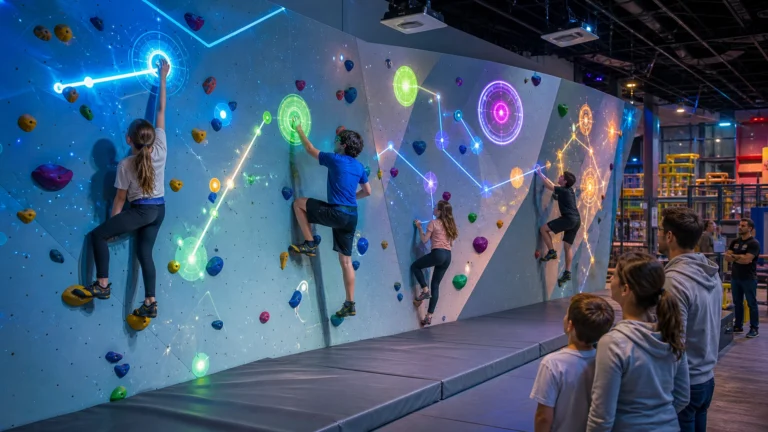
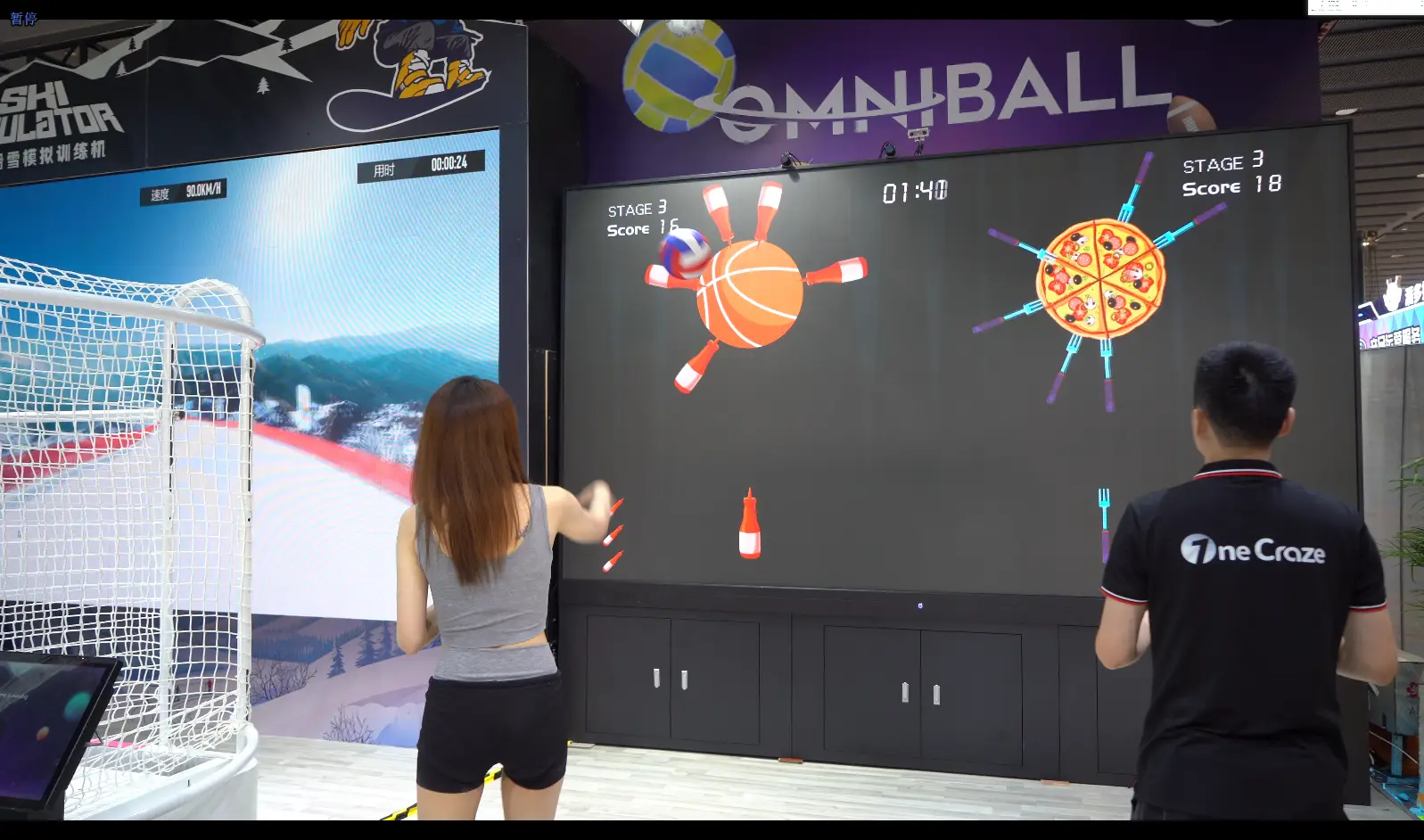
Each took turns aiming at spinning food targets on the wall. The system recorded scores and projected leaderboards, turning a simple exercise into a fun, competitive experience. Teachers could track progress and design challenges for specific skill levels, ensuring every student remained engaged.
How Much Does an Interactive Wall Projector System Cost?
Pricing varies depending on wall size, portability, and software features:
| System Type | Price Range | Best For |
|---|---|---|
| Small portable wall | $2,500 – $5,000 | Classrooms, demo setups |
| Medium all-in-one wall | $6,000 – $12,000 | School gyms, fitness centers |
| Large full system | $15,000 – $35,000+ | Sports centers, multi-user arenas |
How Does Installation Work?
Installing a Food Cutting Knife Throwing Game system on an interactive wall typically involves:
- Site Survey – Measuring wall space, ceiling height, and room lighting.
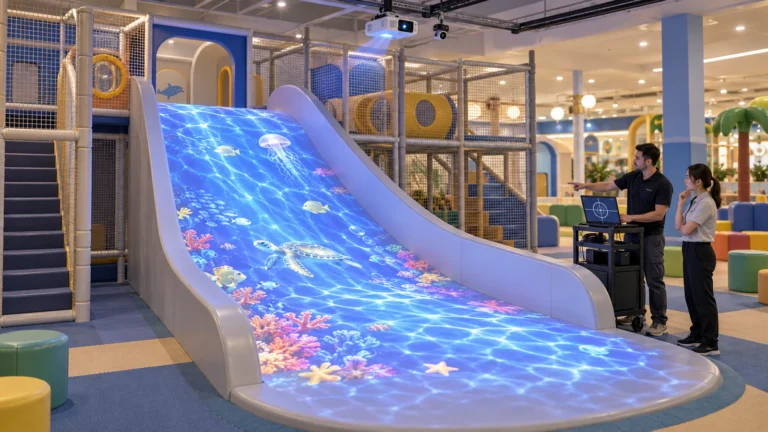
- Hardware Setup – Mounting the wall projector, sensors, and protective panels if needed.
- Software Integration – Loading the game, AI scoring modules, and multi-user settings.
- Calibration – Ensuring the knives align correctly with targets and scoring is accurate.
- Staff Training – Teachers or operators learn how to start games, manage scores, and adjust difficulty.
Portable walls allow flexible placement but may require recalibration; permanent walls provide consistent experience and are ideal for gyms and game rooms.
Advantages of the Interactive Wall Projector for Schools
- Immersive Learning: Students actively participate in a controlled digital environment.
- Engagement & Motivation: Real-time scoring encourages repeated play and friendly competition.
- Safe Simulation: No real knives are used; all interactions are virtual.
- Multi-Purpose: Can be adapted for PE, training, or recreational activities.
Scenario Example: A sports center set up two Food Cutting Knife Throwing walls for agility training. The AI scoring made competitions exciting, even for small groups.
A skill-based interactive game where players “throw” virtual knives at rotating food targets projected on an interactive wall.
Trusted manufacturers and all-in-one solution companies like OneCraze provide complete packages including wall projector, AI software, and installation support.
Yes, the system is designed for children with safe interactions, adjustable difficulty, and multi-user capability.