Mobile or Ceiling-Mounted: Which Fits Your Waiting Room?
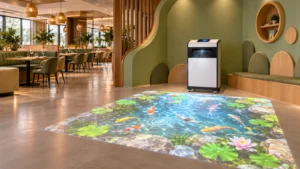
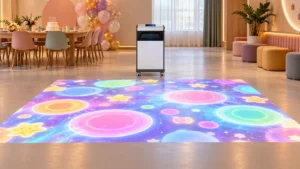
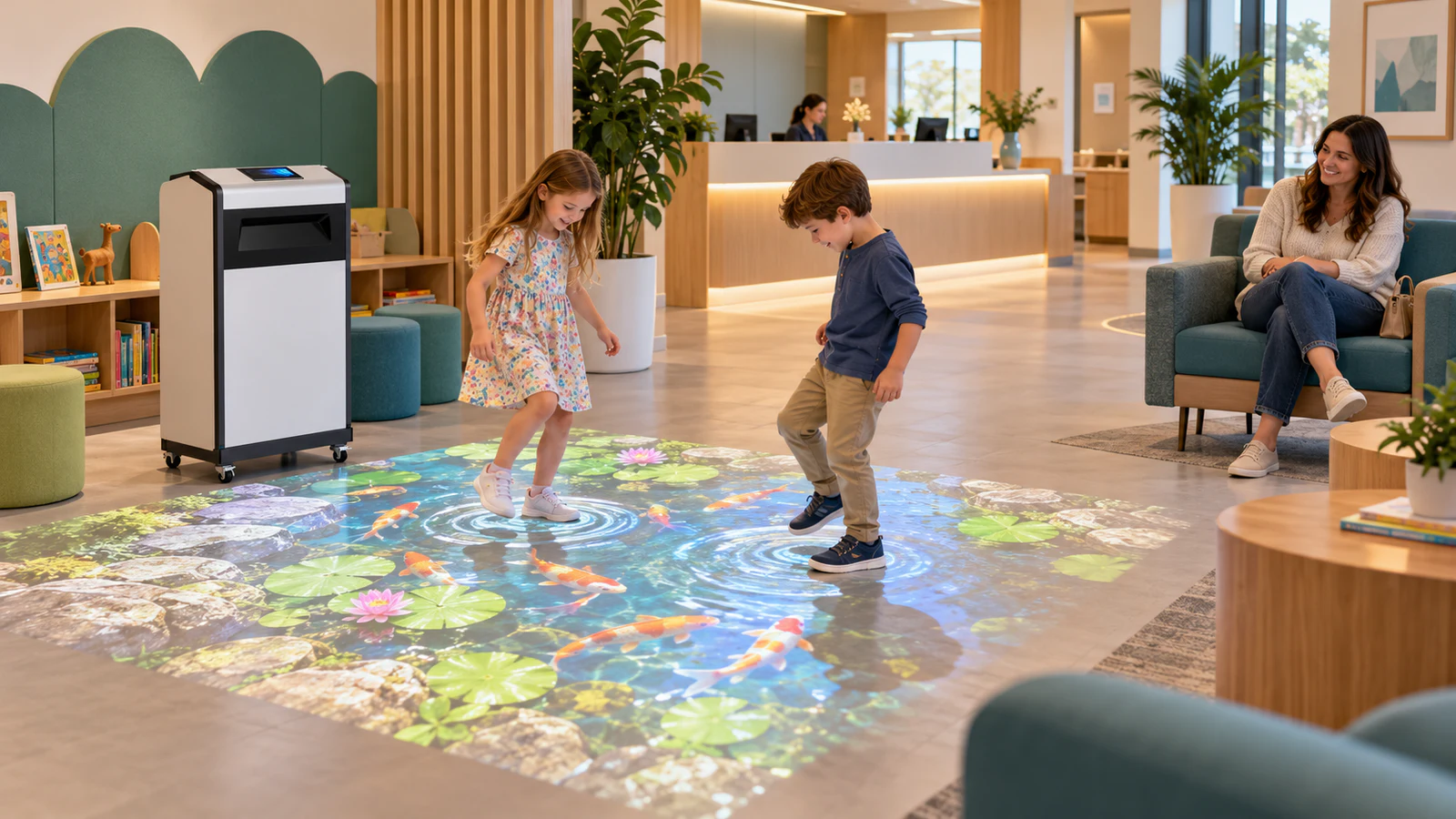
A mobile interactive floor projector machine keeps the projector, sensor, computer and controls together in a cabinet beside the image. Staff can reposition the equipment when necessary, although moving it may require alignment and tracking checks.
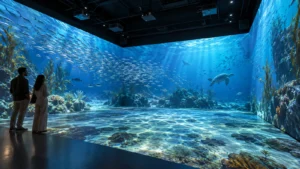
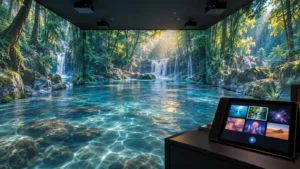
By contrast, a ceiling-mounted installation places the projection and sensing equipment above the activity area. It avoids a cabinet beside the game, but requires a suitable mounting structure, cable route and maintenance access.
| Buying consideration | Mobile floor projector | Ceiling-mounted system |
|---|---|---|
| Room arrangement | Useful when furniture or room use changes | Useful for a dedicated, stable play zone |
| Equipment footprint | Reserve space for the cabinet and its projection path | Keeps the main equipment overhead; controls still need a location |
| Installation | Requires power, positioning and calibration | Requires approved mounts, cabling and calibration |
| Daily preparation | Check position after movement or storage | Check that furniture and lighting have not changed |
| Servicing | Equipment is accessible at floor level | Plan safe access without disrupting visitors |
| Main constraint | Cabinet, cable and player space must coexist | Ceiling suitability and optical distance must be verified |
If the landlord restricts drilling, review the options for an interactive floor projector without ceiling mounting. Nevertheless, choosing a mobile model does not remove the need for a clear, managed play area.
Plan the Activity Zone Before Selecting the Machine
Start with a floor plan that shows seating, door swings, reception desks and walking routes. Next, mark the proposed image separately from the equipment position and the space people need around it. The projected rectangle is only one part of the installation.
For example, a reception area may appear spacious when empty but become crowded when families arrive with pushchairs. Therefore, assess the layout during representative busy periods, not only before opening.
Keep four practical requirements in view:
- Place the game outside entrances, queues and essential circulation routes.
- Preserve sightlines between accompanying adults and the activity area.
- Route power cables away from walking paths and protect any unavoidable crossings appropriately.
- Leave room for people to approach, observe and leave without stepping through another player’s activity.
OneCraze’s Mobile Interactive Floor All-in-One is a product starting point for this assessment, rather than a guarantee that every waiting room will fit it. Compare the final cabinet position, image size and required clearances against the actual room drawing.
Choose Games People Can Join and Leave Easily
A waiting area differs from a ticketed attraction: visitors may leave as soon as someone calls their name. Consequently, prioritize activities that make sense immediately and do not penalize a player for stopping midway.
Favor simple participation over long competitions
Ask the supplier to demonstrate content with large, recognizable targets and clear visual responses. Gentle exploration, short matching activities and simple cooperative interactions are useful content directions to evaluate. They are selection criteria, not a promise that every game library includes them.
For a shared reception space, compare games against these questions:
- Can someone understand the activity without a staff explanation?
- Can another player join without restarting the entire session?
- Does the game still make sense at low volume or with sound disabled?
- Can staff exclude activities that encourage running, vigorous jumping or crowding?
The Mini SAIO interactive floor projector overview provides another hardware and content reference. However, choose the demonstrated activities that match your audience, rather than selecting a package solely by its total game count.

Check Visibility Under Normal Reception Lighting
Keep the room usable as a waiting area during the demonstration. A bright promotional image filmed in darkness does not establish how the system will look beside windows, illuminated signs or reception lighting.
Test the proposed image size on a representative surface. Light, matte finishes generally provide a more useful starting point than dark or highly reflective flooring, but the actual result depends on the complete setup. The guide to interactive projection on carpet, tile and dark floors explains the main surface considerations.
If the proposal includes a projection mat, assess its edges, stability and compatibility with the venue’s cleaning process. Do not introduce a loose surface simply to improve picture contrast. Likewise, inspect recognition near the image boundaries with nearby chairs in their normal positions.
Make Daily Operation Part of the Purchase
Reception staff need a manageable routine: start the equipment, select approved content, set the volume and pause play when necessary. Ask the supplier to demonstrate those tasks using the proposed operator interface.
Also distinguish daily gameplay from activation, updates and remote support. A system that runs locally may still require a connection for certain services. Confirm those conditions alongside the interactive floor software licensing terms, including what happens after a support or subscription period ends.
Before shipment, arrange a demonstration covering startup, game switching, pausing, restart and tracking across the agreed area. For a mobile unit, include repositioning and the steps needed to restore alignment. Use the factory acceptance test guide to record the supplied configuration and agreed results. Finally, allow for an onsite check: factory conditions cannot fully reproduce your reception area.
No. A mobile unit avoids overhead installation but occupies floor space. A fixed system may suit a small room with an approved ceiling structure, while some rooms cannot accommodate either option without changing the layout.
Not necessarily. Suitability depends on ambient light, image size, surface and the selected projector. Request a demonstration under representative lighting rather than relying on a general brightness claim.
That depends on the content, sensing arrangement and reach required. Test the intended interaction with representative users. Do not assume that a game designed for walking also supports seated participation.