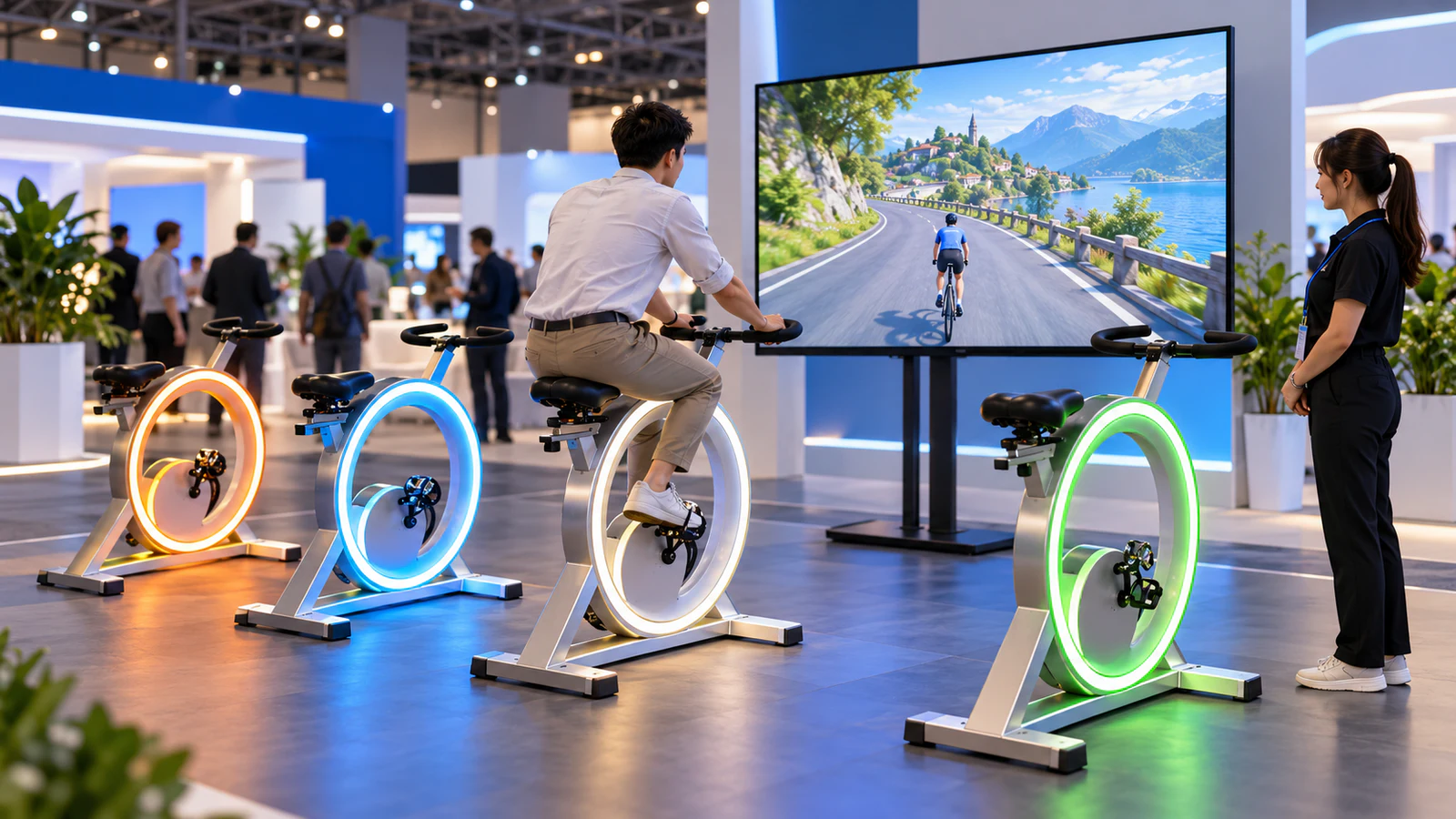
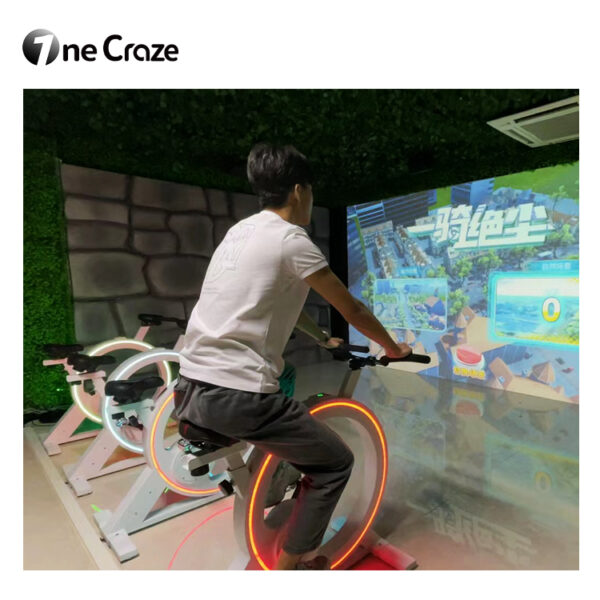
OneCraze’s published interactive bike game configuration lists four interactive bikes, a 55-inch display, an integrated host with touchscreen and two game themes. These details provide a starting point for an equipment proposal. However, four bikes do not automatically establish four-player racing, and two themes do not necessarily mean two different game modes. Confirm both through a demonstration of the proposed package.
Match the Cycling Challenge to the Event
A corporate activity day, exhibition booth and shopping-mall campaign have different operating priorities. Before choosing equipment, explain how visitors will join and what constitutes a completed experience.
Use the following formats as briefing options, not as a list of confirmed standard software features.
| Proposed event format | Experience to plan | Capability to verify |
|---|---|---|
| Individual challenge | One visitor completes a clearly defined activity | Single-rider startup, finish condition and restart |
| Head-to-head race | Participants compete during the same session | Supported simultaneous riders, synchronized start and results |
| Staff-organized group heats | Several groups participate in successive rounds | Repeatable settings and a reliable way to record outcomes |
| Brand-themed activation | Visitors encounter campaign visuals around the game | Available visual changes, approval process and usage rights |
For example, an exhibition booth may prioritize a simple explanation and predictable changeover. Meanwhile, a scheduled corporate session may allow more time for introductions and results. Neither requires you to promise advanced tournament functions before the software has demonstrated them.
If the cycling station forms part of a larger activity program, review the sport-themed entertainment equipment guide. Select complementary experiences around your audience rather than assuming every visitor wants the same physical challenge.
Verify What Each Rider Controls
Ask the supplier to show how physical input affects the game. Start with one bike, then add the other stations included in the proposal. You should be able to identify each rider’s on-screen representation or activity information without guessing.
The demonstration should answer these questions:
- Does pedaling change game progress, character movement or another displayed value?
- What happens when a rider slows down or stops?
- Can the operator start with fewer participants than the full bike count?
- Do participants share one session or run separate activities?
- How does staff handle a rider leaving before the session finishes?
Next, separate game feedback from measured performance. A speed indicator or score does not, by itself, establish calibrated power measurement. Likewise, a virtual hill does not prove that the bike automatically changes resistance.
Plan Rider Adjustment and Changeover
Event visitors will not all have the same height, familiarity with exercise bikes or confidence getting on and off. Therefore, ask for the equipment’s adjustment range, user restrictions and operating instructions before advertising the attraction to a particular audience.
Have the supplier demonstrate the actual adjustment process, including how staff secure adjustable components and check the equipment before play. Do not assume every adjustment is tool-free or suitable for visitors to perform themselves.
A practical event workflow is:
- Staff check that the participant meets the documented requirements and explain the activity.
- The operator prepares the bike using the supplier’s instructions.
- The participant joins the selected session and follows the start cue.
- Staff manage completion or an early exit through the agreed procedure.
- The team cleans the relevant contact surfaces and prepares for the next rider.
Time this entire sequence during a trial. A short game can still require significant briefing and adjustment time, so do not calculate hourly capacity from gameplay duration alone.
Check the View from the Bikes and the Queue
The screen serves two audiences: participants following the activity and spectators trying to understand it. Test both viewpoints before approving the layout.
For the listed 55-inch display configuration, ask to see the actual game from every proposed bike position. Check whether riders can identify their own information and whether one participant blocks another’s view. Then stand where the queue and event host will be positioned.
The site plan should distinguish:
- The installed equipment and its required operating clearances.
- Routes for participants getting on and off.
- Operator access to the touchscreen and connections.
- A waiting area that does not obstruct activity or venue circulation.
If a larger display, secondary spectator screen or projector is important, request it as a separate configuration assessment. Confirm output compatibility and the way the software presents information; do not treat a different screen as a guaranteed plug-in substitution.
For branded events, coordinate the booth graphics with the digital experience without covering instructions or obstructing ventilation and access. The branded interactive event game guide can help structure the creative brief, but its customization options must be assessed for the cycling software specifically.
Buy for Repeat Deployment, Not Just the First Event
Before ordering a commercial interactive bike system, request packed dimensions, component weights and the approved handling procedure. Compare these with your vehicle, storage area, venue access and available crew.
Then ask the supplier to demonstrate unpacking, assembly, connection, startup and repacking. Record which parts travel separately and how the team identifies each bike’s connections. The event-rental equipment buying guide provides related transport and licensing questions, although its projector-specific details should not be transferred to this bike package.
Your purchase agreement should clarify:
- Permission for paid events, repeat bookings and different client brands.
- Offline operation and any license activation requirements.
- Included game themes, languages and available updates.
- Replacement components, troubleshooting and event-day support arrangements.
- Installation training, transport packaging and charges excluded from the equipment price.
If localization is required, review the multilingual software planning guide and request translated screens for approval. Availability is configuration-specific.
Finally, use the supplier quotation comparison guide to align the delivery scope. An acceptance session based on the factory test checklist should include the agreed rider configurations, staff controls and restart process—not only a promotional ride-through.
The published package includes four bikes, but simultaneous racing must be confirmed for the supplied software. Request a complete demonstration showing participant identification, the start and the final results.
Ask whether the system supports reduced-station operation and how staff configure it. Fewer active riders and a smaller hardware package are separate purchasing questions.
The published equipment table lists a display-based setup and does not list headsets. Confirm the actual delivered format rather than interpreting the product’s AR or VR wording as a hardware specification.