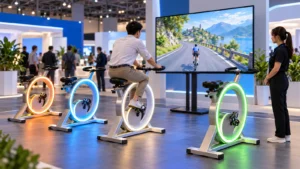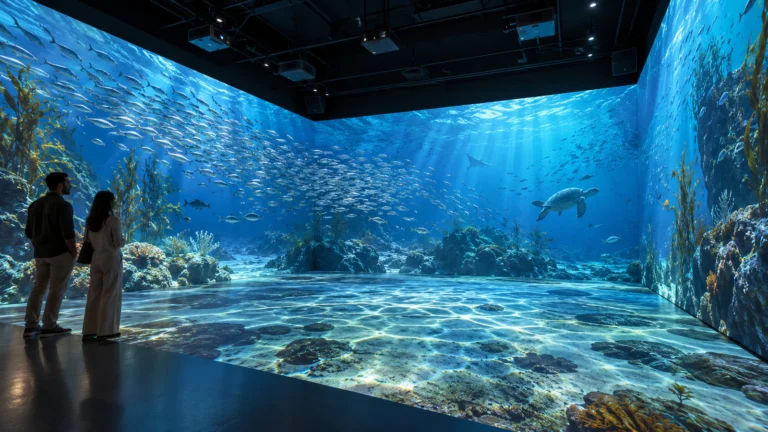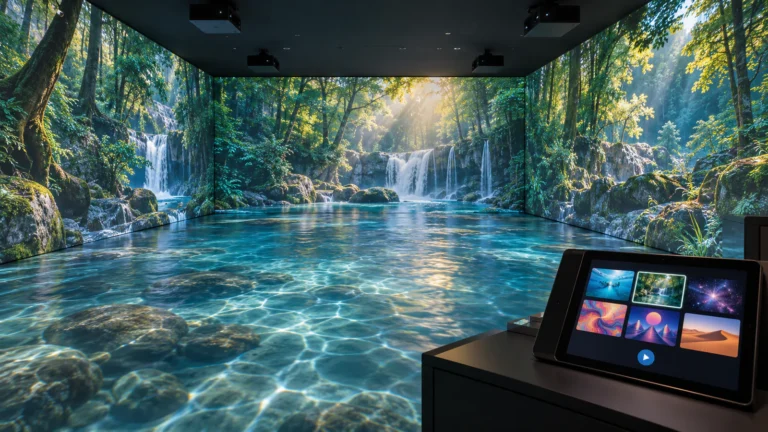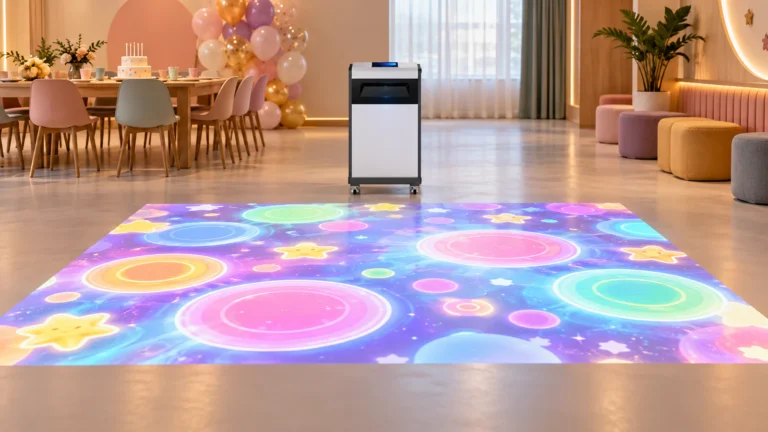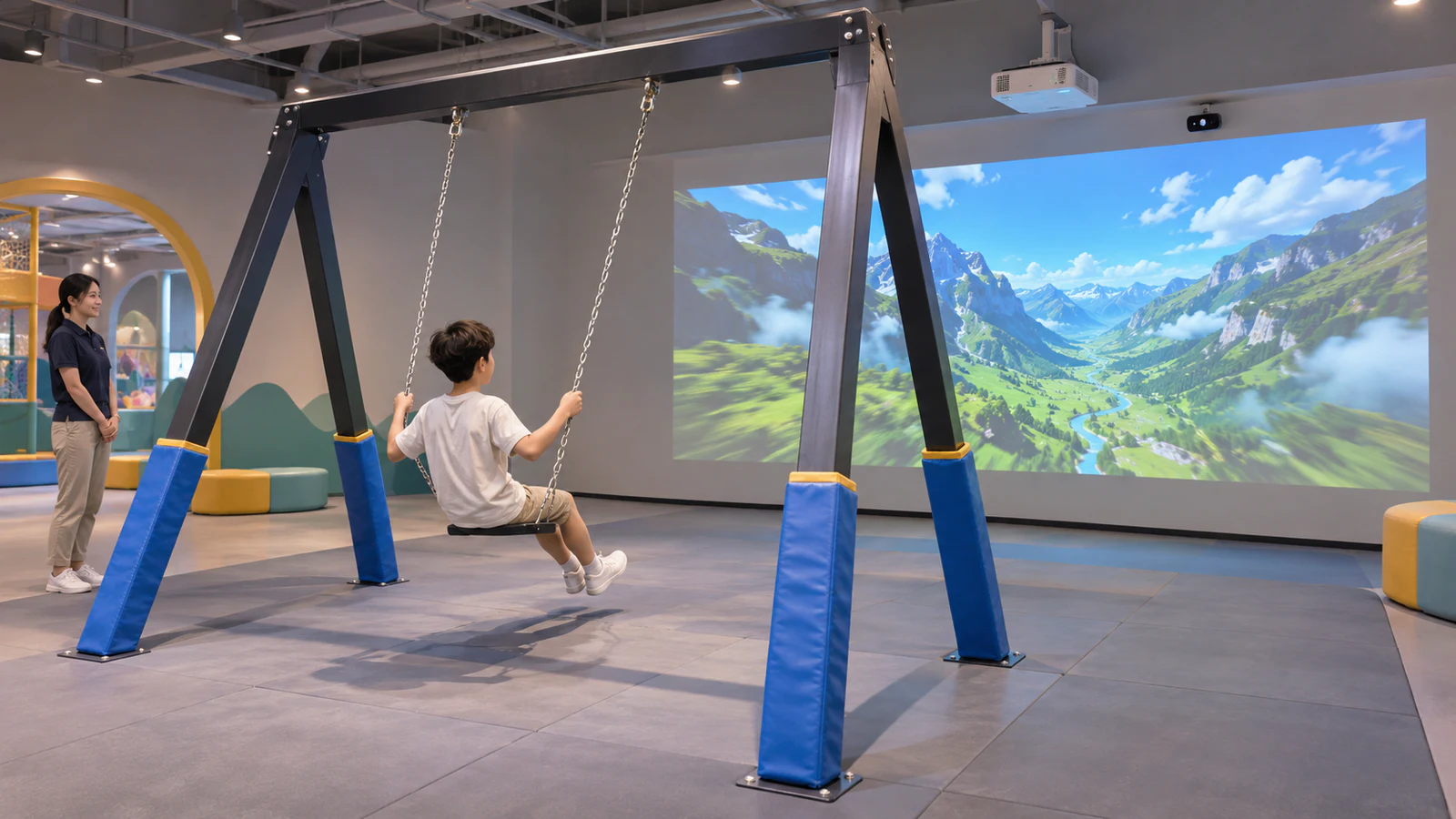
OneCraze’s Interactive Swing Set Projection Mapping describes a Dynamic Swing application in which swing movement changes the displayed scene. Use that product as a starting point, then confirm the hardware, software and structural responsibilities for your project.
How Does an Interactive Projection Swing Work?
A projection swing system links three functions: physical movement, sensing and visual response. The visitor swings, the detection system sends movement information to the computer, and the software changes the projected image according to its programmed behavior.
The result might be a changing viewpoint or a responsive visual effect. However, a themed video playing in front of a swing is not automatically a motion-controlled swing game. Buyers should see how movement actually influences the content.
Related product names include interactive digital swing, interactive projection swing and dynamic swing system. These names do not establish identical sensors, themes or control methods. A projection-based configuration also does not necessarily require a VR headset or a motorized seat.
Within a mixed play venue, the swing offers a seated movement experience, while interactive trampoline games use jumping as an input. Treat them as distinct attractions rather than assuming one software package can run both.
Are You Buying a Complete Swing or a Digital Add-On?
Ask the supplier to mark every item as included, optional or buyer-supplied. A photograph showing a swing does not prove that its frame, seat and installation are part of the quoted price.
Use this responsibility table when comparing proposals. It is a procurement checklist, not a standard OneCraze packing list.
| Project element | Who supplies or performs it? | What the quotation should establish |
|---|---|---|
| Swing structure and seat | Named equipment supplier or buyer’s contractor | Exact assembly, intended use, operating limits and documentation |
| Supports and installation | Named installer and responsible project professionals | Approved mounting design, site responsibilities and inspection requirements |
| Projector and image surface | Digital system supplier or local AV contractor | Models, lens, image position and whether the surface is included |
| Sensing and computer | Named system integrator | Sensor model, compatible computer and connection method |
| Software and scenes | Software supplier | Named content, movement response, license and customization scope |
| Commissioning and handover | Agreed parties | Calibration, demonstration, staff training and support contacts |
A complete package and a digital-only package can both be sensible purchases. Nevertheless, they transfer different responsibilities to the buyer. Before comparing prices, use the system quotation guide to separate equipment supply from an installed attraction.
Plan Movement Space Before Choosing the Projection Position
An equipment footprint is not the same as the full operating area. The layout must account for movement, access, supervision, waiting visitors and the relationship between the swing and nearby objects.
Define the physical attraction first
Provide the intended swing assembly, room drawings, ceiling height and photographs. Ask the responsible equipment supplier and qualified local professionals to confirm the structural design, clearances, surfacing and applicable site requirements. Do not adopt a generic dimension from a product listing as a complete installation plan.
Adding projection does not establish that an existing swing is suitable for commercial use or that its supports can accept additional equipment.
Coordinate the display and sensing layout
Next, review the proposed image position from the rider’s changing viewpoint. Discuss possible shadows, ambient light, sensor obstructions and access for maintenance. Keep the projection design consistent with the approved physical layout, rather than moving the swing closer to a wall simply to fit the image.
When planning adjacent interactive slide attractions, coordinate circulation and equipment positions across the zone. Sharing a room does not automatically mean sharing tracking hardware, software or safe operating space.

What Should a Live Demonstration Show?
A useful demonstration shows the physical swing and the projected image in the same continuous view. This makes the relationship between movement and response easier to evaluate than a montage of screen recordings.
Within the equipment’s approved operating limits, ask the supplier to demonstrate:
- Starting and stopping: what changes when movement begins and when it ends.
- Different movement patterns: whether the visuals respond consistently to the intended input.
- Normal interruptions: what the software does if tracking is temporarily lost.
- Session control: how staff select content, start a session and return to the idle state.
- The quoted configuration: the actual sensor, software version and intended number of users.
If a two-seat arrangement is proposed, ask whether the software detects each swing independently or combines their movement. Do not infer independent control from the number of seats shown.
The factory acceptance testing guide helps organize evidence and pass/fail criteria. Digital testing does not replace the separate inspection and approval of the physical attraction. Also clarify that stopping software or projection does not itself stop a moving swing.
Define Themes, Licensing and Installation Support
A digital swing solution needs a clear content schedule. Request previews of the scenes included in the offer and an explanation of how each responds to movement. Distinguish a change of colors or branding from development of a new environment or control behavior.
For a custom concept, the interactive art installation guide offers a useful approach: describe the visitor action, intended visual response and reset behavior before choosing technical components.
Then confirm the commercial details:
- License duration, activation requirements and permitted installation count.
- Included themes versus separately priced custom content.
- Language options and who approves translated instructions.
- Update delivery, recurring fees and replacement-computer procedures.
- Remote support, local installation labor and commissioning responsibilities.
The commercial content licensing guide explains why purchasing equipment does not automatically grant unlimited content reuse. Likewise, “installation support” should identify whether the supplier provides drawings, remote assistance or on-site personnel.
Possibly, but compatibility needs a project review. Share the swing specifications, layout and photographs. Confirm both digital integration and the continued suitability of the physical equipment before purchasing an add-on package.
Only if they appear in the written scope. Ask for an itemized equipment list that distinguishes physical play equipment, digital hardware, software and installation services.
A projection-based version can display the scene in front of the rider without a headset. Confirm the display arrangement rather than relying on broad “VR” or “AR” marketing labels.