Can Any Normal Projector Become an Interactive Floor Projector?
A retrofit begins with the exact projector model—not only its brand or advertised resolution. The supplier should check the model’s native resolution, rated brightness, throw-ratio range, optical offset, installation orientation, video inputs and manufacturer restrictions. If the projector uses a replaceable lens, the lens model is equally important.
The answer also depends on the target venue. A projector that works for a two-meter-wide floor in a dark demonstration room may not support a five-meter commercial play area under shopping-mall lighting. Likewise, a home projector designed for occasional horizontal use may not be approved for the vertical or downward-facing orientation required by the proposed installation.
A normal projector is a reasonable candidate when:
- Its exact model and lens can create the required image size from the available mounting position
- The manufacturer allows the planned orientation and duty cycle
- The projected image remains visible on the actual floor under operating light
- The projector accepts the control computer’s required resolution and refresh rate
- The unit is mechanically stable and still in serviceable condition
- Replacement filters, lamps or manufacturer support remain available where applicable
It is not enough for a product page to say “supports 4K.” The quotation should state the native output resolution used by the game software. Similarly, a generic lumen number cannot replace a site test because image size, surface reflectivity and ambient light all affect visibility.
Buyers who are considering a new projector can review the OneCraze projection mapping projector buying guide before deciding whether to retrofit or replace the existing unit.
How Do You Check Existing Projector Compatibility?
Start with photographs of the projector’s product label and lens. Then send the supplier the room dimensions, ceiling height, target floor size and mounting position. A clear compatibility review should produce a written “compatible,” “conditionally compatible” or “not recommended” result.
| Compatibility check | Information the buyer should provide | What the supplier should verify | Possible outcome |
|---|---|---|---|
| Exact projector and lens | Model-label and lens photos | Native resolution, brightness basis and lens data | Compatible model or missing information |
| Throw geometry | Ceiling height, horizontal offset and floor dimensions | Achievable image width, height, focus and position | Fits, needs repositioning or needs another lens |
| Mounting orientation | Current position and proposed floor direction | Manufacturer-approved operating orientation and ventilation | Approved or not recommended |
| Image visibility | Floor photos, material, color and ambient light | Contrast under representative operating conditions | Acceptable, needs light control or needs replacement |
| Video connection | Projector inputs and cable distance | PC output, resolution, refresh rate and extender requirements | Direct connection or additional hardware required |
| Operating condition | Age, runtime, error lights and maintenance history | Reliability, filter/lamp status and service risk | Reuse, service first or replace |
| Commercial schedule | Hours per day and days per week | Duty cycle, cooling and maintenance requirements | Suitable or higher-grade equipment recommended |
| Installation access | Ceiling structure, cable routes and service space | Mount, safety cable, ventilation and future maintenance | Standard or custom installation required |
Throw geometry deserves special attention. The basic relationship is:
Throw Ratio = Projection Distance ÷ Image Width
Nevertheless, the supplier must use the exact model and lens data. Optical offset, zoom range and lens shift can change where the image lands. The official Epson projection-distance calculators demonstrate why projector-specific tools are more reliable than estimating from a generic category.
The floor should also be evaluated. A light matte surface often preserves the projected image better than dark, glossy or patterned flooring, but every site differs. Read the OneCraze guide to interactive floor projection on carpet, tile and dark floors before finalizing compatibility.
What Does an Interactive Floor Retrofit Kit Include?
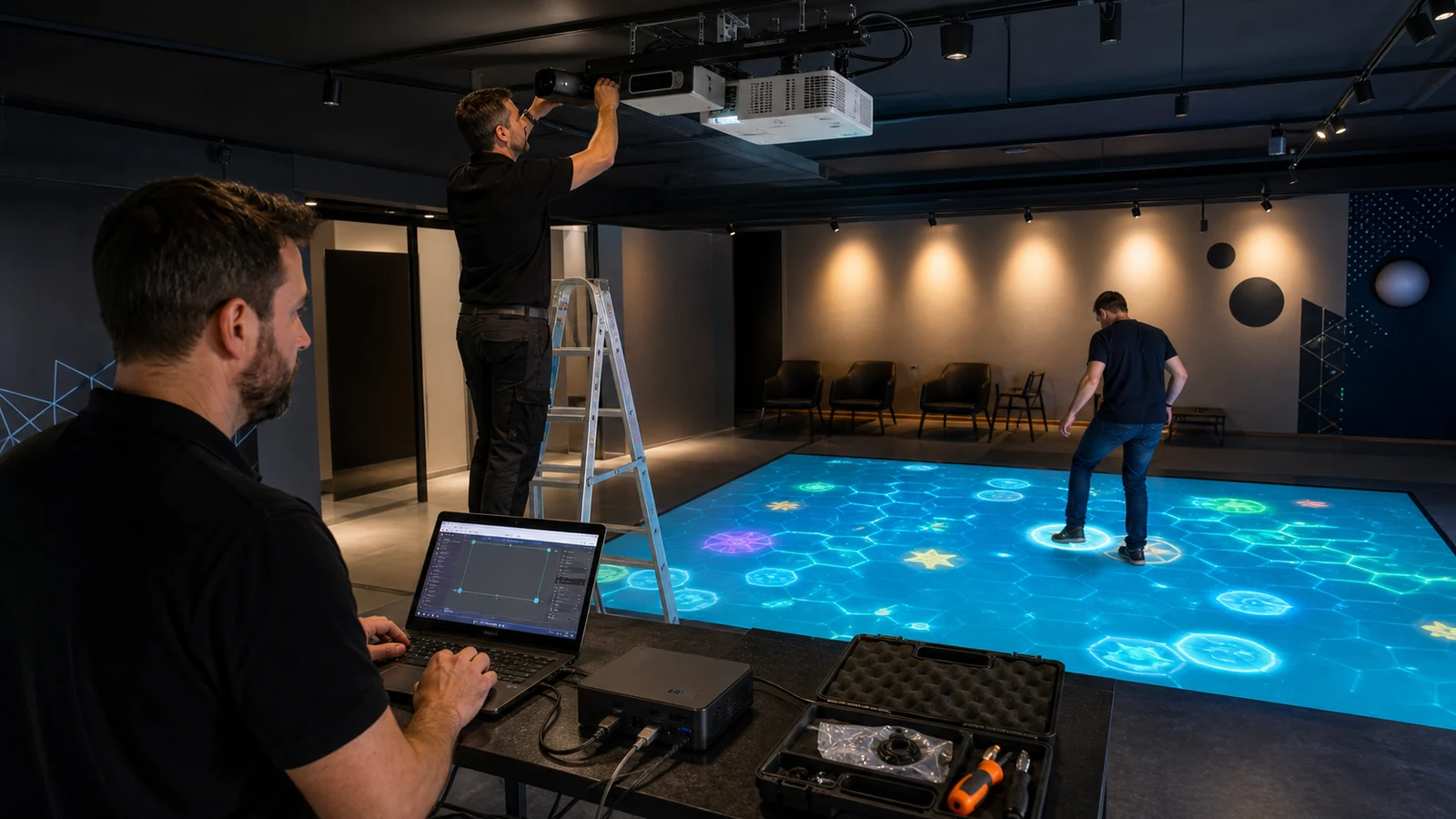
The complete working system may require:
- Motion sensor: LiDAR, infrared camera, depth camera or another supported tracking device
- Control computer: A Windows PC or media server matched to the software and content
- Interactive software: Tracking, calibration, game launching and operator controls
- Game library: Licensed content suitable for the venue, age group and commercial use
- Sensor mount: A stable bracket positioned according to the sensor’s coverage geometry
- Projector mount: Existing or replacement hardware with a safety cable and service access
- Signal and data extensions: HDMI, DisplayPort, USB, Ethernet or optical extenders as required
- Audio: Speakers or a connection to the venue’s sound system
- Calibration files: Saved sensor zones, projection mapping and sensitivity settings
- Installation documents: Layout, wiring diagram, setup procedure and troubleshooting guide
OneCraze compares the main options in its guide to LiDAR, infrared cameras and depth sensors.
The OneCraze article on interactive projection software licensing and hardware compatibility provides a more detailed checklist.
Some platforms are designed for build-your-own configurations. For example, the Motioncube interactive floor setup describes a projector, camera and mini-PC architecture.
Retrofit Kit vs Complete Interactive Projection System
| Option | Main advantage | Main limitation | Best suited to |
|---|---|---|---|
| Reuse projector and PC | Lowest new-hardware requirement when both are compatible | Highest compatibility and integration responsibility | Experienced AV integrators |
| Reuse projector, add matched PC and kit | Keeps the most expensive existing display component | Projector geometry and reliability still require verification | Venues with a suitable commercial projector |
| New projector with retrofit components | Optical design can match the room accurately | Requires installation and calibration across separate components | Permanent projects needing configuration flexibility |
| Complete separated system | Supplier matches projector, sensor, PC and software | More hardware must be shipped and installed | Commercial projects with local installers |
| Integrated all-in-one system | Simplifies configuration, transport and operator use | Projection size and physical placement follow the product design | Venues, events and resellers seeking simpler deployment |
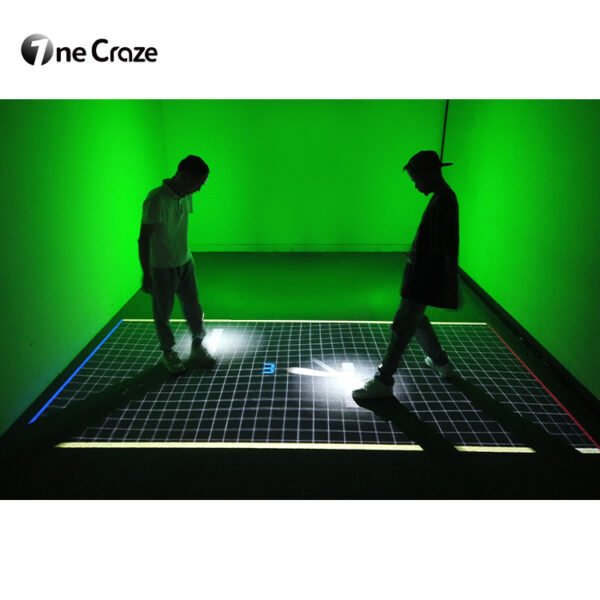
OneCraze interactive projection all-in-one system. Projects that cannot use permanent ceiling mounting can compare alternatives in the interactive floor projector without ceiling mounting guide ,or examine the mobile interactive floor all-in-one.
Use the OneCraze guide on comparing interactive projection system quotations to normalize a retrofit proposal against a turnkey system.
When Is Retrofitting an Existing Projector Not Recommended?
Retrofitting may not be recommended when:
- The lens cannot cover the requested floor area from the available position
- The image becomes too dim or unfocused at the target size
- The projector manufacturer does not permit the required orientation
- Exhaust heat or blocked ventilation makes downward installation unsafe
- The projector is near the end of its service life or displays recurring errors
- The native resolution is unsuitable for the purchased games or content
- Cable distance requires unreliable adapters or unsupported extenders
- The venue needs one warranty owner for the complete installed system
- The buyer has no local installer and expects plug-and-play operation
- The retrofit cost approaches the price of a tested complete configuration
Follow the OneCraze interactive projection system factory acceptance test to verify startup, coverage, tracking, game switching, offline use and configuration backups.
You can physically connect a sensor and computer to many projector setups, but that does not guarantee a usable interactive floor. The projector, lens, mounting geometry, sensor coverage, software and venue conditions must be evaluated together.
Not always. In many motion-tracking systems, the projector displays the image while an external sensor and computer provide interaction. However, the projector must still match the required image size, brightness, orientation and operating schedule.
Possibly. The supplier must check the processor, graphics capability, memory, operating system, ports and driver compatibility against the specific software and games. A laptop that plays normal video may not support real-time tracking and graphics reliably.