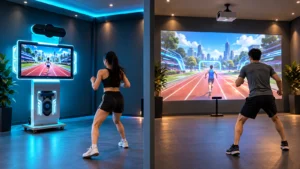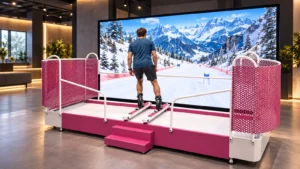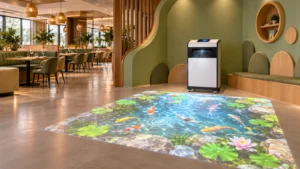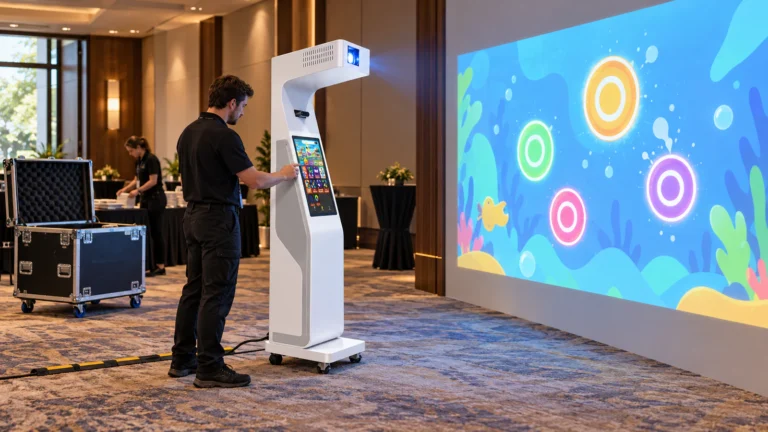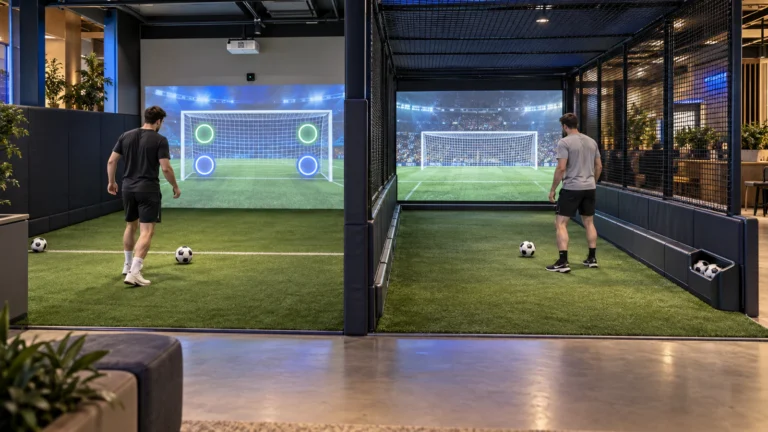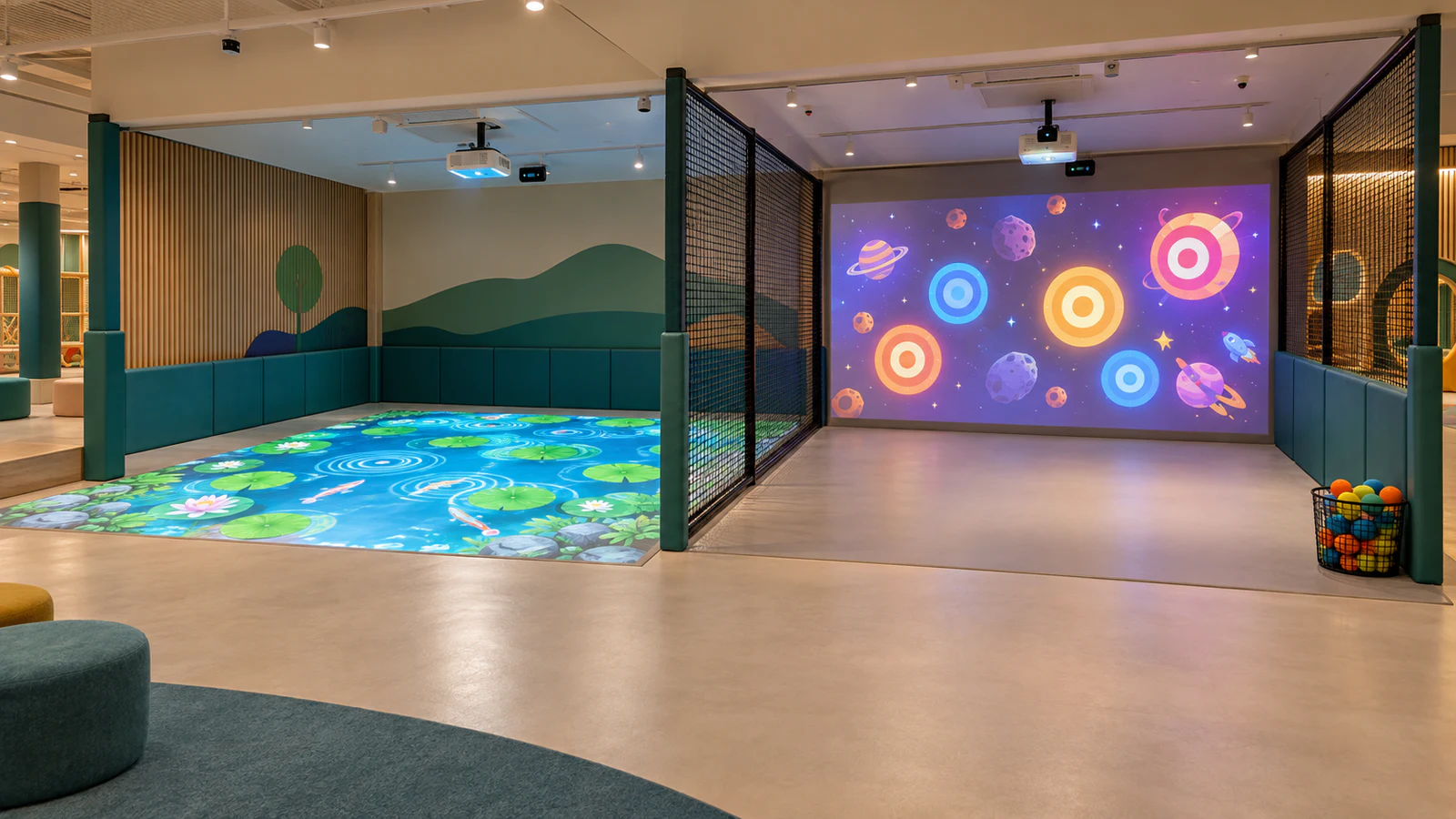
OneCraze offers a Mobile Interactive Floor All-in-One for floor activities and a Smash Ball wall projection system for ball-target games. These are separate product options to evaluate, not proof of a prevalidated combined package. A two-zone proposal should define how the selected systems work together in your room.
Two Independent Games or One Connected Experience?
First, describe what guests should actually do. Two groups playing different games at once need a different configuration from one group moving through a story that spans the wall and floor.
Likewise, showing matching ocean graphics on both surfaces does not prove that the systems share player tracking, scoring or game state. Ask the supplier to distinguish visual coordination from interactive integration.
| Operating format | What the buyer expects | What the proposal must establish |
|---|---|---|
| Alternating floor and wall modes | One activity runs at a time | Supported surfaces, repositioning and calibration requirements |
| Two independent active zones | Each group plays its own game simultaneously | Concurrent software operation, separate tracking areas and operator controls |
| One connected wall-and-floor game | Actions affect a shared experience across surfaces | Compatible content, coordinate mapping, synchronization and shared game logic |
This guide focuses on the second format. If your goal is a continuous immersive display, the immersive room projector-count guide addresses a different planning problem. More projected surfaces do not automatically create more independently playable attractions.
What Hardware and Software Does a Two-Zone Package Need?
Ask the supplier to list the equipment for each zone separately. Each needs a defined display arrangement, sensing coverage, computing capacity, audio and operator access. Then identify any resources the design proposes to share.
Two standalone systems provide a clear starting point for independent operation. A shared computer may also be possible with suitable software and hardware, but buyers should not assume that spare display outputs are enough. The proposal must account for concurrent applications, sensor connections and recovery behavior.
Confirm licenses alongside the equipment
The interactive floor software licensing guide provides useful purchasing questions. For two zones, specifically confirm:
- How many simultaneous game instances the license permits.
- Whether floor and wall content require separate purchases.
- Whether staff can start, stop and change each game independently.
- Which activation, update or remote-support functions need internet access.
- What happens to the other zone if a shared computer or service stops.
A common control screen is another item to specify, not an assumed benefit of buying two products from one supplier. Request a demonstration of the proposed controls and an itemized price for any integration work.
Will the Two Interactive Zones Interfere With Each Other?
Treat interference as several separate checks. A sensor registering movement outside its assigned area is different from one projection washing out another image. Loud audio or a ball rolling into the neighboring game creates a different operating problem again.
Ask for a layout showing the projected images, sensing areas and player movement zones. These boundaries are not necessarily identical. The sensor comparison guide helps frame the discussion, but the exact models and installation conditions determine what needs testing.
Use a simple comparison: run the floor alone, run the wall alone, then run both together under the same room lighting. Observe missed interactions, unintended triggers, response changes and visual overlap. If problems appear only during combined operation, the supplier should investigate rather than attributing everything to calibration.
How Should Floor Play and Wall Throwing Be Separated?
Start with movement, not the projected rectangles. Floor games can involve stepping, turning or moving between targets. Wall games add throwing positions, missed shots and ball retrieval. The room must accommodate these activities without sending players through the neighboring game.
A practical layout review should address:
- Throwing direction and where missed or rebounding balls can travel.
- Independent access to each zone without crossing active play.
- Waiting positions and staff sightlines.
- Equipment protection, cable routing and maintenance access.
- Whether a divider is needed and how it affects sensing and supervision.
The 100–300 m² active game center layout guide explains why support and circulation areas belong in the plan. Similarly, the ball-throwing wall surface guide helps buyers review the impact area around wall targets.
How Do You Verify Simultaneous Operation Before Acceptance?
A video of the floor working followed by a separate wall demonstration does not establish concurrent performance. Request a continuous demonstration with both zones active and the intended number of participants, using the quoted hardware and software versions.
Adapt the factory acceptance test checklist around the actual two-zone requirement:
- Establish a baseline for each zone operating alone.
- Run both games together for an agreed test period.
- Exercise center and boundary targets in each zone.
- Change or restart one game and observe the other zone’s behavior.
- Test operator stopping and recovery procedures, recording any shared dependencies.
Agree on acceptance criteria before the demonstration. Record unintended triggers, missed interactions and interruptions, rather than relying only on a general impression that the games look responsive.
Do not assume so. Support for both surfaces may mean alternating modes. Ask whether the exact model can provide two active images and separately track both areas at the same time.
Possibly, if the selected software supports concurrent operation and the computer meets the complete workload. Request evidence for that configuration, including what happens when one application stops or restarts.
It may be possible. Keep records of the existing models, software versions and layout, then request a compatibility assessment. Expansion can require additional hardware, licenses, controls and commissioning.