What Is Included in an Interactive Sensory Room Projector?
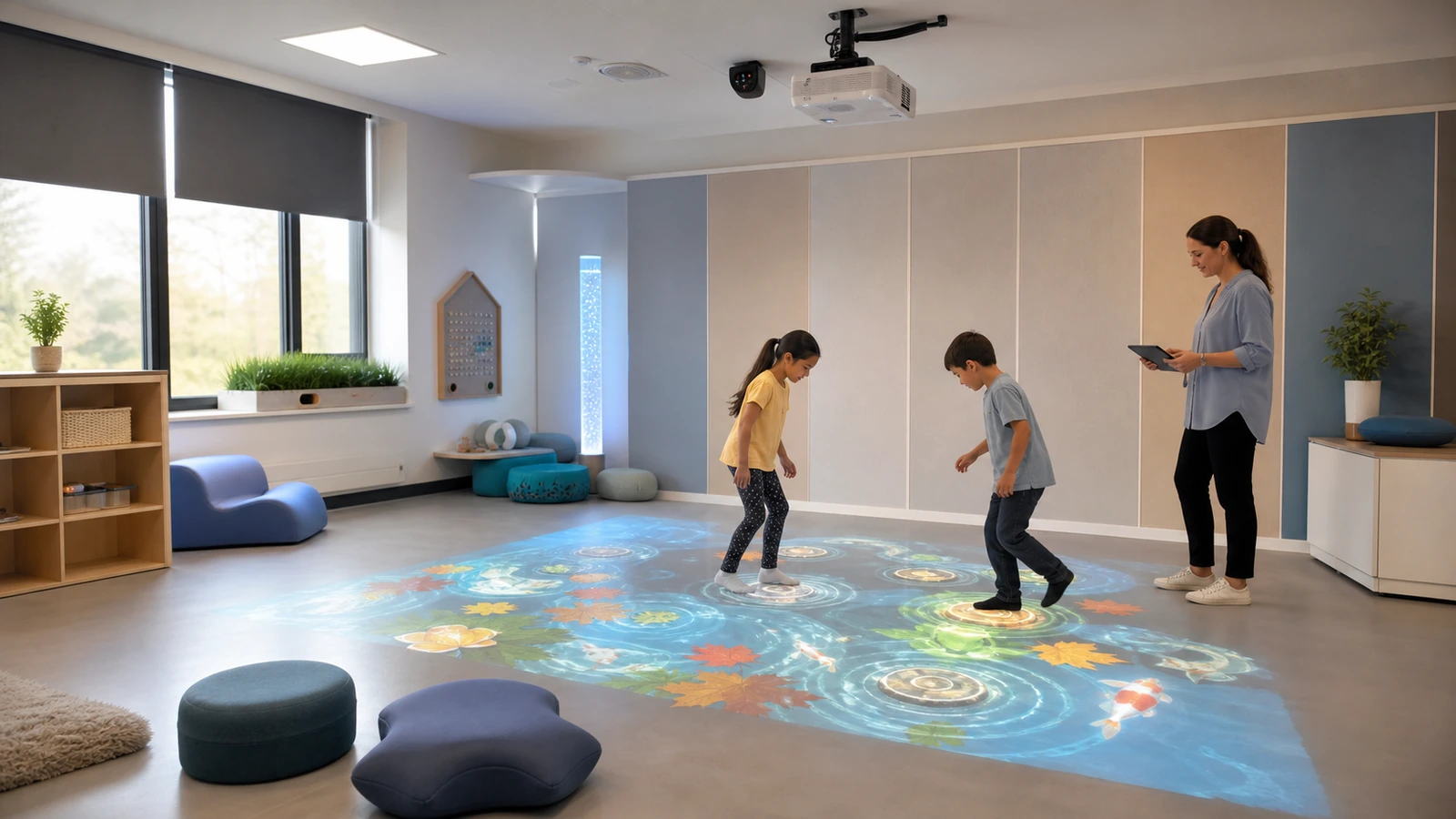
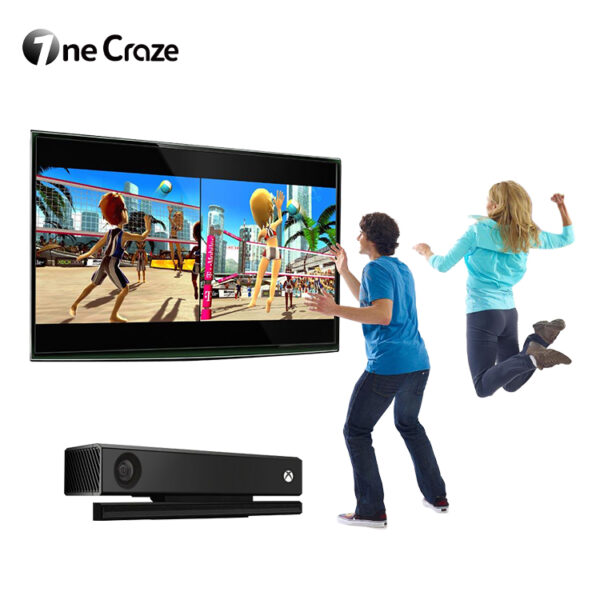
A complete system requires more than a projector. The projector displays the scene, but a depth camera, infrared camera, LiDAR or radar detects the participant. A computer runs the activities, and calibration software connects the tracked movement with the projected image.
A school quotation should identify these components:
- Projector and exact lens or throw ratio
- Motion-tracking sensor and mounting bracket
- Computer, graphics hardware and operating system
- Interactive software and included activity library
- Teacher or operator control screen
- Speakers and independent volume control
- Ceiling mount, wall bracket or mobile cabinet
- Power, video and network cables
- Calibration tools and installation drawings
- Software license, updates, warranty and support
The phrase “sensory room projector” can also describe a non-interactive effects projector. Therefore, buyers should ask the supplier to demonstrate a participant triggering an activity through movement. A video loop with no sensing hardware is not the same product.
OneCraze offers integrated equipment through its SAIO Interactive Floor Mapping All-in-One and the more compact Mini SAIO floor machine for schools. Schools can also review how similar equipment supports elementary-school recreation and indoor activity sessions.
Fixed Ceiling vs Mobile Sensory Projector: Which Is Better?
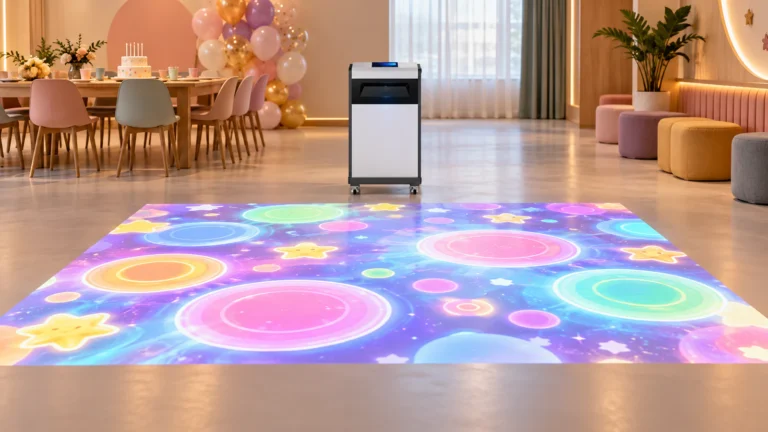
A mobile sensory room projector can move between classrooms, libraries, activity rooms and events. It avoids permanent ceiling work, but staff must position it correctly, protect the operating zone and confirm calibration after every move. Storage, doorway width, wheel locks and unit weight become important purchasing details.
| Buying factor | Fixed ceiling system | Mobile all-in-one system |
|---|---|---|
| Best use | Daily activity in one dedicated room | Shared use across several rooms |
| Calibration | Usually remains stable | Must be checked after repositioning |
| Floor space | Equipment stays above the activity area | Cabinet needs a protected standing zone |
| Installation | Requires approved ceiling and cable work | Requires delivery access, storage and safe positioning |
| Setup time | Fast daily startup after commissioning | Staff move, align and test the unit |
| Projector protection | Mounted away from routine contact | Cabinet must resist knocks and block access to hot components |
| Main buying risk | Ceiling or throw distance does not match the plan | Staff cannot move or align the unit comfortably |
Choose from the school’s operating routine rather than from portability alone. If five departments want occasional access, a mobile unit may deliver better utilization. In contrast, if one sensory room runs scheduled sessions throughout the day, a fixed installation reduces repeated setup.
For rooms where ceiling mounting is impossible, read the OneCraze guide to an interactive floor projector without ceiling mounting. Buyers evaluating a wheeled or freestanding machine should also use the mobile interactive floor projector specification and testing guide.
Should the Projector Display on the Floor, Wall or Table?
Some systems can change orientation, but a “three-mode” claim does not guarantee that every activity works equally well on every surface. The supplier should list which games support floor, wall and table use and explain whether the projector or sensor must be physically repositioned.
| Projection mode | Suitable activity direction | Site requirement | Question for the supplier |
|---|---|---|---|
| Floor | Stepping, matching, gentle movement and group play | Clear, level and visible floor area | How many users can the sensor track in the active zone? |
| Wall | Hand, gesture, target and visual-choice activities | Smooth wall with safe approach space | Does interaction require touch, body tracking or a ball? |
| Table | Seated matching, sorting and collaborative activities | Stable matte tabletop and accessible seating | What table size, height and surface color are supported? |
| Multi-surface | Flexible room or mobile deployment | Repeatable positioning for each orientation | Is a separate calibration profile stored for every mode? |
Do not assume that a bright white wall or floor is automatically suitable. Glossy tiles can create glare, deep carpet texture can distort small graphics, and dark surfaces absorb projected light. The OneCraze guide to carpet, tile and dark-floor compatibility explains how surface material changes visibility and tracking tests.
Accessibility should be part of the surface decision. In the United States, the 2010 ADA Standards for Accessible Design define requirements such as clear floor space, accessible routes and reach ranges. Other countries apply their own rules. The school’s designer should review the complete room, not only the projected rectangle, so mobility devices, seating and staff do not block access or emergency routes.
What Room Size, Ceiling Height and Lighting Are Required?
There is no universal minimum room size for an interactive sensory projector. The required space comes from the projected image, projector throw distance, tracking zone, equipment clearance and circulation area around the activity.
Before requesting a layout, measure:
- Room length, width and finished ceiling height
- Available clear floor and wall dimensions
- Ceiling construction and permitted mounting locations
- Windows, lamps and expected daytime light
- Door, corridor and elevator dimensions
- Power, network and speaker positions
- Fire equipment, ventilation and emergency routes
- Storage area for a mobile unit
Send a scaled floor plan together with photos taken from every corner. The supplier can then calculate the image size and throw distance for the exact projector and lens. A generic statement such as “4,000 lumens” does not confirm whether the image will remain clear at the requested size. Use the OneCraze projection mapping projector buying guide to check brightness, lens, surface and ambient-light factors together.
What Content and Teacher Controls Should Schools Request?
The activity library should offer different speeds, visual complexity and interaction methods. A large number of games has limited value if staff cannot find a calm activity, reduce distractions, change difficulty or stop the session quickly.
Useful teacher controls may include:
- Favorites and age- or class-based playlists
- Session timer and pause button
- Independent music, effects and voice volume
- Difficulty, speed and object-count settings
- Single-user and group modes
- High-contrast or simplified scenes
- Floor, wall and table calibration profiles
- Language selection and custom instructions
- Local operation when internet access is unavailable
- Administrator permissions and configuration backup
The CAST Universal Design for Learning Guidelines encourage multiple ways of engagement, representation, action and expression. For procurement, this supports asking whether activities offer meaningful choices and more than one way to participate. It does not mean that one game or one device will meet every learner’s needs.
Schools purchasing for multilingual communities should confirm menu language, right-to-left layout where required, voice-over availability and the process for translating new content. The OneCraze guide to multilingual software and Arabic RTL support covers the questions an international buyer should place in the software specification.
The final acceptance record should identify the software version, licensed content and hardware serial numbers. Buyers can adapt the OneCraze factory acceptance test checklist and use its quotation comparison guide to place each bidder’s scope in the same format.
Some systems support several orientations, but the hardware must be positioned and calibrated for each surface. Confirm which activities support each mode and whether staff can recall saved calibration profiles.