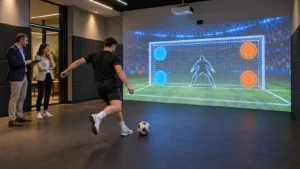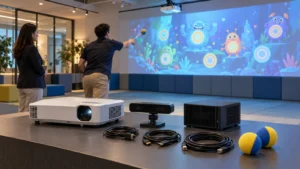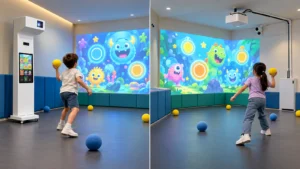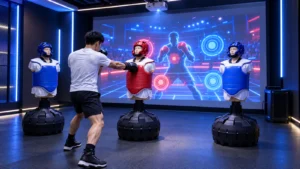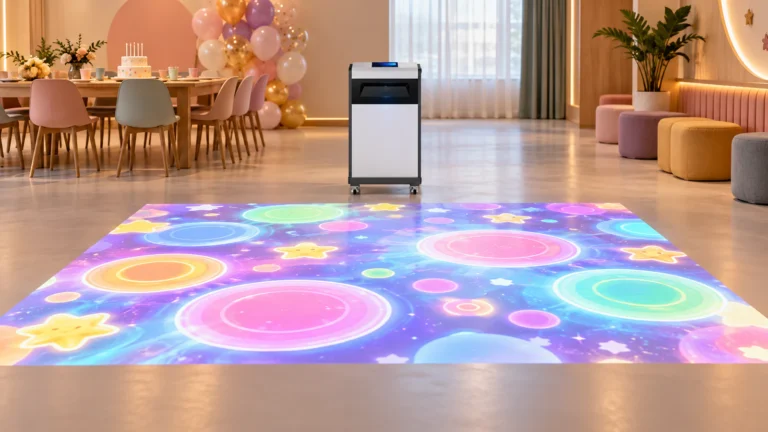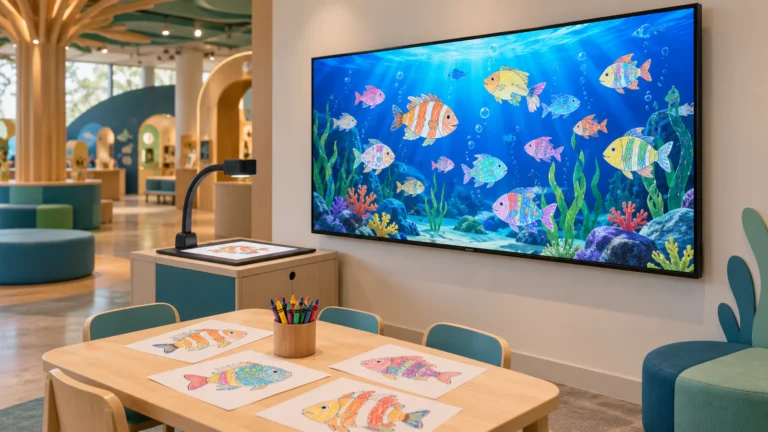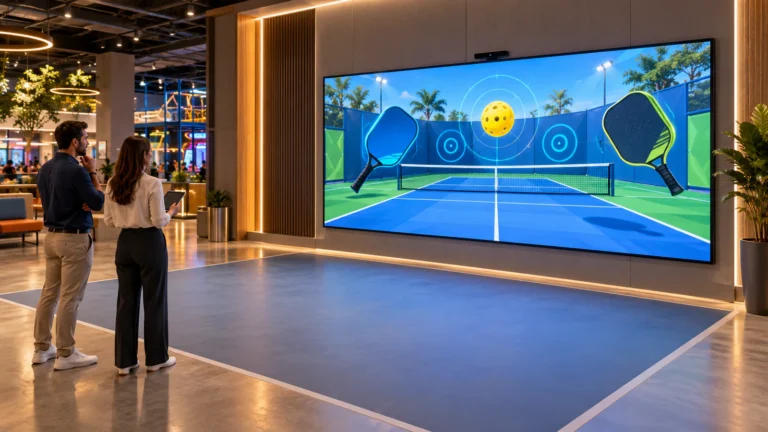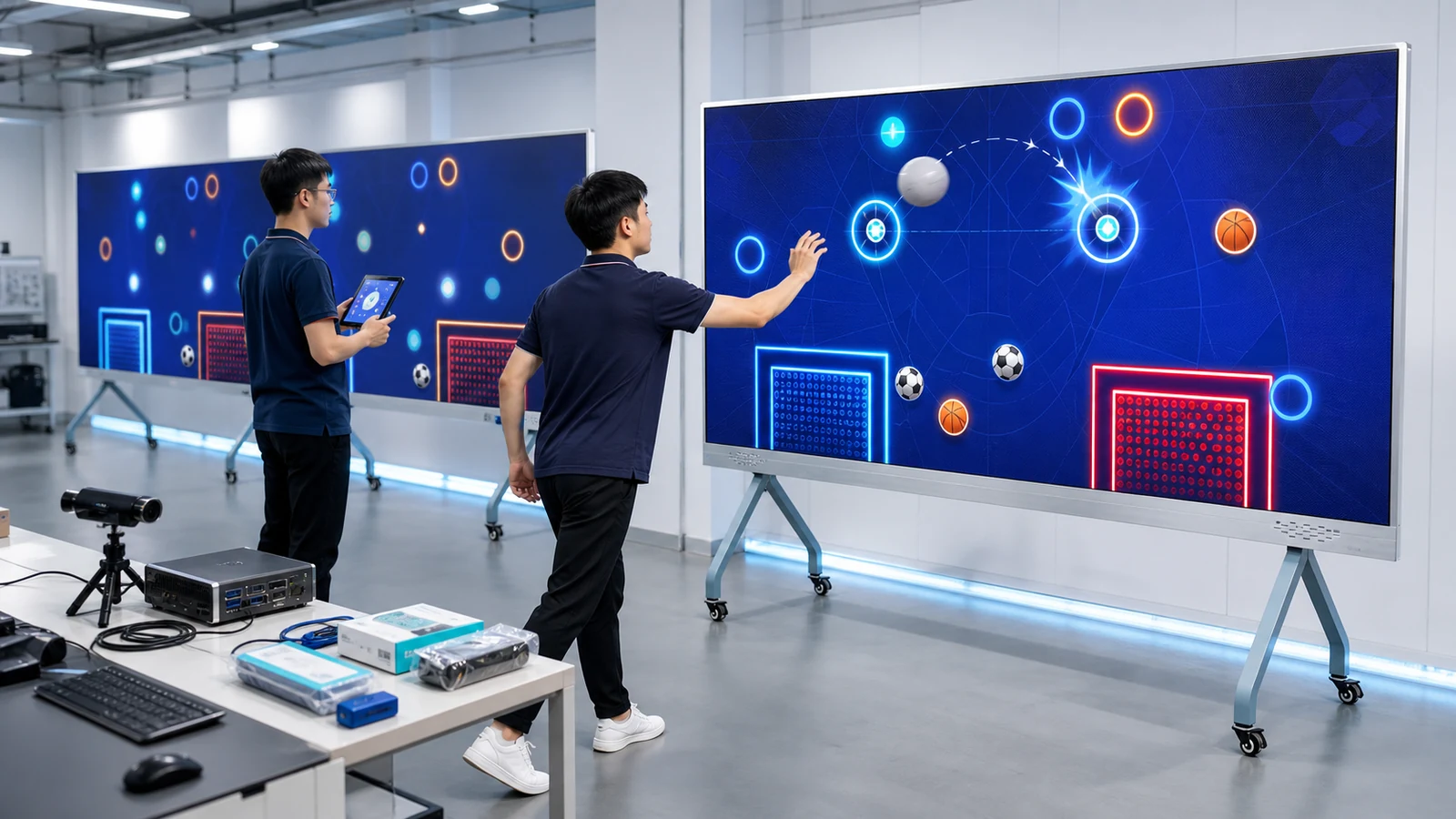
OneCraze develops interactive wall equipment and software for family entertainment centers, gyms, schools, sports clubs, event companies and regional distributors. Its Omniball product direction combines multi-sport gameplay with real balls, a large digital wall and multiplayer competition. Buyers can review the commercial multi-sport ball simulator before deciding whether they need a standard package, a branded version or a wider OEM program.
What Should an Interactive Sports Wall Manufacturer Supply?
A complete commercial scope normally includes:
- Interactive game software and the agreed number of games
- Industrial computer or game server with a recovery image
- Projection, LCD or LED display hardware
- IR camera, stereo camera, depth sensor, LiDAR or impact-detection equipment
- Operator interface, remote control and start/stop functions
- Audio, network and required signal converters
- Mounts, frames, cables and installation drawings
- Approved soft balls and ball specifications
- Calibration tools and operating instructions
- Warranty, remote support and spare-parts list
OneCraze’s Omniball multi-sport product provides a relevant system example. Its published page lists eight games, an integrated game server and several sensing components. Nevertheless, the display wording and listed hardware must be confirmed for every order because projection, LCD and direct-view LED are different configurations.
| Supply item | Published OneCraze direction | Required quotation detail |
|---|---|---|
| Game library | 8 games, including sports and reaction themes | Final game names, player modes, language, version and license |
| Game server | Intel Core i3-9100F, 8 GB memory, 128 GB storage and GTX 2060-class graphics listed | Final CPU, GPU, storage, operating system, ports and recovery method |
| Display | Product page presents a large sports wall and also lists a 5,300-lumen, 1920 × 1200 projector with approximately 0.44:1 throw ratio | Confirm projection, LCD or LED; exact model, active size, mounting and protection |
| Tracking | IR camera, laser sender and stereo camera listed | Exact model, mounting position, active area, latency and approved ball types |
| Operation | Keyboard, mouse and remote listed | Staff interface, permissions, session control, reset and emergency stop |
| Support | Three-year warranty and lifetime software support currently listed | Covered parts, update definition, remote-support hours and freight responsibility |
Buyers who need a technical comparison of sensing methods can read LiDAR vs IR camera vs depth sensor. For display sizing and short-throw planning, the OneCraze projection mapping projector buying guide explains why brightness, image size and surface conditions must be evaluated together.
Which OEM and White-Label Options Can Be Customized?
OEM customization can begin with a logo replacement or extend to new gameplay, external control and a reseller-specific product package. Therefore, the buyer should not request “full customization” without defining the required level. Each level needs different artwork, engineering and testing.
| Customization level | Typical deliverables | Best suited to | Main acceptance check |
|---|---|---|---|
| Branded interface | Logo, colors, menu graphics and start screen | One venue, event campaign or sponsor | Brand assets appear correctly on every screen |
| Localized software | Player instructions, operator menu and selected game text | International distributors and multilingual venues | Language, text fit, fallback font and reading direction |
| Rule configuration | Round time, difficulty, targets, scoring and player count | Schools, sports clubs and FEC chains | Written rules match actual gameplay |
| White-label package | Reseller name, product menu, documents and packing labels | Regional distributor or solution integrator | Supplier branding and reseller branding follow the contract |
| Functional integration | API, membership, QR code, leaderboard, relay or lighting control | Managed venues and branded experience centers | Data fields, permissions, error handling and offline behavior |
| New game development | Original interaction, art, sound, levels and management functions | Exclusive campaigns or differentiated commercial products | Approved specification, prototype, test cases and final build |
Language localization also needs more than direct translation. Arabic, for example, requires right-to-left layout while embedded numbers and Latin product codes still run left to right. The W3C guidance for right-to-left scripts explains why bidirectional interfaces need structural support from the beginning. OneCraze discusses practical procurement checks in its guide to multilingual interactive projection software and Arabic RTL.
For detailed software scope, read custom interactive wall games, OEM software and API options. That guide separates reskinning, feature modification and new development so the manufacturer and buyer can price the same deliverables.
How Can Distributors Deploy the Same Sports Wall Across Multiple Sites?
A multi-site project should begin with one controlled pilot. The pilot is not only a sales sample; it establishes the approved hardware, software and operating process for later systems. Once the buyer accepts the reference build, the manufacturer can reproduce the same bill of materials and calibration method for five, ten or more locations.
The pilot should confirm:
- Final active wall size and safe player distance
- Approved ball diameter, material, color and weight
- Detection at the center, edges and corners
- Intended number of simultaneous players
- Operator workflow and session reset
- Language, branding and score rules
- Network requirements and offline operation
- Remote-support access and security permissions
- Spare parts and local replacement procedure
- Packing method and installation time
After approval, the manufacturer should lock the system version. Every shipment needs a configuration record showing computer image, game build, sensor model and settings. Otherwise, a distributor may receive visually similar systems that behave differently across venues.
Central management can be useful, but it should not become a single point of failure. Ask whether each wall continues operating when the internet is unavailable, how content updates are scheduled and whether an unsuccessful update can roll back to the previous version. If the software uploads scores or player accounts, define data ownership, retention and access permissions before installation.
Distributors should also decide which work happens at the factory and which work happens locally. The manufacturer may supply hardware, software, drawings and remote commissioning, while a regional partner provides the wall, electrical work and physical installation. A responsibility matrix prevents both parties from assuming that the other will supply mounts, network cables, impact protection or staff training.
For different deployment formats, compare a permanent wall with a portable interactive wall projector all-in-one. Event companies may value mobility, whereas an FEC chain usually benefits from a fixed, protected and repeatable play zone. The OneCraze guide to interactive wall projection games for FECs covers player flow, queueing and commercial room planning.
What Documents, Certificates and After-Sales Support Should Buyers Request?
For an international order, the document package may need:
- Commercial invoice and packing list
- Product model and serial-number records
- Electrical rating and plug configuration
- Available CE, EMC, RoHS or other test reports
- Declaration of conformity where applicable
- Material and fire information for screens or wall finishes
- Projector, display and sensor manufacturer documents
- Software license and version record
- Warranty statement and excluded items
- Spare-parts quotation and replacement instructions
EU buyers should pay particular attention to the relationship between branding and legal responsibility. The European Commission states that importers and distributors must check required documentation, and that a party marketing a product under its own name may take on manufacturer responsibilities. Review the official EU guidance for importers and distributors and obtain project-specific compliance advice before launching a white-label product.
How Should Buyers Evaluate an Interactive Ball Wall Manufacturer?
A factory video and polished game trailer can begin the evaluation, but they cannot replace a live product test. The buyer should send a written demonstration checklist and require the supplier to show the same configuration that appears in the quotation.
During the live session, ask the manufacturer to:
- Show the computer, sensor and display model labels
- Measure the active wall and player distance
- Start every included game from the operator interface
- Test the approved balls at the center and boundaries
- Add several players and repeat fast consecutive hits
- Change difficulty, session time and language when included
- Disconnect and restore the network if offline use is required
- Restart the complete system and recover calibration
- Run continuously for at least 30–60 minutes
- Show the installation kit, cables, spare parts and packing method
Record missed hits, false triggers, restart time and any manual intervention. A seller should explain the limitation instead of hiding it. For example, the standard package may work with a large foam ball but require another sensor profile for a smaller tennis-style ball. The OneCraze article on multi-sport wall projector ball tracking provides a detailed test approach for different ball sizes and speeds.
Next, compare quotations using the same scope. Separate the display, server, sensors, software, customization, installation, freight and support. The OneCraze guide to comparing interactive projection system quotations helps buyers identify exclusions that can make a low initial price more expensive after installation.
Finally, approve a formal factory acceptance test for the interactive system before shipment. The signed report should include photos, serial numbers, software version, accepted deviations and unresolved items. For a multi-site order, that pilot report becomes the reference standard for every later unit.
Why Work With OneCraze as an Interactive Sports Wall Supplier?
OneCraze combines interactive hardware, game software, visual content and project support rather than supplying only a screen. This integrated approach is useful when a buyer needs a sports wall adapted to a specific room, ball type, audience or brand.
Depending on the project, OneCraze can support:
- Standard and customized multi-sport wall games
- Projection, LCD or LED display planning
- Ball, touch and motion-based interaction
- Branded menus, targets and score interfaces
- Multilingual player and operator software
- OEM and white-label discussions
- Distributor pilot and quantity deployment
- Installation drawings and remote commissioning
- Factory testing, spares and after-sales support
Buyers can explore the broader OneCraze interactive product range and learn about the company’s interactive multimedia project experience. However, the final solution should always follow the approved site drawing and quotation rather than a generic webpage configuration.
Yes. A branded version can include an approved logo, color palette, menu graphics and selected game assets. The quotation should identify every screen that will change and state whether supplier identification remains on the cabinet, startup screen, documents or software notices.
White-label supply can be discussed for suitable projects, but the agreement must define branding, documents, software rights, minimum quantity, warranty and compliance responsibilities. In some markets, selling under the distributor’s own name can create additional legal obligations.
Yes, but software themes alone do not guarantee that every physical ball will track correctly. The supplier should approve and demonstrate the exact ball diameter, weight, color, speed and player distance for each required game.