❓ What Is an Interactive Wall Projection Game System?
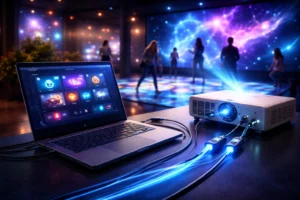
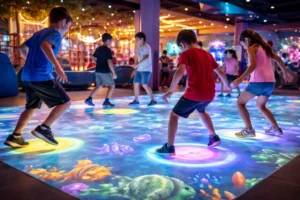
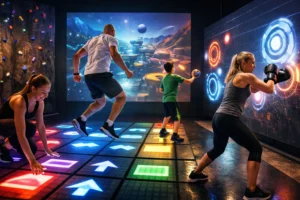
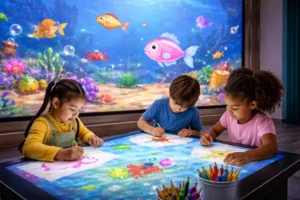
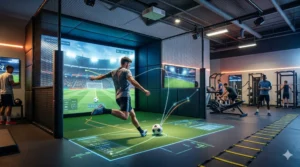
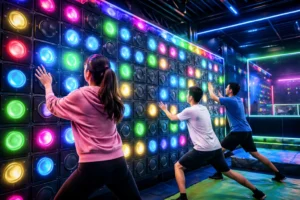
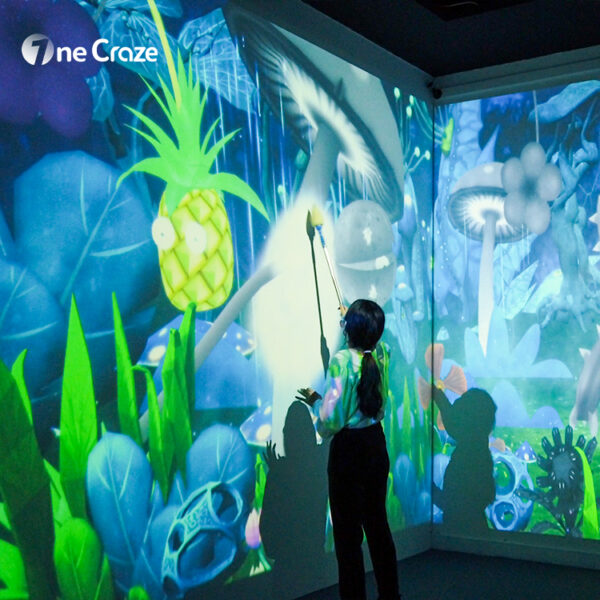
An interactive wall projection game system combines hardware, sensors, software, and calibration logic to transform ordinary walls into dynamic, motion-responsive game surfaces.
Unlike static displays, these systems rely heavily on accurate configuration to ensure smooth gameplay, fast response, and immersive experiences.
🔧 Core components include:
- Projection hardware (short-throw or ultra-short-throw)
- Motion sensors (infrared, depth cameras, radar)
- Interactive game software
- Control system & processor
- Mounting, calibration & environmental setup
👉 Without proper configuration, even the best game can feel broken.
❓ Why Does Configuration Directly Affect Game Usability?
Configuration is not just a technical step—it defines how users interact with the game system.
When configuration is optimized:
- ✔️ Motion tracking feels natural
- ✔️ Games respond instantly
- ✔️ Difficulty levels feel balanced
- ✔️ Players of all ages enjoy the experience
- However, poor configuration leads to:
- ❌ Laggy response
- ❌ Missed gestures
- ❌ User frustration
- ❌ Negative reviews
❓ Which Configuration Factors Matter the Most?
Not all configuration elements carry equal weight. Some have a direct and immediate impact on gameplay quality.
⚙️ Key configuration factors:
- Sensor placement height & angle
- Projection resolution & brightness
- Wall material & color
- Room lighting conditions
- Software sensitivity settings
- Player distance calibration
❓ How Does Software Configuration Influence Player Experience?
While hardware grabs attention, software configuration defines usability.
Modern interactive wall projection game software includes:
- Gesture sensitivity tuning
- Multi-player recognition logic
- Difficulty scaling
- Game content updates (latest releases 🔥)
- Language & UI customization
💡 The best supplier or manufacturer will always provide:
- Pre-configured game profiles
- On-site or remote calibration
- Ongoing software upgrades
❓ Is There a Trade-Off Between Easy Setup and High Performance?
📊 Configuration Comparison Table
| Aspect | Basic Configuration | Advanced Configuration |
|---|---|---|
| Setup Time | Fast ⚡ | Moderate ⏱ |
| Initial Price | Lower | Higher |
| Game Responsiveness | Average | Excellent ⭐ |
| Multi-Player Accuracy | Limited | High |
| Long-Term Usability | Medium | Best |
| Suitable For | Small stores | Arcades, museums, venues |
Yes. Even small systems rely on precise sensor and software calibration to ensure usability and player satisfaction.
Most professional systems allow reconfiguration, especially when supported by the original supplier or manufacturer.
While the initial price may be higher, it often reduces long-term costs and increases ROI.
Games with adjustable sensitivity, bright visuals, and multi-player modes offer the best usability for children.
Ideally, software should be updated quarterly to access the latest games and performance improvements.
Yes. Smooth, matte surfaces dramatically improve tracking accuracy and visual quality.