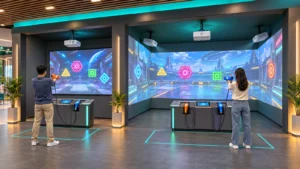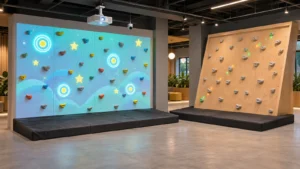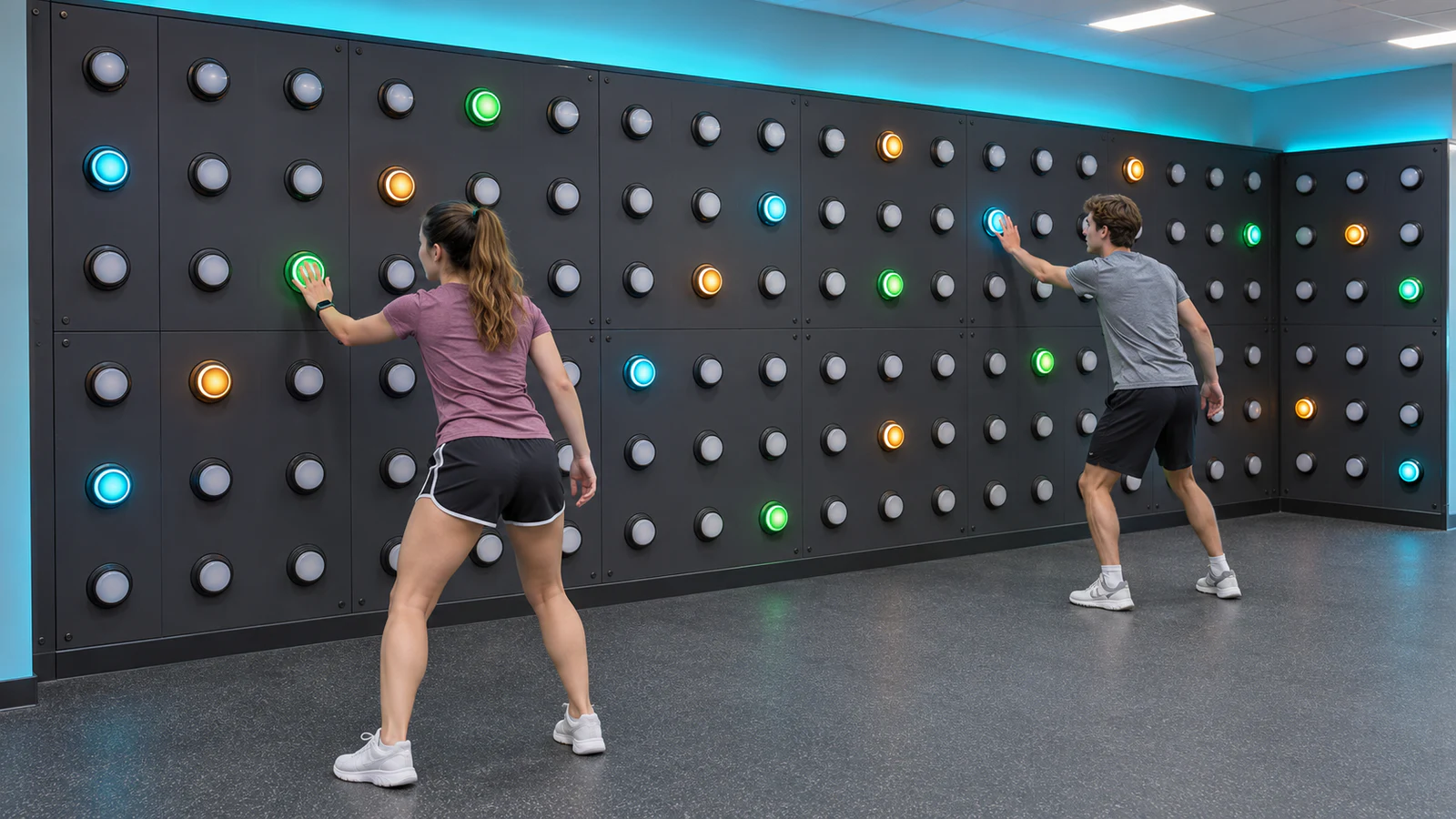
OneCraze’s Push button wall system provides a product starting point for sequence, memory and team challenges. Ask for a dated configuration and game list matched to your venue before approving the button layout.
Choose the Gameplay Before Choosing the Button Count
A reaction challenge and a memory challenge can use similar-looking targets but ask players to do different things. In a reaction game, players respond to a newly illuminated target. In a sequence game, they remember and reproduce an order. Cooperative rules may require teammates to divide the wall or coordinate their actions.
Therefore, describe the experience you want the supplier to demonstrate:
- Individual speed challenges with clear start and finish conditions.
- Sequence recall with understandable feedback after a mistake.
- Team tasks that give each participant an active role.
- Difficulty settings appropriate to the intended audience.
Confirm which rules are included, which are adjustable and which require additional development. Several difficulty settings within one game do not necessarily represent several distinct games.
Also distinguish this attraction from a Hide-style touch wall game room. That format adds movement-detection and hiding mechanics. A button-wall purchase does not automatically include those functions or their sensing hardware.
How Should You Plan a Custom LED Button Wall?
Start with a scaled drawing showing target positions, wall dimensions, doors and the intended player area. Then review the drawing against actual reaching and movement tasks. A visually impressive grid may still place too many targets outside the usable range of your visitors.
Match target placement to the audience
Ask the manufacturer to explain the proposed target heights, spacing and active zones. For mixed-height groups, discuss whether software can restrict a game to selected targets. Confirm that capability through a demonstration rather than assuming every button can be independently excluded.
Next, examine team movement. If two players repeatedly cross paths to reach the same targets, consider different zones or rules. Keep waiting guests outside the active area, and avoid placing high-frequency targets where they encourage players to move across the doorway.
Finally, review service access. Ask how a technician reaches the wiring and replaces a target after the wall finish is complete. Decorative panels should not make routine component access unnecessarily difficult.
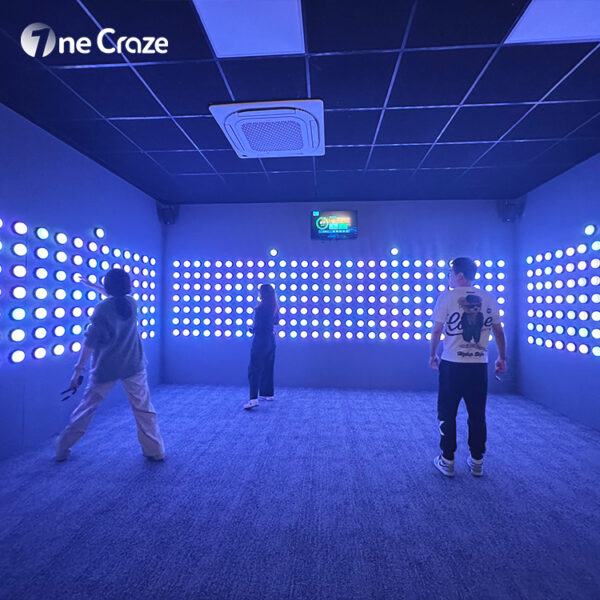
Should You Buy a Single Wall or a Multi-Wall Challenge Room?
A single-wall layout can concentrate attention in one direction and simplify observation. However, its usable width and the selected rules still limit how players can participate. Adding targets alone does not establish a suitable multiplayer capacity.
A multi-wall layout can support tasks involving turning, movement and coordination, but it also requires a wider review of circulation, visibility and installation. Ask the supplier to show how players receive instructions when facing different directions and how staff monitor the whole room.
For a larger active game venue, place the button challenge within the overall attraction mix. A nearby LED Floor Is Lava room offers stepping-based play, while a laser maze challenge offers a different movement task. Plan entrances and waiting areas together, but confirm shared scoring or access control separately.
What Can a Reaction Wall Game Manufacturer Customize?
Separate physical customization from software changes. Adjusting the enclosure color is not the same task as adding a new scoring rule, and rearranging targets may require changes to wiring and software mapping.
Use the following table to prepare a clear inquiry. It lists items to discuss, not features included in every OneCraze package.
| Customization area | Information the buyer should provide | Delivery the supplier should confirm |
|---|---|---|
| Button layout | Wall dimensions, player group and preferred arrangement | Target map, quantities, spacing and mounting requirements |
| Appearance | Brand colors, approved artwork and finish preferences | Artwork scope, materials and approval sample |
| Game settings | Desired timing, difficulty and team format | Existing settings versus paid software changes |
| Instructions | Required languages and operator workflow | Translated screens, prompts and review process |
| Installation | Site photos, wall structure and local contractor capability | Hardware scope, wiring drawings and commissioning tasks |
| Maintenance | Local technical resources and acceptable service arrangements | Replacement method, compatible spares and support terms |
When discussing software, ask the supplier to demonstrate the editing interface. Creating a new sequence from existing rules is different from developing an entirely new game. Agree on deliverables and acceptance tests for any commissioned work.
Then compare complete packages using the scope questions in our equipment quotation comparison. Although that resource covers projection systems, its distinction between equipment supply, installation and software scope also helps when purchasing a physical button wall.
What Should You Test Before Ordering?
Request a live demonstration using the proposed controller, target type and software version. Ask the supplier to show a complete round, results and reset, followed by repeated operation rather than a short promotional sequence.
Focus on how the system handles player inputs:
- Press targets near the center and edges of the installed layout.
- Check whether one intended action produces one correct scoring event.
- Try sustained contact and repeated taps to verify the game’s rules.
- Test simultaneous actions with the agreed player count.
- Ask how the operator identifies and handles an unresponsive target.
Agree on pass criteria before shipment. Do not assume a failed button can be bypassed, or that all remaining games will continue normally; request a demonstration of the actual recovery procedure.
No. A push button wall uses physical illuminated targets as the game interface. A projection wall displays graphics on a surface and uses a separate detection method. Compare the intended actions and complete equipment, not just the word “interactive.”
Not automatically. Player capacity depends on the layout, game logic and available movement space. Ask the supplier to demonstrate the intended group size in a representative configuration.
That depends on the supplied software. Some configuration tools may allow sequences or rule settings within existing modes. Confirm what the editor actually permits and whether new mechanics require development services.