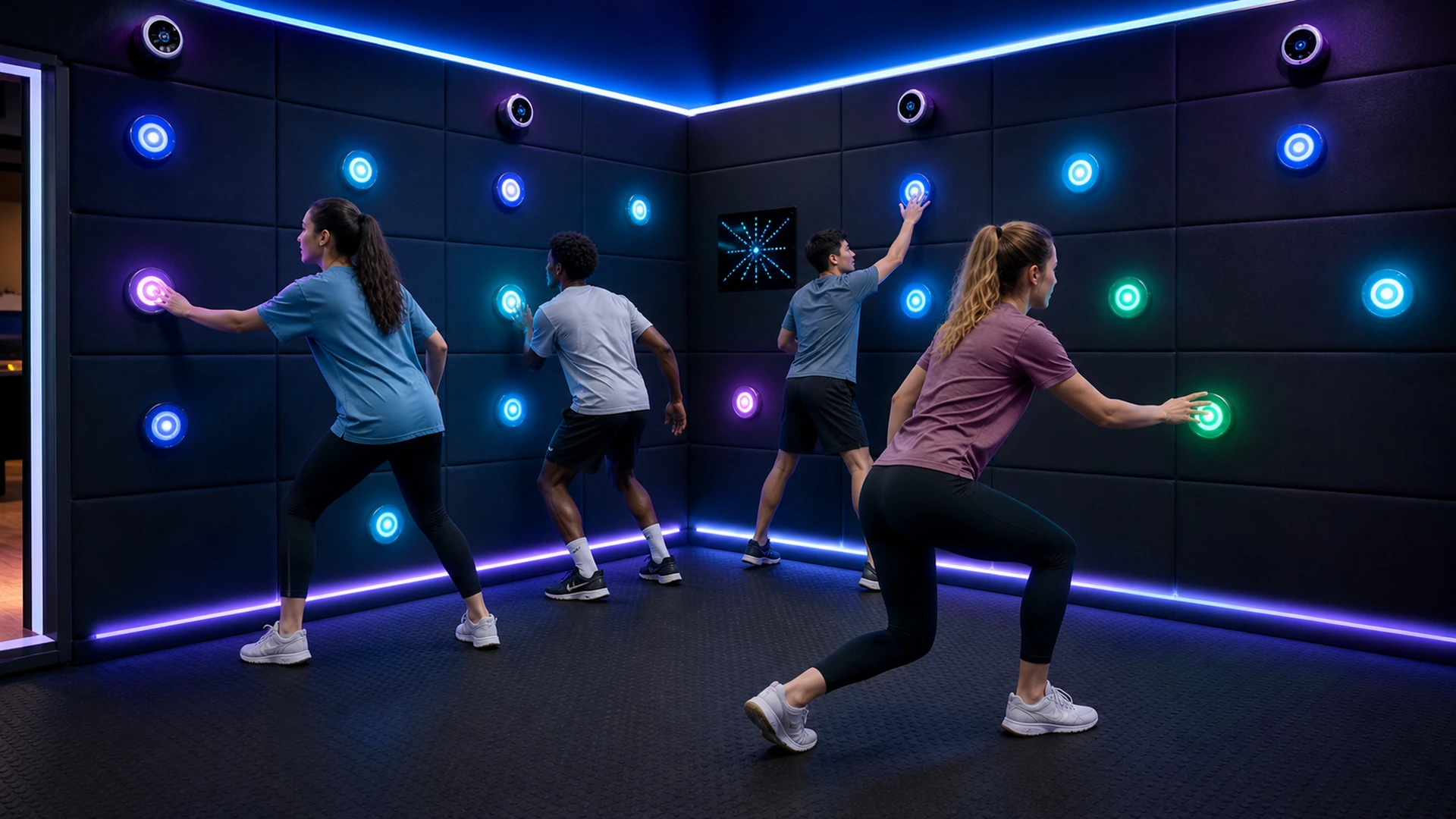
What Is an Interactive Touch Wall Game Room?
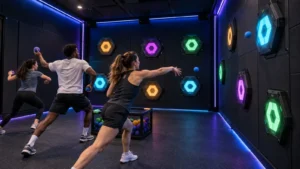
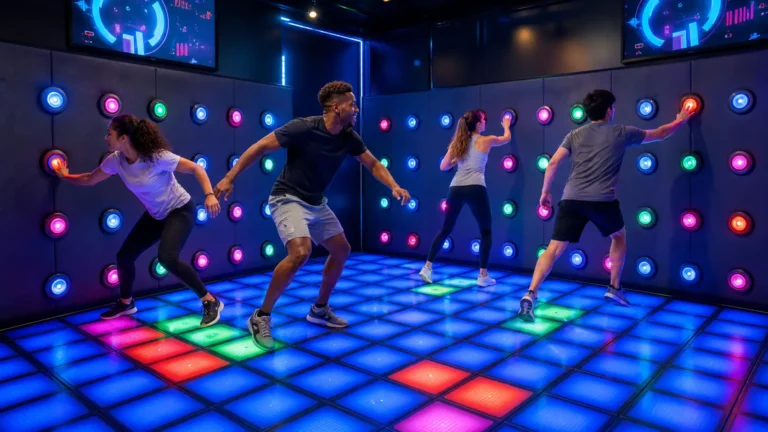
The wall acts as a physical game interface. When the software illuminates a button, players must find and press the correct target before the response window closes. The system records each input, calculates the score and immediately starts the next instruction. Cameras or other sensors can add a second layer by detecting where players move, stand or hide.
The OneCraze Activate LED Game Hide system combines 26 touch-activated LED buttons, Neo-Pixel displays and four motion-sensing cameras. Its gameplay asks teams to press targets, communicate and use cover before the virtual “eyes” detect them. Therefore, players need more than quick hands: they also need timing, observation and group strategy.
The current product page lists multiplayer operation, a minimum venue area of 5 × 5 meters, multiple gameplay options and the ability for administrators to create games through the backend. It also lists a three-year warranty and lifetime software support. Buyers should confirm the final hardware quantity, software version, included updates and project-specific warranty in the commercial proposal.
Unlike a simple reaction-training panel, a full game room surrounds the players with challenges. The room can place buttons on several walls, use light grids to communicate game states and add a large timer or scoreboard. Moreover, the system can change the rules between rounds, so the same physical installation supports reaction, memory, hide-and-seek and team missions.
How Should a 5 × 5 Meter Touch Wall Game Room Be Planned?
Start with the player route rather than the button count. The room must give several guests enough space to turn, reach, crouch and move between targets without colliding. Meanwhile, the operator needs a clear view of the game area and immediate access to pause and emergency-stop controls.
A 5 × 5 meter room provides a useful starting footprint for the OneCraze Hide configuration, but the exact usable area depends on wall construction, entrance position, equipment cabinets and local occupancy rules. The designer should keep the door outside the fastest running line and prevent an open door from covering buttons, sensors or safety controls.
Button height also affects the audience. A layout intended for children should not place every scoring target at adult shoulder height. Conversely, a corporate team-building room needs enough vertical range to make players stretch, crouch and divide responsibilities. A mixed layout can include low, middle and high targets while keeping electrical parts and sharp edges outside contact zones.
The preliminary design should separate several functional zones:
- A clear player area for movement between targets and hiding positions
- Touch-button walls with target heights suited to the intended age group
- A calibrated sensor field without unintended blind spots
- A neutral start zone where first-time players learn the colors, penalties and goals
- An operator position with full-room visibility and immediate pause control
- A protected equipment zone that technicians can access without removing the whole wall
- Separate entry, exit and queue routes that prevent collisions and blocked doors
Touch Button Wall vs Projection Wall vs LED Grid Floor
All three systems respond to physical movement, but they create different visitor experiences. Operators should choose according to the core action rather than selecting the technology that looks most impressive in a short video.
| Decision factor | Touch button wall | Interactive projection wall | Interactive LED grid floor |
|---|---|---|---|
| Main player action | Press, reach, hide and coordinate | Throw, touch or gesture toward projected content | Step, jump, dodge and follow floor colors |
| Physical contact surface | Replaceable illuminated buttons | Conventional wall or impact surface | Modular load-bearing LED tiles |
| Visual content style | Lights, patterns, scores and room effects | Detailed characters, sports or themed graphics | Color grids, routes and fast game cues |
| Ambient-light tolerance | Generally strong with suitable RGB indicators | Depends on projector brightness and room lighting | Generally strong because tiles emit light directly |
| Best commercial use | Reaction rooms and team challenges | Ball games, themed games and digital storytelling | Lava, memory, territory and movement challenges |
| Main maintenance focus | Buttons, sensor alignment and wall modules | Projector, sensor, impact wall and calibration | Tile surface, step sensors, power and module replacement |
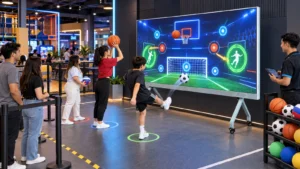
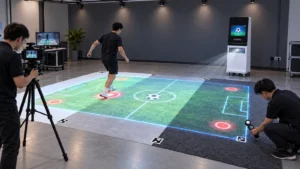
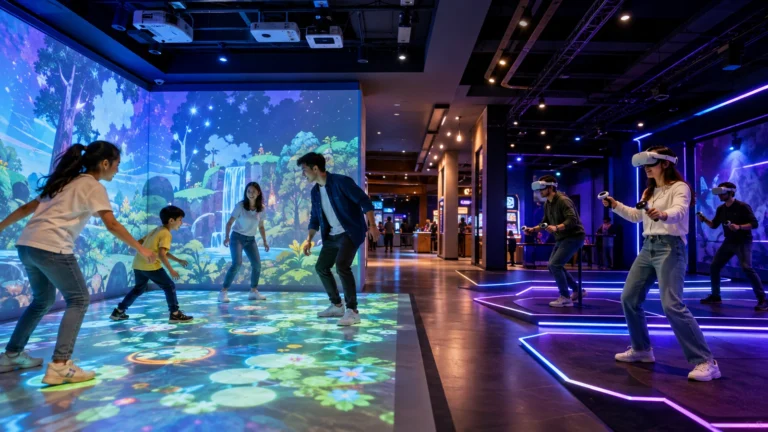
The interactive button room works best when hand movement, peripheral vision and teamwork drive the game. Projection walls work better when the venue needs detailed scenes or character-based content. For examples, buyers can review OneCraze’s guide to interactive wall projection games for FECs and its interactive gym wall game solutions.
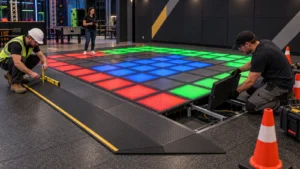
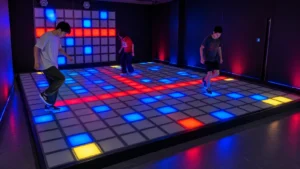
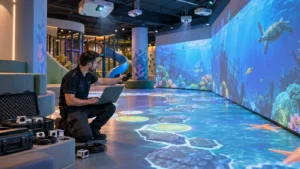
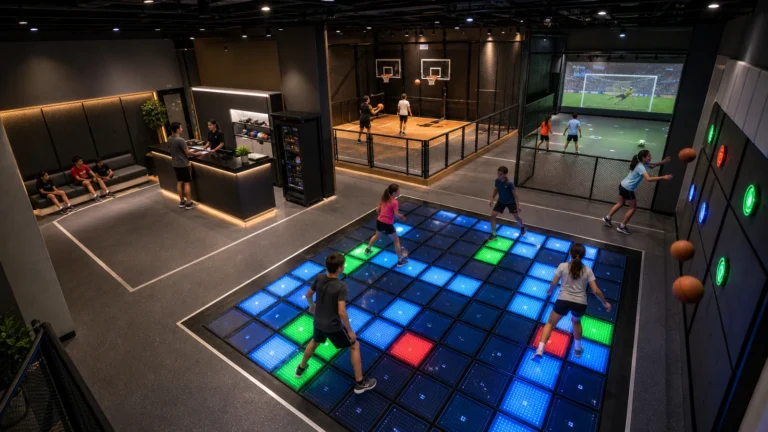
An LED grid floor shifts the activity to footwork and route planning. It can become a natural companion attraction rather than a direct replacement. A multi-room venue can connect the touch wall to a commercial Floor Is Lava game room so groups move from hand-response challenges to full-body grid games.
Which Hardware and Software Specifications Matter?
Commercial buyers should ask how each component performs during daily use. A low purchase price offers little value if buttons fail after repeated impact, cameras lose tracking in the installed lighting or staff cannot restart the software quickly.
| System component | What to confirm before ordering | Commercial reason |
|---|---|---|
| LED touch buttons | Diameter, material, RGB control, response method and rated operating life | Buttons receive repeated physical contact |
| Wall panels | Material, edge treatment, fixing method and impact resistance | Players move quickly near the wall |
| Motion cameras | Quantity, field of view, mounting height and tracking logic | Poor coverage creates blind spots and inconsistent rules |
| Neo-Pixel or light display | Resolution, visibility and replaceable modules | Gives players instructions and environmental feedback |
| Control computer | Processor, storage, backup image and automatic startup | Supports reliable daily operation |
| Game software | Modes, levels, difficulty, scoring and administrator tools | Determines replay value and staff flexibility |
| Operator interface | Start, pause, reset, emergency stop and diagnostics | Helps staff control sessions and recover from faults |
| Audio and room lighting | Sound cues, volume control and synchronized effects | Makes game states easier to understand |
| Network and remote support | Connection method, offline operation and remote diagnosis | Reduces downtime for international projects |
| Spare parts | Buttons, control boards, cables, sensors and display modules | Allows faster on-site repairs |
The supplier should provide an electrical diagram, cable plan, wall fixing details, installation dimensions and startup instructions. In addition, the design should conceal wiring, protect connectors and avoid hard projections in active movement zones.
LED indicators also need appropriate optical safety evaluation. IEC 62471 describes photobiological safety evaluation for lamps and lamp systems, including LEDs but excluding lasers. Buyers should ask which LED components and finished assemblies have been assessed, what test reports are available and whether local certification requires additional evaluation.
Which Game Modes Improve Replay and Group Bookings?
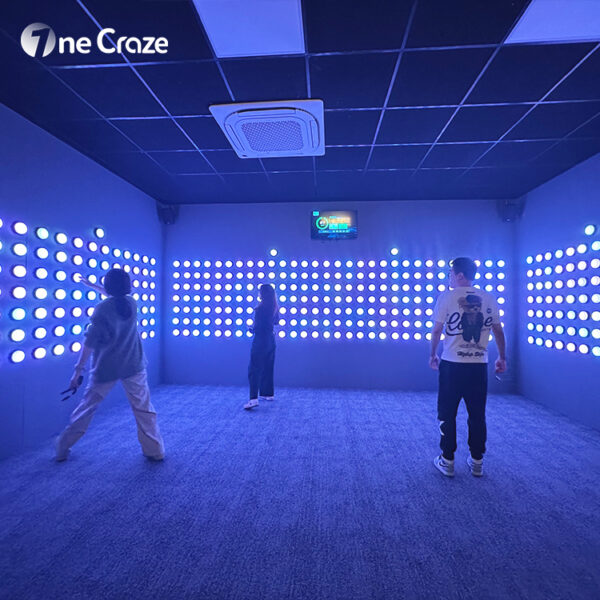
Simple rules help new guests enter quickly, but progression gives them a reason to return. Therefore, the software should change target patterns, memory demands, movement rules and team roles instead of only increasing speed.
A commercial touch wall room can use several formats:
- Reaction race: players press illuminated buttons before they disappear.
- Color hunt: each team activates only its assigned color.
- Memory sequence: the room displays a pattern that players must reproduce.
- Spot the difference: players identify the one target with a different color.
- Hide challenge: teams press targets while avoiding the camera’s detection state.
- Cooperative mission: several buttons must be pressed in the correct order or at the same time.
- Territory control: teams capture and defend wall zones.
- Elimination round: mistakes remove time, points or players from the current level.
What Should an Interactive Touch Wall Manufacturer Provide?
OneCraze can discuss several supply levels:
- Component and software package for experienced local integrators.
- Complete game system with buttons, cameras, control hardware and standard games.
- Turnkey room solution with layout, wall treatment, lighting, sound and installation guidance.
- OEM or ODM service for language, branding, game rules and hardware arrangement.
- Multi-room active entertainment planning with touch walls, LED floors and laser challenges.
The proposal should state the included button and camera quantity, minimum room requirements, game list, administrator permissions, computer specification, power consumption, packaging, lead time, installation responsibility, warranty, spare-parts package and remote-support procedure. If the buyer plans several venues, the supplier should first define pilot-room acceptance criteria and then standardize the drawings and software for rollout.
Commercial attractions also need a lifecycle plan. The ASTM F3559 guide outlines lifecycle-management responsibilities that may involve owners, operators, designers, manufacturers, vendors and suppliers of amusement rides or devices. It does not automatically determine how every touch wall is classified, so the project team must confirm applicable amusement, electrical, fire, accessibility and building requirements with the local authority.
Moreover, the operator should receive daily, weekly and periodic maintenance checklists. Daily checks can test buttons, cameras, emergency controls and loose panels. Weekly work can review logs, clean optical surfaces and inspect cable protection. Periodic service can back up the computer, update approved software and replace worn components before they fail during business hours.
For larger attraction planning, buyers can explore other OneCraze interactive entertainment products and build a room mix around different physical skills instead of repeating the same game action.
A push button game wall uses illuminated physical targets that players press according to colors, sequences or timed instructions. A complete room can add cameras, scoring, audio, displays and team-based software.
The current product page lists a minimum area of 5 × 5 meters. The final room may need more space for the entrance, equipment, operator position, queue and local circulation requirements.
The OneCraze Hide configuration lists 26 LED buttons. Button quantity and placement should still follow the room layout, player age, game logic and customization scope.