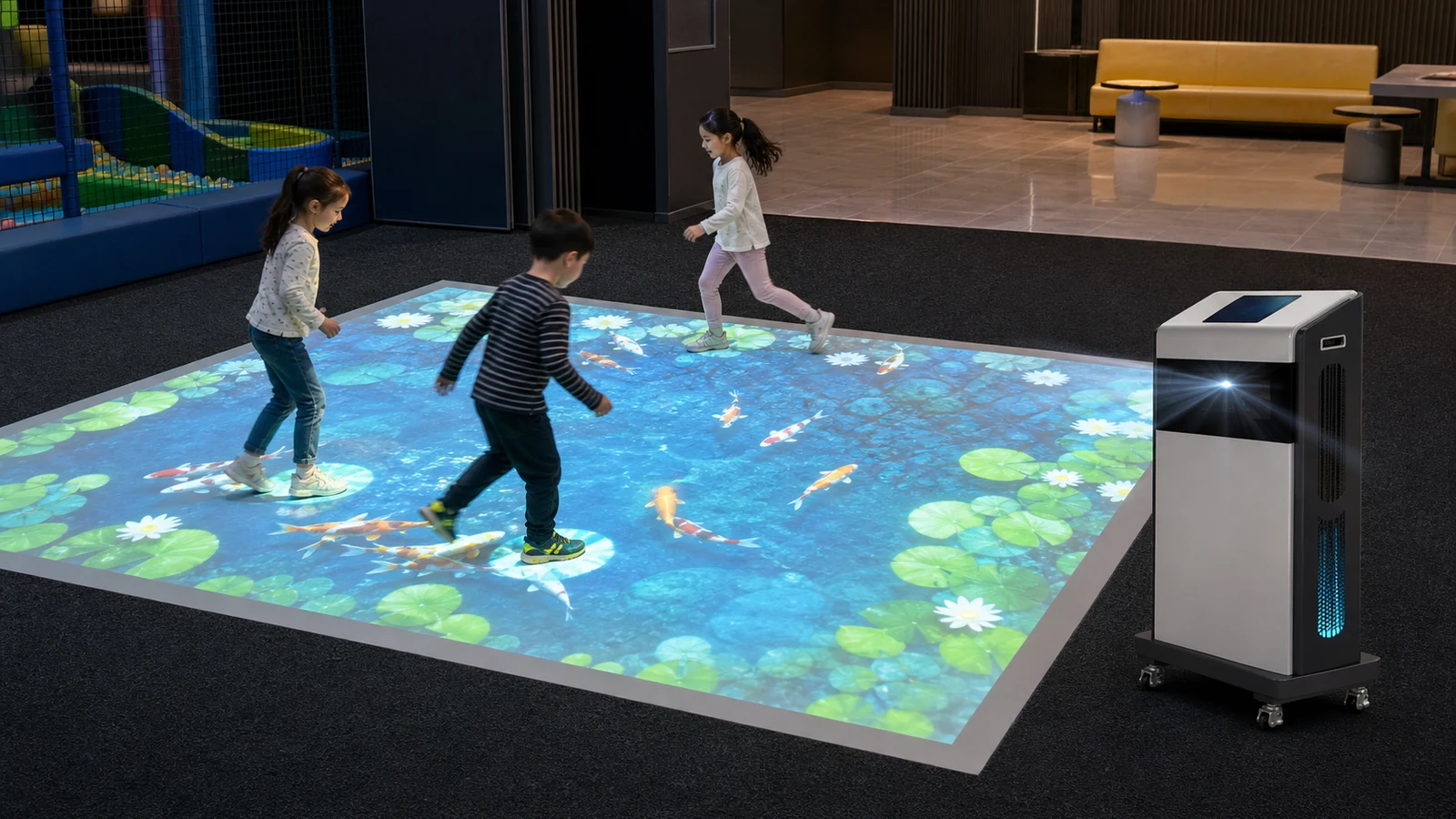
For venues that also have mounting restrictions, the OneCraze guide to an interactive floor projector without ceiling mounting explains how a mobile all-in-one machine can operate in rented, low-ceiling or multipurpose rooms.
What Is the Best Floor Surface for an Interactive Projector?
The ideal surface is smooth enough to display a clean image, matte enough to control glare and light enough to reflect useful color. Nevertheless, a venue does not always need to replace its existing floor. Small adjustments to lighting, image size or surface treatment may be sufficient.
The following table provides a practical first assessment:
| Floor surface | Image visibility | Main concern | Typical solution |
|---|---|---|---|
| Light matte vinyl | Excellent | Seams or loose edges | Install flat and secure the perimeter |
| Light rubber gym floor | Good | Texture may soften fine details | Use bold game graphics and test tracking |
| Short-pile carpet | Fair to good | Fibers reduce sharpness | Use a light color or add a projection mat |
| Dark carpet | Poor to fair | Absorbs light and color | Reduce image size, control light or add a white mat |
| Matte wood floor | Good | Grain and color variation | Test darker game scenes before approval |
| Ceramic tile | Good if low-gloss | Grout lines and reflections | Align the image and reduce direct overhead light |
| Polished marble or epoxy | Fair | Hotspots and glare | Use a matte removable surface where possible |
| Uneven concrete | Poor to fair | Distortion and trip risk | Repair, level or cover the active zone |
Surface guidance published by EyeClick similarly notes that interactive projection can work on carpet, hardwood, vinyl, rubber, concrete and tile, while highly polished floors may reduce contrast. Still, the final decision should come from an on-site or sample test because two floors described as “tile” can behave very differently.
Will an Interactive Floor Projector Work on Carpet?
Yes, especially when the carpet is flat, short-pile and light in color. The projector displays the image on the top of the fibers, and the sensor detects movement above the surface. Consequently, carpet does not automatically prevent interaction.
However, carpet creates two common visual limitations. First, dark fibers absorb more light than a pale matte surface. Second, a deep or uneven pile breaks up fine lines and small text. Bright children’s games may remain playable, whereas detailed maps or small educational content can appear less clear.
Before approving carpet, check:
- Whether the carpet is light, medium or dark
- Whether the pile lies flat or changes direction underfoot
- Whether patterns compete with the projected graphics
- Whether joins, lifted edges or loose tiles create a trip risk
- Whether the sensor responds consistently to feet at the image edges
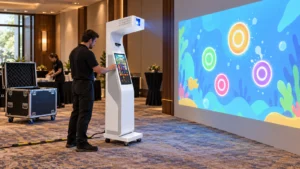
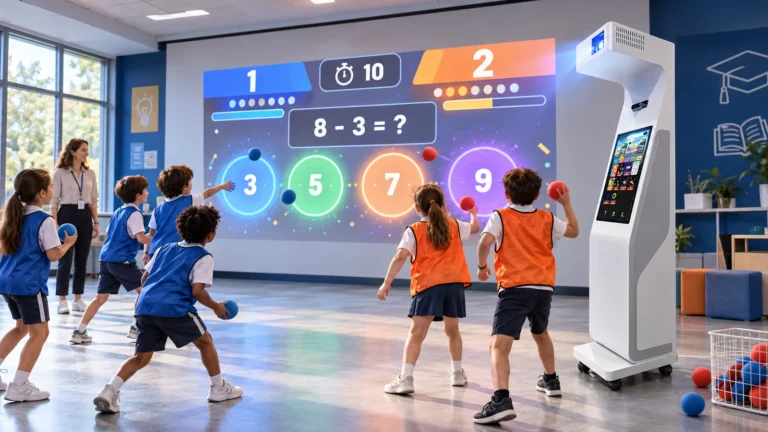
For a school or activity center that shares one machine between rooms, a removable white or light-gray mat often provides a repeatable surface. In addition, staff can roll it up when the room returns to normal use. The OneCraze Mobile Interactive Floor All-in-One suits this operating model because it combines the projector, radar sensor, computer and controls in a wheeled cabinet.
If the buyer needs a smaller education or fitness format, the Mini Sports Floor Interactive All-in-One SAIO 2.0 provides another integrated option. Its suitability still depends on the room survey and the tested projection surface.
Can Interactive Projection Work on Tile or Polished Marble?
Tile usually reflects more projected light than dark carpet, so the image can look brighter. In contrast, glossy tile and polished marble may create glare, visible lamp reflections or bright hotspots. The picture can therefore appear vivid from one viewing angle but washed out from another.
Grout lines rarely stop the system from working, although they may interrupt thin graphics. More importantly, cracked tiles, raised edges and wet cleaning residue can create safety problems in an active game zone.
For tile or marble installations, the venue should:
- Turn on the normal daytime lighting rather than testing in a dark showroom.
- Project both bright and dark games across the proposed image size.
- View the image from the entrance, queue and player positions.
- Check whether overhead lights reflect into players’ eyes.
- Test the sensor at grout lines, image corners and reflective areas.
- Confirm cleaning and slip-resistance requirements with the venue operator.
Moreover, projector brightness should be evaluated together with image size and ambient light. Epson’s official projector brightness guide explains that the room determines the required output and recommends comparing both white and color brightness.
For larger permanent venues, buyers can compare a mobile machine with the SAIO Interactive Floor Mapping All-in-One. Meanwhile, the OneCraze guide to interactive floor projection for FECs covers wider planning questions such as capacity, installation and commercial operation.
When Should You Add an Interactive Floor Projector Mat?
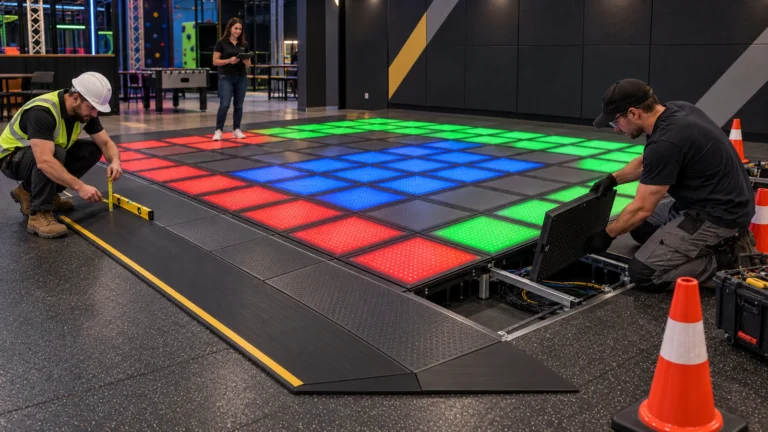
A projection mat is useful when the existing floor is too dark, glossy, patterned or inconsistent. It creates a known visual surface without permanent renovation. However, the mat becomes part of the public play area, so it must be selected for safety as well as picture quality.
Common options include:
| Surface option | Advantages | Limitations | Suitable venue |
|---|---|---|---|
| Matte white vinyl | Bright image, easy to clean | Can show dirt and may curl if stored poorly | Schools, exhibitions and therapy rooms |
| Light-gray vinyl | Controls glare better than bright white | Slightly lower image brightness | FECs and multipurpose rooms |
| Interlocking EVA foam | Softer underfoot and easy to replace | Joints may separate or cast small shadows | Children’s play and fitness spaces |
| Permanent matte sports flooring | Durable and visually consistent | Higher installation cost | Dedicated game rooms and gyms |
Buyers considering an integrated machine can also review the OneCraze mobile floor projector specification and FAT guide. It explains how to verify image size, tracking and calibration before shipment instead of relying only on a demonstration video.
Does Floor Material Affect Motion Tracking?
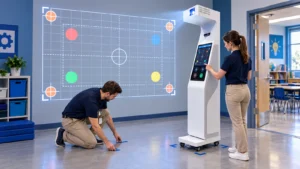
During commissioning, the installer should test:
- The center, corners and edges of the projected image
- Dark and light shoes
- One player and the maximum supported player count
- Players crossing or standing close together
- Nearby chairs, barriers and reflective objects
- Performance before and after the floor is cleaned
If tracking accuracy changes after moving the machine, recalibrate the sensor-to-image mapping. Furthermore, a mobile system should use marked floor positions so staff can return the cabinet to the same location. The OneCraze comparison of LiDAR, infrared cameras and depth sensors explains how the main sensing technologies differ.
No. A light matte floor usually gives the best contrast, but many vinyl, wood, rubber, carpet and tile surfaces can work. The supplier should test the actual color, finish, image size and lighting before confirming performance.
Yes, but the image may look dim and lose color detail because the carpet absorbs light. A smaller image, reduced ambient light or removable light-colored projection mat can improve the result.
It depends on the sensor technology and room layout. Glossy tile primarily causes visual glare, although reflections can affect some sensing arrangements. Test the ordered sensor across the complete play area.