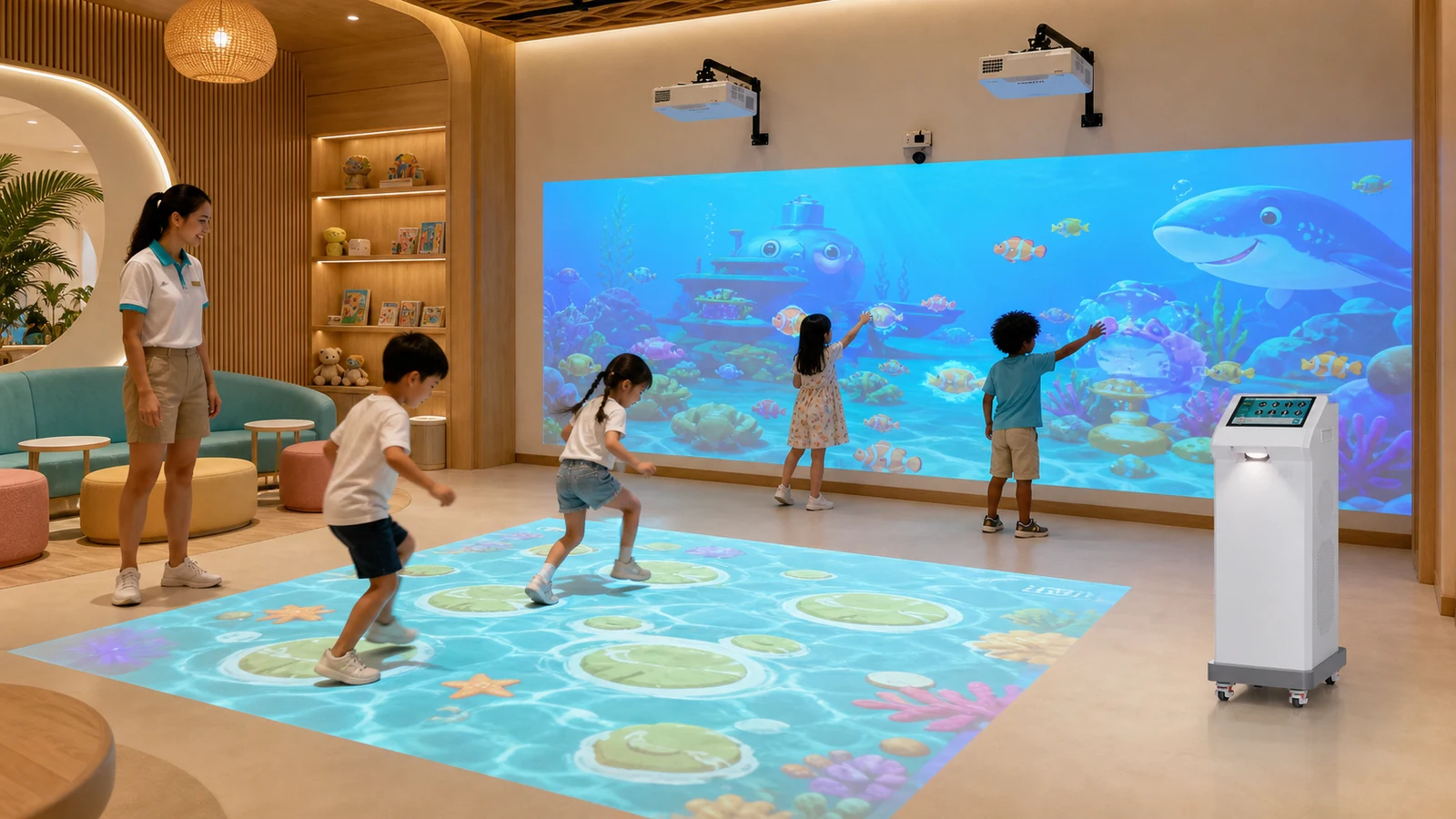
It also explains what to include in a supplier quotation before purchasing OneCraze interactive projection equipment.
Which Interactive Game System Fits a Hotel Kids Club?
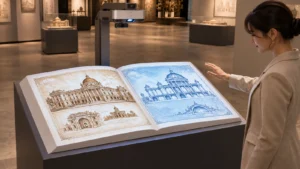
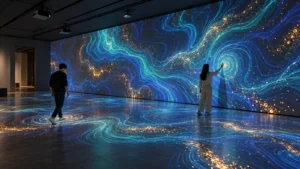
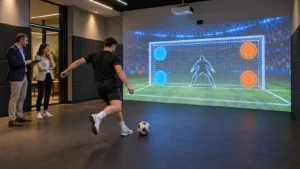
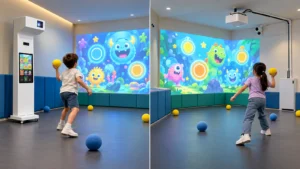
The best format depends on what guests should do. Floor projection encourages stepping, running, jumping and group exploration. A wall system creates a more directed activity through throwing, touching or body movement. Meanwhile, an interactive drawing wall supports quieter creative play and gives each child a visible result.
Hotels should define the role of the attraction before selecting hardware:
- Open active play: Children enter and begin moving without a long explanation.
- Scheduled club activity: A staff member selects a game and leads a group session.
- Quiet creative session: Children draw, color or solve visual tasks.
- Family competition: Parents and children play target or sports challenges together.
- Event and party use: The hotel loads branded, seasonal or birthday content.
- Shared-room operation: A movable machine leaves the room available for crafts or classes.
| System format | Main interaction | Suitable starting space | Strong hotel use | Main planning issue |
|---|---|---|---|---|
| Interactive floor projection | Step, run, jump and full-body movement | Approximately 3 × 4 m or more, depending on image and circulation | Open play, group activity and themed exploration | Ceiling or machine position, floor color, shadows and ambient light |
| Interactive wall projection | Throw soft balls, touch targets or use body movement | Approximately 4 × 2.5 m for selected compact systems | Sports sessions, family competition and party games | Impact-safe wall, player distance and sensor coverage |
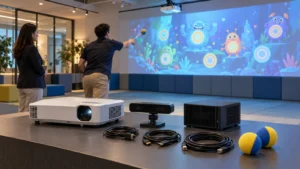
| Draw-to-life wall | Draw or color, submit artwork and watch it animate | Drawing station plus clear projection wall and circulation | Creative club sessions, ocean themes and branded storytelling | Visitor workflow, touchscreen or scanner, queue and content management |
| Mobile all-in-one floor machine | Move the machine into position and play on the floor | Published OneCraze direction is approximately 2.9 × 4.0 m | Multi-purpose rooms and seasonal programs | Machine route, wheel locking, power cable and recalibration |
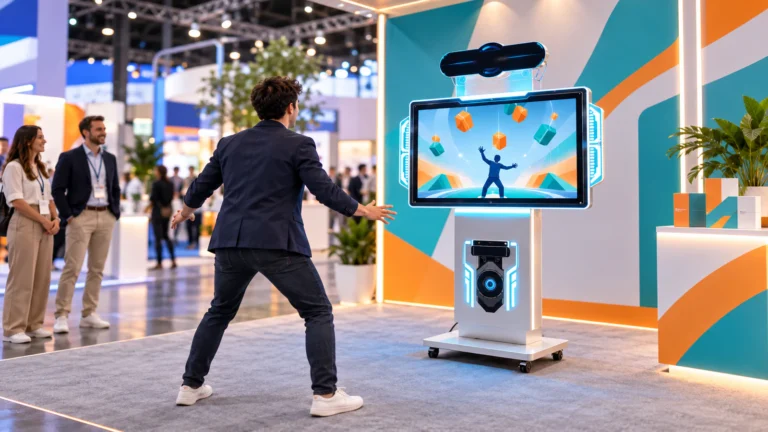
| Portable wall all-in-one | Throw, touch or move in front of a temporary wall image | Depends on wall width and safe throwing depth | Events, conferences and rooms without permanent ceiling work | Suitable wall, equipment protection and repeatable setup position |
For permanent hotel kids clubs, a ceiling-mounted immersive floor projection mapping system keeps equipment away from children and leaves the floor visually open. Hotels that need flexibility can compare the Mobile Interactive Floor All-in-One or the compact Mini SAIO 2.0 interactive floor machine.
A wall-based zone can use the OneCraze Smash Ball interactive projection system for multiplayer target games. For quieter programming, the Interactive Alive Drawing Games system uses paper artwork, while the Interactive Graffiti Draw to Life system offers a paperless touchscreen workflow.
How Much Space Does a Floor or Wall Projection Area Need?
The equipment footprint and the operating area are not the same. A projector may create a 3-meter-wide image, but children still need space to enter, move, wait and leave without crossing another activity. The design must also protect doors, windows, furniture and emergency routes.
Begin with a measured room drawing that shows:
- Clear floor width and depth
- Finished ceiling height and ceiling type
- Columns, beams, sprinklers and air-conditioning outlets
- Doors, windows and emergency exits
- Electrical outlets and network points
- Floor and wall materials, colors and reflectivity
- Daylight direction and planned operating light level
- Fixed furniture, storage and parent seating
For early concept planning, the OneCraze mobile floor machine currently lists a required space of approximately 2.9 × 4.0 meters and one to six players. The Smash Ball wall product lists approximately 4 × 2.5 meters and one to six players. These figures are product-page starting points, not universal room standards; the supplier must provide a final drawing for the ordered projector, sensor and game package.
Projection quality depends on more than the lumen number. A large image becomes dimmer than a smaller image from the same projector, and sunlight can reduce contrast. Dark carpet also absorbs projected light, while glossy tile may create glare. Hotels should send actual floor samples or detailed photos and request a full-size test. The OneCraze guide to interactive floor projection on carpet, tile and dark floors explains these surface differences.
If permanent ceiling work is restricted, do not force a fixed layout. Review the options for an interactive floor projector without ceiling mounting and compare a wheeled machine, wall-mounted bracket or protected equipment cabinet. The solution should follow the hotel’s fire, electrical, structural and interior-design requirements.
What Operational Requirements Matter in a Hotel or Resort?
Daily operation should define:
- Opening and shutdown procedure
- Maximum group size for each game
- Age or height restrictions set by the hotel
- Approved balls and where they are stored
- Session length and game rotation
- Independent sound level and quiet-hour rules
- Lost network or power-recovery procedure
- Cleaning tasks for floor, wall, touchscreen and controls
- Fault reporting and remote-support contact
- Backup activity when the system is unavailable
Cleaning materials must be compatible with electronics, projection surfaces and floor finishes. Staff should not spray liquid directly into a projector, sensor, touchscreen seam or ventilation opening. Instead, the equipment supplier and hotel housekeeping team should agree on approved products and methods. The CDC guidance for cleaning early care and education settings distinguishes cleaning, sanitizing and disinfecting and emphasizes following product and surface instructions. Hotels must still follow their own local requirements and manufacturer manuals.
How Should Games Be Selected for International Hotel Guests?
Hotel guests may not share one language, age or familiarity with digital games. Therefore, the strongest activities communicate through movement, color, icons and short visual demonstrations. A child should understand the main action within several seconds, even when the family has just arrived from another country.
A balanced hotel content library can include:
- Ocean, nature and animal discovery
- Simple chase-and-collect floor games
- Cooperative target and reaction games
- Football, basketball and general sports themes
- Drawing, coloring and animated storytelling
- Quieter visual effects and seasonal hotel themes
Localization must cover player instructions and staff controls. It should also address text length, fonts, number formats and reading direction. Arabic and Hebrew interfaces require right-to-left design, while embedded numbers or Latin product codes may still run left to right. The W3C guidance for right-to-left scripts provides a technical reference for this behavior. Buyers can also use the OneCraze procurement guide to multilingual interactive software and Arabic RTL.
Brand customization can connect the kids club with the resort experience through approved colors, characters or a local theme. However, the quotation should separate language localization, branded reskinning, rule changes and original game development.
Hotels planning custom content can review the OneCraze guide to OEM interactive wall games, branding and API options. If several properties will use the same package, confirm whether each computer needs a separate license and whether the hotel group can manage content centrally.
Fixed Installation or Mobile All-in-One: Which Is Better?
A fixed installation normally provides the cleanest visual result. Projectors, sensors and cables remain above the play zone, and staff return to the same calibrated area every day. This direction suits a dedicated kids club that operates throughout the year.
Choose a fixed system when:
- The room has a permanent kids club function
- Ceiling mounting and cable routing are approved
- The hotel wants a clean, hidden hardware installation
- Staff need consistent daily startup
- The projected area and furniture rarely change
Choose a mobile system when:
- Several departments will share the equipment
- The hotel runs seasonal or temporary programs
- Permanent construction is restricted
- Storage and movement routes are available
- Staff can follow a repeatable setup and calibration process
A hybrid layout can combine a permanent daily system with a portable interactive wall projector all-in-one for conferences and seasonal events. Compare the complete cost, including construction, installation, training, storage, licenses, content, maintenance, spares and support.
What Should a Hotel Request in the Supplier Quotation?
A useful quotation connects the equipment to the actual room. Send the supplier drawings, photos, floor and wall materials, lighting conditions, expected ages, group size, languages, daily operating hours and destination country. If the property is still under construction, include reflected ceiling plans and the interior designer’s equipment restrictions.
| Quotation section | Information the supplier should return | Hotel acceptance evidence |
|---|---|---|
| Display system | Exact projector, lens, LCD or LED model; brightness standard; resolution and image size | Full-size image test under planned lighting |
| Tracking | Sensor model, coverage, mounting position and supported interaction | Center, edge, corner and multiplayer demonstration |
| Computer and control | CPU, GPU, storage, operating system, operator screen and recovery method | Restart, game selection and recovery test |
| Software | Game list, player count, languages, license, offline function and updates | Live demonstration of every purchased mode |
| Installation | Layout, mounting, cables, ventilation, power and network requirements | Approved drawings and site checklist |
| Hotel customization | Brand screens, mascot, languages, sound limits and content filters | Signed visual prototype and acceptance cases |
| Documentation | Datasheets, manuals, available certificates, packing list and maintenance plan | Document review before balance payment |
| Support | Warranty scope, response time, remote access, spares and on-site service options | Written service terms and spare-parts quotation |
Ask for hardware-only and turnkey prices separately. A low equipment price may exclude the wall finish, projection mat, mounts, speakers, installation, travel, shipping or customized content. The OneCraze guide to comparing interactive projection quotations helps purchasing teams place different offers into the same scope.
Before shipment, arrange a factory acceptance test for the interactive system. The supplier should run the ordered hardware and software for at least 30–60 minutes, demonstrate every game, test player capacity, restart the system and show the packing list. For mobile equipment, also test wheel locks, movement, repositioning and recalibration.
Some portable or modular systems can support floor and wall modes, but the projector angle, sensor position, software profile and calibration differ. Confirm that the ordered package includes both modes and ask the supplier to demonstrate the changeover process.
It can be suitable for a compact indoor image under controlled lighting, but the number alone is insufficient. Image size, floor or wall color, ambient light and projector measurement standard all affect visibility. Request an exact model and full-size test.
The answer depends on the game design, sensing area and safe clear space. Selected OneCraze mobile floor and wall products list one to six players, but each ordered game should be tested at the intended capacity.