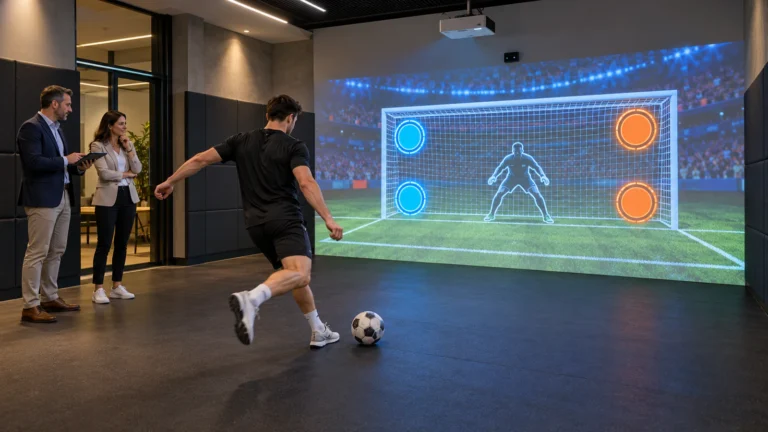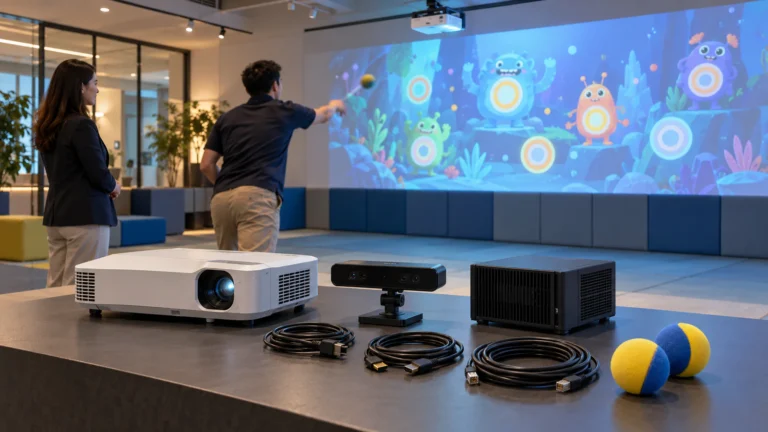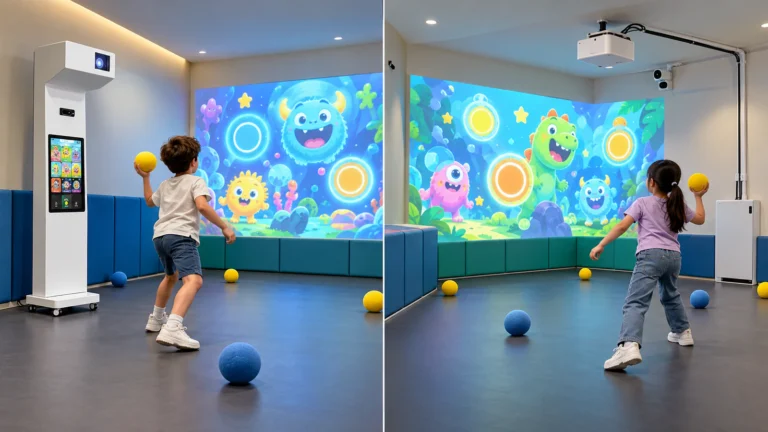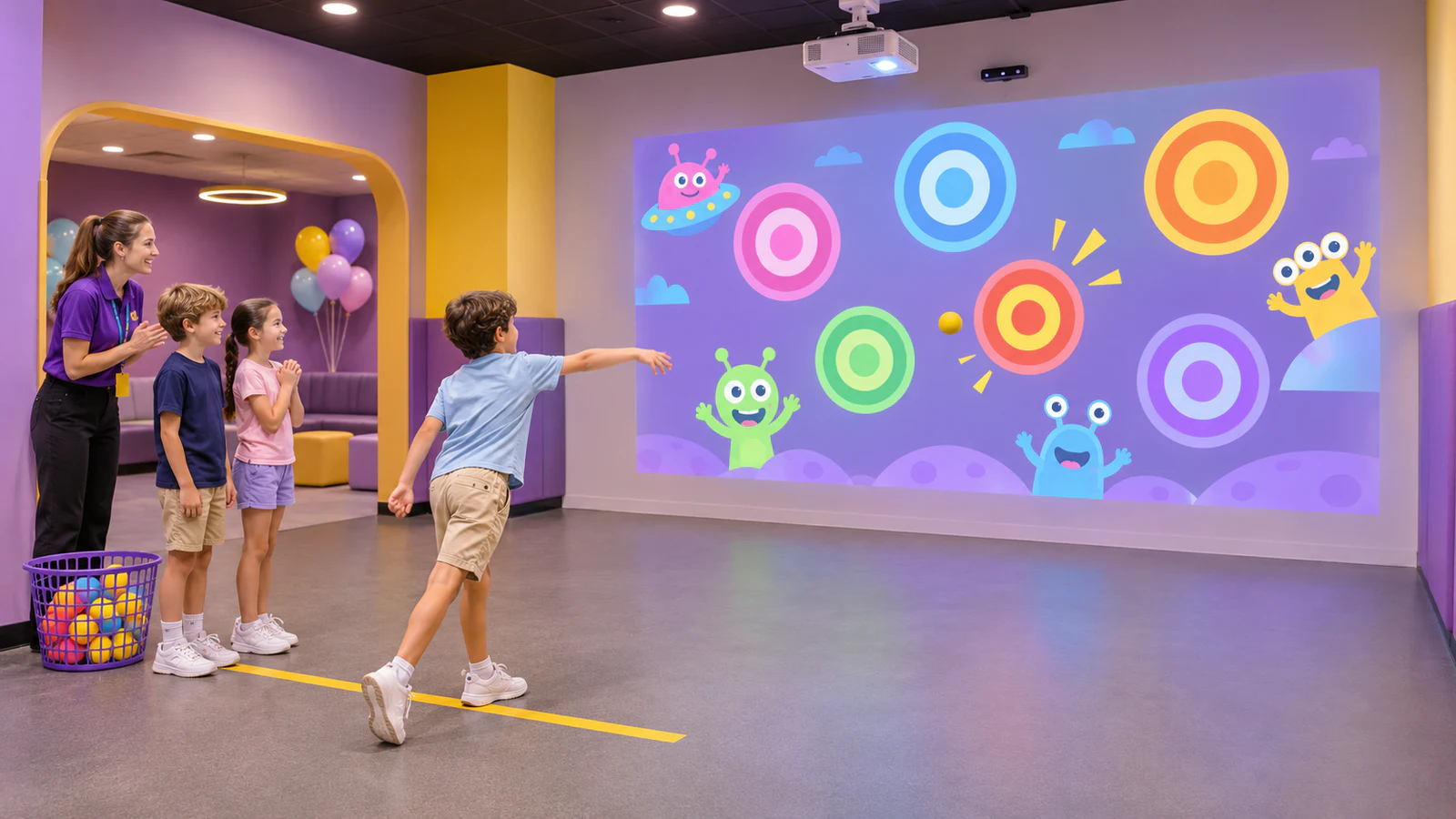
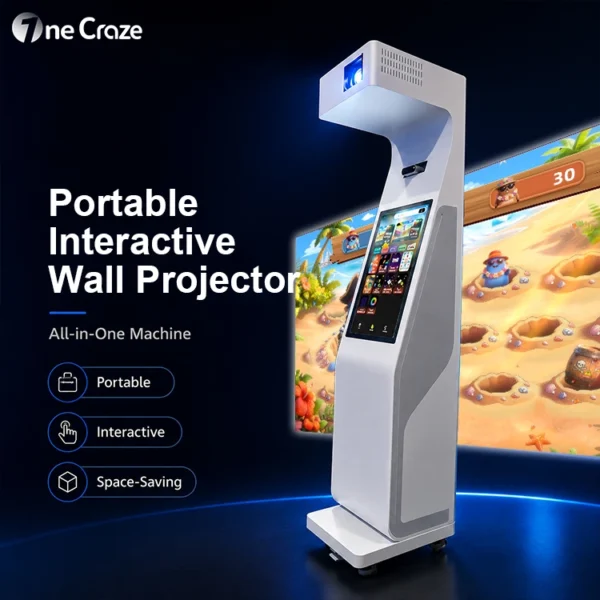
However, a successful party installation needs more than an available wall. The equipment, throwing area, group rotation and staff controls must work within the venue’s booking schedule. OneCraze’s Smash Ball interactive projection system provides a relevant product starting point; confirm the current configuration and suitable balls in your project quotation.
Decide Whether the Party Room Can Support Ball Play
Start with how the room operates during a booking. A dedicated activity room offers different possibilities from a room filled with dining tables, refreshments and decorations. Therefore, assess the usable space during actual parties—not only when the room is empty.
Before requesting equipment, mark these areas on a simple floor plan:
- The proposed target wall and active throwing zone.
- The waiting position for children who are not playing.
- Seating, food service and storage.
- Doorways and the routes used by staff and guests.
If these functions overlap, consider an adjacent activity space or a supervised changeover between dining and play. Do not assume that moving a few chairs creates a suitable throwing zone.
Specify an Equipment Package, Not Just a Projector
An interactive target game equipment package combines display, sensing, computing and software. Nevertheless, the quotation may exclude wall preparation, balls, mounting hardware or site labor. Establish those responsibilities before comparing prices.
| Package element | What the buyer should confirm | Party-room consideration |
|---|---|---|
| Projector and lens | Exact model, image size and mounting arrangement | Targets must remain visible under the intended room lighting |
| Sensing equipment | Model and demonstrated compatibility with the selected balls | Test the actual throwing activity, not only hand interaction |
| Computer and controls | Included hardware, startup process and operator access | Staff need a straightforward way to start and stop sessions |
| Games and license | Included titles, commercial-use terms and available modes | Confirm content suitability for the intended age range |
| Balls and target surface | Approved ball specification and wall construction | Agree on replacements, cleaning and inspection procedures |
| Installation and handover | Mounts, cabling, alignment, training and support scope | Identify who prepares the room and who approves completion |
You can compare integrated equipment with separately mounted components in the interactive ball wall solution guide. For this project, the priority is how the selected arrangement fits the party workflow, rather than which format looks simpler in a product photograph.
When reviewing offers, use the system quotation comparison guide to distinguish supplied equipment from on-site services. Request a separate line for any optional content work or installation travel.
Plan the Target Surface and Ball-Collection Routine
A projected target wall is still a physical impact surface. Bright paint alone does not establish suitability for repeated ball contact. Ask the installer to review the substrate, finish, adjacent fittings and areas where missed throws may land.
The wall surface guide for ball-throwing projection provides questions to discuss before preparing the wall. Avoid choosing decorative panels first and discovering later that their finish or construction conflicts with the proposed activity.
Keep Collection Separate from Throwing
Define how staff pause play before participants retrieve balls, where spare balls stay and how the next group enters. The room should not depend on children crossing active throwing paths to continue playing.
Similarly, do not replace the approved ball with another product simply because it feels soft. Size, material and other characteristics can affect both the activity and detection. Review the ball-tracking compatibility guide and obtain approval for replacements.
This article concerns ball-based projection games. It does not imply compatibility with darts, arrows, axes or other projectiles; those require a different assessment and potentially different equipment.
Organize Group Sessions Around the Available Games
The number of children attending a party is not automatically the number who should play simultaneously. Confirm the supported group size for the selected configuration, then plan rotation around the full party schedule.
For example, a host might organize individual turns, small-group attempts or a shared challenge. These are session-planning options, not promises that every software package includes team accounts, automatic rotation or individual score tracking.
Ask the supplier to demonstrate the host’s complete workflow:
- Select appropriate content and explain the objective.
- Start the round and manage a participant joining or leaving.
- Pause or stop the activity when necessary.
- Clear the previous session and prepare the next group.
Also allow time for briefing, ball collection and changeover. A short game timer alone does not determine how many party guests can participate during a booking.
If you want a birthday welcome screen, venue branding or altered game rules, specify those separately. The custom wall-game development guide helps distinguish visual customization from additional software functions. Use content you own or have permission to display rather than assuming popular characters are included.
Request a Demonstration That Matches Your Party Setup
A promotional clip can show the general experience, but it does not establish that the equipment suits your room. Request a demonstration using the proposed balls, representative image size and intended lighting conditions.
Agree on project-specific acceptance criteria. Check target response at different parts of the wall, the intended number of simultaneous participants, and whether missed throws or nearby movement create unwanted responses. Then test the operator controls and recovery after restarting the system.
Finally, rehearse a full session changeover. Staff should understand how to finish one group, inspect the area and prepare for the next booking. Record the approved equipment and software configuration so substitutions do not go unnoticed.
Use the factory acceptance test checklist for pre-shipment planning, followed by site checks after installation. Neither a factory demonstration nor this planning guide replaces the venue’s operational risk assessment.
Only if the layout and operating procedure support the activity. Where dining, circulation and throwing areas conflict, use a separate zone or an assessed changeover arrangement rather than operating both together.
Do not assume so. Confirm the installed system’s supported participation and organize smaller groups where required. Party attendance and simultaneous game capacity are different figures.
Check the itemized quotation. Ask who supplies the approved balls, prepares the impact surface, installs equipment and completes final calibration.