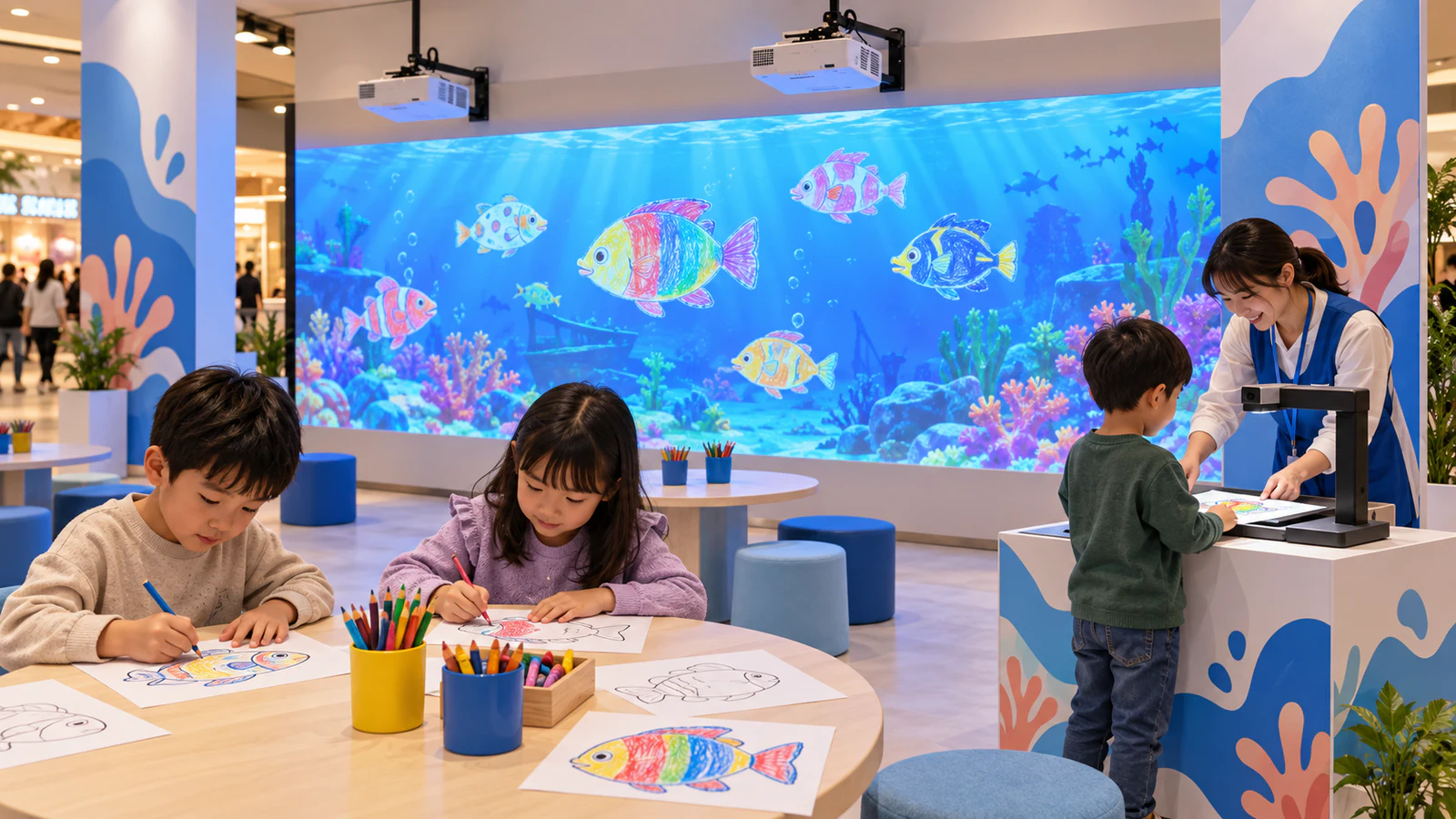
OneCraze’s Interactive Alive Drawing Games provides a paper-and-scanner product option. Use the following guide to define a branded event package and identify which customization, transport and licensing requirements need a separate quotation.
What Should an Event Company Buy in a Complete Drawing Aquarium Package?
Start with the visitor journey: color, scan, watch and interact. Then ask the supplier to identify the equipment and software responsible for each step. A scanning station alone cannot deliver the complete attraction.
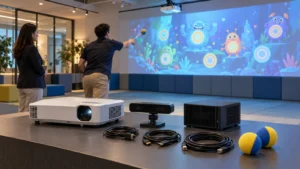
An itemized proposal should specify:
- The supported scanner or camera station, computer and recognition software.
- The projector, lens and projection surface, or a compatible display alternative.
- The aquarium scene, approved printable templates and commercial license.
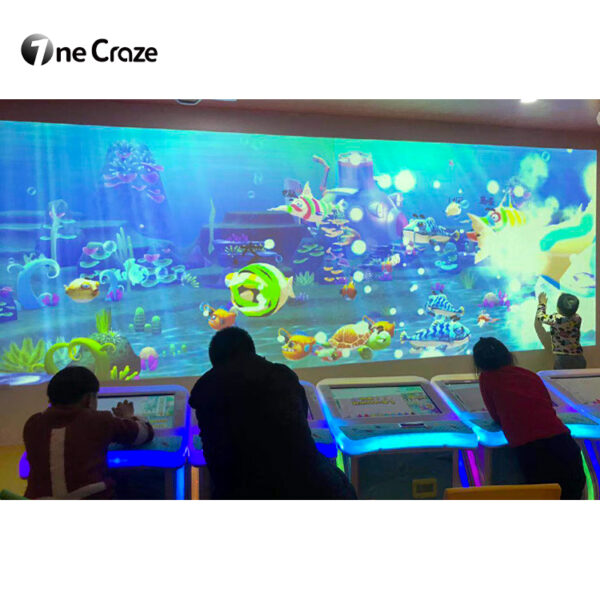
- Wall-interaction sensors, if visitors need to touch the projected characters.
- Cables, mounting hardware, operator instructions and transport packaging.
- Any separately supplied tables, printing materials, installation or event staffing.
For the capture method, review the drawing aquarium scanner versus camera comparison. If your agency prefers paperless participation, the touchscreen Draw to Life product offers a different workflow. Choose the input method before asking suppliers to price the package.
Can You Add Branded Templates, Logos and Custom Characters?
Define exactly where the branding should appear. A logo on the printed paper, a sponsor panel inside the aquarium and an animated mascot represent different deliverables. Consequently, a request for “custom content” needs a clear scope.
Use this brief when approaching a custom digital aquarium supplier. These are items to request and confirm, not a list of standard OneCraze inclusions.
| Requested customization | What the buyer should provide | What the quotation should confirm |
|---|---|---|
| Logo on printed templates | Logo artwork, placement and paper size | Approved print file and recognition test |
| Branded screen background | Brand colors, logo and event theme | Preview, display format and revision allowance |
| New coloring template | Character outline and intended appearance | Recognition support and matching animated asset |
| Animated brand mascot | Approved character artwork and movement brief | Modeling, animation, development fee and schedule |
| Localized instructions | Approved text and required languages | Which screens and printed materials are included |
| Different client campaigns | Number of brands and planned event dates | Who switches content, delivery format and change fees |
Why does changing a template require testing?
Recognition software may depend on the template’s outline, markers or predefined drawing area. Therefore, changing its proportions or placing a logo inside the capture region can affect the result. Request a print-ready master and test the final branded version before producing event materials.
Also distinguish coloring an existing character from creating a new animated mascot. The latter can require additional development. The interactive drawing wall manufacturer guide explains the broader relationship between visitor artwork and prepared animation.
Can One Software License Cover Multiple Clients and Events?
Before ordering, ask the supplier to confirm:
- Whether the license covers paid public events and equipment rental.
- Whether it attaches to one computer, one installation or a named venue.
- Whether sequential events for different clients are permitted.
- Whether simultaneous events require additional licenses.
- How offline operation, activation and replacement computers work.
- Whether brand changes, software updates and custom content carry additional fees.
Furthermore, separate branding rights from software ownership. A white-label interface does not automatically include source code, redistribution rights or ownership of custom animation. Record the agreed rights and deliverables in the order.
For related procurement questions, see the commercial software licensing guide. It covers floor software, so use its questions as a starting point and obtain terms specific to the drawing aquarium.
What Makes a Drawing Aquarium Practical for Travelling Events?
A portable drawing aquarium system needs a repeatable transport and setup process. Ask for packed dimensions, case weights, required crew and an assembly demonstration. Confirm whether the quote includes protective cases or only shipping packaging.
At each venue, check the display position, available power, ambient lighting and scanning area. A projector that works in a dark exhibition booth may produce a weaker image beside bright shop windows. Meanwhile, moving a camera station can alter its capture angle or lighting, and moving the display may require interaction recalibration.
Separate the coloring tables, scanning queue and viewing area so guests can follow the activity without blocking one another. The museum and exhibition layout guide provides related planning considerations.
Finally, agree on a practical setup checklist: reconnect equipment, load the correct campaign, scan a sample, verify colors and test interaction. Request a timed demonstration before promising a setup duration to your client.
What Should You Test Before Approving the Order?
Ask for a live demonstration using your approved branded template. Follow the artwork from the physical page to the animated scene, rather than evaluating only the finished aquarium video.
Test light and dark colors, repeated scans and the expected busy-period workflow. If the supplier offers multiple stations, demonstrate them uploading together. Then verify the functions your agency will depend on: campaign switching, restart recovery, artwork clearing and offline operation where included.
For acceptance evidence, retain the approved template file, a recording of the full workflow and a signed list of included equipment and software. Use the factory acceptance test guide to organize these checks, with measurable criteria agreed before production.
Only if the software supports them. Submit the artwork for review and obtain an approved template. An arbitrary drawing outline may not match the recognition process or an available animated character.
Ask whether a software-only package is available. Provide the computer specifications, display resolution and scanner or camera model so the supplier can assess compatibility before quoting.
Treat that as a separate configuration request. Input software, hardware and content compatibility may differ. Compare the touchscreen drawing system buying guide before selecting the workflow.