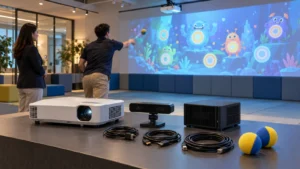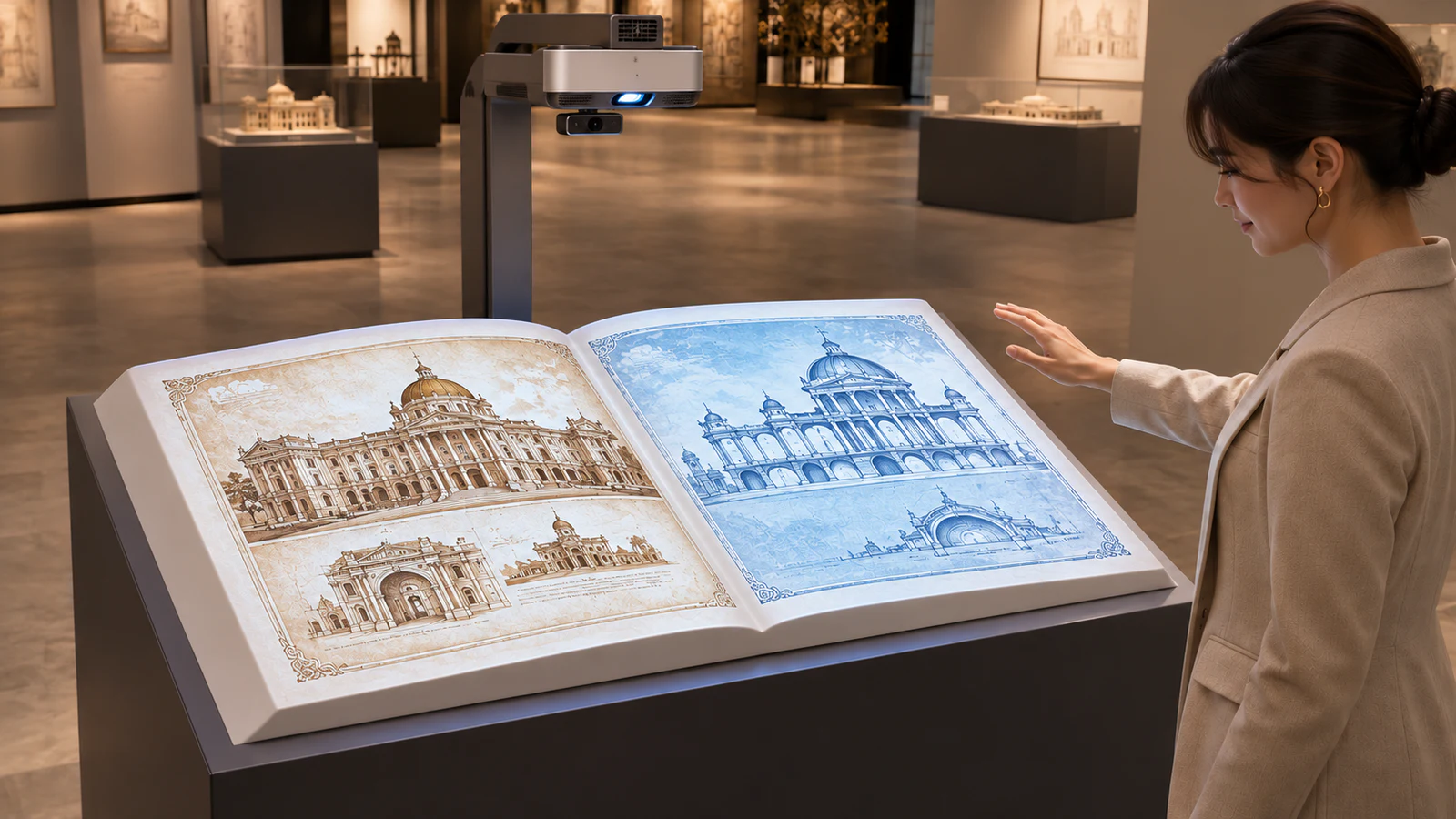
OneCraze’s Intelligent Projection Virtual Book Table describes a gesture-controlled version using a projector, computer, infrared camera and desk model. This guide focuses on that format and the questions buyers should resolve with an interactive projection book supplier before ordering.
What Is a Virtual Flip Book System?
A projection-based virtual flip book displays digital pages on a physical surface shaped or arranged like an open book. In a gesture-controlled configuration, a sensor detects the agreed hand movement, and the software changes the displayed page.
Buyers may encounter names such as interactive projection book, virtual flip book system or magic book projection system. However, the name alone does not establish the interaction method or included content tools.
This format suits stories visitors can explore in short sections: a company timeline, an introduction to a collection, or a sequence explaining a scientific topic. It offers a focused reading point rather than a whole-room experience. The broader museum and exhibition projection guide can help position it alongside other exhibits.
Gesture, Touch or Physical Page Tracking: Which Version Do You Need?
Clarify how the visitor turns a page before approving the demonstration. Three superficially similar installations can require different hardware and software.
Gesture-controlled projection book
The visitor moves a hand through a defined sensing area to request the next or previous page. OneCraze’s published gameplay description follows this approach. Confirm the permitted movement, detection zone and pause between commands so one action does not unintentionally skip several pages.
Touch-controlled virtual book
The visitor touches a page region or an on-screen control. This requires a compatible touch-detection arrangement; it should not be assumed to come with a gesture-only quotation.
Physical page-turn projection
The visitor turns actual pages, and the installation changes the projected content to match. This is a separate interaction format requiring appropriate page detection and alignment. Do not treat a digital page-turn animation as proof that physical page tracking is included.
Turn Your Archive or Company Story into Exhibit Content
Start with a page outline rather than sending a folder of documents and asking the supplier to “make it interactive.” Give each spread a clear purpose, such as introducing a milestone or explaining one object.
The following table is a content-planning checklist, not a statement that every feature is standard.
| Material supplied by the buyer | Proposed presentation | What to confirm before production |
|---|---|---|
| Approved timeline and photographs | Chronological illustrated spreads | Page count, captions, image quality and reading order |
| Archive documents or collection images | Selected extracts with explanatory text | Reproduction rights and readability at the final size |
| Product images and short videos | Visual introduction to a product or process | Media formats, playback behavior and audio requirements |
| Translated copy and narration | Separate language versions | Language selection, layout and voiceover synchronization |
| Revised information after opening | Updated pages or replacement media | Editing tools, responsible party, fees and delivery procedure |
First approve a representative spread at the intended projection size. Dense text that works on a laptop may become difficult to read from a standing position. Keep important details away from any center fold or strongly angled surface.
Then test the reading flow. Ask whether changing pages stops a video, whether narration restarts and what appears after inactivity. For multilingual projects, review the localization and Arabic RTL guide; translation alone does not establish correct page navigation or text layout.
Plan the Book Display Around the Visitor
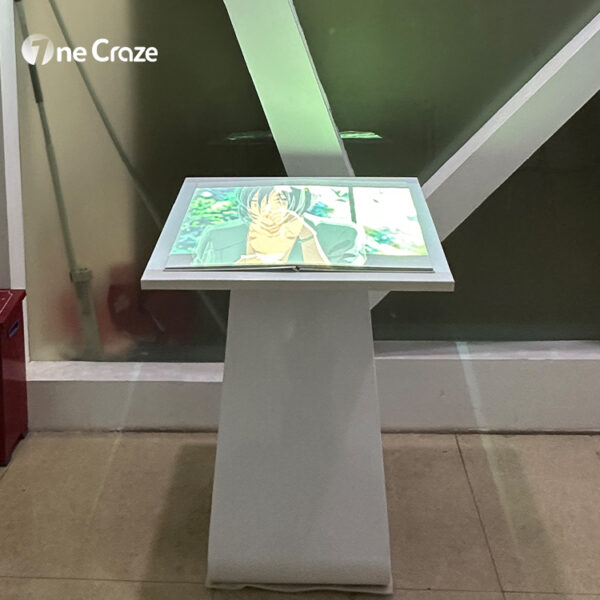
A convincing virtual flip book solution depends on the relationship between the surface, projector, sensor and reader. Send the supplier a dimensioned layout with ceiling height, available mounting positions, lighting and the proposed approach route.
During design, check:
- Reading position: text size, viewing angle and access for the intended audience.
- Projection path: possible shadows from hands, heads and nearby fixtures.
- Surface and lighting: glare, local spotlights and daylight reaching the book.
- Equipment access: ventilation, cable routing and maintenance openings.
- Surrounding space: room for observers without blocking the active user or circulation.
Request the final display dimensions and mounting drawing rather than designing cabinetry around a promotional photograph. If local contractors build the desk, agree on surface geometry and equipment clearances before fabrication.
For a broader branded environment, the interactive art installation guide explains how to define related visitor actions. However, any link between the book and surrounding projections needs its own confirmed scope.
What Should the Supplier Quote and Demonstrate?
Separate the physical equipment from content production and site work. This makes it easier to compare an equipment package with a fully installed exhibit.
Ask the quotation to identify:
- Projector, lens, computer, sensor and book-shaped display or desk.
- Interaction software, page count and supported media.
- Content layout, animation, translation and revision allowance.
- Installation, calibration, operator training and handover documents.
- Warranty, support arrangements and charges for later content changes.
Use the quotation comparison guide to clarify exclusions such as local electrical work, cabinetry and installation labor. If you are an exhibit contractor, also identify which tasks your own team will perform.
Before shipment, request a demonstration using approved sample pages—not only the supplier’s generic presentation. Adapt the factory acceptance checklist to test forward and backward navigation, repeated gestures, idle reset, selected media playback and restart behavior.
Finally, confirm the update workflow. A statement that content is “updatable” does not establish that staff receive an editor or source files. The commercial software and content licensing guide outlines questions about permitted use, editing and deployment at additional locations.
Provide approved material and ask the supplier to confirm formats, page layout and playback requirements. Content preparation and custom animation should be itemized rather than assumed to be included with the hardware.
Not necessarily. The gesture-controlled format displays changing digital pages on a book-shaped surface. An installation that recognizes actual page turns requires a separately confirmed configuration.
Ask the supplier to confirm startup, licensing and media playback requirements for the proposed software. Include a disconnected demonstration if offline operation is important; do not infer it from the presence of a local computer.