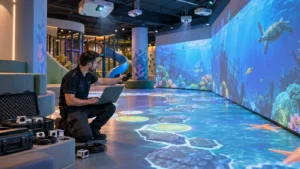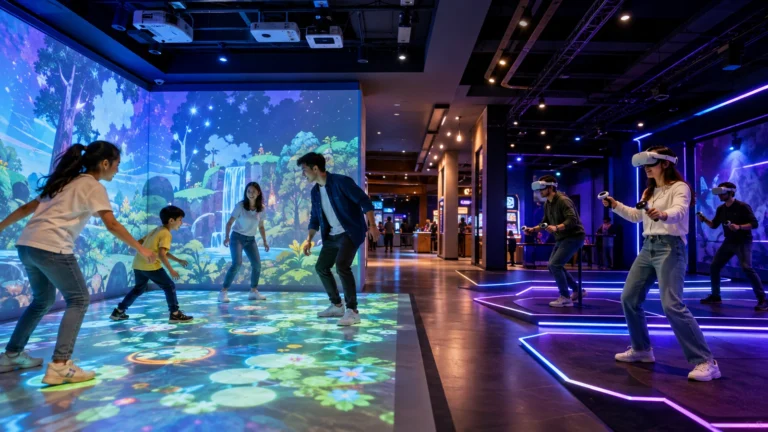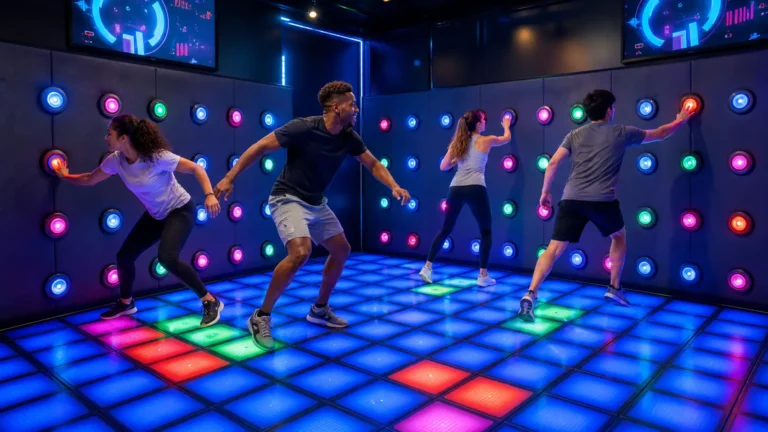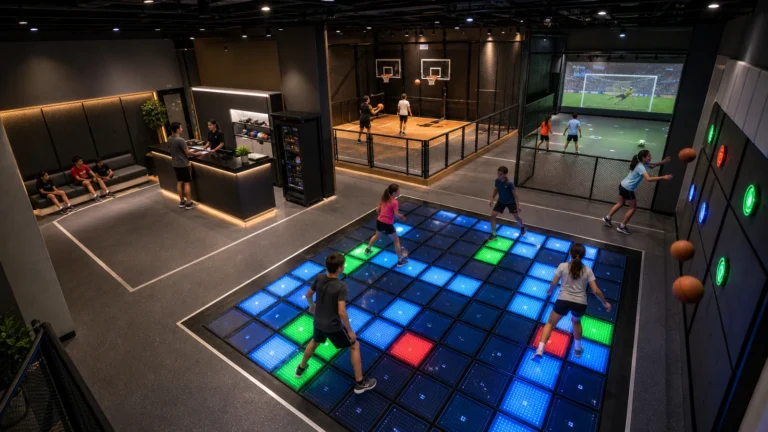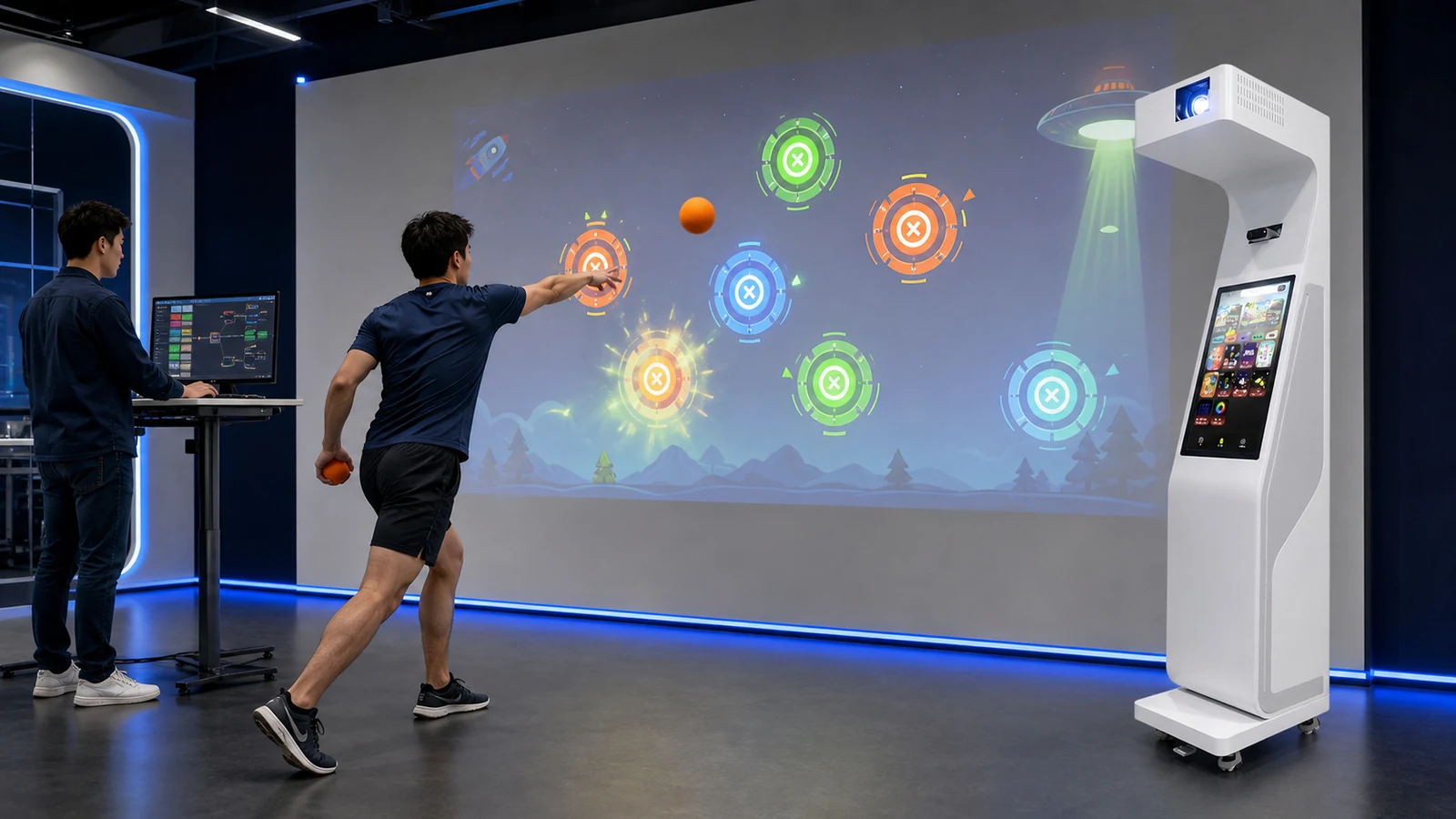
OneCraze provides interactive wall projection systems and customized multimedia solutions for venues that need more than a standard game package.
What Parts of an Interactive Wall Game Can Be Customized?
Customization can affect the appearance, language, rules, hardware response and management functions of the system. Therefore, the buyer should separate essential requirements from optional ideas before development begins.
Common customization items include:
- Customer logo, venue name and brand colors
- Game background, characters, targets and sound effects
- Interface language and operator instructions
- Round duration, difficulty, scoring and player count
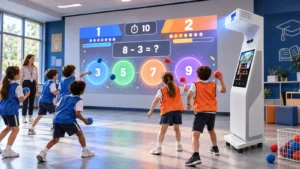
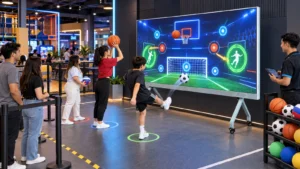
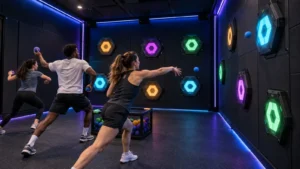
- Ball-throwing, gesture, touch or body-motion interaction
- Leaderboards, membership login and QR-code functions
- Local advertising or sponsor content
- Automatic game rotation and scheduled playback
- Remote content updates and usage reports
- External lighting, relay or control-system integration
Nevertheless, changing a logo is much simpler than changing the interaction model. If a standard game uses hand movement, converting it into a fast ball-throwing game may require a different sensor, new calibration and revised collision logic. Buyers should review the OneCraze comparison of LiDAR, infrared cameras and depth sensors before assuming that software alone can create every type of interaction.
For multilingual installations, the project brief should specify the exact language and locale rather than writing only “English,” “Arabic” or “Spanish.” Button length, reading direction, number formats and fallback language can affect the interface. The W3C guide to language tags provides a useful reference for identifying language and regional variants consistently.
Game Reskinning, Feature Modification or New Development?
Suppliers often use the word “customized” for several different services. To avoid misunderstandings, the quotation should identify the development level and list what will change.
| Customization level | Typical scope | Main buyer input | Relative development effort |
|---|---|---|---|
| Branded reskin | Logo, colors, backgrounds, target graphics and selected sounds | Brand guide and approved visual assets | Low |
| Language localization | Menus, instructions, score screens and operator interface | Final translation and locale requirements | Low to medium |
| Rule modification | Timer, scoring, difficulty, player count and win conditions | Written game rules and acceptance criteria | Medium |
| Functional integration | Login, QR code, leaderboard, data export or external control | Interface specification and test environment | Medium to high |
| New game development | Original gameplay, graphics, interaction and management functions | Complete concept, user flow and content package | High |
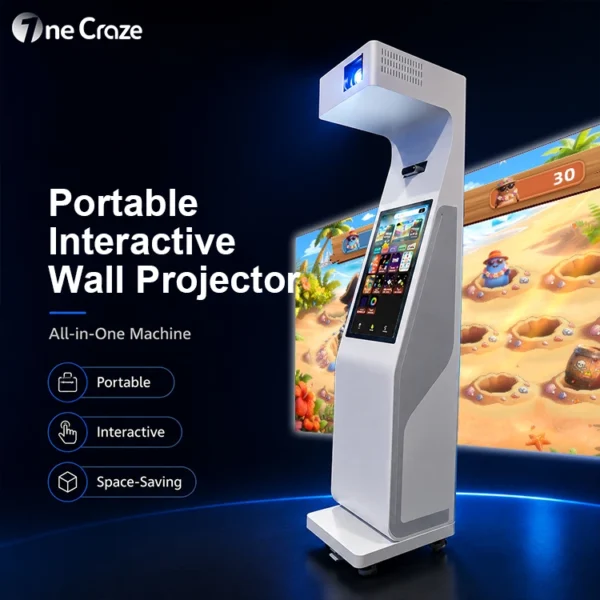
Venues evaluating the hardware platform can compare a fixed system with the OneCraze portable interactive wall projector all-in-one. The all-in-one format combines the projector, touchscreen and sensing hardware, but the software scope must still be written into the quotation.
Can Interactive Projector Software Connect to APIs and External Devices?
Possible integration methods include:
- REST API: Useful for accounts, bookings, content lists and score submission
- WebSocket: Suitable for real-time dashboards, multiplayer status and live control
- Dry-contact relay: Provides simple start, stop, trigger or alarm signals
- RS232 or RS485: Connects serial controllers, but still requires a defined communication protocol
- DMX512: Can synchronize game events with compatible show lighting
- Local file exchange: Supports scheduled content or offline data import when network access is restricted
Importantly, RS485 describes an electrical interface rather than a complete command language. The proposal must include baud rate, device address, message format, checksum and command list. Similarly, DMX should be used for functions appropriate to entertainment lighting rather than treated as a general software API. Buyers can consult the official ESTA published technical standards when a project specifies DMX-based control.
OneCraze explains more hardware and software considerations in its guide to interactive floor and wall projector game functionality. Although floor and wall systems use different calibration, the same principle applies: the buyer should define functions before requesting a final software price.
What Information Does the Manufacturer Need Before Quoting?
| Required information | Example detail | Why it matters |
|---|---|---|
| Venue and audience | FEC, school, gym; player age and expected group size | Determines difficulty, safety and interface design |
| Interaction method | Foam ball, gesture, touch or full-body tracking | Affects sensor, calibration and game logic |
| Active wall dimensions | Width, height, player distance and ceiling height | Defines resolution, layout and target size |
| Brand assets | Vector logo, colors, fonts and character files | Prevents low-quality or inconsistent artwork |
| Languages | Language tag, final translation and reading direction | Controls interface layout and testing |
| Game rules | Timer, scoring, levels, win conditions and operator controls | Creates measurable acceptance criteria |
| External integration | API, serial, relay, DMX or data-export requirement | Defines engineering scope and responsibilities |
| Delivery conditions | Deadline, destination, hardware quantity and rollout stages | Supports production and deployment planning |
Moreover, the buyer should provide wall photos, ambient-light information and the expected ball specification when physical objects interact with the image. The OneCraze guide to interactive multi-sport wall projector ball tracking explains why ball size, speed and sensing method must be tested together.
OneCraze customers can review the broader interactive projector product category before deciding whether one customized software package should run on wall, floor or portable systems. Hardware compatibility must be confirmed rather than assumed.
How Should Buyers Test a Customized Interactive Wall Game?
A practical approval process includes:
- Requirements approval: Confirm scope, hardware, languages and acceptance criteria.
- Prototype review: Test the core interaction, scoring and player flow.
- Visual review: Approve brand assets, interface and translated text.
- Factory acceptance test: Run the final hardware and software together.
- Site commissioning: Recalibrate after installation and repeat critical tests.
- Release handover: Record the version, license, backup and support contacts.
Edited promotional videos are not sufficient for acceptance. Request a continuous demonstration that shows the equipment, sensor, player and control screen in the same recording. Buyers can also examine the OneCraze motion sensor interactive projector to understand how sensing hardware and interactive visual content operate as one system.
Brand reskinning may include logos, colors, backgrounds, targets, selected characters and score screens. The final scope depends on the selected game and the quality of the supplied brand assets.
It can be evaluated as a localization requirement. The customer should provide approved translation and identify right-to-left layouts before interface design begins, because text direction affects menus, buttons and score displays.
That depends on the license and hardware compatibility. The quotation should specify the number of authorized systems, whether activation is online or offline, and how replacement computers are handled.