What Is an Interactive Drawing Wall System?
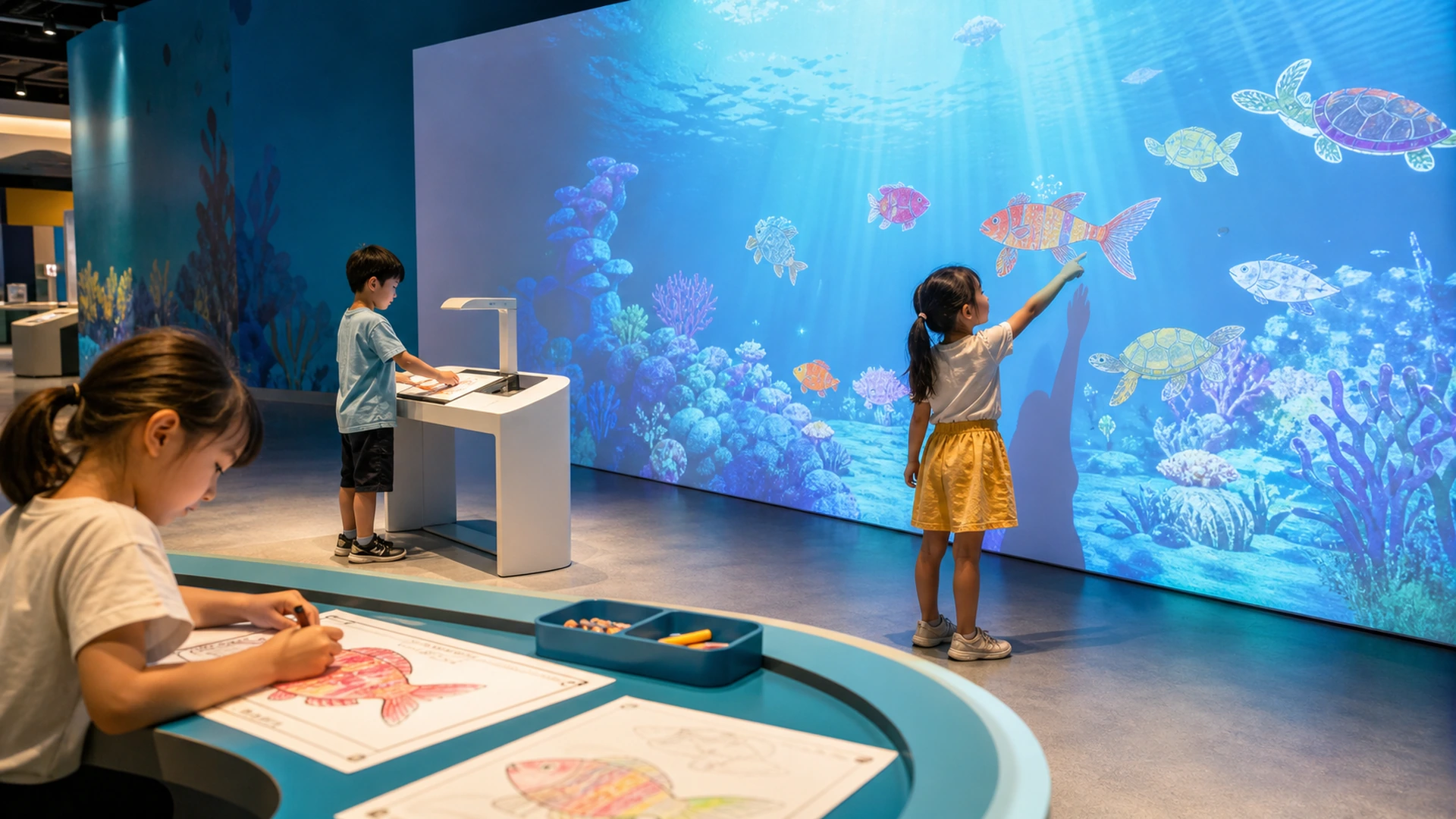
An interactive drawing wall is a creative installation that connects physical or digital drawing with real-time animation. The system captures the colors and design created by each visitor, applies that artwork to a prepared animated character, and adds it to a larger digital scene. As a result, every participant contributes something personal to the same projected environment.
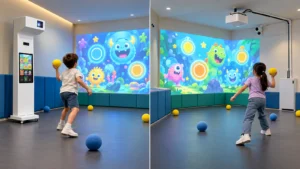
The experience usually follows a short sequence: draw, scan, animate, project and interact. This clear cause-and-effect loop makes the attraction easy to understand without long instructions. It also combines a quiet creative activity with a more active shared display, so children can move between coloring and interactive play.
OneCraze offers a paper-scanning version through its Interactive Alive Drawing Games system. Venues that prefer paperless creation can use the Interactive Graffiti Draw to Life touchscreen system, which sends completed digital artwork directly to the projection scene.
How Do Draw, Scan and Project Systems Work?
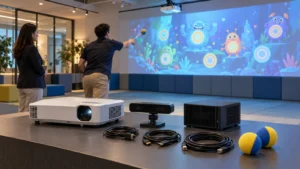
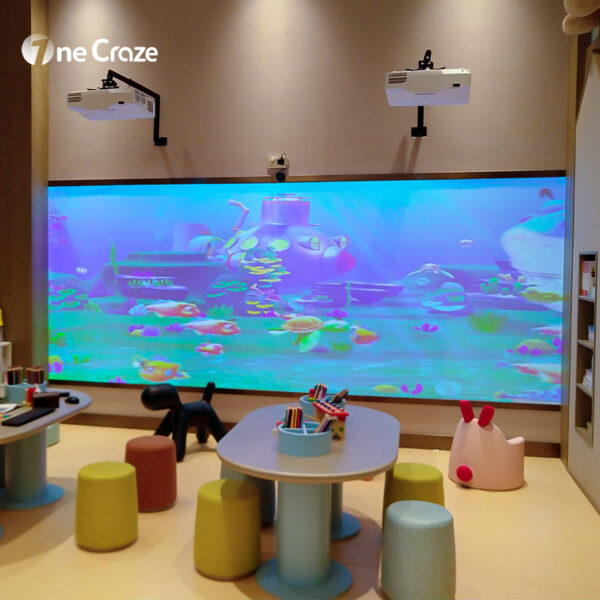
The OneCraze paper-scanning configuration uses a high-frequency scanner and interactive software to complete this workflow. The published system supports a Full HD projection output, short-throw projection, a typical space requirement of approximately 4 x 2.5 m and activities for small groups. Final hardware and layout should still be confirmed for each venue.
Paper Scanning or Touchscreen Drawing?
Paper scanning gives children a physical picture they can keep after the activity. It also supports a familiar coloring process with crayons, markers or pencils. However, the venue needs printed templates, drawing tables, organized supplies and a clear queue around the scanner.
Touchscreen drawing removes paper handling and can speed up repeated sessions. Children select a character, color it digitally and press a button to send it to the wall. This approach works well when operators want cleaner daily management or a fully digital visitor journey. Some larger projects can also combine paper and touchscreen stations in one shared scene.
What Should a Complete Interactive Drawing Wall Package Include?
A buyer should evaluate the whole workflow instead of comparing only projector brightness or computer specifications. If the scanner, recognition software and animated content do not work together, visitors may wait too long or see incorrect colors and characters. Likewise, an impressive wall image cannot solve a poorly planned drawing and scanning area.
| System module | What it does | Why it matters for commercial venues |
|---|---|---|
| Drawing station | Provides paper templates, a touchscreen or both | Defines how visitors create and submit artwork |
| Scanner or upload interface | Captures the finished drawing | Keeps the transition from physical artwork to digital content simple |
| Recognition software | Identifies the template and extracts its colors | Connects each drawing to the correct animated model |
| Animation engine | Applies the artwork and controls character movement | Makes every creation feel alive inside the scene |
| Projector, LED or LCD display | Presents the shared digital world | Determines image size, brightness and viewing experience |
| Touch or motion sensor | Detects interaction on or near the display | Lets visitors respond to the characters after uploading them |
| Control computer and audio | Runs software, graphics and sound | Supports stable daily operation and synchronized effects |
| Theme content | Provides backgrounds, characters and interaction rules | Allows the attraction to match the venue’s story and audience |
| Installation and support | Covers layout, calibration, training and troubleshooting | Helps staff operate and maintain the complete system |
OneCraze can supply the core hardware, software and content as a coordinated solution. Depending on the project, the team can also discuss display size, additional drawing stations, multilingual interfaces, custom character sets and OEM or ODM requirements.
Which Themes Can an Interactive Drawing Wall Use?
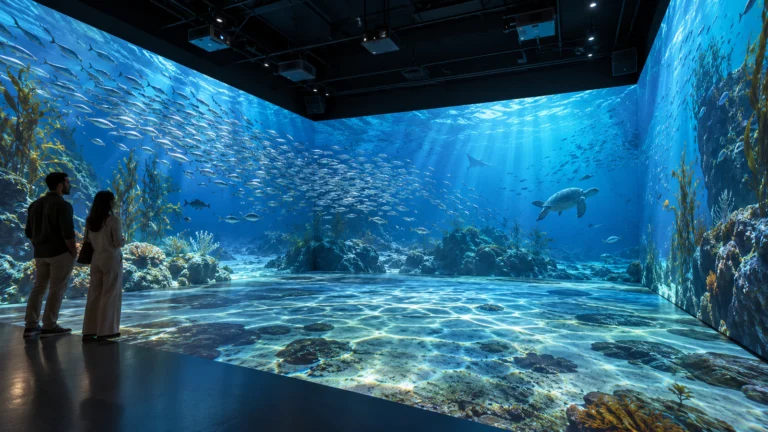
An interactive drawing aquarium remains one of the most recognizable formats because fish, turtles and sea creatures naturally move through a shared underwater world. Nevertheless, the same technical system can support many other stories. Dinosaur characters can walk across a prehistoric landscape, vehicles can move through a digital city, and animals can explore a farm, jungle or polar environment.
Theme selection should follow the venue concept rather than a temporary visual trend. A science center could connect the experience to biodiversity, habitats or space exploration. A children’s museum could update templates when a temporary exhibition changes. An indoor playground might prioritize colorful characters, immediate feedback and simple touch interactions. A brand activation could use custom products, mascots or event graphics.
| Theme direction | Example characters | Suitable venues |
|---|---|---|
| Ocean and biodiversity | Fish, turtles, whales, coral creatures | Aquariums, science centers, museums and FECs |
| Dinosaurs and prehistory | Dinosaurs, eggs, plants and volcano elements | Museums, exhibitions and themed playgrounds |
| Farm and jungle | Farm animals, birds and wild animals | Preschools, indoor playgrounds and family venues |
| City and transportation | Cars, trains, aircraft and buildings | Children’s museums and educational activity centers |
| Space and fantasy | Rockets, planets, aliens and imaginary creatures | Science venues, events and creative play zones |
| Custom brand story | Mascots, products and campaign characters | Malls, exhibitions and corporate activations |
Buyers who specifically want an ocean experience can review the OneCraze guide on where to buy an interactive drawing aquarium projection system. A broader content library, however, lets the operator refresh the attraction without replacing the entire hardware system.
How Should Museums and Playgrounds Plan the Installation?
The wall display receives most of the attention, but the visitor journey begins at the drawing station. The venue should provide enough light for children to color comfortably without allowing that light to wash out the projected image. Staff should also keep drawing tables, scanners and walking paths arranged so that one queue does not block the whole attraction.
Real museum installations show why this planning matters. A 2026 field report on The Children’s Workshop at Atelier des Lumieres describes a dinosaur experience in which children color templates, scan them and see the animated result within seconds. The report highlights equipment durability, controlled lighting, queue management and calibration as important operational considerations. The MINA Kids immersive museum also lists Living Drawings as an experience that integrates children’s underwater artwork into a projected marine environment.
Before configuration, a buyer should share the display width and height, room dimensions, ceiling height, ambient lighting, expected visitor volume, target age range, preferred input method and required themes. For paper-based systems, the buyer should also plan template storage, art supplies and scanner access. For touchscreen systems, the venue needs suitable screen height, safe positioning and a clear route between the drawing station and wall.
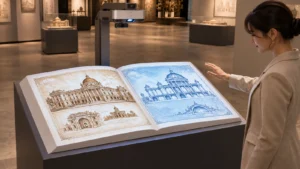
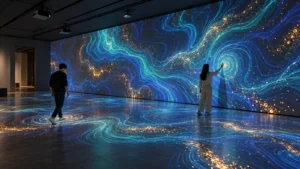
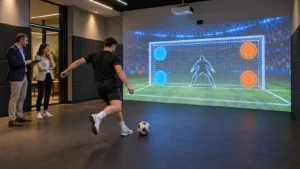
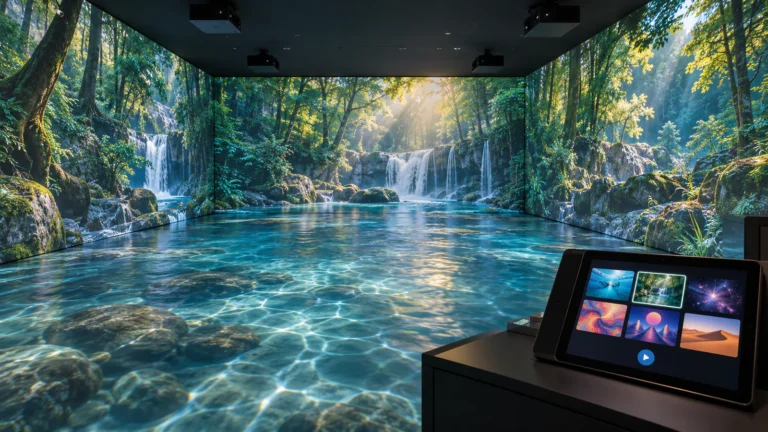
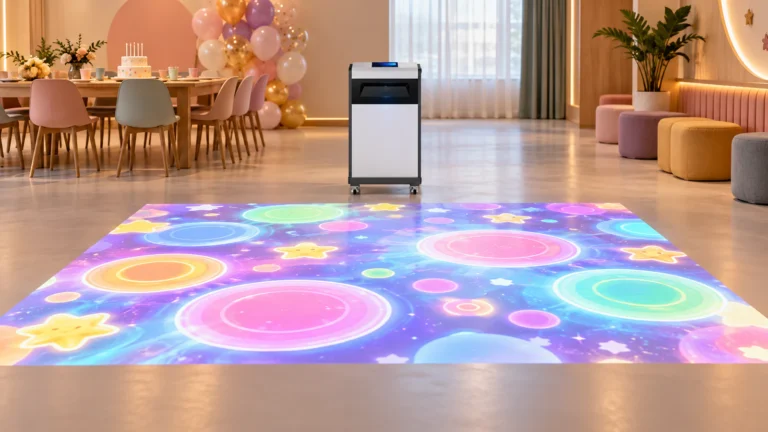
Museums developing a larger digital exhibit can connect this attraction with other forms of interactive projection for museums and exhibitions, such as responsive floors, AR sandboxes or immersive storytelling rooms.
Why Choose an Interactive Drawing Wall Manufacturer?
A commercial system must connect drawing input, recognition, animation and display output without forcing the venue to integrate unrelated components. Therefore, a manufacturer and solution provider should help the buyer define both the equipment package and the operating workflow.
OneCraze can support paper-scanning and touchscreen versions, standard or custom themes, projection or display selection, interface customization, hardware matching, installation guidance and after-sales communication. The team can also discuss localized language, branded characters and distributor cooperation. This makes the product suitable for buyers who need a repeatable commercial attraction instead of a one-time technology demonstration.
For the best recommendation, send venue photos, measurements, target visitor numbers, desired themes, drawing method and project location. OneCraze can then determine whether a single-projector wall, a larger multi-display scene or a customized installation fits the project. Buyers can also compare other systems through the OneCraze interactive projector product collection.
It is usually called an interactive drawing wall, drawings-come-to-life projection system, living drawings installation or interactive drawing aquarium. Children create artwork, scan or upload it, and watch an animated version appear on a large digital scene.
Yes. OneCraze offers paper-scanning and touchscreen-based product directions. A custom project can discuss one input method or several connected drawing stations depending on the visitor flow and budget.
Yes. Theme characters, scene backgrounds, interface language and branding can be discussed for museums, indoor playgrounds, exhibitions and commercial activations. The development scope depends on the number of characters and required interactions.
Build a Custom Interactive Drawing Wall Experience
If you are planning an interactive drawing wall for a museum, indoor playground, FEC, school, aquarium, mall or exhibition, OneCraze can help you combine the drawing station, scanning or touchscreen input, animation software, display system and custom theme into one complete solution.
View the OneCraze Interactive Alive Drawing Games system or contact OneCraze with your room dimensions, visitor capacity and preferred theme to request a project recommendation.