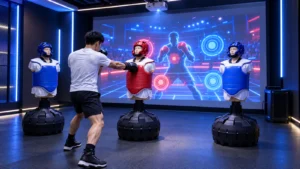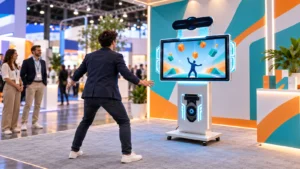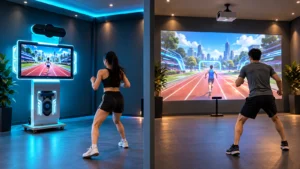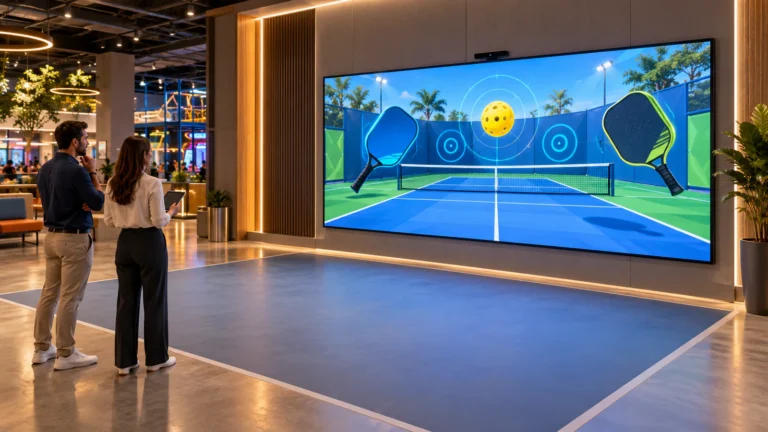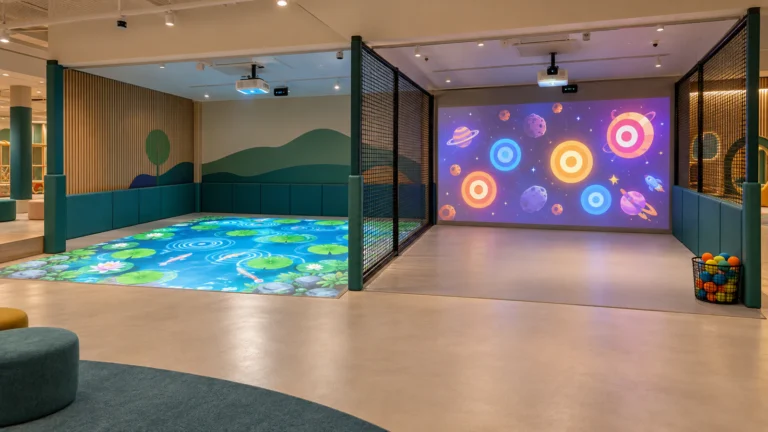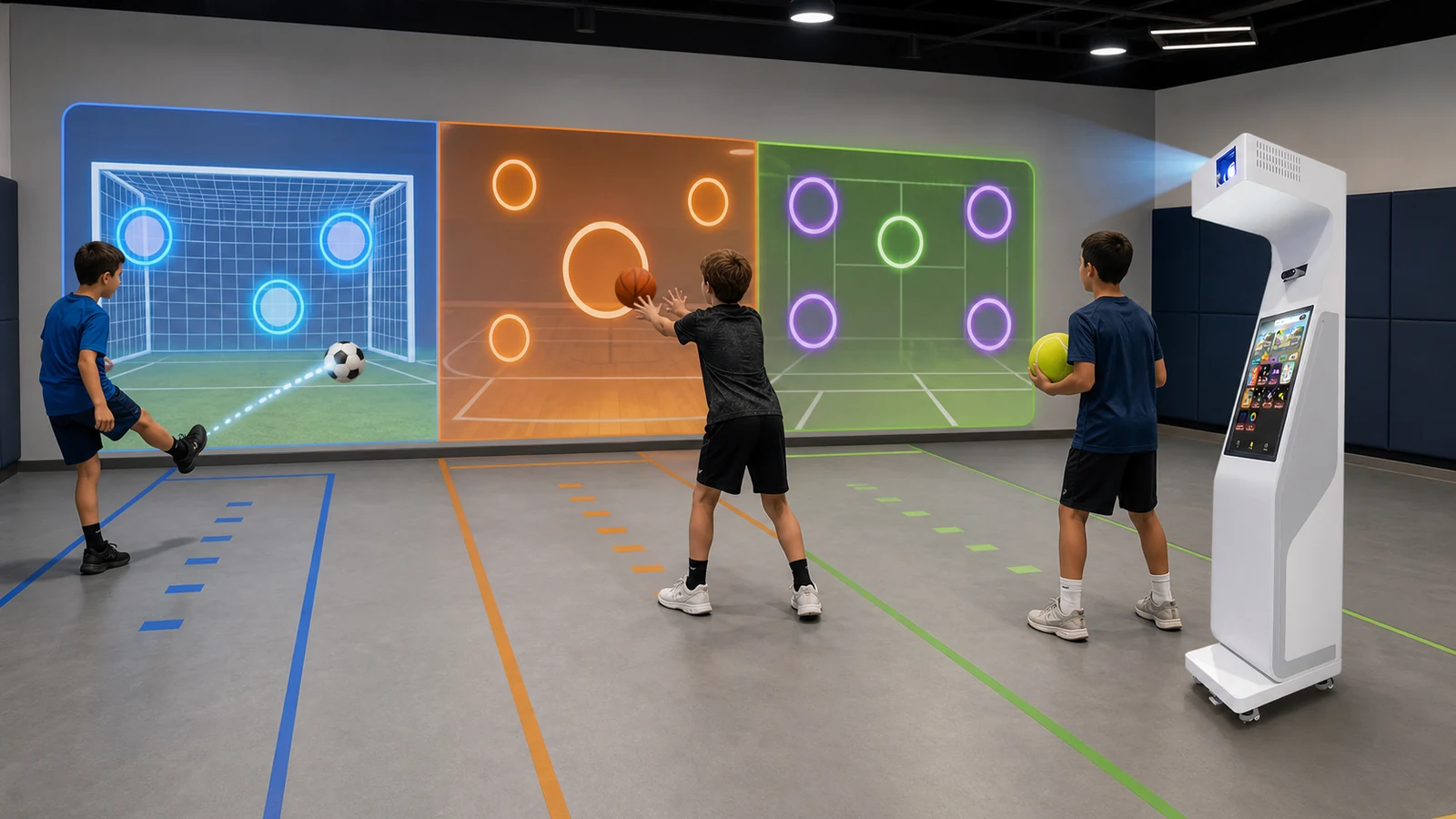
OneCraze’s Smash Ball interactive wall projection system provides a relevant wall-based product example in which players throw balls at projected targets and receive real-time visual feedback.
How Does an Interactive Sports Wall Detect a Real Ball?
The projector displays targets, goals or moving objects on a wall. Meanwhile, a camera, LiDAR unit, infrared sensor or impact-detection frame monitors the active area. The game computer then compares the detected event with the projected coordinates and updates the score.
However, systems do not all measure the same action. Buyers should distinguish between three detection methods:
- Wall-impact detection identifies where and when a ball reaches the wall.
- Flight tracking follows the ball before impact and may estimate speed or trajectory.
- Body tracking detects the player’s hands, feet or position but may not identify the ball separately.
For most FEC wall games, accurate impact location is more important than reconstructing the complete flight path. Players throw a soft ball at a monster or target, and the software needs to register the hit quickly. In sports training, however, the operator may also want ball speed, launch angle, accuracy zones and repeated-shot statistics.
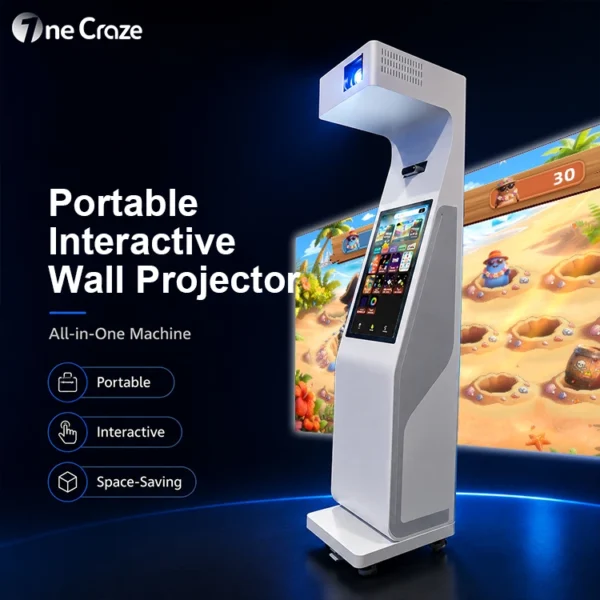
The OneCraze portable interactive wall projector all-in-one combines the main projection, sensing, computer and control functions in a movable machine. Nevertheless, the final quotation must specify which sensor and game package support the buyer’s intended ball inputs.
Can One System Track Soccer, Basketball and Tennis Balls?
The table below shows what the supplier should verify. It does not guarantee compatibility with a specific machine.
| Sport input | Typical wall action | Detection challenge | Safer commercial test |
|---|---|---|---|
| Soccer ball | Kick toward goals or targets | Low impacts, spin and players crossing the sensor view | Use the specified indoor or foam ball and test every image zone |
| Basketball | Chest pass or controlled throw | Large ball may block the player; hard impact can damage the wall | Use a lightweight training ball and define a throwing line |
| Handball or dodgeball | Fast repeated throws | Several balls may enter the scene together | Test simultaneous hits and sensor recovery time |
| Tennis-style ball | Throw or low-speed racket drill | Small diameter and high speed increase missed detections | Use a larger soft training ball unless high-speed tracking is verified |
| Foam ball | Target throwing and children’s games | Very light balls may slow or curve | Approve the exact size, color and density used during FAT |
Consequently, buyers should not substitute a different ball after installation without retesting. A black foam ball, for example, may behave differently from a bright ball under an optical camera. Similarly, a smaller ball may pass between LiDAR scan lines or appear in too few camera frames.
Commercial systems such as MultiBall promote real-ball and body-based play across multiple sports. An interactive sports wall configuration guide recommends larger soft balls for standard wall interaction and a higher-frequency LiDAR option for smaller balls. These examples confirm that ball specification and sensing hardware must be evaluated together rather than separately.
For school-focused applications, the OneCraze article on a portable multi-sport ball interactive device discusses how several sports can share one activity system. Buyers who need a movable projector format can also review the portable interactive wall projector manufacturer guide.
Which Sensor Works Best for Multi-Sport Ball Tracking?
No sensor is best for every room. The appropriate choice depends on ball speed, projection size, ambient light, wall construction and whether the system must track people as well as impacts.
| Sensor method | Main strength | Main limitation | Suitable starting point |
|---|---|---|---|
| Standard RGB or IR camera | Captures a complete wall image and supports flexible software analysis | Motion blur, shadows and lighting can affect detection | General wall games with controlled lighting |
| Depth camera | Separates players and objects by distance | Field of view and minimum distance limit the room layout | Body movement plus moderate-speed ball interaction |
| LiDAR scanner | Provides stable distance measurements and defined scan zones | Scan frequency and beam spacing may miss small fast balls | Large foam balls and wall-impact zones |
| High-frequency LiDAR | Improves temporal detection for faster or smaller objects | Higher hardware cost and more calibration requirements | Advanced multi-ball or training configurations |
| Impact frame or sensor border | Measures contact close to the wall and can resist visual-light changes | Requires a dedicated physical structure around the active surface | Permanent sports walls and intensive ball play |
The OneCraze comparison of LiDAR, infrared cameras and depth sensors for interactive projection provides a broader explanation of sensor selection. Even so, the buyer should request the exact sensor manufacturer, model, field of view, scan or frame rate and calibration range for the proposed sports wall.

What Wall and Play Area Does a Ball-Throwing System Need?
A white wall is not automatically a safe sports wall. Repeated ball impacts can mark paint, damage decorative panels or create unpredictable rebounds. Therefore, the project team must evaluate the projection surface as both an optical screen and an impact surface.
The wall should be:
- Flat and matte enough to display a clear image
- Light in color for useful projected contrast
- Strong enough for the approved ball and throwing distance
- Free from glass, signs, sockets and sharp protrusions
- Easy to clean or fitted with a replaceable finish
- Surrounded by protected corners and equipment where necessary
For a detailed venue-planning overview, see Interactive Wall Projection Games for FECs. Schools and sports venues can also use the OneCraze guide to interactive gym wall games when evaluating class flow, equipment layout and operator control.
Which Sports and Venues Fit an Interactive Wall Projector?
An interactive wall does not need to recreate a full regulation court. Instead, it can convert the skills of a sport into short target, reaction and accuracy games that work in a smaller commercial space.
For example:
- Soccer modes can train low kicks, passing accuracy and goal selection.
- Basketball modes can use passing or target throws rather than full hoop shooting.
- Tennis-style modes can train reaction and directional placement with a soft ball.
- Handball modes can measure rapid target selection and repeated throws.
- Goalkeeper modes can use body tracking for blocking and lateral movement.
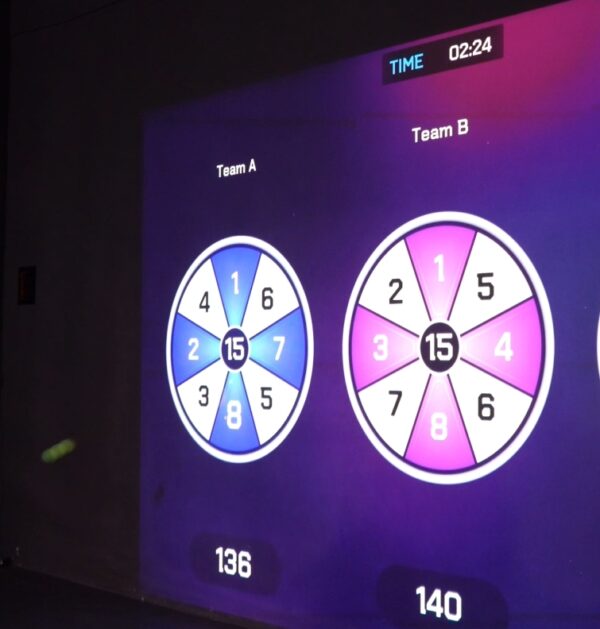
- Cognitive sports games can combine colors, numbers or memory tasks with ball hits.
As a result, one wall can serve schools during PE classes, gyms during reaction training and FECs during competitive play. The OneCraze sports target wall game system illustrates the reaction and multiplayer direction, while the interactive basketball sports game lounge shows how a dedicated sports theme can combine projection, sensing, scoring and venue design.
Portability can also change the operating model. A fixed system gives the venue a permanent calibrated zone, whereas a movable all-in-one can support events or several rooms. Buyers can compare these considerations in the OneCraze guide to a portable interactive wall projector all-in-one machine.
It may support them, but the supplier must verify the wall construction, sensor and software with the exact balls. Children’s and entertainment venues often use softer, lighter balls to reduce impact risk and equipment damage.
Not automatically. A tennis ball is smaller and can move much faster. The system may require a higher-frame-rate camera, higher-frequency LiDAR or a larger soft tennis-style training ball.
No. The software may contain several sports themes while all games use one approved foam ball. Ask the supplier to list the physical input required for every game.