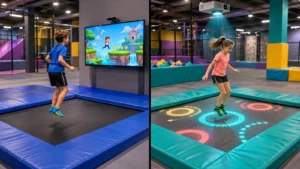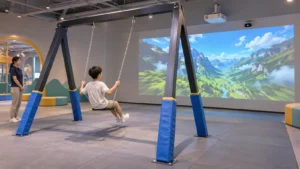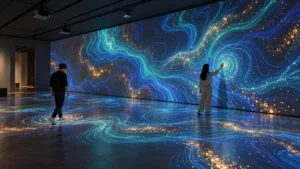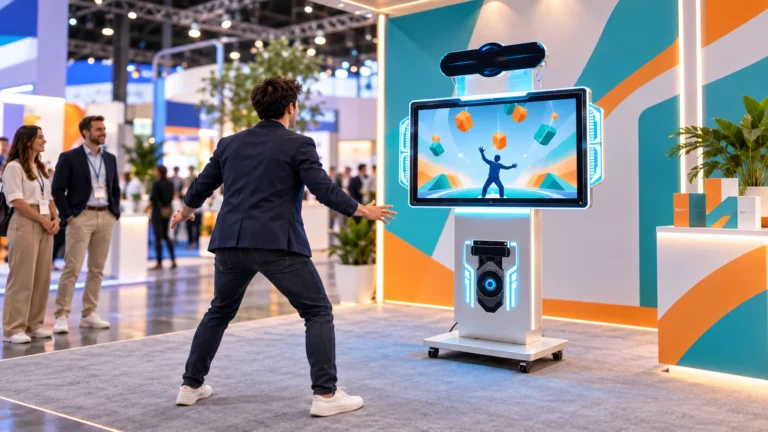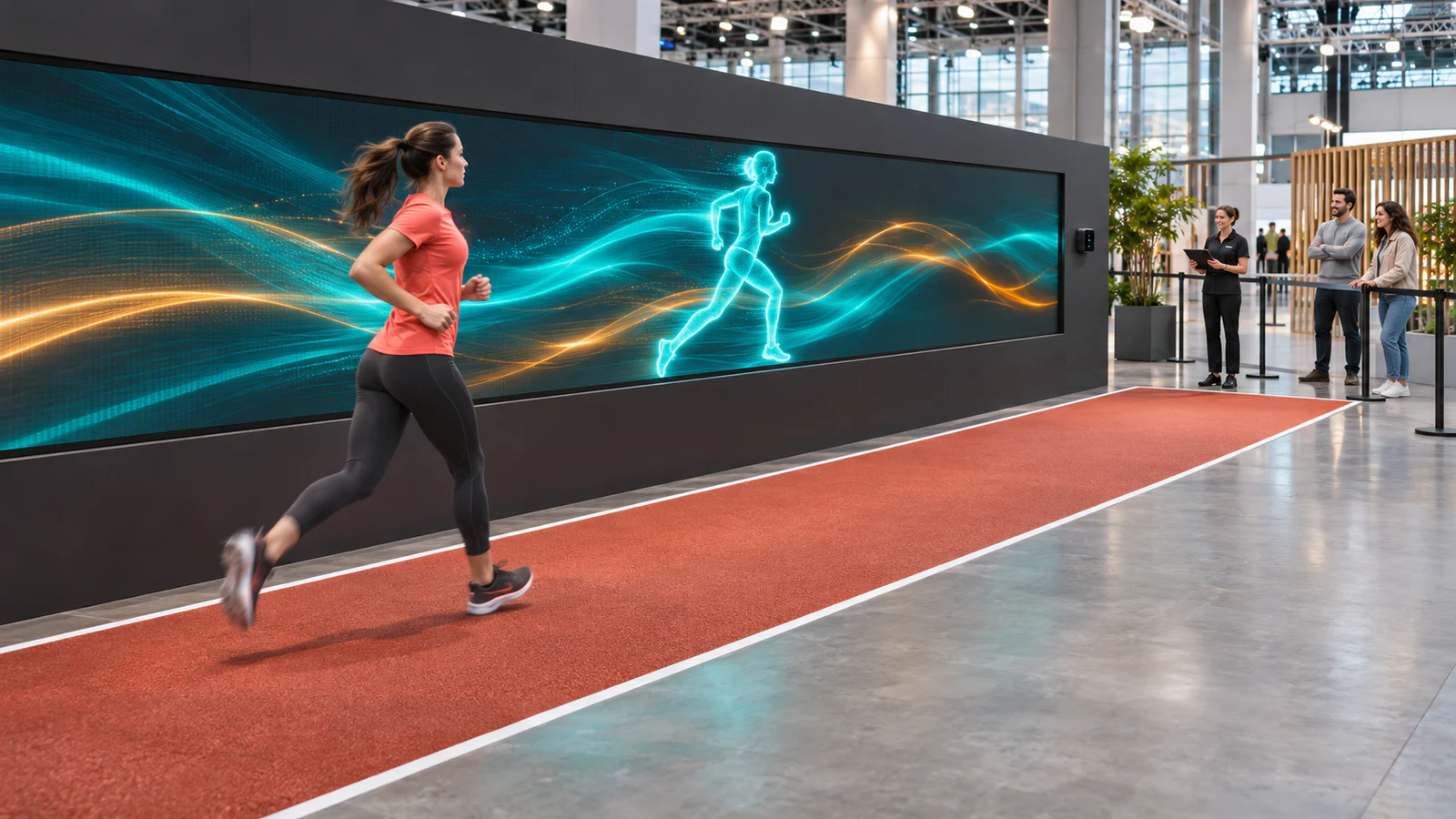
OneCraze’s Interactive Running Sensor Wall lists software and a sensor radar in its product composition. That is a starting point for integration discussions—not confirmation that a projector, LED screen, computer or scoring system comes with every quotation.
Define the Running Experience Before Selecting Equipment
“Interactive running wall” can describe different experiences. A visual effect might follow a moving participant, while a structured challenge might compare progress against an on-screen character. These require different rules, content and tracking behavior.
Start with three decisions:
- Participant action: walking or running along a defined route, rather than an unspecified full-body interaction.
- Visible response: what should appear or change when someone moves.
- Session outcome: an ambient effect, a completed challenge or a result calculated under agreed rules.
For example, an agency could propose a branded character that moves alongside a participant. A competitive version would need additional decisions about starting, finishing and determining the result. Both are development briefs, not statements of standard OneCraze game availability.
For a wider campaign, our custom motion sensor games for events guide helps connect the activity to the brand message. A running wall should also remain distinct from a reaction wall with touch targets or a treadmill simulator.
Can You Use an Existing LED Screen or Projector?
Possibly, but a screen that plays promotional video is not automatically ready for interactive content. The supplier must check the display signal path, computing requirements, content format and mapping between the participant area and the image.
Send the LED processor or projector model, screen dimensions, resolution, available inputs and intended layout. Include a diagram showing where participants move relative to the display. A long wall does not by itself establish the sensor’s usable coverage.
Check the display and tracking separately
For LED installations, confirm the processor configuration, content canvas and physical separation between the screen structure and the activity route. For projection, review mounting positions, ambient light and possible shadows. In both cases, demonstrate the complete experience under representative conditions.
Ask for the exact sensing model and its documented operating limits. The word “radar” alone does not establish whether a device uses radio-frequency sensing, optical scanning or another method. Our interactive sensing comparison guide explains why sensor selection must follow the required input, not just a technology label.
Compare a Software Kit with a Complete Project Package
A running wall software and sensor kit may suit an integrator who already supplies the display and computing equipment. An event organizer without that team may need a wider proposal with installation and commissioning support.
Use this table to request comparable offers. It is a scope checklist, not a confirmed standard packing list.
| Procurement item | Software and sensor kit | Complete project proposal |
|---|---|---|
| Software and sensing | Name the application, license and sensor model | Include the same information and configured operating area |
| Computer and display | State buyer-supplied requirements and compatibility checks | Identify supplied models, display structure and exclusions |
| Content | List included effects or games | Separate standard content, visual customization and new development |
| Installation | Define documentation and remote guidance | Specify on-site work, travel, calibration and local contractor duties |
| Event operation | Identify required operator tasks | Define training, rehearsal and any booked event-day support |
The phrase “complete solution” still needs an itemized scope. For instance, screen rental, truss, electrical preparation, transport cases and venue labor may sit with different contractors. Use the approach in our equipment quotation comparison guide to identify those boundaries before comparing totals.

Turn a Running Challenge into a Branded Activation
A branded running challenge for events should communicate the campaign without making the activity harder to understand. Start by identifying what already exists in the selected software and what needs modification.
Separate requests into:
- Visual changes: approved logos, colors, backgrounds and character artwork.
- Language changes: participant instructions, operator controls and result messages.
- Rule changes: session duration, start conditions, progress logic and completion criteria.
- Integration: any connection to registration, results displays or another event platform.
Replacing artwork is different from developing a custom interactive running game. Our game customization and API guide provides a useful framework for separating those tasks. Any connection must be confirmed for the running-wall application rather than assumed from another product.
For multilingual events, approve the rendered instructions as well as the translation. The multilingual software planning guide outlines questions for language selection and interface layout.
Rehearse the Installation as an Event, Not Just a Demo
Plan the complete participant route: joining the queue, receiving instructions, entering the activity, finishing and leaving. Keep waiting visitors, equipment and cables outside the movement area, and allocate suitable stopping space through the venue’s risk review.
Before opening, ask the team to demonstrate:
- Normal movement across the agreed tracking area.
- Behavior near its boundaries and when bystanders pass nearby.
- Session start, completion, reset and operator intervention.
- Recovery after an interrupted session or normal restart.
- The checks required after moving the sensor, display or installation structure.
For outdoor deployments, obtain model-specific environmental limits and a weather plan for the entire installation. An outdoor product description does not establish rain protection, sunlight performance or suitability for every temporary site.
Also distinguish entertainment scoring from measured athletic performance. If the brief requires speed or timing results, agree the measurement method and verification criteria before advertising those figures. Tracking movement alone does not establish calibrated sports measurement.
Adapt the documentation principles in our factory acceptance test guide and repeat relevant checks at the event site. Record the accepted configuration so the operator can restore it consistently.
The published composition lists software and a sensor radar. Ask the quotation to identify the computer, projector or LED display, cabling and mounting equipment separately. Do not infer inclusions from the product title.
It needs a compatibility assessment. Share the processor model, resolution, input connections and venue layout so the supplier can review the display and tracking arrangement together.
Request a demonstrated operating limit for the selected layout and software. Detecting several moving objects is not the same as maintaining individual identities or assigning accurate scores to each person.