Why Is a mobii Interactive Projector Different from a Standard Projector?
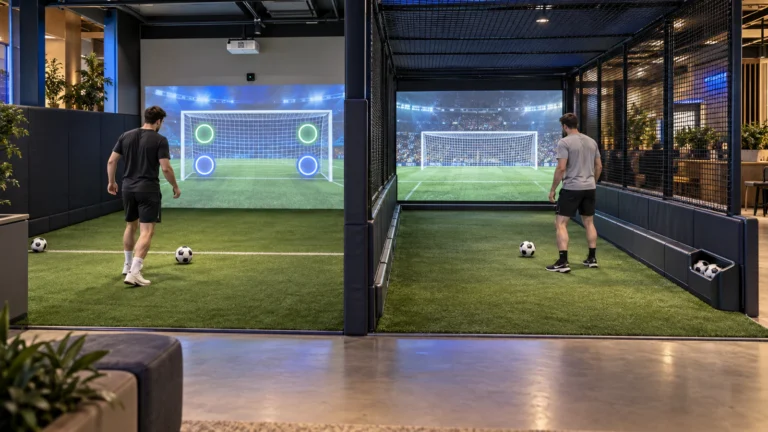
A normal projector sends light to a surface. That is its primary job. It displays video, graphics, or text, but it does not truly understand user movement on the surface. By contrast, a mobii interactive projector system combines projection, sensing, image processing, and interactive software into one coordinated platform. Public descriptions of the Mobii emphasize that it responds to movement and gesture, creating dynamic images and interactive learning or sensory environments rather than static projection alone.
Therefore, the internal imaging principle is not just about “showing an image.” Instead, it is about building a closed-loop process:
- The projector displays visual content.
- A sensing component detects motion, gesture, or position changes.
- The processing engine interprets that input.
- The software triggers a visual and audio response in real time.
How Does the Internal Imaging Process of a mobii Interactive Projector Actually Work?
1. How Is the Visual Field Created?
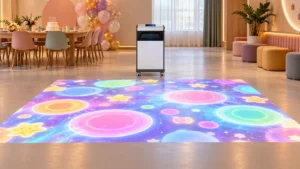
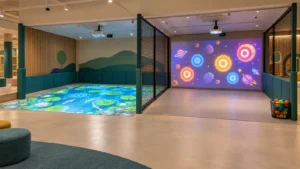
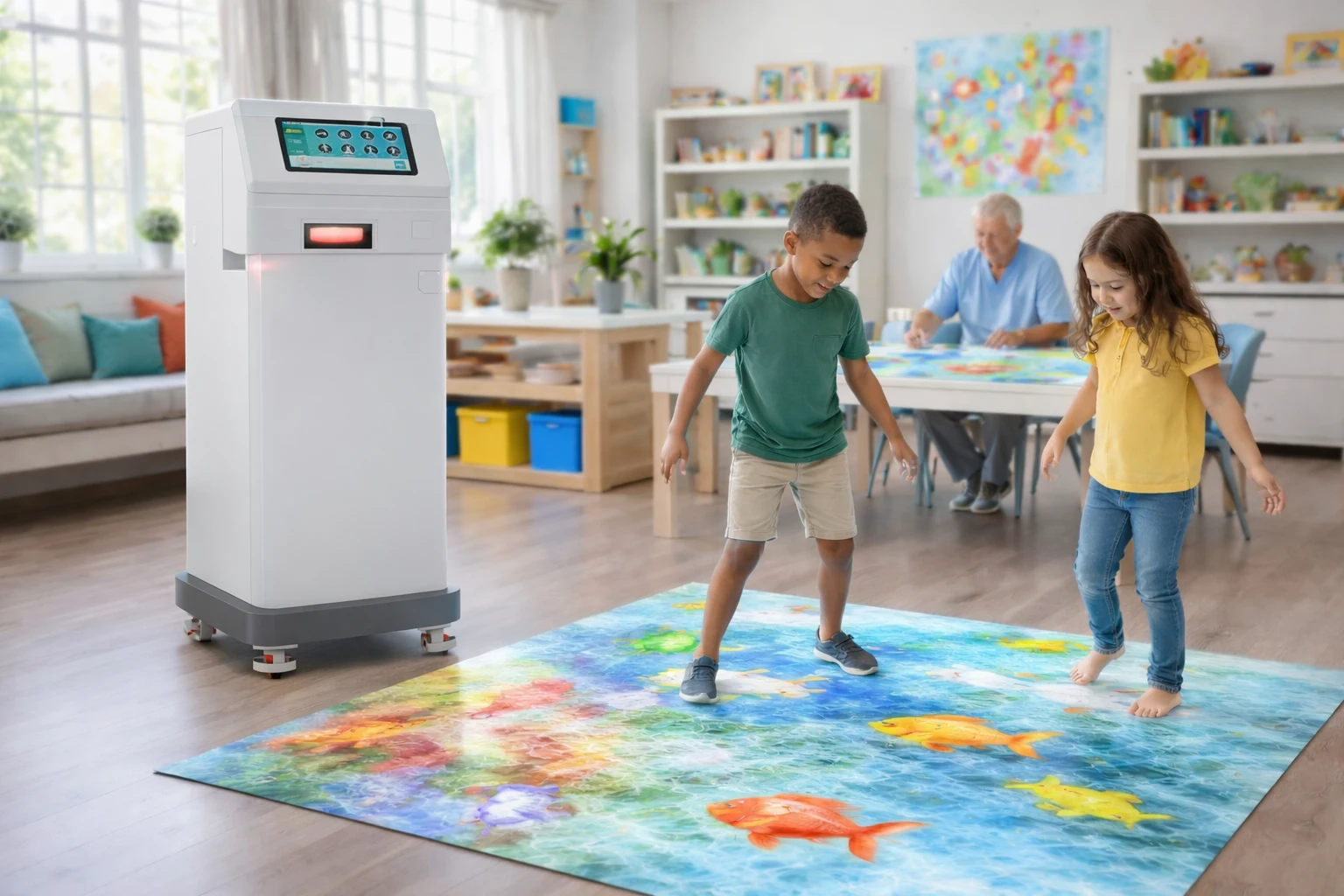
First, the optical engine projects an image field onto the target surface. That surface may be a floor, table, overbed tray, or another horizontal plane. Since Mobii is described as height adjustable, the projection size changes with device position and surface dimensions.
2. How Is Movement Detected?
Next, the system uses a motion-detection method to observe activity within the projected area. Public descriptions repeatedly state that the platform is “motion-activated” and “responds to gesture and movement.” In practice, that means the system monitors a defined interaction zone and detects when hands, feet, mobility aids, or objects enter or move across that zone.
3. How Is Motion Turned into Digital Coordinates?
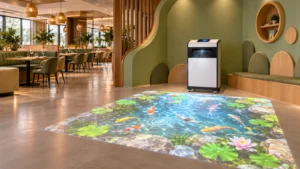
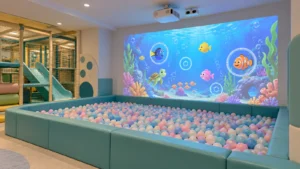
After detection, the input is translated into coordinates or motion events. This is the crucial imaging principle: the system must continuously map real-world motion to the projected image plane. If a child touches a digital fish, or if a user moves a hand through projected leaves, the software must understand the relationship between physical location and image location almost instantly. That mapping process is what makes the interaction feel natural.
4. How Does the Software Respond?
The interactive software engine then determines what should happen next. Depending on the application, it may trigger animation, scoring, sound effects, color changes, object movement, or calming sensory responses. Public Mobii materials describe pre-loaded app suites and broad use across education, care, and sensory engagement, which supports the idea that content logic is software-driven, not just video playback.
5. How Is the Experience Updated in Real Time?
Finally, the rendered image updates frame by frame, closing the loop between projection and sensing. This is why low delay matters. If the response is too slow, the game or activity feels disconnected. If the response is fast, users experience immersion, cause-and-effect learning, and natural feedback.
Why Does Calibration Matter So Much in a mobii Interactive Desktop Projector System?
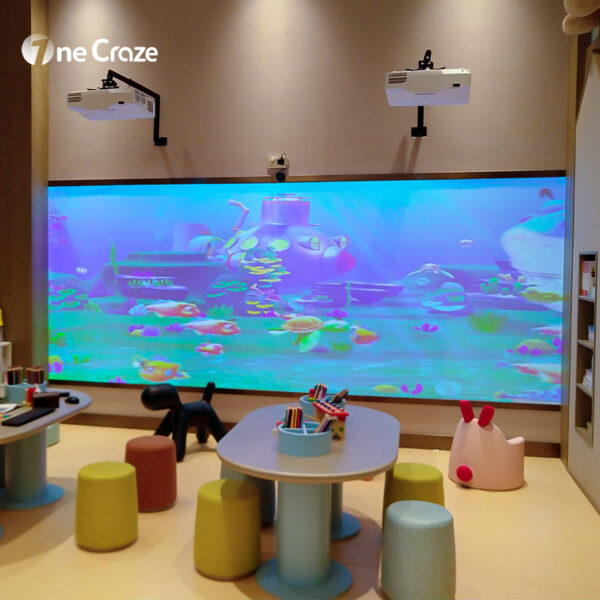
A mobii Interactive Desktop Projector System depends heavily on calibration because the system must correctly align the sensed area with the displayed image. If that alignment is off, the interaction becomes inaccurate. A user may touch one point but trigger another. In gaming, education, or therapy settings, that reduces confidence and engagement.
Each new height, angle, or table size changes the projection geometry, so the system needs reliable calibration routines to keep the interaction area correct. Public materials highlight one-button height adjustment and use across different table and floor settings, which reinforces why calibration is central to performance.
What Are the Core Advantages and Limits of the Internal Imaging Principle?
Below is a structured comparison table you can use for client education, content planning, or pre-sales discussions.
| Imaging Factor | Main Advantage | Possible Limitation | Why It Matters for Buyers |
|---|---|---|---|
| Motion-activated sensing | Creates true interaction instead of passive display | Performance depends on environment and calibration | Affects game quality and user engagement |
| Height-adjustable projection | Supports floor, table, desktop, and bedside applications | Repositioning may require recalibration | Important for mobile projects and multi-room use |
| Real-time software response | Makes activities immersive and intuitive | Weak software reduces value even with good hardware | Content quality often determines repeat usage |
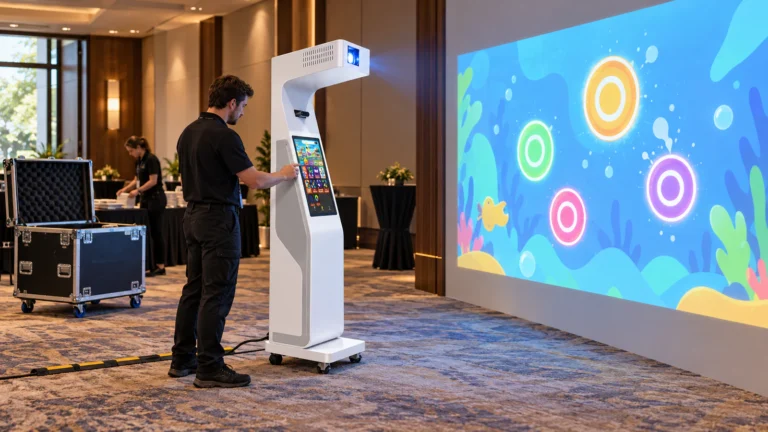
| Portable system design | Easy to move between spaces | Portability can increase setup variability | Best for schools, therapy, care, and event setups |
| Multi-surface compatibility | Expands project applications | Some surfaces perform better than others | Helps clients choose the right use scenario |
| Preloaded content ecosystem | Faster deployment and lower content start-up time | Content library may not fit every commercial brand need | Critical when comparing supplier packages |
How Should You Evaluate Project Applications for mobii Interactive Projector Solutions?
When discussing Project Applications for mobii Interactive Projector solutions, it helps to think in terms of user behavior rather than only hardware specs. Public product listings place Mobii in schools, childcare centers, hospitals, aged care environments, respite settings, and inclusive sensory use cases.
That means the internal imaging principles can support several project categories:
How Can Education Projects Benefit?
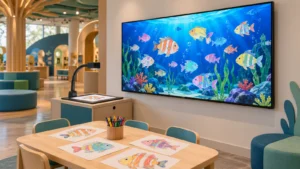
In education, the system turns movement into participation. Students do not just watch. They respond, chase, sort, match, and collaborate. The imaging principle supports active learning because visual content reacts to bodily movement rather than keyboard input alone.
How Can Sensory and Care Environments Benefit?
In sensory rooms, dementia care, and therapy settings, the real-time response loop can encourage movement, stimulate attention, or create calming audiovisual experiences. One public source notes that the Mobii won a dementia care product award, which highlights the system’s relevance in therapeutic and care-focused settings.
How Can Commercial Spaces Benefit?
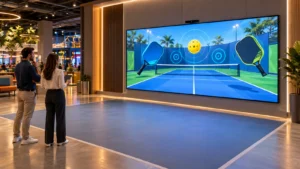
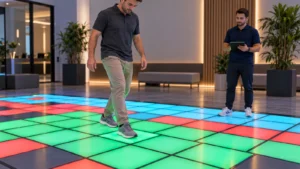
For retail, showrooms, museums, or family entertainment concepts, the same imaging principle can power branded floor game experiences, interactive storytelling, or responsive table content. Here, the software layer becomes especially important because custom content often decides whether the project feels premium.
What Should Buyers Look for When Choosing a mobii Interactive Floor Projector Company?
Does the company understand interaction accuracy?
A strong supplier or manufacturer should be able to explain sensing range, latency, calibration, and surface suitability in plain terms.
Does the software match the project goal?
The software library matters as much as hardware. A school, therapy room, and branded game zone usually need different content logic.
Does the company support installation and training?
A good company should help with setup, alignment, content use, and maintenance. That matters far more than a simple “buy now” button in a store.
Can the supplier support custom projects?
If your project needs branded visuals, special game mechanics, or deployment across multiple rooms, the best supplier is often the one that combines hardware knowledge with solution design.
For onecraze, this is where brand positioning becomes powerful. Instead of selling only a machine, you can present yourself as a project partner, maker, and solution-focused company that helps clients order the right interactive system for their space, audience, and usage pattern.

How Can onecraze Position This Topic for Better SEO and Commercial Conversion?
For onecrazemedia.com, the most effective angle is not to pretend to be the original Mobii manufacturer. Instead, the smart strategy is to position onecraze as a professional solution brand that understands the internal imaging principles behind interactive projection and can help clients select, compare, and deploy the right system for their application.
That creates a stronger search and conversion pathway:
- Educational users search for how the system works.
- Buyers search for the best company or supplier.
- Commercial clients search for project applications.
- Decision-makers compare price, software, and long-term support.
It is the combination of projected visuals, motion sensing, coordinate mapping, software interpretation, and real-time image response. Public Mobii descriptions confirm that the system is motion-activated and responds to gesture and movement on floors and tables.
No. Public product pages describe Mobii as usable on tables, floors, bedsides, wheelchair trays, and other horizontal surfaces, depending on setup and height adjustment
Look for a supplier with strong installation knowledge, calibration support, suitable content, responsive service, and experience matching systems to real project applications.
Yes. While many public examples emphasize education, care, and sensory settings, the same projection-and-response principle can also be applied to branded interactive experiences, family entertainment, and event-based installations. This commercial use is a practical inference from the technology’s motion-reactive design and multi-surface deployment.